
How to Use Pushbutton START: Examples, Pinouts, and Specs
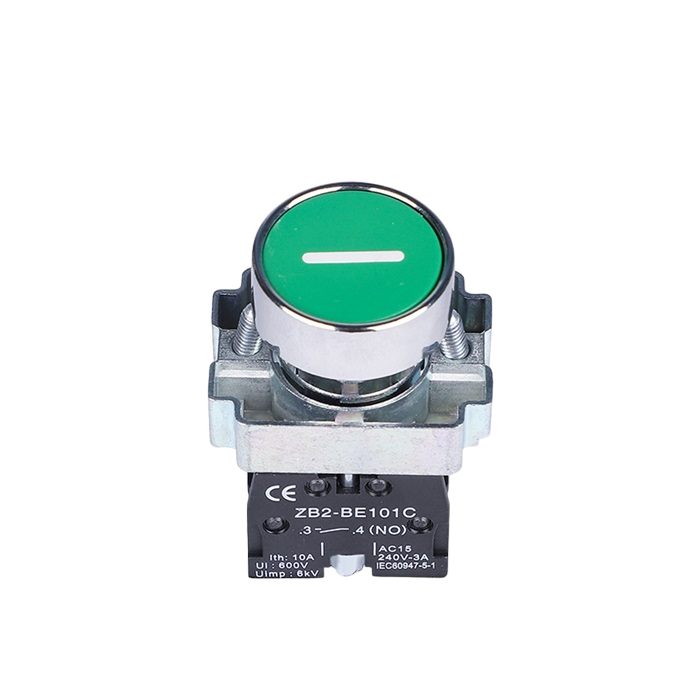
 Design with Pushbutton START in Cirkit Designer
Introduction
A pushbutton is a momentary switch that completes a circuit when pressed and breaks the circuit when released. It is commonly used for user input in electronic devices, such as turning devices on/off, resetting systems, or triggering specific actions. The Pushbutton START is a versatile and reliable component, ideal for applications requiring tactile user interaction.
Explore Projects Built with Pushbutton START
 Open Project in Cirkit Designer
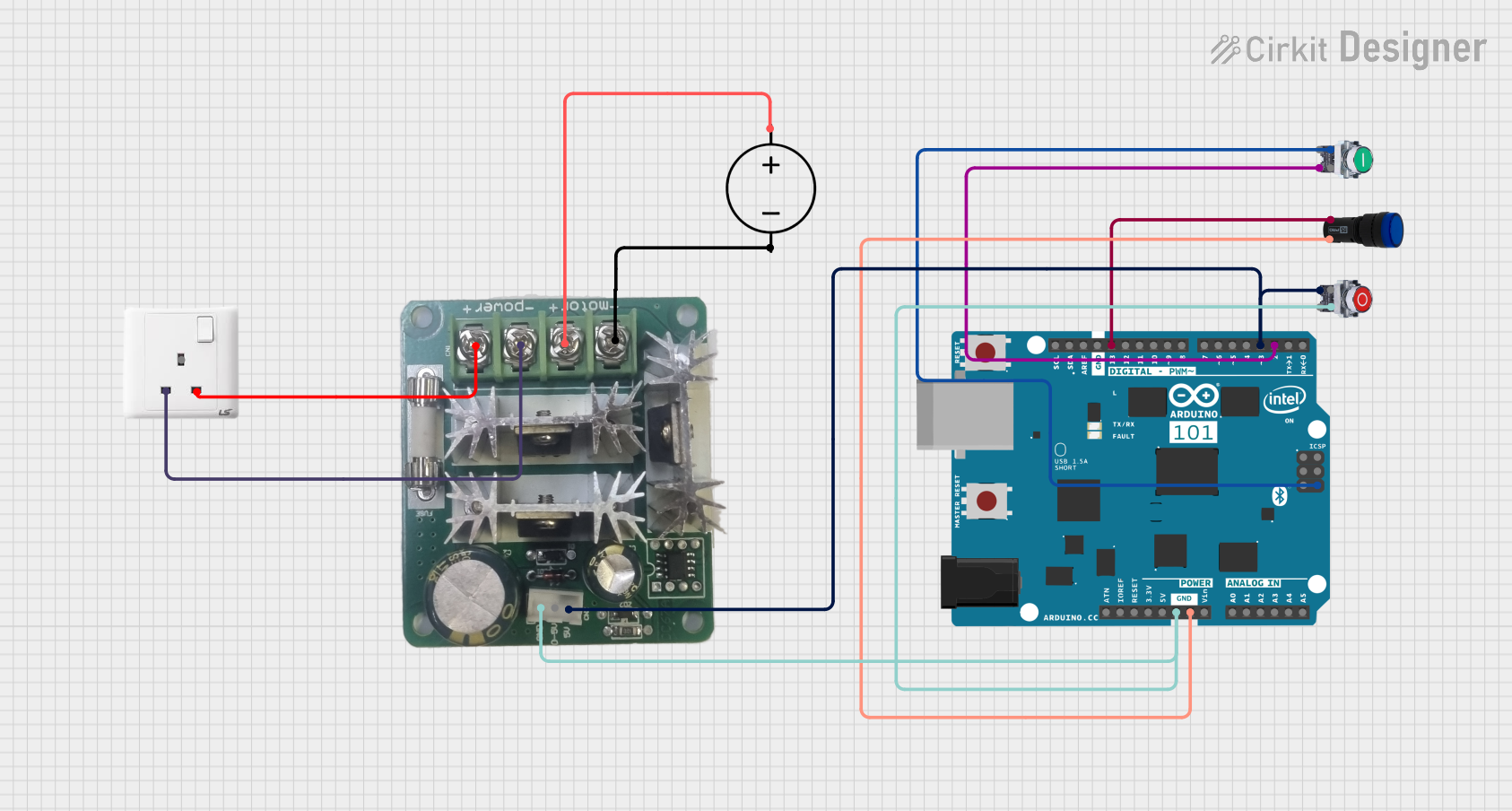 Open Project in Cirkit Designer
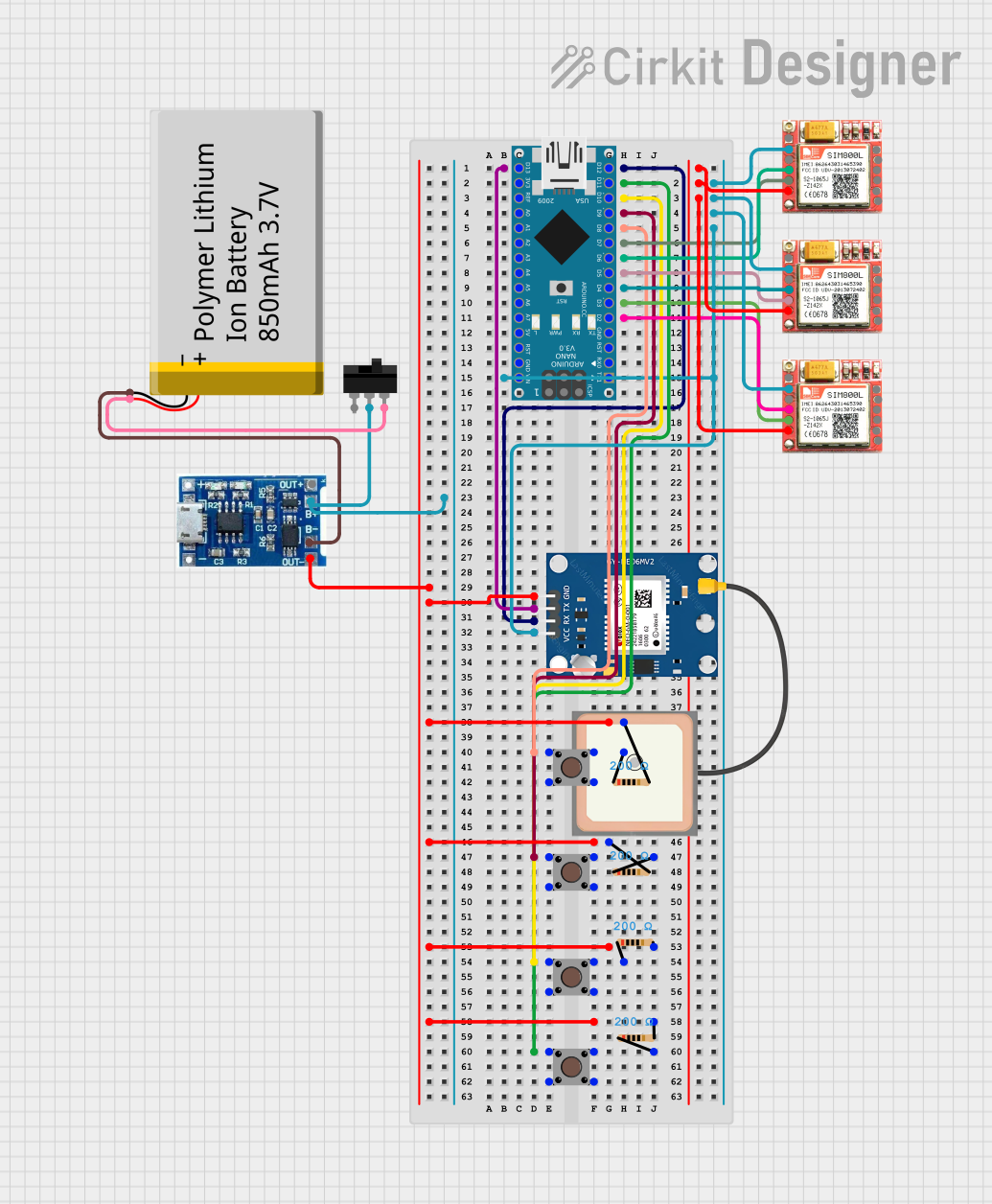 Open Project in Cirkit Designer
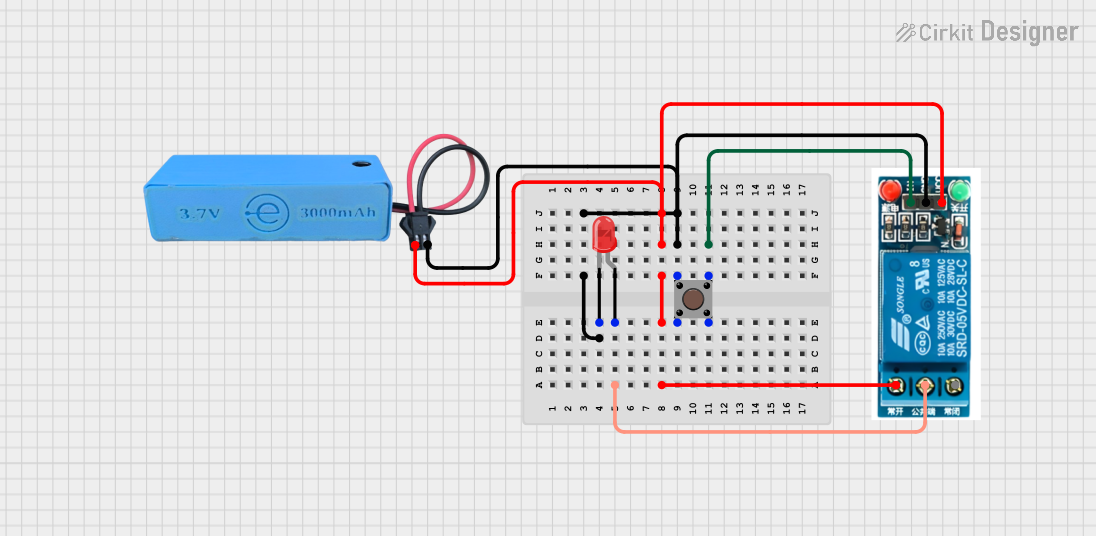 Open Project in Cirkit Designer
Explore Projects Built with Pushbutton START
Open Project in Cirkit DesignerOpen Project in Cirkit DesignerOpen Project in Cirkit DesignerOpen Project in Cirkit DesignerCommon Applications and Use Cases
- Powering on/off devices
- Resetting microcontrollers or systems
- Triggering specific functions in embedded systems
- User input in control panels or appliances
- Prototyping and testing circuits
Technical Specifications
The Pushbutton START is a simple yet essential component with the following specifications:
| Parameter | Value |
|---|---|
| Operating Voltage | 3.3V to 12V |
| Maximum Current Rating | 50mA |
| Contact Resistance | ≤ 50 mΩ |
| Insulation Resistance | ≥ 100 MΩ |
| Operating Temperature | -20°C to +70°C |
| Mechanical Durability | 100,000 cycles (minimum) |
| Mounting Type | Through-hole or PCB mount |
Pin Configuration and Descriptions
The Pushbutton START typically has four pins, arranged in a square configuration. The pins are internally connected in pairs, as shown below:
| Pin Number | Description |
|---|---|
| Pin 1 | Connected to one side of the switch |
| Pin 2 | Connected to the same side as Pin 1 |
| Pin 3 | Connected to the opposite side of the switch |
| Pin 4 | Connected to the same side as Pin 3 |
Note: Pins 1 and 2 are internally connected, as are Pins 3 and 4. This allows for flexibility in wiring.
Usage Instructions
How to Use the Pushbutton START in a Circuit
- Identify the Pins: Use a multimeter to confirm the internal connections between the pins. Pins 1 and 2 are connected, and Pins 3 and 4 are connected.
- Connect to the Circuit:
- Connect one pair of pins (e.g., Pins 1 and 2) to the input signal or power source.
- Connect the other pair (e.g., Pins 3 and 4) to the load or microcontroller input.
- Debounce the Signal: Pushbuttons can produce noise or "bouncing" when pressed. Use a capacitor or software debounce technique to ensure stable operation.
- Test the Circuit: Press the button to verify that it completes the circuit and triggers the desired action.
Important Considerations and Best Practices
- Debouncing: Always implement hardware (e.g., RC filter) or software debouncing to avoid erratic behavior.
- Current Limiting: Ensure the current through the pushbutton does not exceed its maximum rating (50mA).
- Mounting: Secure the pushbutton firmly to avoid mechanical stress on the pins.
- Voltage Levels: Ensure the operating voltage is within the specified range (3.3V to 12V).
Example: Using Pushbutton START with Arduino UNO
Below is an example of how to use the Pushbutton START with an Arduino UNO to toggle an LED:
// Define pin numbers
const int buttonPin = 2;  // Pushbutton connected to digital pin 2
const int ledPin = 13;    // LED connected to digital pin 13

// Variable to store button state
int buttonState = 0;

void setup() {
  pinMode(buttonPin, INPUT_PULLUP); // Set button pin as input with internal pull-up
  pinMode(ledPin, OUTPUT);         // Set LED pin as output
}

void loop() {
  // Read the state of the pushbutton
  buttonState = digitalRead(buttonPin);

  // Check if the button is pressed (LOW due to pull-up resistor)
  if (buttonState == LOW) {
    digitalWrite(ledPin, HIGH); // Turn on the LED
  } else {
    digitalWrite(ledPin, LOW);  // Turn off the LED
  }
}
Note: The internal pull-up resistor is used to keep the button pin at a HIGH state when not pressed.
Troubleshooting and FAQs
Common Issues and Solutions
Button Not Responding:
- Cause: Incorrect wiring or loose connections.
- Solution: Double-check the pin connections and ensure the button is securely mounted.
Erratic Behavior (Button Bouncing):
- Cause: Mechanical bouncing of the button contacts.
- Solution: Add a 0.1µF capacitor across the button pins or implement software debouncing.
Button Stuck or Not Clicking:
- Cause: Mechanical wear or debris inside the button.
- Solution: Replace the button if it is worn out or clean it carefully.
Exceeding Current Rating:
- Cause: High current flowing through the button.
- Solution: Use a current-limiting resistor or ensure the load does not exceed 50mA.
FAQs
Q1: Can I use the Pushbutton START with a 5V microcontroller?
A1: Yes, the Pushbutton START is compatible with 5V systems, as its operating voltage range is 3.3V to 12V.
Q2: Do I need an external pull-up resistor?
A2: If your microcontroller does not have an internal pull-up resistor, you can use an external resistor (e.g., 10kΩ) to pull the button pin to a HIGH state when not pressed.
Q3: Can I use the Pushbutton START for AC circuits?
A3: The Pushbutton START is designed for low-voltage DC circuits. For AC applications, use a switch rated for AC voltage and current.
Q4: How do I debounce the button in software?
A4: You can use a delay or a state-change detection algorithm in your code to debounce the button.