
How to Use STM32F401CCU6: Examples, Pinouts, and Specs
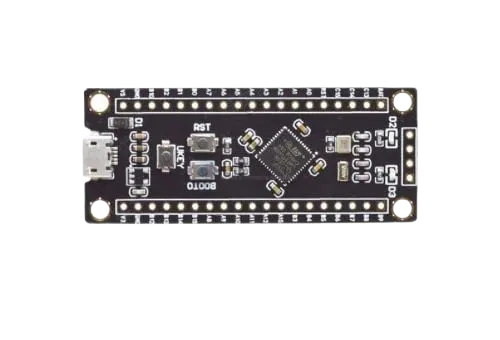
 Design with STM32F401CCU6 in Cirkit Designer
Introduction
The STM32F401CCU6 is a high-performance microcontroller from STMicroelectronics, part of the STM32 family. It is based on the ARM Cortex-M4 core with a 32-bit architecture and operates at a clock speed of up to 84 MHz. This microcontroller is designed for applications requiring efficient processing, low power consumption, and versatile peripheral integration.
Common applications of the STM32F401CCU6 include:
- Consumer electronics
- Industrial automation
- IoT devices
- Robotics and motor control
- Wearable devices
- Data acquisition systems
Its rich set of peripherals, including ADCs, timers, and communication interfaces (UART, SPI, I2C), makes it a versatile choice for a wide range of embedded applications.
Explore Projects Built with STM32F401CCU6
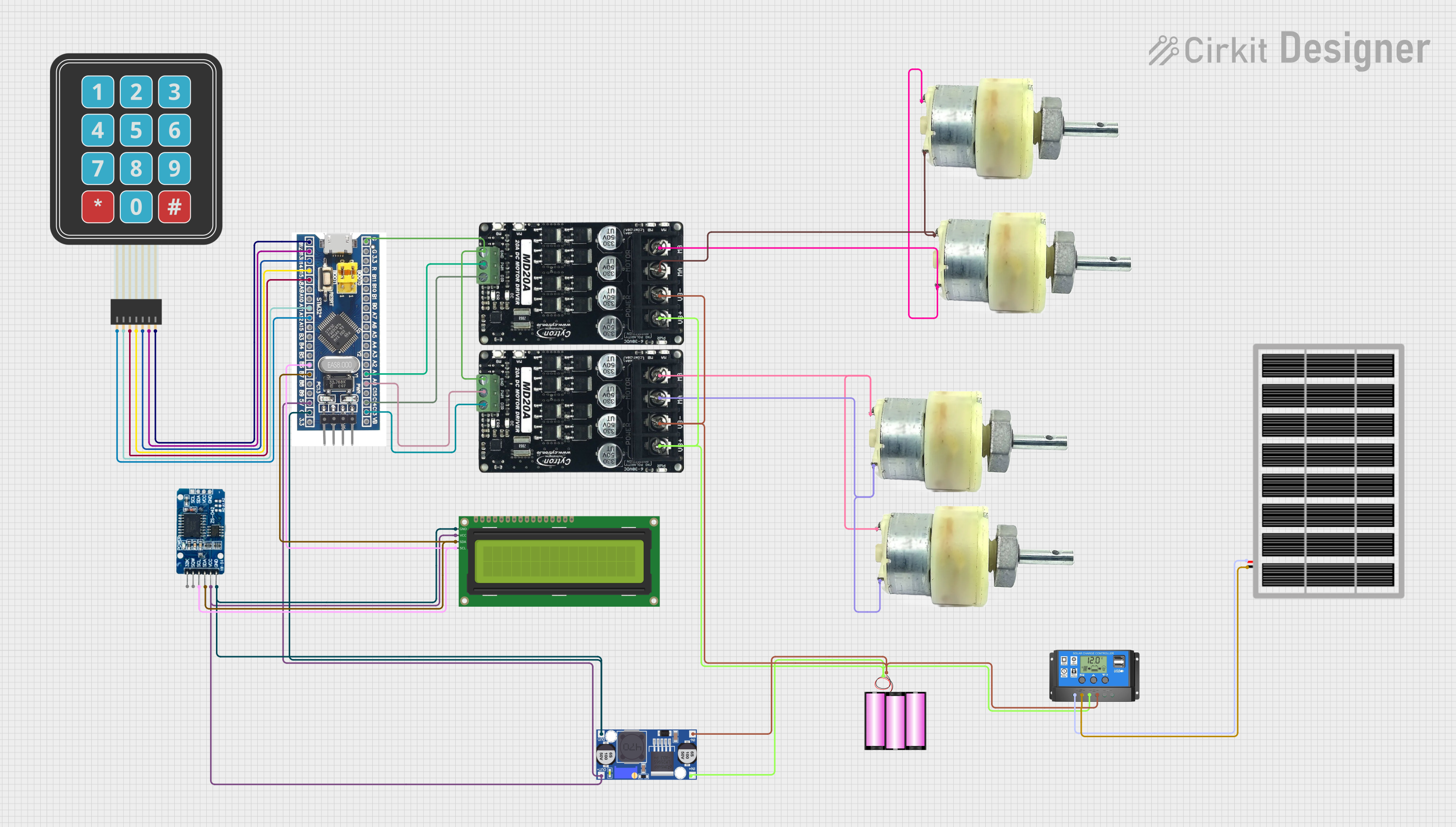 Open Project in Cirkit Designer
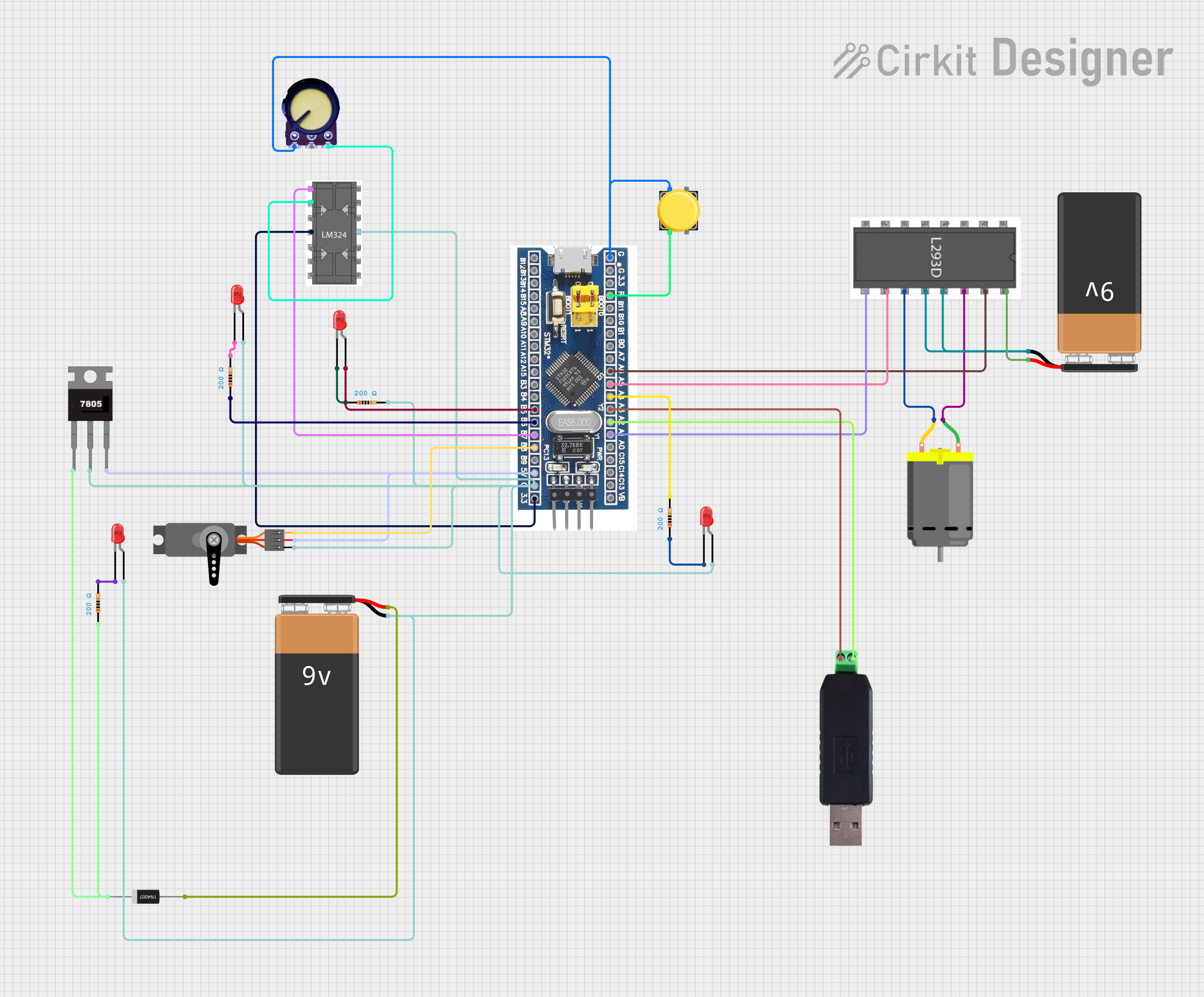 Open Project in Cirkit Designer
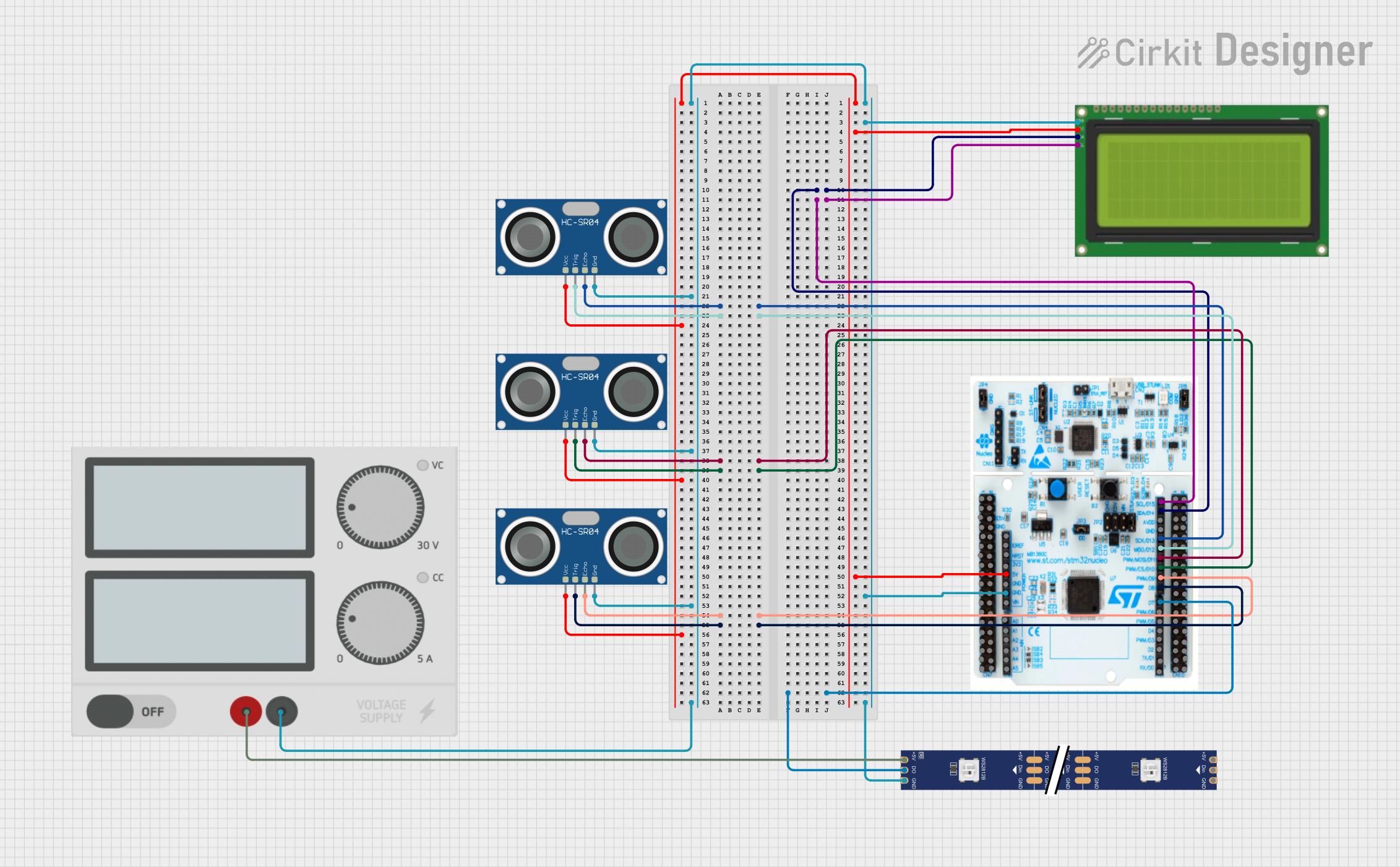 Open Project in Cirkit Designer
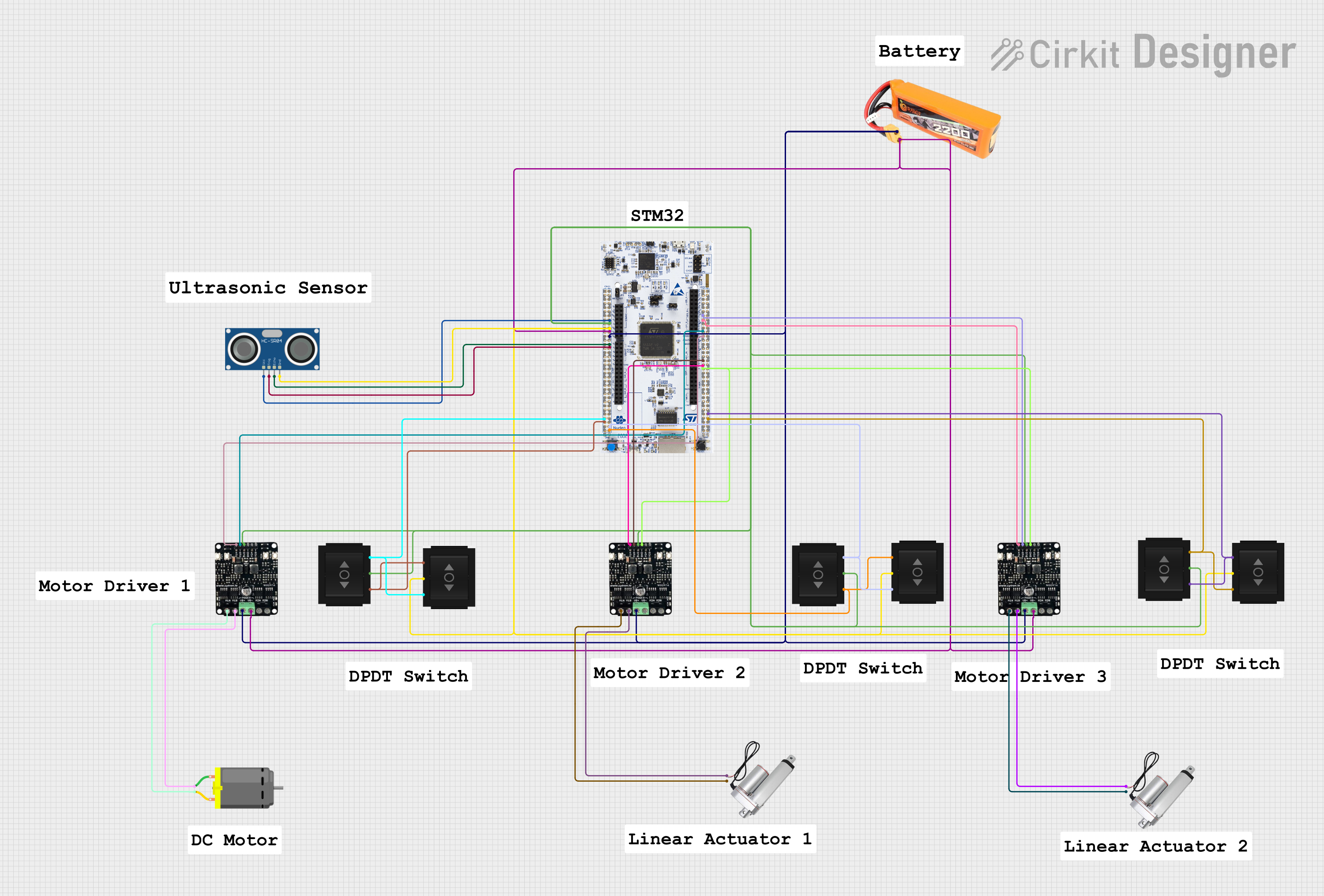 Open Project in Cirkit Designer
Explore Projects Built with STM32F401CCU6
Open Project in Cirkit DesignerOpen Project in Cirkit DesignerOpen Project in Cirkit DesignerOpen Project in Cirkit DesignerTechnical Specifications
Key Technical Details
| Parameter | Value |
|---|---|
| Core | ARM Cortex-M4 |
| Architecture | 32-bit |
| Maximum Clock Speed | 84 MHz |
| Flash Memory | 256 KB |
| SRAM | 64 KB |
| Operating Voltage | 2.0V to 3.6V |
| GPIO Pins | Up to 37 |
| Communication Interfaces | UART, SPI, I2C, CAN, USB OTG |
| Timers | 16-bit and 32-bit timers |
| ADC | 12-bit, up to 16 channels |
| Package | LQFP-48 |
| Temperature Range | -40°C to +85°C |
Pin Configuration and Descriptions
The STM32F401CCU6 comes in a 48-pin LQFP package. Below is a summary of the pin configuration:
| Pin Number | Pin Name | Functionality |
|---|---|---|
| 1 | VDD | Power supply (2.0V to 3.6V) |
| 2 | PA0 | GPIO/ADC_IN0 |
| 3 | PA1 | GPIO/ADC_IN1 |
| 4 | PA2 | GPIO/USART2_TX |
| 5 | PA3 | GPIO/USART2_RX |
| 6 | PA4 | GPIO/SPI1_NSS/ADC_IN4 |
| 7 | PA5 | GPIO/SPI1_SCK/ADC_IN5 |
| 8 | PA6 | GPIO/SPI1_MISO/ADC_IN6 |
| 9 | PA7 | GPIO/SPI1_MOSI/ADC_IN7 |
| 10 | PB0 | GPIO/ADC_IN8 |
| ... | ... | ... |
| 48 | VSS | Ground |
For the complete pinout, refer to the STM32F401CCU6 datasheet.
Usage Instructions
How to Use the STM32F401CCU6 in a Circuit
- Power Supply: Connect the VDD pin to a stable power source (2.0V to 3.6V) and the VSS pin to ground.
- Clock Configuration: Use an external crystal oscillator or the internal RC oscillator for the system clock. Ensure proper decoupling capacitors are placed near the power pins.
- GPIO Configuration: Configure GPIO pins as input, output, or alternate function using the STM32 HAL (Hardware Abstraction Layer) or direct register programming.
- Peripheral Initialization: Initialize peripherals (e.g., UART, SPI, I2C) using the STM32CubeMX tool or STM32 HAL libraries.
- Programming: Use an ST-Link programmer/debugger to upload firmware via the SWD interface.
Important Considerations and Best Practices
- Decoupling Capacitors: Place 0.1 µF capacitors close to the VDD pins to reduce noise.
- Reset Pin: Connect a pull-up resistor (10 kΩ) to the NRST pin to ensure proper reset functionality.
- Boot Mode: Configure the BOOT0 pin to select the desired boot mode (e.g., boot from flash memory).
- Debugging: Use the SWD interface for debugging and firmware updates.
- ESD Protection: Add ESD protection diodes on GPIO pins exposed to external connections.
Example Code for Arduino UNO Integration
The STM32F401CCU6 can be programmed using the Arduino IDE with the STM32 core installed. Below is an example of blinking an LED connected to pin PA5:
// Include the STM32 HAL library
#include <Arduino.h>

// Define the LED pin
#define LED_PIN PA5

void setup() {
  // Initialize the LED pin as an output
  pinMode(LED_PIN, OUTPUT);
}

void loop() {
  // Turn the LED on
  digitalWrite(LED_PIN, HIGH);
  delay(500); // Wait for 500 milliseconds

  // Turn the LED off
  digitalWrite(LED_PIN, LOW);
  delay(500); // Wait for 500 milliseconds
}
Note: Ensure the STM32 core is installed in the Arduino IDE. Use an ST-Link or USB-to-serial adapter for uploading the code.
Troubleshooting and FAQs
Common Issues and Solutions
Microcontroller Not Responding:
- Cause: Incorrect power supply or missing decoupling capacitors.
- Solution: Verify the power supply voltage and ensure proper decoupling capacitors are in place.
Unable to Upload Code:
- Cause: Incorrect BOOT0 pin configuration or faulty ST-Link connection.
- Solution: Set the BOOT0 pin to 0 (boot from flash) and check the ST-Link connections.
Peripheral Not Working:
- Cause: Incorrect pin configuration or missing initialization code.
- Solution: Double-check the pin configuration and ensure the peripheral is initialized in the firmware.
Excessive Power Consumption:
- Cause: Unused peripherals left enabled.
- Solution: Disable unused peripherals in the firmware to reduce power consumption.
FAQs
Q1: Can the STM32F401CCU6 operate at 5V?
A1: No, the operating voltage range is 2.0V to 3.6V. Use a voltage regulator if interfacing with 5V systems.
Q2: How do I program the STM32F401CCU6?
A2: Use an ST-Link programmer or USB-to-serial adapter with the STM32CubeProgrammer software or Arduino IDE.
Q3: Can I use the STM32F401CCU6 for low-power applications?
A3: Yes, the STM32F401CCU6 supports multiple low-power modes, making it suitable for battery-powered devices.
Q4: What is the maximum clock speed of the STM32F401CCU6?
A4: The maximum clock speed is 84 MHz.
Q5: Where can I find the full datasheet?
A5: The datasheet is available on the STMicroelectronics website.
This concludes the documentation for the STM32F401CCU6. For further details, refer to the official datasheet and reference manual.