
How to Use Mini Power Switch - SPDT: Examples, Pinouts, and Specs

 Design with Mini Power Switch - SPDT in Cirkit Designer
Introduction
The Mini Power Switch - SPDT (Manufacturer Part ID: COM-00102) by SparkFun Electronics is a compact single-pole double-throw (SPDT) switch designed to control the flow of electricity in a circuit. This versatile switch allows users to toggle between two different output paths, making it ideal for applications requiring simple on/off control or switching between two states.
Explore Projects Built with Mini Power Switch - SPDT
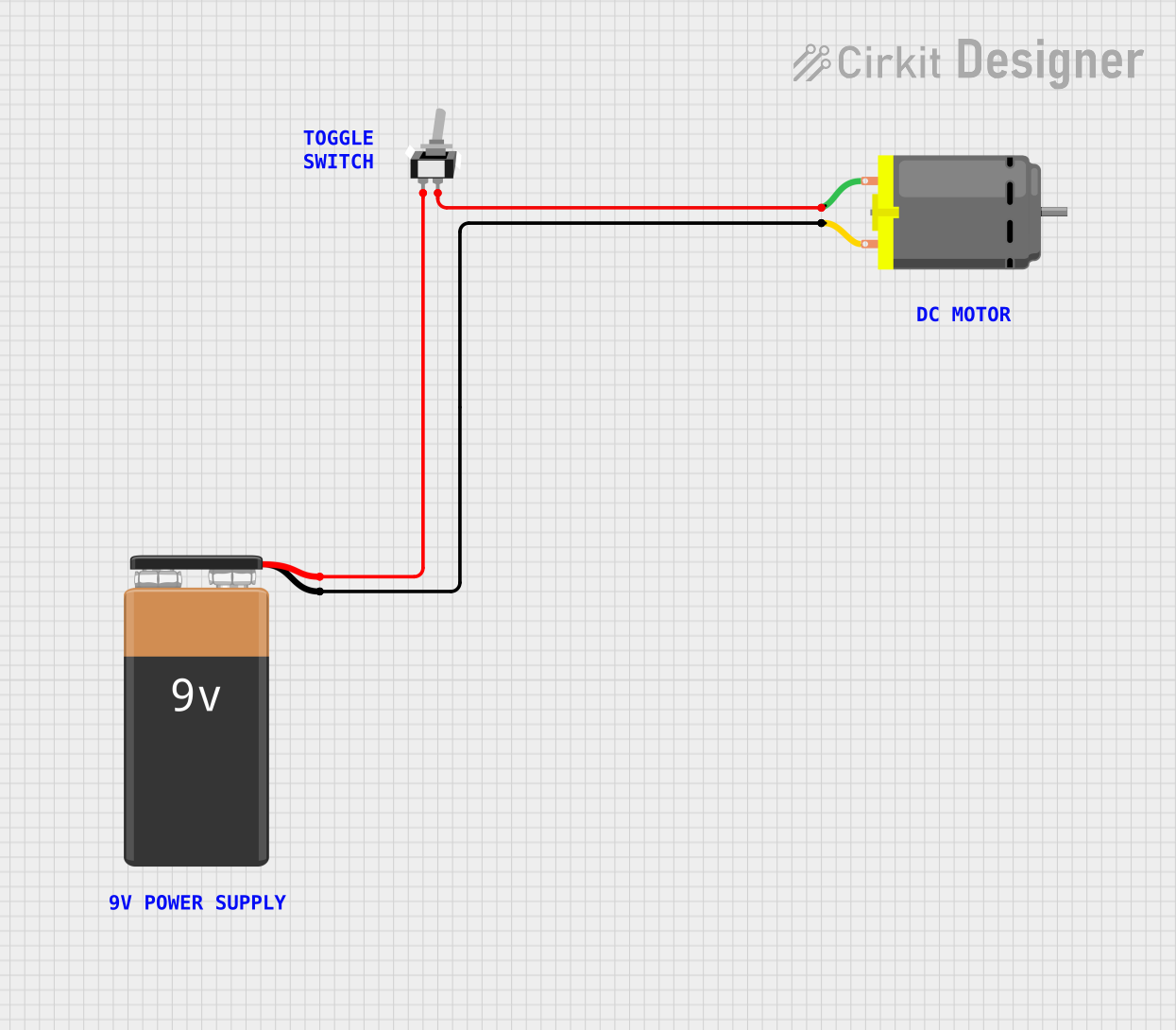 Open Project in Cirkit Designer
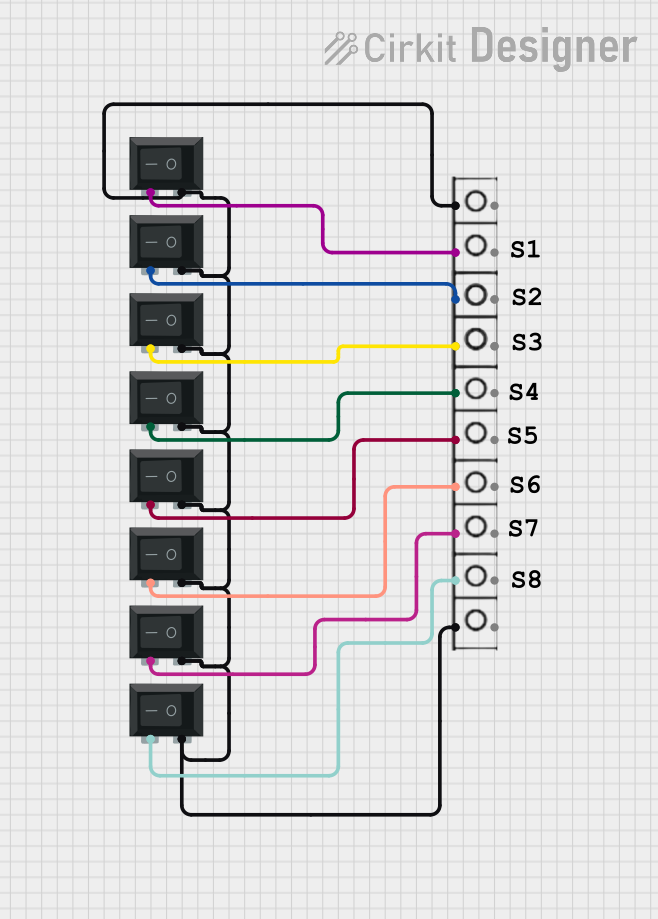 Open Project in Cirkit Designer
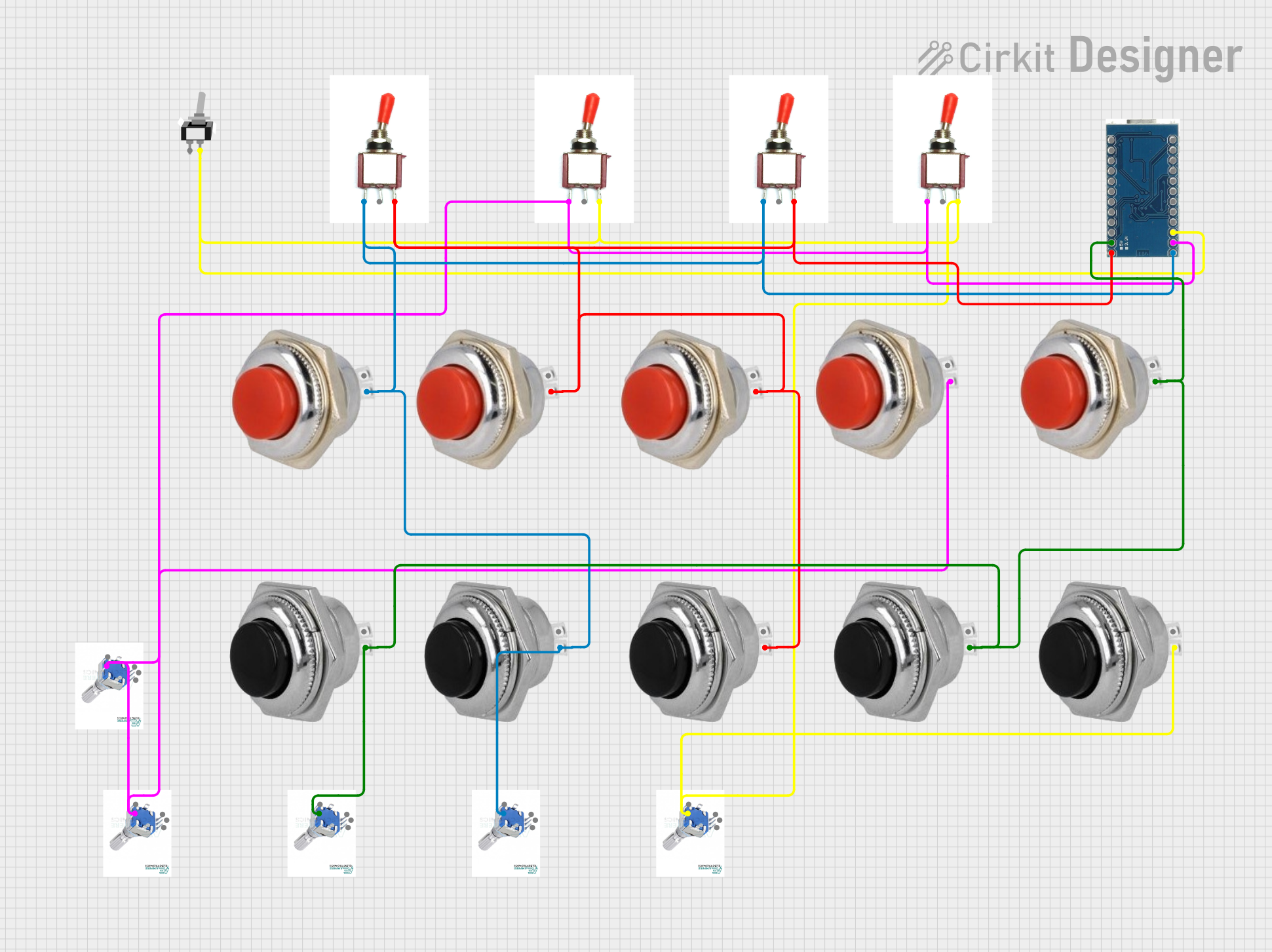 Open Project in Cirkit Designer
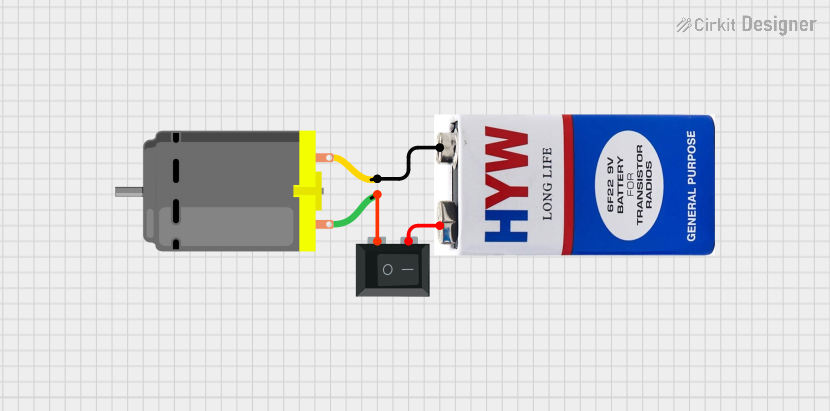 Open Project in Cirkit Designer
Explore Projects Built with Mini Power Switch - SPDT
Open Project in Cirkit DesignerOpen Project in Cirkit DesignerOpen Project in Cirkit DesignerOpen Project in Cirkit DesignerCommon Applications and Use Cases
- Power control for small electronic devices
- Switching between two power sources or circuits
- Mode selection in embedded systems
- Signal routing in audio or communication circuits
- Prototyping and DIY electronics projects
Technical Specifications
The Mini Power Switch - SPDT is designed for low-power applications and offers reliable performance in compact spaces. Below are the key technical details:
General Specifications
| Parameter | Value |
|---|---|
| Switch Type | Single-Pole Double-Throw (SPDT) |
| Operating Voltage | 12V DC (maximum) |
| Operating Current | 0.5A (maximum) |
| Contact Resistance | ≤ 50 mΩ |
| Insulation Resistance | ≥ 100 MΩ |
| Mechanical Life | 10,000 cycles (minimum) |
| Dimensions | 12.7mm x 6.35mm x 5.08mm |
| Mounting Style | Through-hole |
Pin Configuration and Descriptions
The Mini Power Switch - SPDT has three pins, as described below:
| Pin Number | Name | Description |
|---|---|---|
| 1 | Common (C) | The input pin where the power or signal is connected. |
| 2 | Normally Open (NO) | The output pin that connects to the common pin when the switch is toggled ON. |
| 3 | Normally Closed (NC) | The output pin that connects to the common pin when the switch is toggled OFF. |
Usage Instructions
How to Use the Mini Power Switch - SPDT in a Circuit
- Identify the Pins: Locate the three pins on the switch: Common (C), Normally Open (NO), and Normally Closed (NC).
- Connect the Input: Attach the power or signal source to the Common (C) pin.
- Connect the Outputs:
- Connect the device or circuit you want to activate when the switch is ON to the Normally Open (NO) pin.
- Connect the device or circuit you want to activate when the switch is OFF to the Normally Closed (NC) pin.
- Mount the Switch: Secure the switch to your PCB or breadboard using the through-hole mounting style.
- Toggle the Switch: Flip the switch to alternate between the NO and NC outputs.
Important Considerations and Best Practices
- Voltage and Current Ratings: Ensure the voltage and current in your circuit do not exceed the switch's maximum ratings (12V DC, 0.5A).
- Debouncing: When using the switch in digital circuits, consider implementing debouncing techniques to avoid erratic behavior caused by mechanical contact bounce.
- Soldering: If soldering the switch to a PCB, use a low-temperature soldering iron to avoid damaging the plastic housing.
- Placement: Position the switch in an accessible location for easy toggling during operation.
Example: Connecting to an Arduino UNO
The Mini Power Switch - SPDT can be used to control an LED using an Arduino UNO. Below is an example circuit and code:
Circuit Connections
- Connect the Common (C) pin of the switch to the 5V pin on the Arduino.
- Connect the Normally Open (NO) pin to one leg of a 220Ω resistor.
- Connect the other leg of the resistor to the anode (long leg) of an LED.
- Connect the cathode (short leg) of the LED to the GND pin on the Arduino.
- Leave the Normally Closed (NC) pin unconnected for this example.
Arduino Code
// Mini Power Switch - SPDT Example
// This code toggles an LED on/off based on the switch position.

const int ledPin = 13; // Pin connected to the LED
const int switchPin = 2; // Pin connected to the switch's NO pin

void setup() {
  pinMode(ledPin, OUTPUT); // Set LED pin as output
  pinMode(switchPin, INPUT_PULLUP); // Set switch pin as input with pull-up resistor
}

void loop() {
  int switchState = digitalRead(switchPin); // Read the switch state

  if (switchState == LOW) {
    // If the switch is ON (NO connected to C), turn on the LED
    digitalWrite(ledPin, HIGH);
  } else {
    // If the switch is OFF (NC connected to C), turn off the LED
    digitalWrite(ledPin, LOW);
  }
}
Troubleshooting and FAQs
Common Issues and Solutions
Switch Not Working
- Cause: Incorrect pin connections.
- Solution: Verify that the Common (C) pin is connected to the input source and the NO/NC pins are connected to the correct outputs.
LED Not Lighting Up in Arduino Example
- Cause: Incorrect wiring or code.
- Solution: Double-check the circuit connections and ensure the switch is toggled to the correct position.
Switch Feels Loose or Unresponsive
- Cause: Mechanical wear or improper mounting.
- Solution: Replace the switch if it has exceeded its mechanical life or ensure it is securely mounted.
Intermittent Behavior in Digital Circuits
- Cause: Contact bounce.
- Solution: Implement software or hardware debouncing techniques.
FAQs
Q: Can this switch handle AC voltage?
A: No, the Mini Power Switch - SPDT is designed for low-power DC applications only. Do not use it with AC voltage.
Q: Can I use this switch to toggle between two power sources?
A: Yes, you can use the switch to alternate between two power sources, provided the voltage and current ratings are not exceeded.
Q: Is the switch waterproof?
A: No, this switch is not waterproof. Avoid using it in environments with moisture or water exposure.
Q: Can I use this switch for high-current applications?
A: No, the switch is rated for a maximum current of 0.5A. For high-current applications, consider using a relay or a switch with higher ratings.