
How to Use SD Card Module: Examples, Pinouts, and Specs
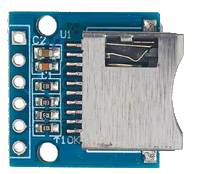
 Design with SD Card Module in Cirkit Designer
Introduction
The SD Card Module is a compact and versatile device designed to interface with SD (Secure Digital) memory cards. It enables the reading and writing of data, making it an essential component for projects requiring data storage, such as logging sensor data, storing configuration files, or multimedia applications. The module is widely used in microcontroller-based projects due to its ease of integration and support for standard communication protocols like SPI (Serial Peripheral Interface).
Explore Projects Built with SD Card Module
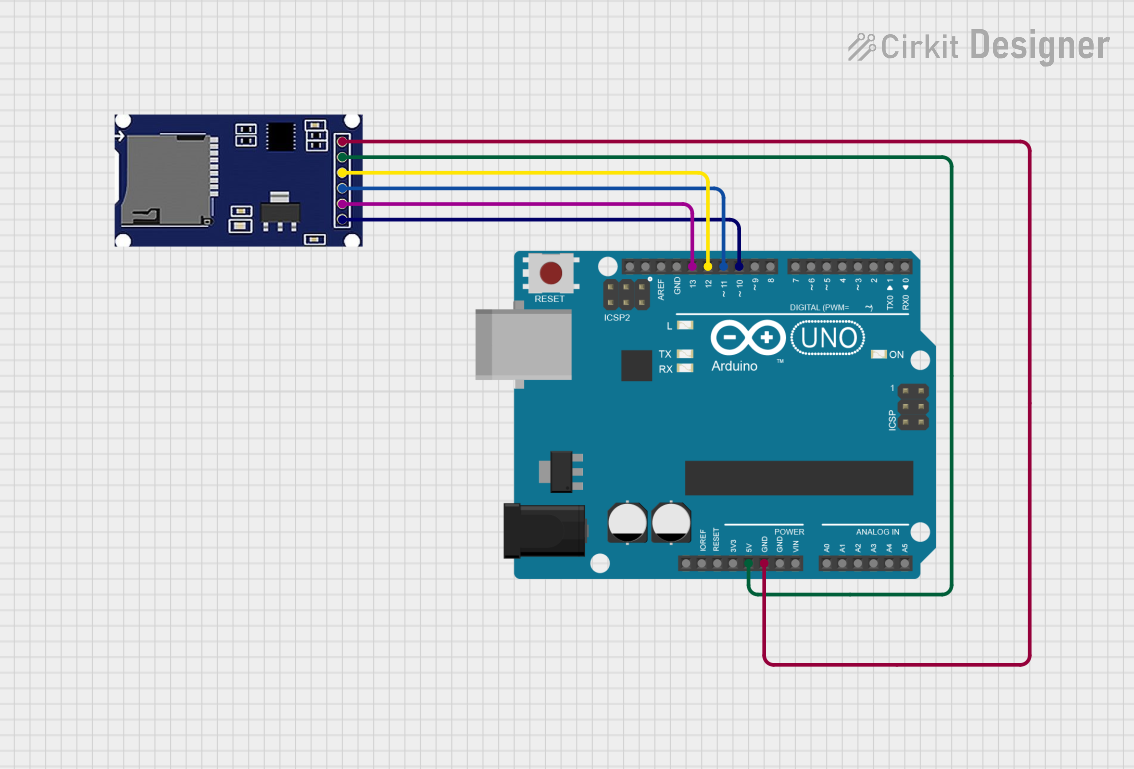 Open Project in Cirkit Designer
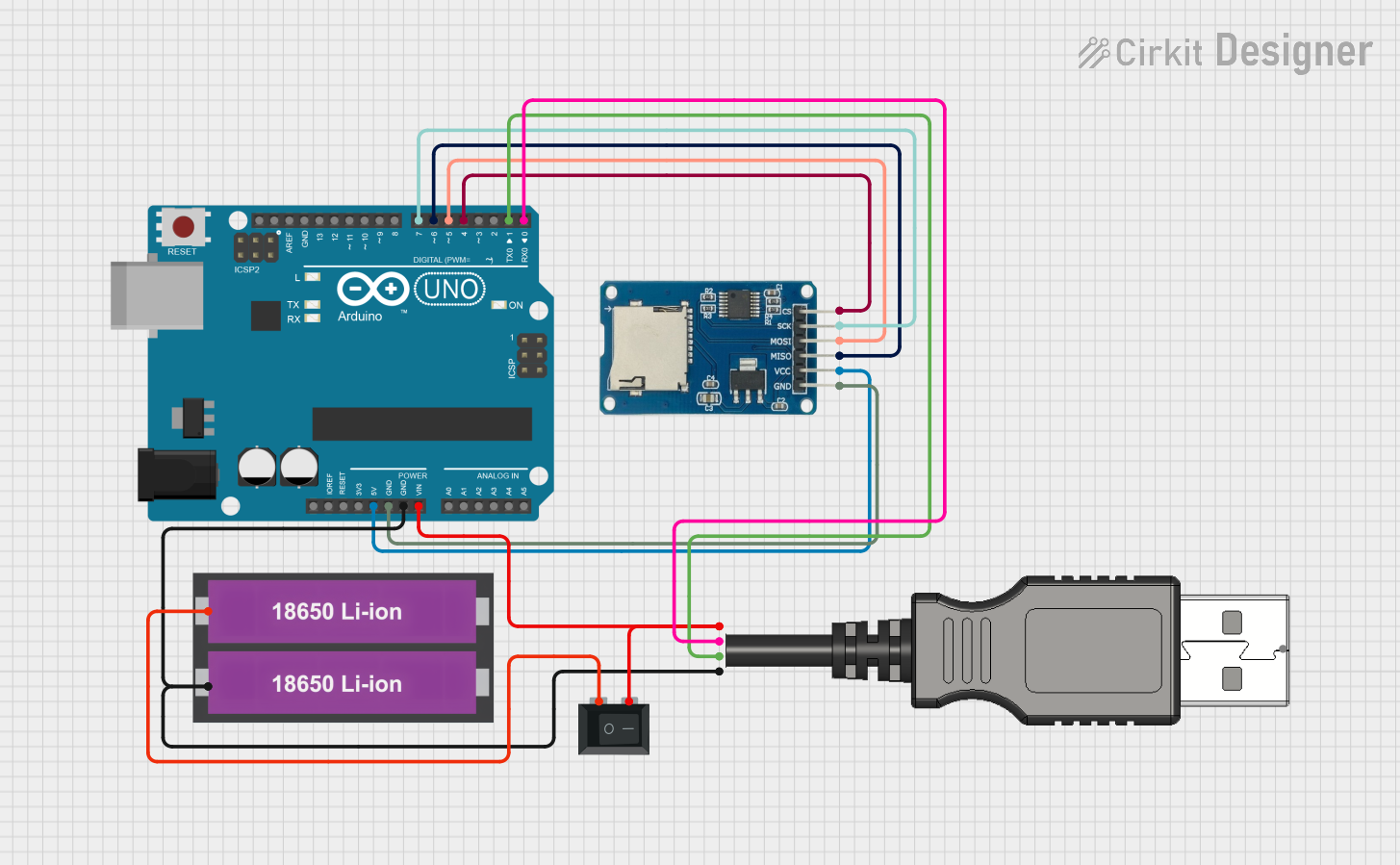 Open Project in Cirkit Designer
 Open Project in Cirkit Designer
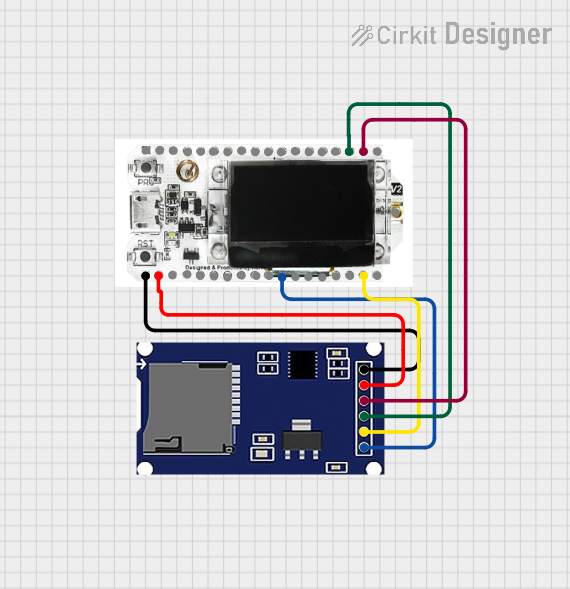 Open Project in Cirkit Designer
Explore Projects Built with SD Card Module
Open Project in Cirkit DesignerOpen Project in Cirkit DesignerOpen Project in Cirkit DesignerOpen Project in Cirkit DesignerCommon Applications and Use Cases
- Data logging for sensors (e.g., temperature, humidity, GPS)
- Storing configuration files for embedded systems
- Multimedia storage for audio, video, or images
- Bootloading firmware or storing program data
- File-based data exchange between microcontrollers and computers
Technical Specifications
The SD Card Module is designed to work with standard SD and microSD cards. Below are its key technical details:
Key Technical Details
| Parameter | Specification |
|---|---|
| Operating Voltage | 3.3V to 5V |
| Communication Protocol | SPI (Serial Peripheral Interface) |
| Supported Card Types | SD, SDHC, microSD |
| Maximum Storage Capacity | Typically up to 32GB (FAT32 format) |
| Current Consumption | ~20mA (idle), ~100mA (active) |
| Operating Temperature | -25°C to 85°C |
Pin Configuration and Descriptions
The SD Card Module typically has six pins for interfacing with a microcontroller. The table below describes each pin:
| Pin Name | Description |
|---|---|
| VCC | Power supply input (3.3V or 5V, depending on the module) |
| GND | Ground connection |
| MISO | Master In Slave Out - Data output from the SD card to the microcontroller |
| MOSI | Master Out Slave In - Data input from the microcontroller to the SD card |
| SCK | Serial Clock - Clock signal for SPI communication |
| CS | Chip Select - Used to select the SD card module during SPI communication |
Usage Instructions
How to Use the SD Card Module in a Circuit
- Power the Module: Connect the
VCCpin to a 3.3V or 5V power source (depending on the module) and theGNDpin to ground. - Connect SPI Pins: Interface the
MISO,MOSI,SCK, andCSpins to the corresponding SPI pins on your microcontroller. - Insert an SD Card: Ensure the SD card is formatted to FAT16 or FAT32 for compatibility.
- Initialize the Module: Use an appropriate library (e.g., the Arduino SD library) to initialize the module and access the SD card.
Important Considerations and Best Practices
- Voltage Compatibility: Ensure the module is compatible with your microcontroller's logic level (3.3V or 5V). Some modules include a voltage regulator and level shifters for 5V systems.
- Card Formatting: Format the SD card to FAT16 or FAT32 before use. Most modules do not support exFAT or NTFS.
- Pull-Up Resistors: Some modules require external pull-up resistors on the SPI lines for reliable communication.
- Avoid Hot-Swapping: Do not insert or remove the SD card while the module is powered to prevent damage.
Example Code for Arduino UNO
Below is an example of how to use the SD Card Module with an Arduino UNO to write and read data:
#include <SPI.h>
#include <SD.h> // Include the SD library for handling SD card operations

const int chipSelect = 10; // Define the CS pin (connected to pin 10 on Arduino)

void setup() {
  Serial.begin(9600); // Initialize serial communication for debugging
  while (!Serial) {
    ; // Wait for the serial port to connect (for native USB boards)
  }

  Serial.println("Initializing SD card...");
  if (!SD.begin(chipSelect)) {
    // Check if the SD card initialization failed
    Serial.println("SD card initialization failed!");
    return;
  }
  Serial.println("SD card initialized successfully.");

  // Create and write to a file
  File dataFile = SD.open("example.txt", FILE_WRITE);
  if (dataFile) {
    dataFile.println("Hello, SD card!"); // Write data to the file
    dataFile.close(); // Close the file to save changes
    Serial.println("Data written to example.txt.");
  } else {
    Serial.println("Error opening example.txt for writing.");
  }
}

void loop() {
  // Open the file for reading
  File dataFile = SD.open("example.txt");
  if (dataFile) {
    Serial.println("Reading from example.txt:");
    while (dataFile.available()) {
      // Read and print data from the file
      Serial.write(dataFile.read());
    }
    dataFile.close(); // Close the file after reading
  } else {
    Serial.println("Error opening example.txt for reading.");
  }
  delay(5000); // Wait 5 seconds before reading again
}
Troubleshooting and FAQs
Common Issues and Solutions
SD Card Initialization Fails
- Cause: Incorrect wiring or incompatible SD card format.
- Solution: Double-check the wiring and ensure the SD card is formatted to FAT16 or FAT32.
Data Corruption
- Cause: Removing the SD card while the module is powered or during data transfer.
- Solution: Always power down the module before removing the SD card.
File Not Found
- Cause: Incorrect file path or name.
- Solution: Ensure the file name matches exactly, including case sensitivity.
High Current Consumption
- Cause: Faulty SD card or module.
- Solution: Test with a different SD card or module to isolate the issue.
FAQs
Q: Can I use a microSD card with this module?
A: Yes, most SD Card Modules support microSD cards with an adapter or directly.Q: What is the maximum storage capacity supported?
A: Typically up to 32GB (FAT32 format), but check your module's specifications for confirmation.Q: Can I use this module with a 3.3V microcontroller?
A: Yes, but ensure the module does not include a 5V-only voltage regulator.Q: Why is my SD card not detected?
A: Verify the wiring, ensure the card is properly inserted, and check the card format.
By following this documentation, you can effectively integrate the SD Card Module into your projects for reliable data storage and retrieval.