
How to Use stm32f103rb: Examples, Pinouts, and Specs
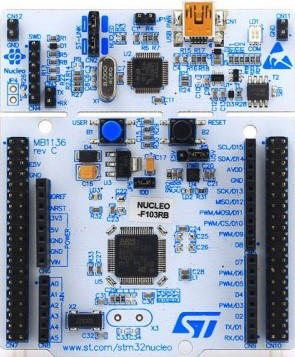
 Design with stm32f103rb in Cirkit Designer
Introduction
The STM32F103RB is a high-performance 32-bit microcontroller developed by STMicroelectronics. It is based on the ARM Cortex-M3 core, offering a balance of processing power, energy efficiency, and rich peripheral integration. With a clock speed of up to 72 MHz, 128 KB of flash memory, and 20 KB of SRAM, the STM32F103RB is well-suited for a variety of embedded applications, including industrial automation, consumer electronics, IoT devices, and motor control systems.
Explore Projects Built with stm32f103rb
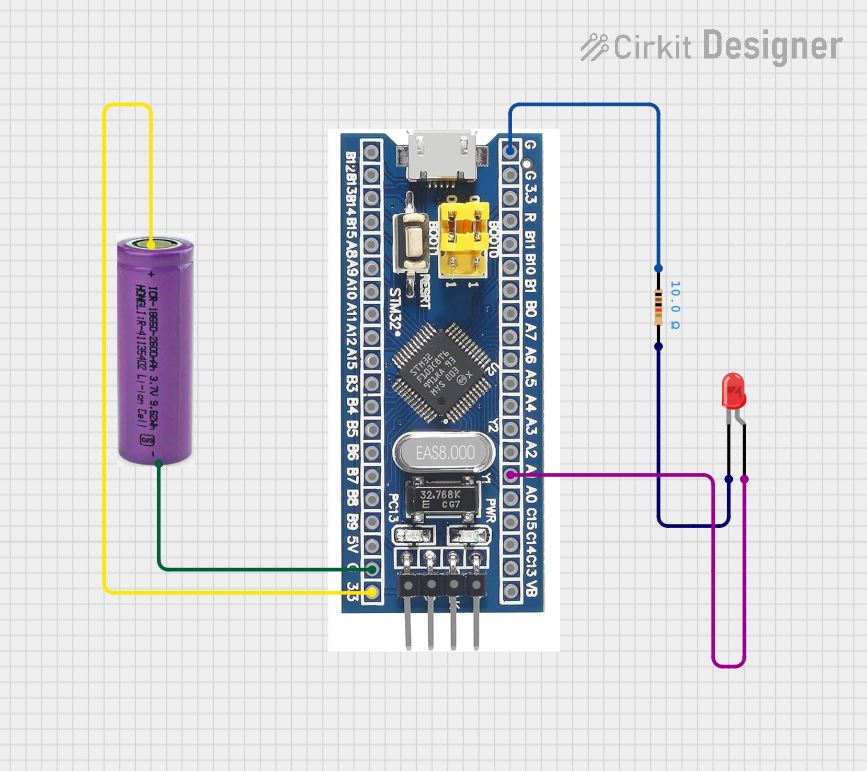 Open Project in Cirkit Designer
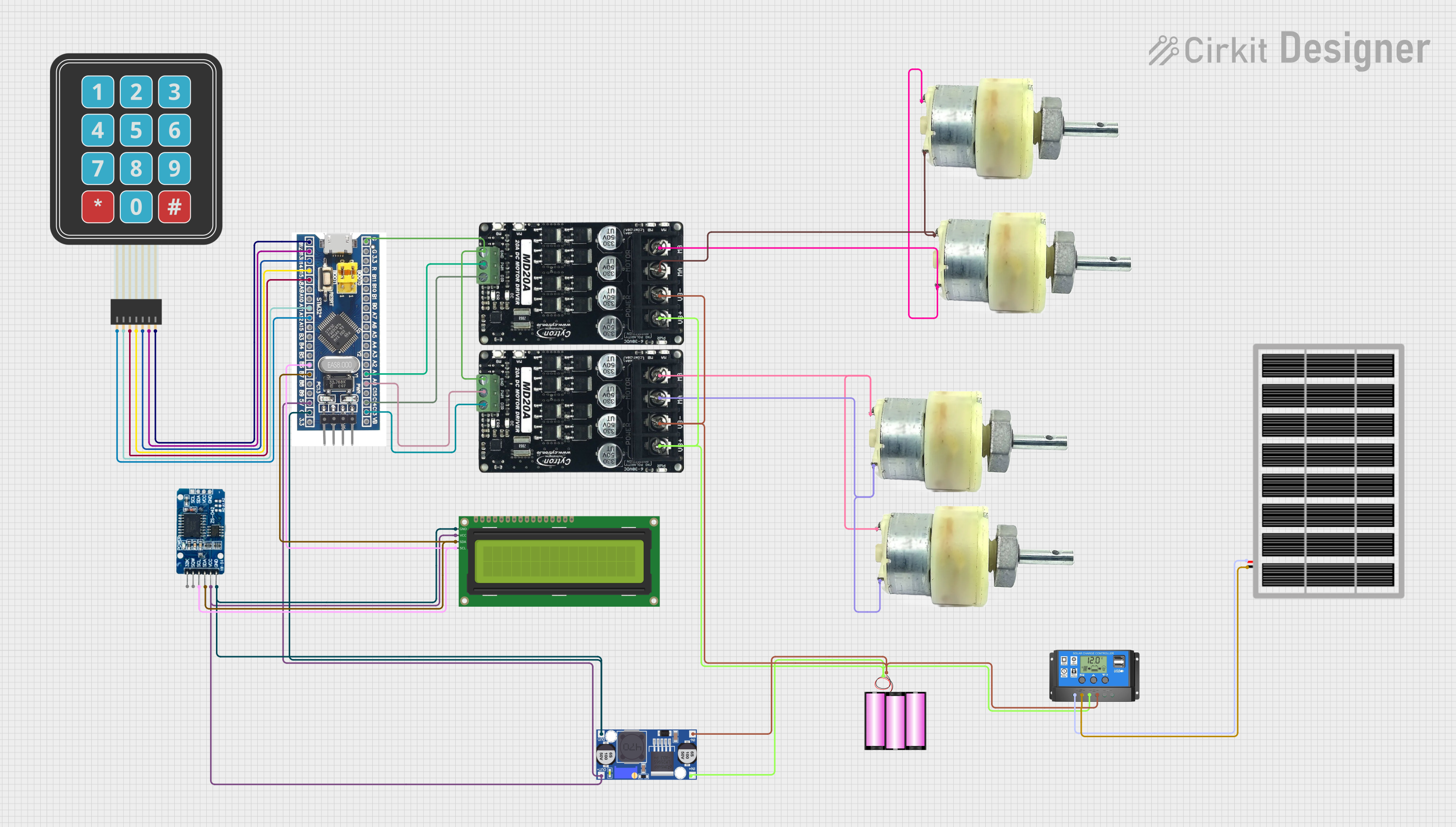 Open Project in Cirkit Designer
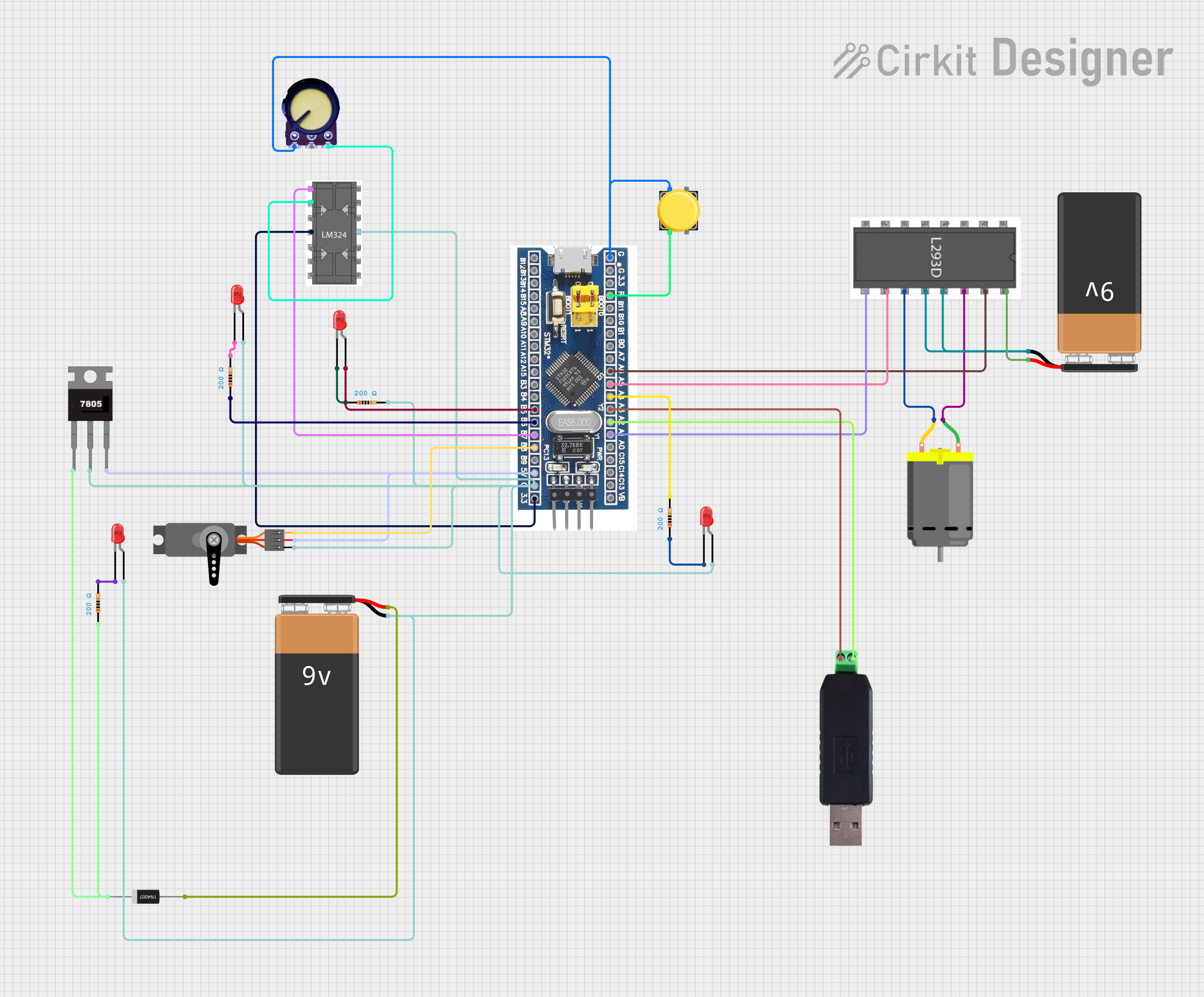 Open Project in Cirkit Designer
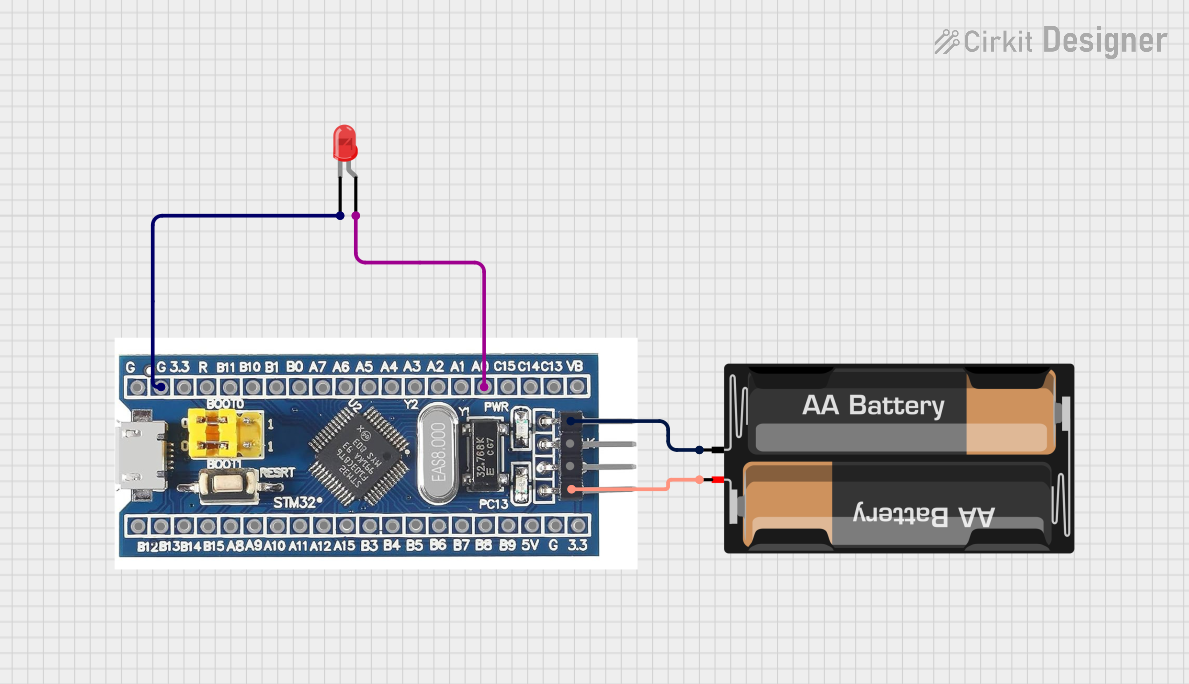 Open Project in Cirkit Designer
Explore Projects Built with stm32f103rb
Open Project in Cirkit DesignerOpen Project in Cirkit DesignerOpen Project in Cirkit DesignerOpen Project in Cirkit DesignerCommon Applications
- Industrial control systems
- IoT devices and smart home applications
- Motor control and robotics
- Communication gateways
- Data acquisition systems
- Consumer electronics
Technical Specifications
Key Technical Details
| Parameter | Value |
|---|---|
| Core | ARM Cortex-M3 |
| Maximum Clock Speed | 72 MHz |
| Flash Memory | 128 KB |
| SRAM | 20 KB |
| Operating Voltage | 2.0 V to 3.6 V |
| GPIO Pins | Up to 51 |
| Communication Interfaces | I2C, SPI, USART, CAN, USB |
| Timers | 3 general-purpose, 1 advanced |
| ADC | 12-bit, up to 16 channels |
| Package | LQFP64 (64-pin) |
Pin Configuration and Descriptions
The STM32F103RB comes in a 64-pin LQFP package. Below is a summary of key pins and their functions:
| Pin Number | Pin Name | Functionality |
|---|---|---|
| 1 | VDD | Power supply (2.0 V to 3.6 V) |
| 2 | VSS | Ground |
| 10 | PA0 | GPIO, ADC_IN0, WKUP |
| 23 | PB6 | GPIO, I2C1_SCL, USART1_TX |
| 24 | PB7 | GPIO, I2C1_SDA, USART1_RX |
| 31 | PC13 | GPIO, TAMPER |
| 48 | PA9 | GPIO, USART1_TX |
| 49 | PA10 | GPIO, USART1_RX |
| 64 | NRST | Reset input |
For a complete pinout, refer to the STM32F103RB datasheet provided by STMicroelectronics.
Usage Instructions
How to Use the STM32F103RB in a Circuit
- Power Supply: Connect the VDD pin to a 3.3 V power source and the VSS pin to ground. Ensure the power supply is stable and within the operating voltage range (2.0 V to 3.6 V).
- Clock Configuration: Use an external 8 MHz crystal oscillator connected to the OSC_IN and OSC_OUT pins for precise clocking. The internal PLL can multiply this frequency to achieve the desired system clock (up to 72 MHz).
- Programming: Use an ST-Link programmer/debugger to upload firmware via the SWD (Serial Wire Debug) interface.
- Peripherals: Configure GPIO pins and peripherals (e.g., I2C, SPI, USART) in the firmware using the STM32 HAL (Hardware Abstraction Layer) or CMSIS libraries.
- Reset: Connect the NRST pin to a push-button for manual reset functionality.
Important Considerations and Best Practices
- Decoupling Capacitors: Place 0.1 µF decoupling capacitors close to the VDD pins to reduce noise and ensure stable operation.
- Boot Mode Selection: Use the BOOT0 pin to select the boot mode (e.g., boot from flash memory or system memory for firmware updates).
- Debugging: Reserve the SWDIO and SWCLK pins for debugging and programming purposes.
- GPIO Protection: Use pull-up or pull-down resistors as needed to prevent floating inputs.
Example: Interfacing STM32F103RB with Arduino UNO
The STM32F103RB can communicate with an Arduino UNO via USART. Below is an example of STM32 code to send data over USART1:
#include "stm32f1xx_hal.h"

// Function prototypes
void SystemClock_Config(void);
void USART1_Init(void);
void USART1_Transmit(char *data);

UART_HandleTypeDef huart1;

int main(void) {
    HAL_Init(); // Initialize the HAL library
    SystemClock_Config(); // Configure the system clock
    USART1_Init(); // Initialize USART1

    char message[] = "Hello from STM32F103RB!\r\n";

    while (1) {
        USART1_Transmit(message); // Transmit message over USART1
        HAL_Delay(1000); // Wait for 1 second
    }
}

void USART1_Init(void) {
    huart1.Instance = USART1; // Select USART1
    huart1.Init.BaudRate = 9600; // Set baud rate to 9600
    huart1.Init.WordLength = UART_WORDLENGTH_8B; // 8 data bits
    huart1.Init.StopBits = UART_STOPBITS_1; // 1 stop bit
    huart1.Init.Parity = UART_PARITY_NONE; // No parity
    huart1.Init.Mode = UART_MODE_TX_RX; // Enable TX and RX
    huart1.Init.HwFlowCtl = UART_HWCONTROL_NONE; // No flow control
    huart1.Init.OverSampling = UART_OVERSAMPLING_16; // 16x oversampling

    if (HAL_UART_Init(&huart1) != HAL_OK) {
        // Initialization error
        while (1);
    }
}

void USART1_Transmit(char *data) {
    HAL_UART_Transmit(&huart1, (uint8_t *)data, strlen(data), HAL_MAX_DELAY);
}

// System clock configuration function
void SystemClock_Config(void) {
    // Configure the system clock to 72 MHz (implementation omitted for brevity)
}
Troubleshooting and FAQs
Common Issues and Solutions
Microcontroller Not Responding
- Cause: Incorrect power supply or missing decoupling capacitors.
- Solution: Verify the power supply voltage and add 0.1 µF capacitors near the VDD pins.
USART Communication Fails
- Cause: Incorrect baud rate or wiring.
- Solution: Ensure the baud rate matches on both devices and check the TX/RX connections.
Cannot Program the Microcontroller
- Cause: BOOT0 pin incorrectly configured or SWD pins in use.
- Solution: Set BOOT0 to 0 (boot from flash) and ensure SWD pins are not used as GPIO.
Clock Issues
- Cause: Incorrect crystal oscillator or PLL configuration.
- Solution: Verify the external crystal and PLL settings in the firmware.
FAQs
Q: Can I use the STM32F103RB without an external crystal?
A: Yes, the internal RC oscillator can be used, but it is less accurate than an external crystal.Q: How do I update the firmware?
A: Use the ST-Link programmer or the built-in bootloader via USART.Q: What development tools are recommended?
A: STM32CubeIDE, Keil MDK, or IAR Embedded Workbench are commonly used.
This concludes the documentation for the STM32F103RB microcontroller. For more details, refer to the official datasheet and reference manual from STMicroelectronics.