
How to Use ldome6211: Examples, Pinouts, and Specs
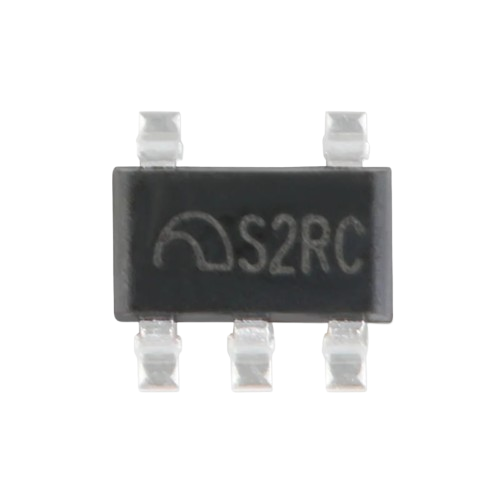
 Design with ldome6211 in Cirkit Designer
Introduction
The LDOME6211 is a high-performance LED driver designed to drive multiple LEDs in either series or parallel configurations. It features an adjustable current output, making it suitable for a wide range of LED applications. Additionally, the LDOME6211 includes built-in thermal protection to ensure safe and reliable operation under varying environmental conditions.
Explore Projects Built with ldome6211
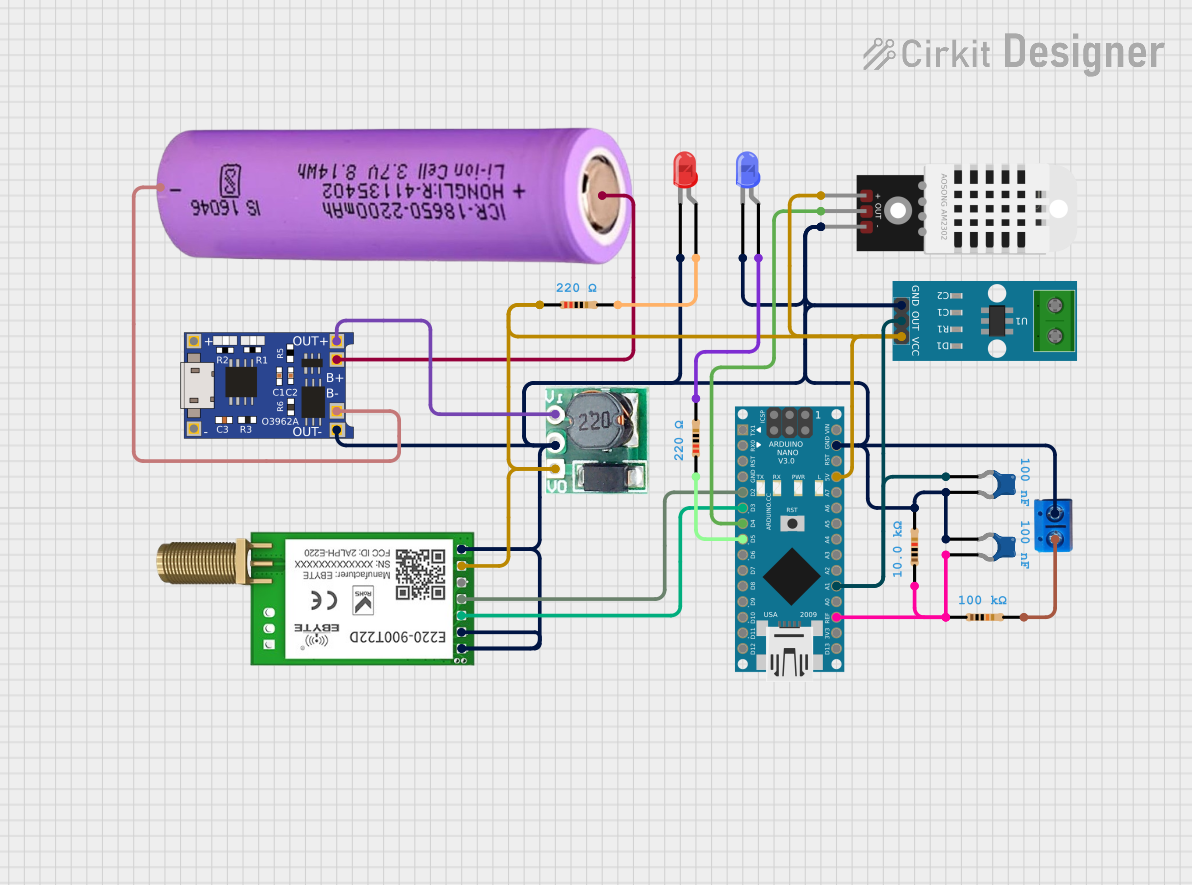 Open Project in Cirkit Designer
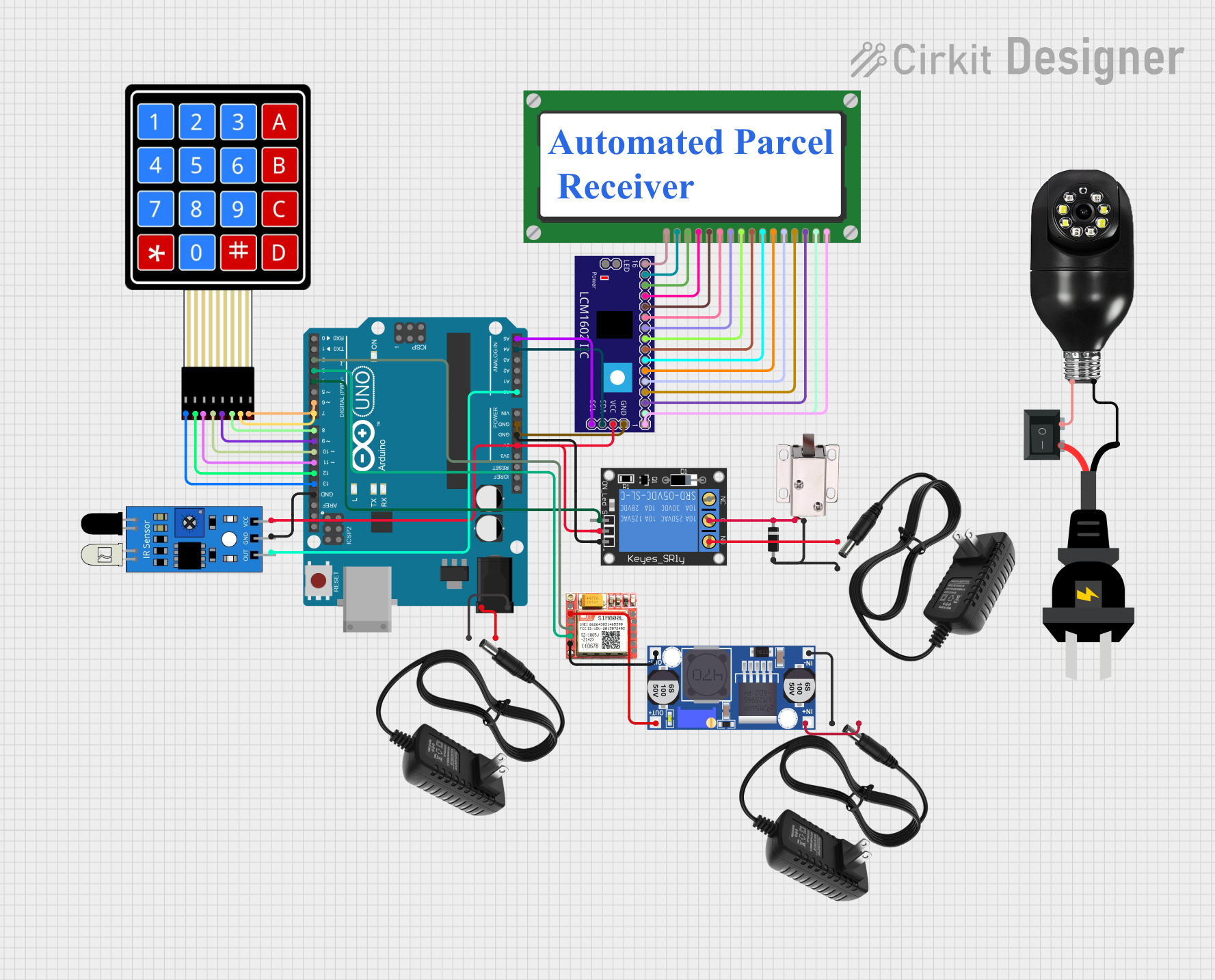 Open Project in Cirkit Designer
 Open Project in Cirkit Designer
 Open Project in Cirkit Designer
Explore Projects Built with ldome6211
Open Project in Cirkit DesignerOpen Project in Cirkit DesignerOpen Project in Cirkit DesignerOpen Project in Cirkit DesignerCommon Applications and Use Cases
- LED lighting systems for residential, commercial, and industrial use
- Automotive LED lighting (e.g., headlights, taillights)
- Backlighting for LCD displays
- Architectural and decorative lighting
- Portable LED devices and flashlights
Technical Specifications
The LDOME6211 is engineered to deliver consistent performance while maintaining flexibility for various LED configurations. Below are the key technical specifications:
| Parameter | Value |
|---|---|
| Input Voltage Range | 6V to 40V |
| Output Current Range | 100mA to 1.5A (adjustable) |
| Efficiency | Up to 95% |
| Dimming Control | PWM or Analog (0-100%) |
| Thermal Protection | Yes (Automatic Shutdown at 150°C) |
| Operating Temperature | -40°C to +125°C |
| Package Type | TO-263 or SOIC-8 |
Pin Configuration and Descriptions
The LDOME6211 is available in an 8-pin SOIC package. Below is the pinout and description:
| Pin Number | Pin Name | Description |
|---|---|---|
| 1 | VIN | Input voltage supply (6V to 40V). Connect to the power source. |
| 2 | GND | Ground pin. Connect to the circuit ground. |
| 3 | EN | Enable pin. A high signal enables the driver; a low signal disables it. |
| 4 | DIM | Dimming control input. Accepts PWM or analog signals for brightness control. |
| 5 | ISET | Current set pin. Connect a resistor to set the output current. |
| 6 | LED+ | Positive terminal for the LED string. |
| 7 | LED- | Negative terminal for the LED string. |
| 8 | TEMP | Thermal feedback pin. Monitors temperature for thermal protection. |
Usage Instructions
The LDOME6211 is straightforward to use in LED driver circuits. Follow the steps below to integrate it into your design:
Step 1: Power Supply
- Ensure the input voltage (VIN) is within the range of 6V to 40V.
- Use a decoupling capacitor (e.g., 10µF) between VIN and GND to stabilize the input voltage.
Step 2: Setting the Output Current
- Connect a resistor (RSET) between the ISET pin and GND to set the desired output current.
- Use the formula below to calculate RSET: [ RSET (\Omega) = \frac{1.2V}{I_{OUT} (A)} ] For example, to set an output current of 500mA: [ RSET = \frac{1.2}{0.5} = 2.4 , \Omega ]
Step 3: Connecting LEDs
- Connect the LED string's positive terminal to the LED+ pin and the negative terminal to the LED- pin.
- Ensure the total forward voltage of the LED string is less than the input voltage.
Step 4: Dimming Control (Optional)
- For PWM dimming, apply a PWM signal (0-100% duty cycle) to the DIM pin.
- For analog dimming, apply a DC voltage (0-2.5V) to the DIM pin.
Step 5: Thermal Management
- Ensure proper heat dissipation by using a heatsink or placing the component on a PCB with good thermal conductivity.
- Monitor the TEMP pin for thermal feedback if needed.
Example: Using LDOME6211 with Arduino UNO
Below is an example of controlling the LDOME6211 using an Arduino UNO for PWM dimming:
// Example: Controlling LDOME6211 brightness with Arduino PWM
// Connect the DIM pin of LDOME6211 to Arduino pin 9

const int dimPin = 9; // PWM pin connected to DIM pin of LDOME6211

void setup() {
  pinMode(dimPin, OUTPUT); // Set pin 9 as an output
}

void loop() {
  // Gradually increase brightness
  for (int brightness = 0; brightness <= 255; brightness++) {
    analogWrite(dimPin, brightness); // Write PWM signal to DIM pin
    delay(10); // Small delay for smooth transition
  }

  // Gradually decrease brightness
  for (int brightness = 255; brightness >= 0; brightness--) {
    analogWrite(dimPin, brightness); // Write PWM signal to DIM pin
    delay(10); // Small delay for smooth transition
  }
}
Best Practices
- Use a properly rated resistor for RSET to avoid overheating.
- Ensure the input voltage is stable and within the specified range.
- Avoid exceeding the maximum output current to prevent damage to the LEDs or the driver.
Troubleshooting and FAQs
Common Issues and Solutions
| Issue | Possible Cause | Solution |
|---|---|---|
| LEDs are not lighting up | Incorrect wiring or insufficient input voltage | Verify all connections and ensure VIN is within the 6V-40V range. |
| LEDs flicker during operation | Unstable input voltage or poor dimming signal | Add a decoupling capacitor to VIN or check the PWM/analog dimming signal. |
| Driver shuts down unexpectedly | Overheating due to poor thermal management | Improve heat dissipation with a heatsink or better PCB design. |
| Output current is not as expected | Incorrect RSET value | Recalculate and replace RSET with the correct resistor value. |
FAQs
Can I use the LDOME6211 for RGB LEDs?
- Yes, but you will need one LDOME6211 driver per color channel (Red, Green, Blue).
What happens if the temperature exceeds 150°C?
- The LDOME6211 will automatically shut down to protect itself from damage.
Can I use a potentiometer for dimming?
- Yes, you can connect a potentiometer to the DIM pin for analog dimming.
Is the LDOME6211 suitable for battery-powered applications?
- Yes, as long as the battery voltage is within the 6V-40V range.
By following this documentation, you can effectively integrate the LDOME6211 into your LED projects and ensure reliable performance.