
How to Use SENSOR: Examples, Pinouts, and Specs
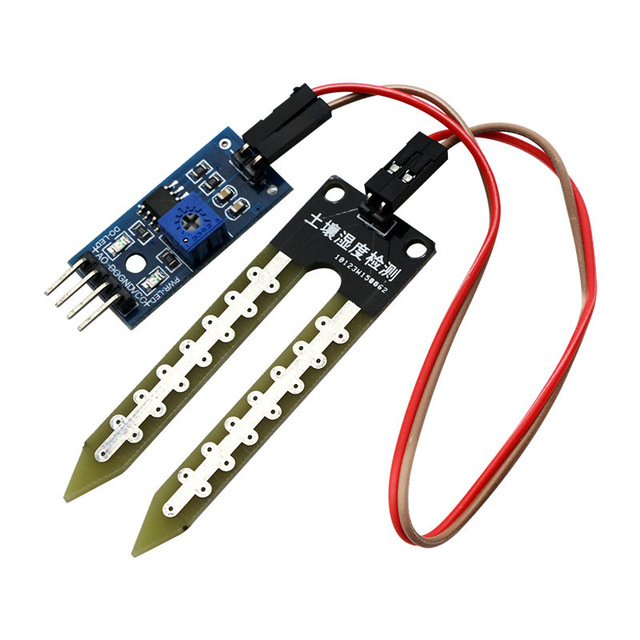
 Design with SENSOR in Cirkit Designer
Introduction
The Genérico FC-28 SENSOR is a versatile electronic component designed to detect and respond to various physical stimuli, such as light, heat, motion, or pressure. It converts these inputs into electrical signals that can be processed by an observer or an electronic system. This sensor is widely used in automation, robotics, environmental monitoring, and IoT applications due to its reliability and ease of integration.
Explore Projects Built with SENSOR
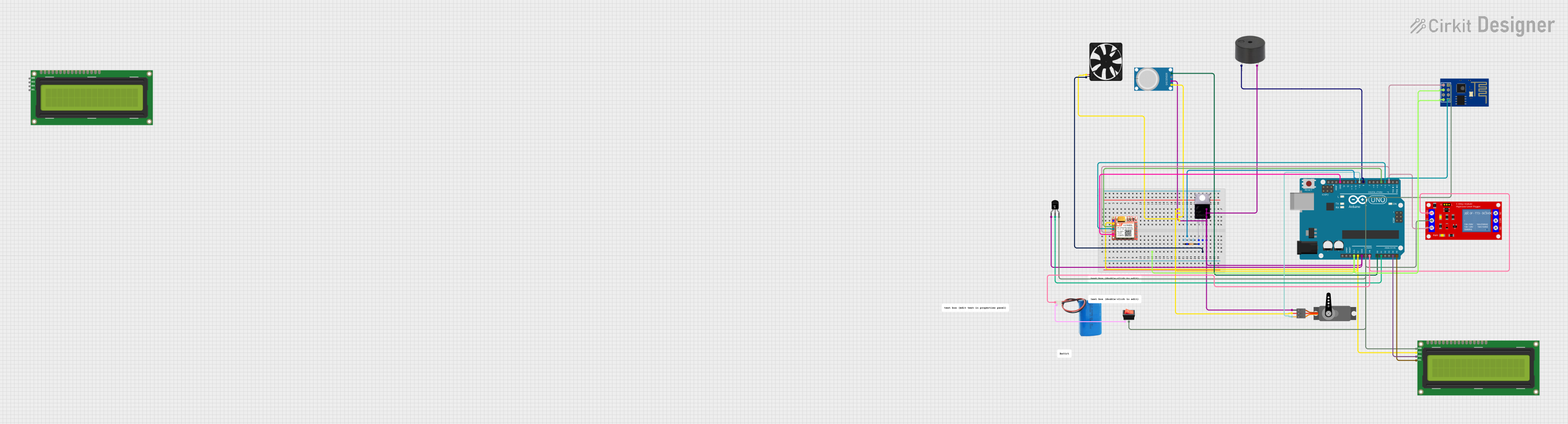 Open Project in Cirkit Designer
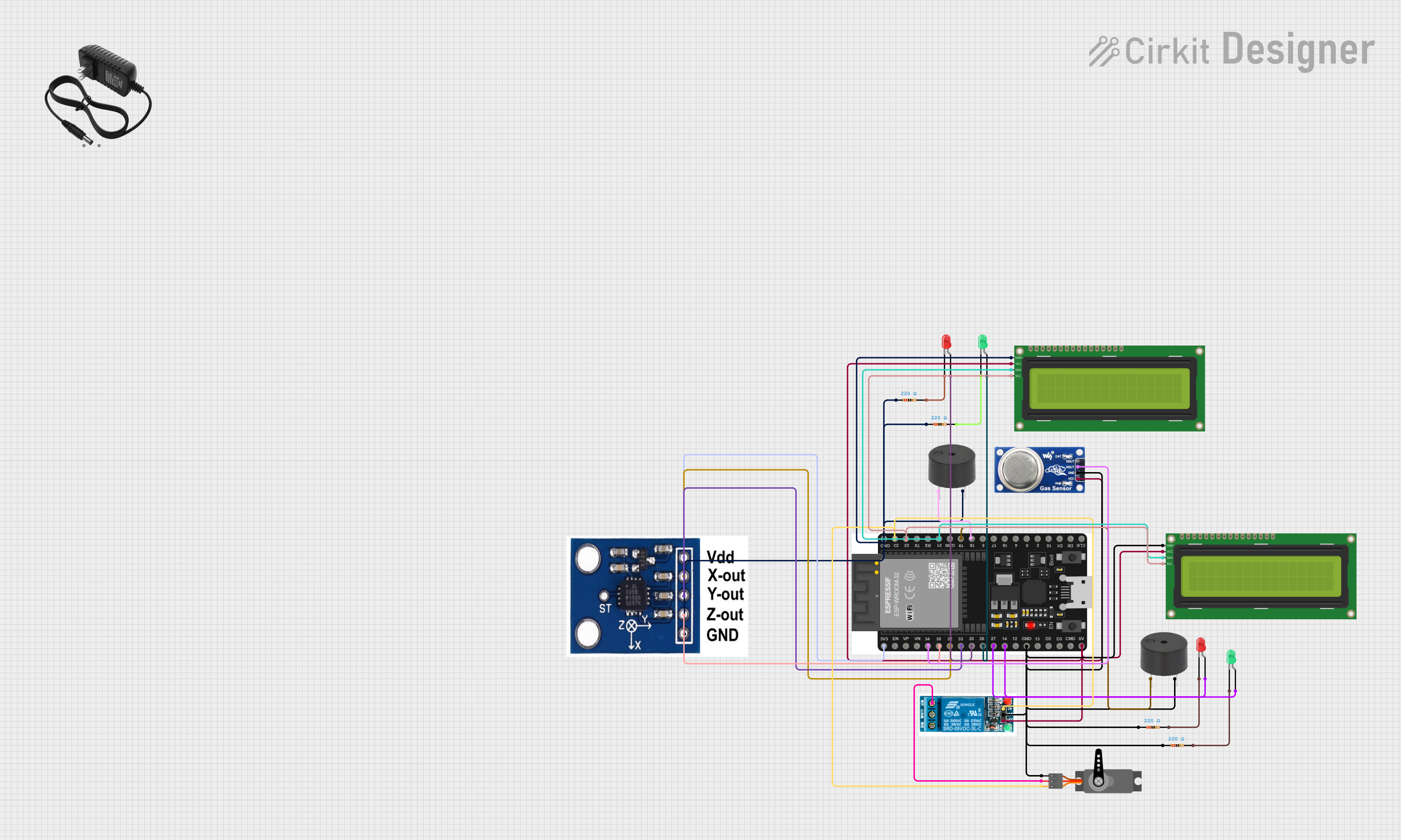 Open Project in Cirkit Designer
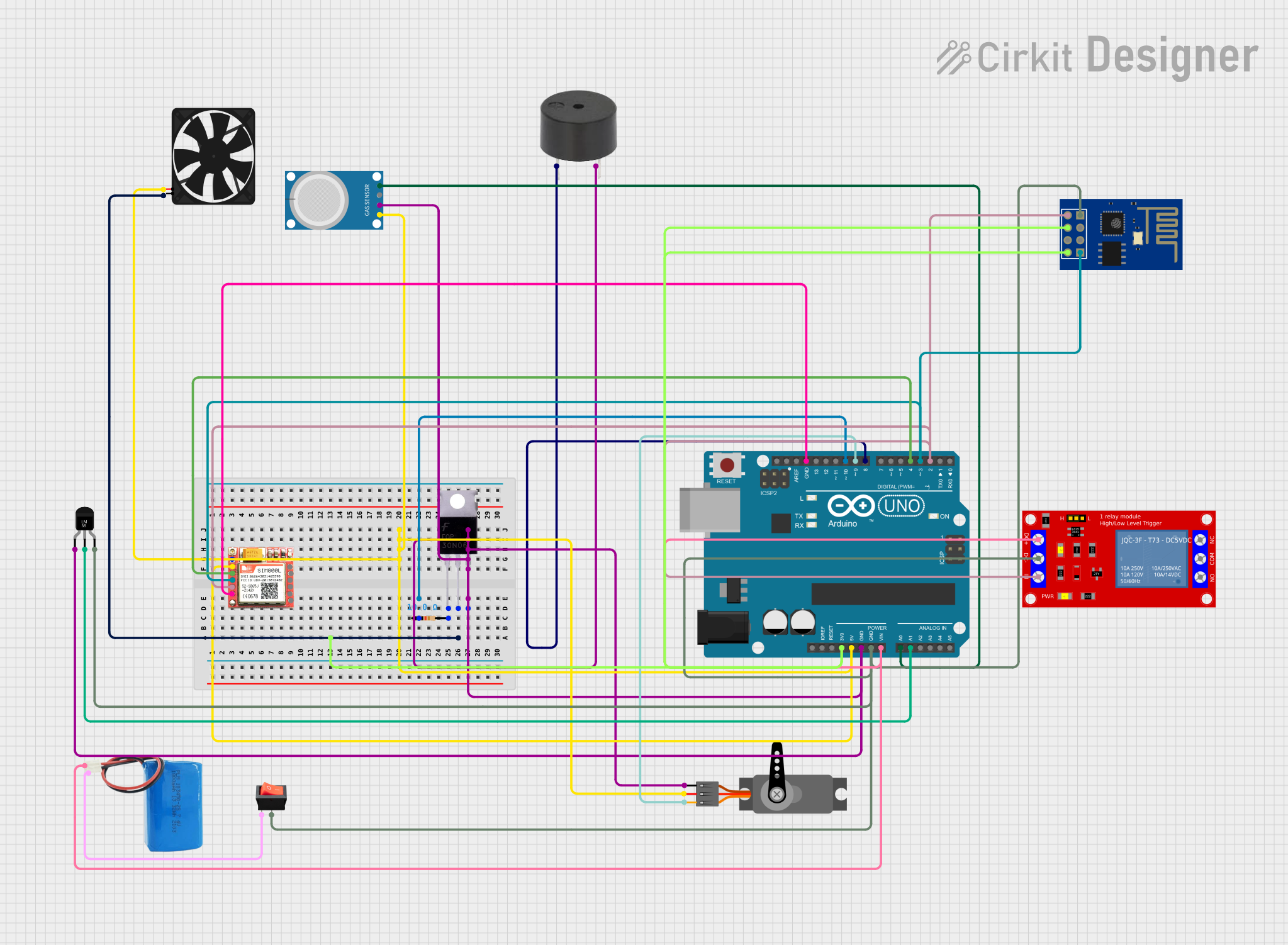 Open Project in Cirkit Designer
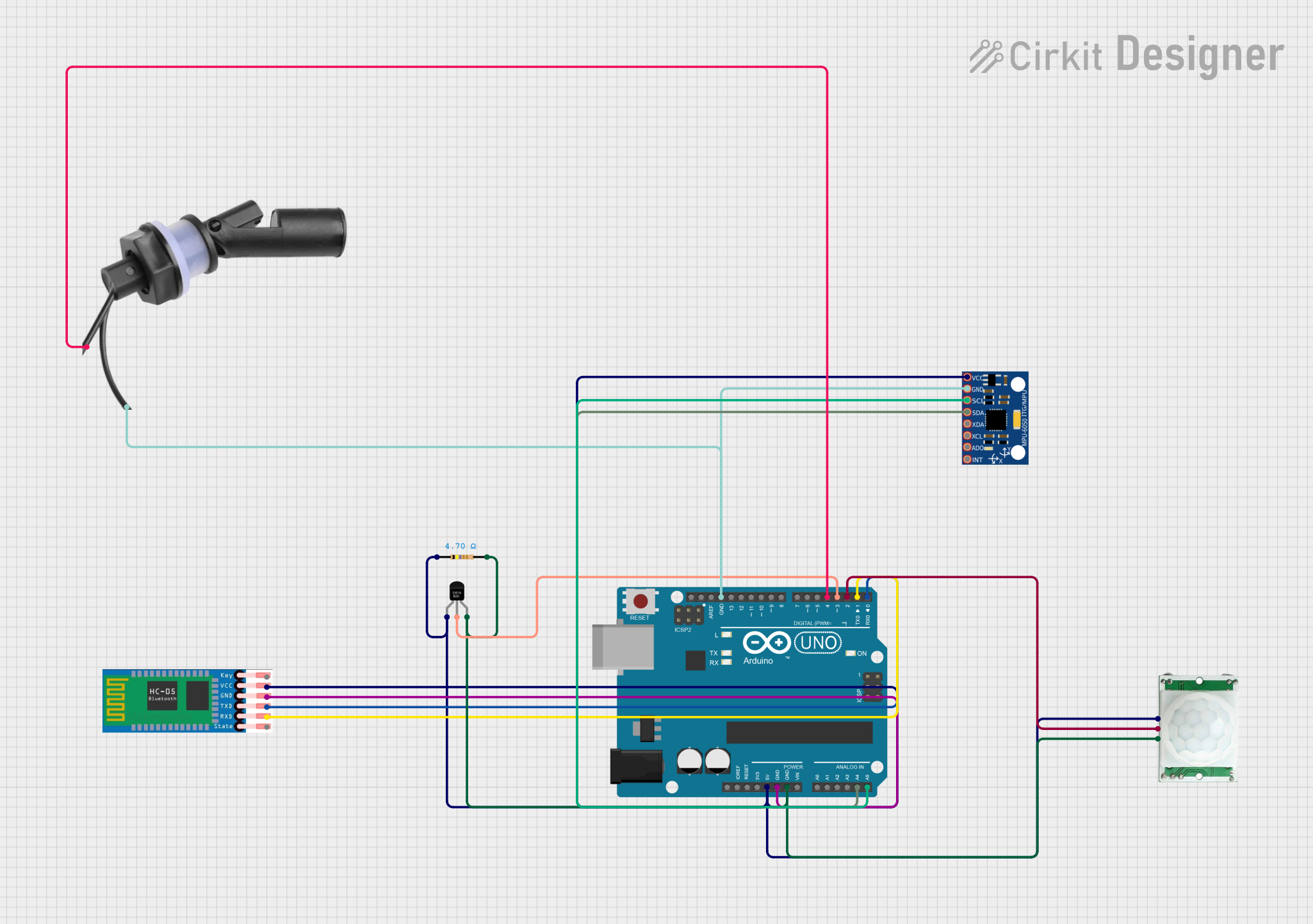 Open Project in Cirkit Designer
Explore Projects Built with SENSOR
Open Project in Cirkit DesignerOpen Project in Cirkit DesignerOpen Project in Cirkit DesignerOpen Project in Cirkit DesignerCommon Applications and Use Cases
- Environmental monitoring (e.g., temperature, humidity, or light intensity detection)
- Motion detection in security systems
- Industrial automation and process control
- Smart home devices and IoT systems
- Robotics for obstacle detection or environmental interaction
Technical Specifications
The Genérico FC-28 SENSOR is designed to operate efficiently in a variety of environments. Below are its key technical details:
General Specifications
| Parameter | Value |
|---|---|
| Manufacturer | Genérico |
| Part ID | FC-28 |
| Operating Voltage | 3.3V to 5V |
| Output Signal | Analog and Digital |
| Operating Temperature | -10°C to 60°C |
| Dimensions | 30mm x 16mm x 10mm |
Pin Configuration and Descriptions
The FC-28 SENSOR has a simple pinout, making it easy to integrate into circuits. Below is the pin configuration:
| Pin Name | Pin Number | Description |
|---|---|---|
| VCC | 1 | Power supply pin (3.3V to 5V) |
| GND | 2 | Ground pin |
| A0 | 3 | Analog output pin for continuous signal output |
| D0 | 4 | Digital output pin for threshold-based signals |
Usage Instructions
The Genérico FC-28 SENSOR is straightforward to use in a variety of circuits. Below are the steps and best practices for integrating it into your project:
How to Use the Component in a Circuit
- Power the Sensor: Connect the
VCCpin to a 3.3V or 5V power source and theGNDpin to the ground of your circuit. - Choose Output Type:
- For analog output, connect the
A0pin to an analog input pin on your microcontroller. - For digital output, connect the
D0pin to a digital input pin on your microcontroller.
- For analog output, connect the
- Adjust Sensitivity: Use the onboard potentiometer to adjust the sensitivity of the sensor. This is particularly useful for digital output applications.
- Read the Output:
- For analog output, read the voltage signal from the
A0pin. - For digital output, monitor the
D0pin for HIGH or LOW signals based on the threshold.
- For analog output, read the voltage signal from the
Important Considerations and Best Practices
- Ensure the operating voltage does not exceed 5V to avoid damaging the sensor.
- Place the sensor in an environment suitable for its operating temperature range (-10°C to 60°C).
- Avoid exposing the sensor to extreme conditions, such as high humidity or corrosive environments, unless it is specifically designed for such use.
- When using the analog output, consider adding a capacitor to smooth out noise in the signal.
Example: Connecting to an Arduino UNO
Below is an example of how to connect and use the FC-28 SENSOR with an Arduino UNO:
Circuit Connections
- Connect
VCCto the 5V pin on the Arduino. - Connect
GNDto the GND pin on the Arduino. - Connect
A0to the A0 analog input pin on the Arduino. - (Optional) Connect
D0to a digital input pin (e.g., D2) on the Arduino.
Arduino Code Example
// FC-28 SENSOR Example Code
// This code reads both analog and digital outputs from the sensor and prints
// the values to the Serial Monitor.

const int analogPin = A0;  // Analog output pin connected to A0
const int digitalPin = 2;  // Digital output pin connected to D2

void setup() {
  Serial.begin(9600);      // Initialize serial communication at 9600 baud
  pinMode(digitalPin, INPUT); // Set digital pin as input
}

void loop() {
  int analogValue = analogRead(analogPin); // Read analog value from sensor
  int digitalValue = digitalRead(digitalPin); // Read digital value from sensor

  // Print the values to the Serial Monitor
  Serial.print("Analog Value: ");
  Serial.print(analogValue);
  Serial.print(" | Digital Value: ");
  Serial.println(digitalValue);

  delay(500); // Wait for 500ms before the next reading
}
Troubleshooting and FAQs
Common Issues and Solutions
No Output Signal:
- Ensure the sensor is powered correctly (check
VCCandGNDconnections). - Verify that the operating voltage is within the specified range (3.3V to 5V).
- Check the connections to the microcontroller or circuit.
- Ensure the sensor is powered correctly (check
Inconsistent Analog Readings:
- Use a capacitor to filter out noise in the analog signal.
- Ensure the sensor is not exposed to fluctuating environmental conditions.
Digital Output Always HIGH or LOW:
- Adjust the sensitivity using the onboard potentiometer.
- Verify that the threshold level is appropriate for the application.
Sensor Overheating:
- Check for voltage levels exceeding the maximum rating.
- Ensure proper ventilation around the sensor.
FAQs
Q1: Can the FC-28 SENSOR be used with a 3.3V microcontroller?
Yes, the sensor operates within a voltage range of 3.3V to 5V, making it compatible with 3.3V microcontrollers like the ESP32 or Raspberry Pi Pico.
Q2: How do I calibrate the sensor?
You can calibrate the sensor by adjusting the onboard potentiometer to set the desired sensitivity or threshold level.
Q3: Is the sensor waterproof?
No, the FC-28 SENSOR is not waterproof. If you need to use it in a humid or wet environment, consider using a protective enclosure.
Q4: Can I use both analog and digital outputs simultaneously?
Yes, you can use both outputs simultaneously by connecting the A0 and D0 pins to the respective inputs on your microcontroller.
This concludes the documentation for the Genérico FC-28 SENSOR.