Introduction
A diode is a semiconductor device that allows current to flow in one direction only, acting as a one-way valve for electric current. Diodes are commonly used in various applications such as rectifying alternating current (AC) to direct current (DC), overvoltage protection, voltage regulation, signal demodulation, and more.
Technical Specifications
Key Technical Details
- Forward Voltage (Vf): The voltage drop across the diode when it is conducting current.
- Reverse Breakdown Voltage (Vr): The maximum reverse voltage the diode can withstand without breaking down.
- Maximum Forward Current (If): The maximum current the diode can conduct without damage.
- Reverse Leakage Current (Ir): The small current that flows through the diode when reverse-biased.
- Power Dissipation (Pd): The maximum power the diode can dissipate without damage.
Pin Configuration and Descriptions
Usage Instructions
How to Use the Diode in a Circuit
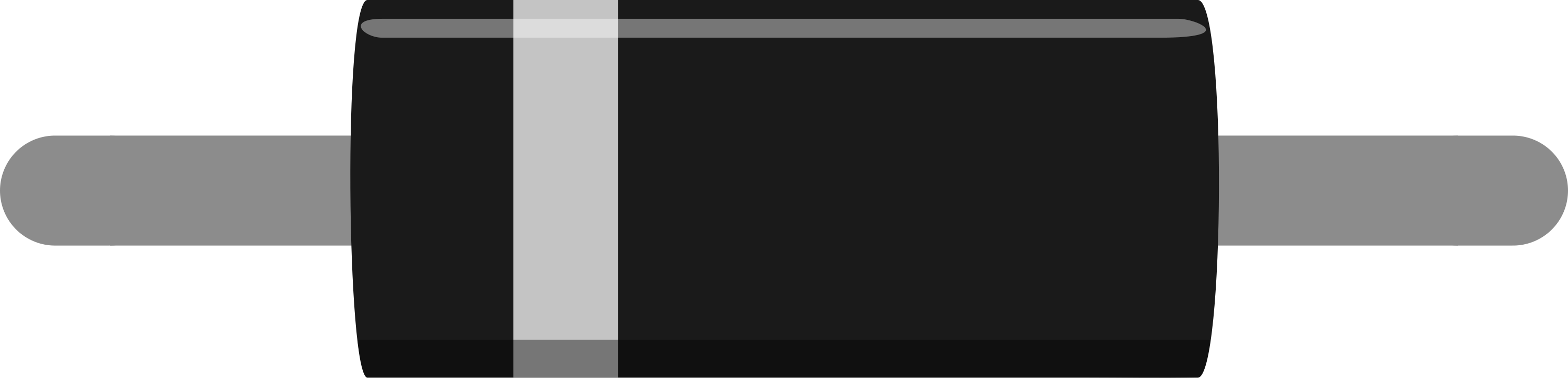
- Identify the Anode and Cathode: The anode is the positive side, and the cathode is usually marked with a stripe.
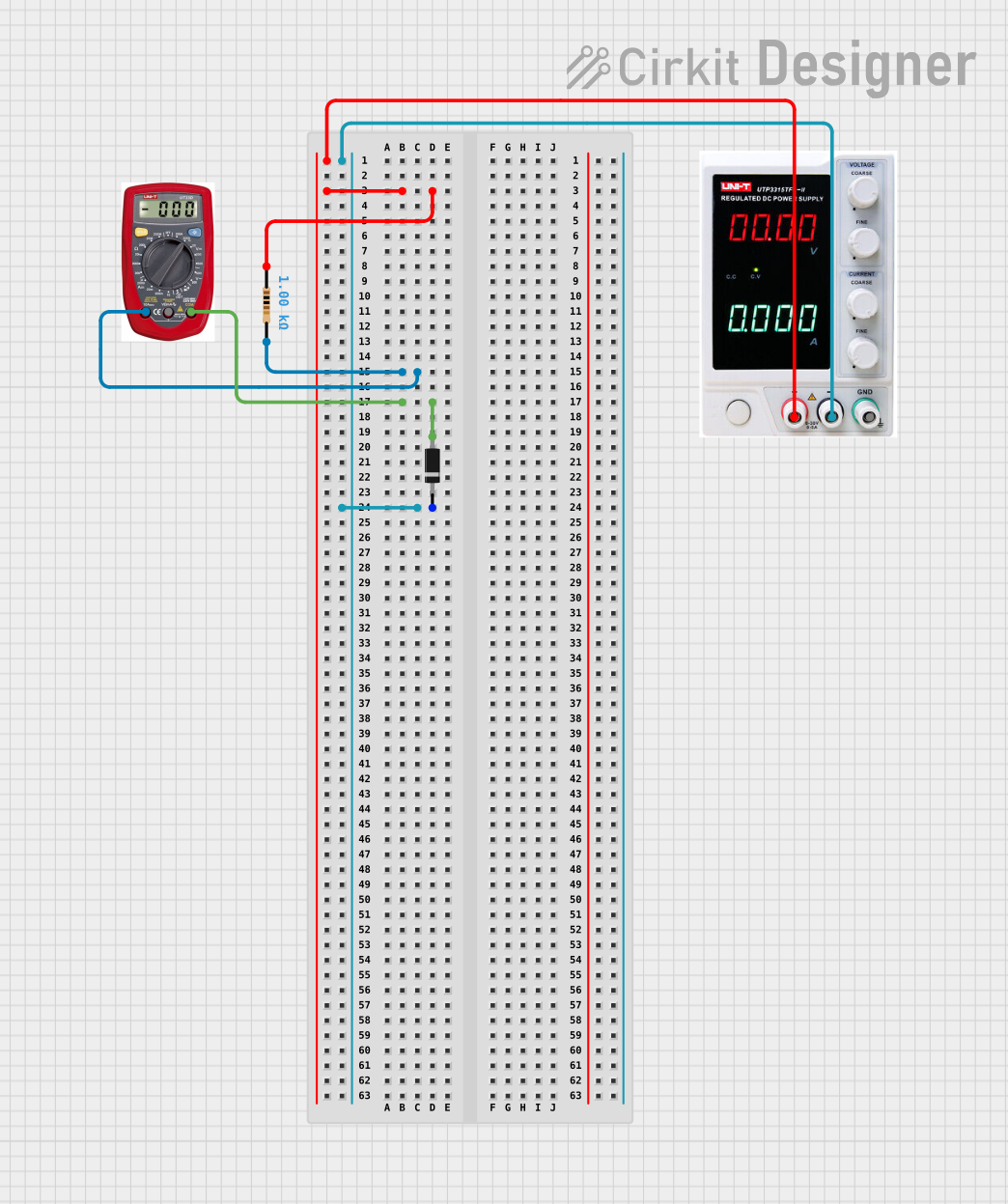
- Forward Bias Connection: Connect the anode to the positive voltage and the cathode to the negative side of the circuit to allow current flow.
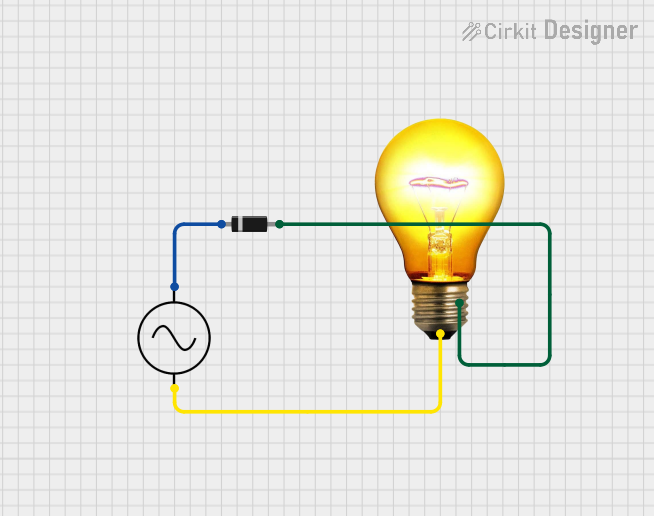
- Reverse Bias Connection: Reverse the connections to block current flow, useful for protection against reverse polarity.
Important Considerations and Best Practices
- Current Limiting: Always use a current-limiting resistor to prevent excessive current through the diode.
- Heat Management: Ensure proper heat sinking if the diode is expected to dissipate significant power.
- Reverse Voltage Protection: Use a diode in reverse bias across power inputs to protect against reverse voltage damage.
Troubleshooting and FAQs
Common Issues
- Diode Not Conducting: Ensure the diode is forward-biased and that the forward voltage is sufficient.
- Excessive Heat: Check if the current exceeds the maximum rating or if proper heat sinking is in place.
- Unexpected Voltage Drops: Verify that the forward voltage drop is within the expected range for the diode type.
Solutions and Tips
- Use a Multimeter: To check if a diode is functioning, use a multimeter in diode mode to measure the forward and reverse bias voltages.
- Replace if Faulty: If the diode shows an open circuit in both directions or a short circuit, replace it.
FAQs
Q: Can I use any diode for reverse voltage protection?
A: No, you must use a diode that can handle the maximum reverse voltage and current of your circuit.
Q: What happens if I exceed the maximum forward current of a diode?
A: The diode may overheat and fail, potentially damaging the circuit.
Q: How do I choose the right diode for my application?
A: Consider the maximum forward current, the reverse breakdown voltage, and the power dissipation based on your circuit's requirements.
Example Code for Arduino UNO
If you're using a diode with an Arduino UNO to protect against reverse voltage, no code is needed. However, if you're using a diode to control the flow of current to an LED, here's a simple example:
// Define the LED pin
const int ledPin = 13;

void setup() {
  // Set the LED pin as an output
  pinMode(ledPin, OUTPUT);
}

void loop() {
  // Turn on the LED
  digitalWrite(ledPin, HIGH);
  delay(1000); // Wait for 1 second
  // Turn off the LED
  digitalWrite(ledPin, LOW);
  delay(1000); // Wait for 1 second
}
In this example, a diode would be placed in series with the LED to ensure current only flows in the correct direction, protecting the LED from reverse current. Remember to consider the forward voltage drop of the diode when calculating the current-limiting resistor for the LED.

 Open Project in Cirkit Designer