
How to Use V153 limit sw: Examples, Pinouts, and Specs
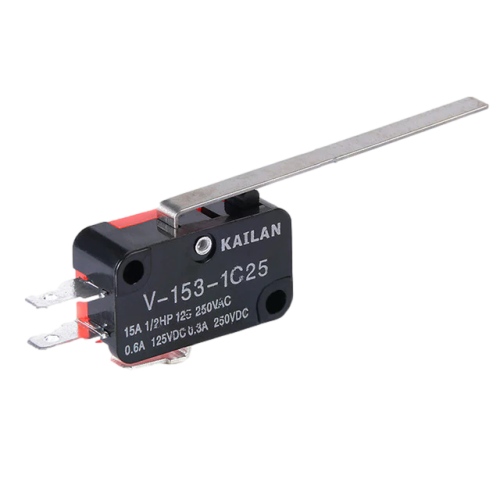
 Design with V153 limit sw in Cirkit Designer
Introduction
The V153 limit switch is a mechanical device designed to detect the presence or absence of an object or the position of a moving part. It is commonly used to control the operation of machinery or electrical circuits by providing a reliable and precise switching mechanism. The V153 is widely utilized in industrial automation, robotics, and safety systems due to its durability and accuracy.
Explore Projects Built with V153 limit sw
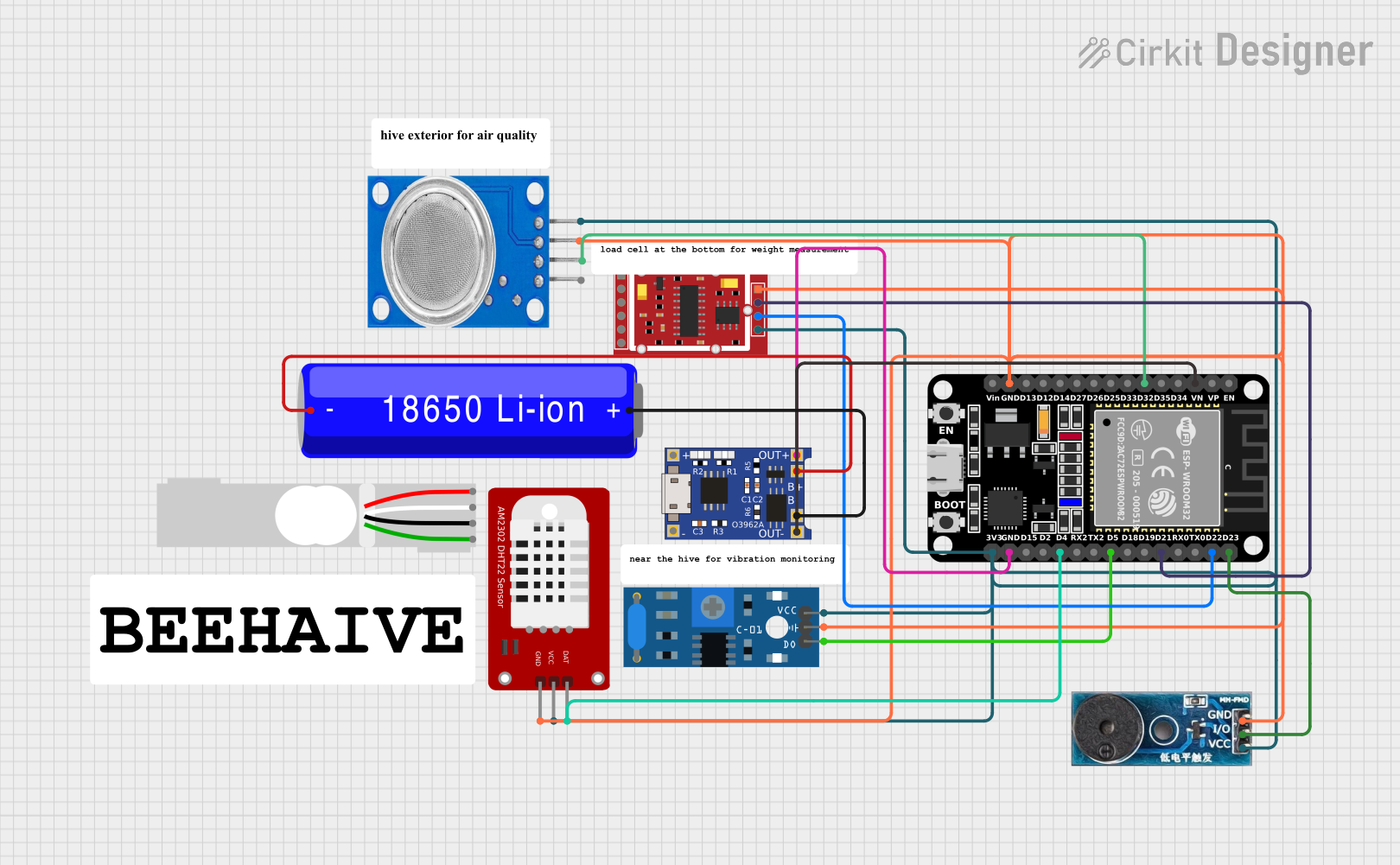 Open Project in Cirkit Designer
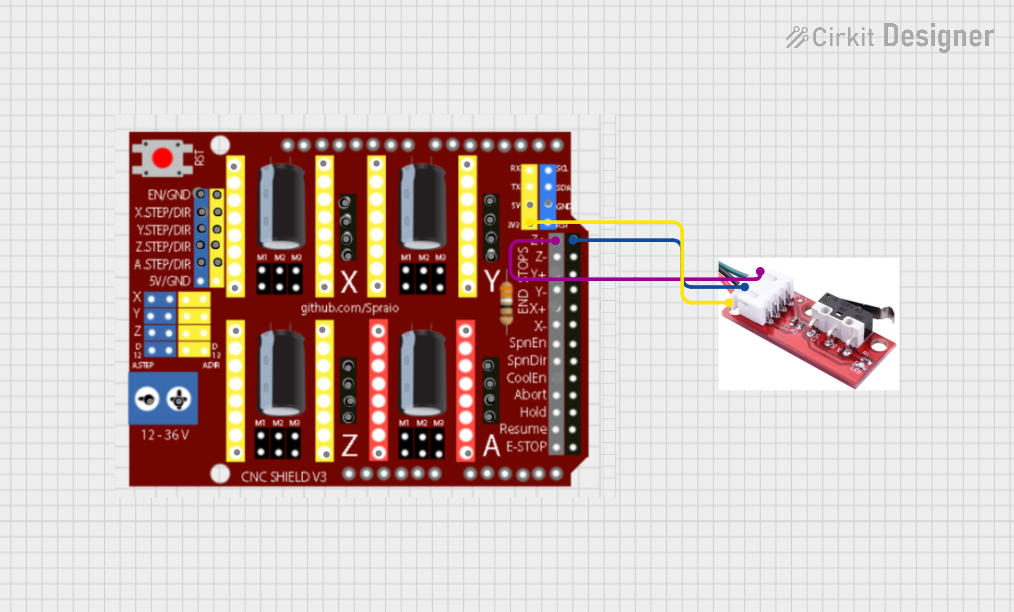 Open Project in Cirkit Designer
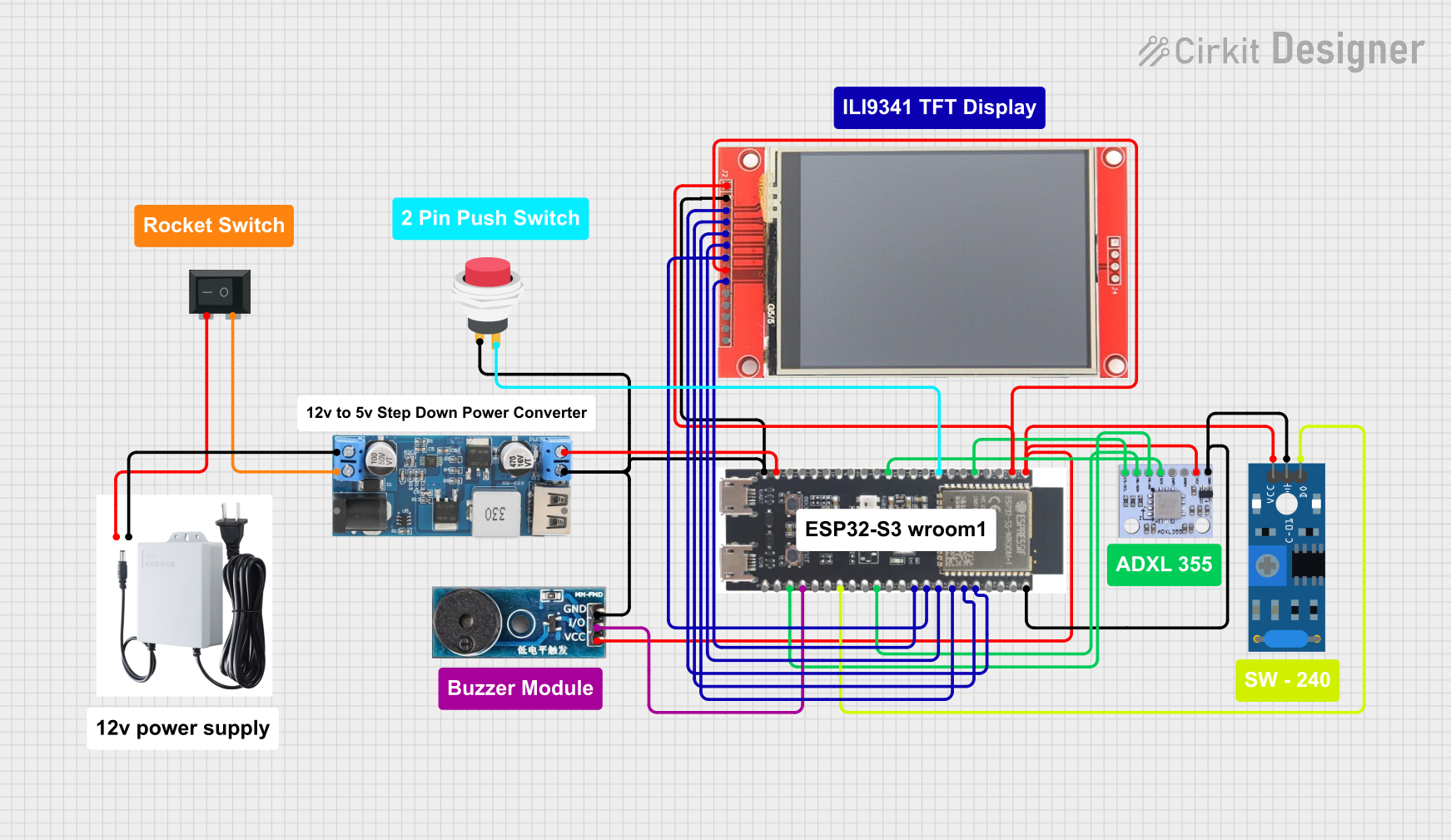 Open Project in Cirkit Designer
 Open Project in Cirkit Designer
Explore Projects Built with V153 limit sw
Open Project in Cirkit DesignerOpen Project in Cirkit DesignerOpen Project in Cirkit DesignerOpen Project in Cirkit DesignerCommon Applications and Use Cases
- Position detection in industrial machinery
- Safety interlocks in automated systems
- End-stop detection in CNC machines and 3D printers
- Robotics for detecting object presence or movement limits
- Elevator systems for position sensing
Technical Specifications
The V153 limit switch is built to handle a variety of mechanical and electrical requirements. Below are its key specifications:
| Parameter | Value |
|---|---|
| Operating Voltage | 5V to 250V AC/DC |
| Operating Current | 0.1A to 15A |
| Contact Configuration | SPDT (Single Pole Double Throw) |
| Mechanical Life | 10 million operations |
| Electrical Life | 500,000 operations |
| Operating Temperature | -25°C to +80°C |
| Actuator Type | Roller lever or plunger |
| Mounting Style | Panel or surface mount |
| Housing Material | Thermoplastic or metal |
Pin Configuration and Descriptions
The V153 limit switch typically has three terminals for electrical connections:
| Pin | Label | Description |
|---|---|---|
| 1 | COM | Common terminal; connects to the input voltage or signal source. |
| 2 | NO | Normally Open terminal; closes the circuit when the actuator is engaged. |
| 3 | NC | Normally Closed terminal; opens the circuit when the actuator is engaged. |
Usage Instructions
How to Use the V153 Limit Switch in a Circuit
- Identify the Terminals: Locate the COM, NO, and NC terminals on the switch.
- Connect the Circuit:
- For a normally open configuration, connect the load between the NO terminal and the power source.
- For a normally closed configuration, connect the load between the NC terminal and the power source.
- The COM terminal should be connected to the common ground or power source, depending on the circuit design.
- Mount the Switch: Secure the switch to the desired location using screws or a mounting bracket. Ensure the actuator aligns with the moving part or object to be detected.
- Test the Operation: Manually engage the actuator to verify the switching action and ensure proper functionality.
Important Considerations and Best Practices
- Voltage and Current Ratings: Ensure the switch is used within its specified voltage and current ratings to avoid damage.
- Debouncing: Mechanical switches may produce noise or bouncing signals. Use a capacitor or software debouncing techniques in sensitive circuits.
- Environmental Conditions: Protect the switch from excessive moisture, dust, or extreme temperatures to maintain longevity.
- Alignment: Properly align the actuator with the moving part to ensure consistent operation.
Example: Connecting the V153 Limit Switch to an Arduino UNO
The V153 limit switch can be easily interfaced with an Arduino UNO for position detection or object sensing. Below is an example circuit and code:
Circuit Connections
- Connect the COM terminal of the switch to the Arduino's GND pin.
- Connect the NO terminal to a digital input pin on the Arduino (e.g., pin 2).
- Use a pull-up resistor (10kΩ) between the NO terminal and the Arduino's 5V pin.
Arduino Code
// V153 Limit Switch Example with Arduino UNO
// This code reads the state of the limit switch and prints it to the Serial Monitor.

const int limitSwitchPin = 2; // Pin connected to the NO terminal of the switch
int switchState = 0;          // Variable to store the switch state

void setup() {
  pinMode(limitSwitchPin, INPUT_PULLUP); // Set pin as input with internal pull-up resistor
  Serial.begin(9600);                   // Initialize serial communication
}

void loop() {
  switchState = digitalRead(limitSwitchPin); // Read the state of the switch

  if (switchState == LOW) {
    // Switch is engaged (actuator pressed)
    Serial.println("Limit switch activated!");
  } else {
    // Switch is not engaged
    Serial.println("Limit switch not activated.");
  }

  delay(500); // Delay for stability and to avoid spamming the Serial Monitor
}
Troubleshooting and FAQs
Common Issues and Solutions
Switch Not Activating:
- Cause: Misalignment of the actuator with the moving part.
- Solution: Adjust the mounting position to ensure proper alignment.
Intermittent Operation:
- Cause: Mechanical wear or debris in the actuator mechanism.
- Solution: Clean the switch and inspect for mechanical damage.
No Signal Detected:
- Cause: Incorrect wiring or loose connections.
- Solution: Verify the wiring and ensure all connections are secure.
Electrical Noise or Bouncing:
- Cause: Mechanical contact bounce.
- Solution: Use a capacitor across the terminals or implement software debouncing.
FAQs
Q: Can the V153 limit switch handle high currents?
A: Yes, the switch can handle currents up to 15A, but ensure the load does not exceed this rating.
Q: Is the V153 limit switch waterproof?
A: Some models of the V153 are available with IP-rated enclosures for water resistance. Check the specific model's datasheet for details.
Q: Can I use the V153 limit switch with low-voltage circuits?
A: Yes, the switch operates reliably at voltages as low as 5V, making it suitable for low-voltage applications.
Q: How do I extend the life of the switch?
A: Operate the switch within its rated specifications, keep it clean, and avoid excessive mechanical stress.