
How to Use Rain and Snow: Examples, Pinouts, and Specs
 Design with Rain and Snow in Cirkit Designer
Introduction
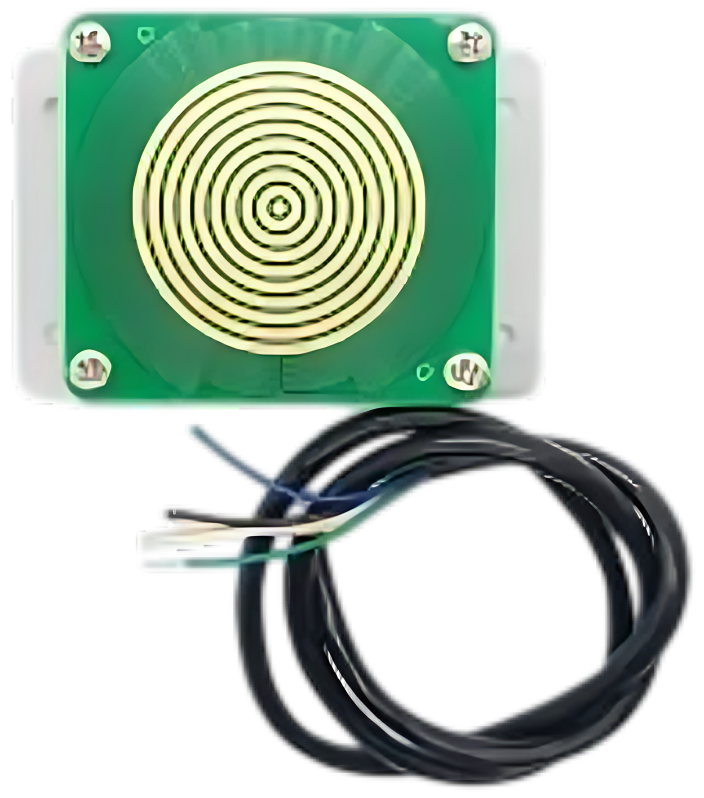
The Zakir Rain and Snow Sensor (Part ID: Rain) is a versatile environmental sensor designed to detect the presence of rain or snow. It is commonly used in weather monitoring systems, smart irrigation systems, and automated wiper control in vehicles. The sensor operates by detecting changes in conductivity on its surface when water or snow comes into contact with it.
This sensor is ideal for applications requiring real-time weather condition monitoring and can be easily integrated into microcontroller-based systems such as Arduino, Raspberry Pi, or other embedded platforms.
Explore Projects Built with Rain and Snow
 Open Project in Cirkit Designer
 Open Project in Cirkit Designer
 Open Project in Cirkit Designer
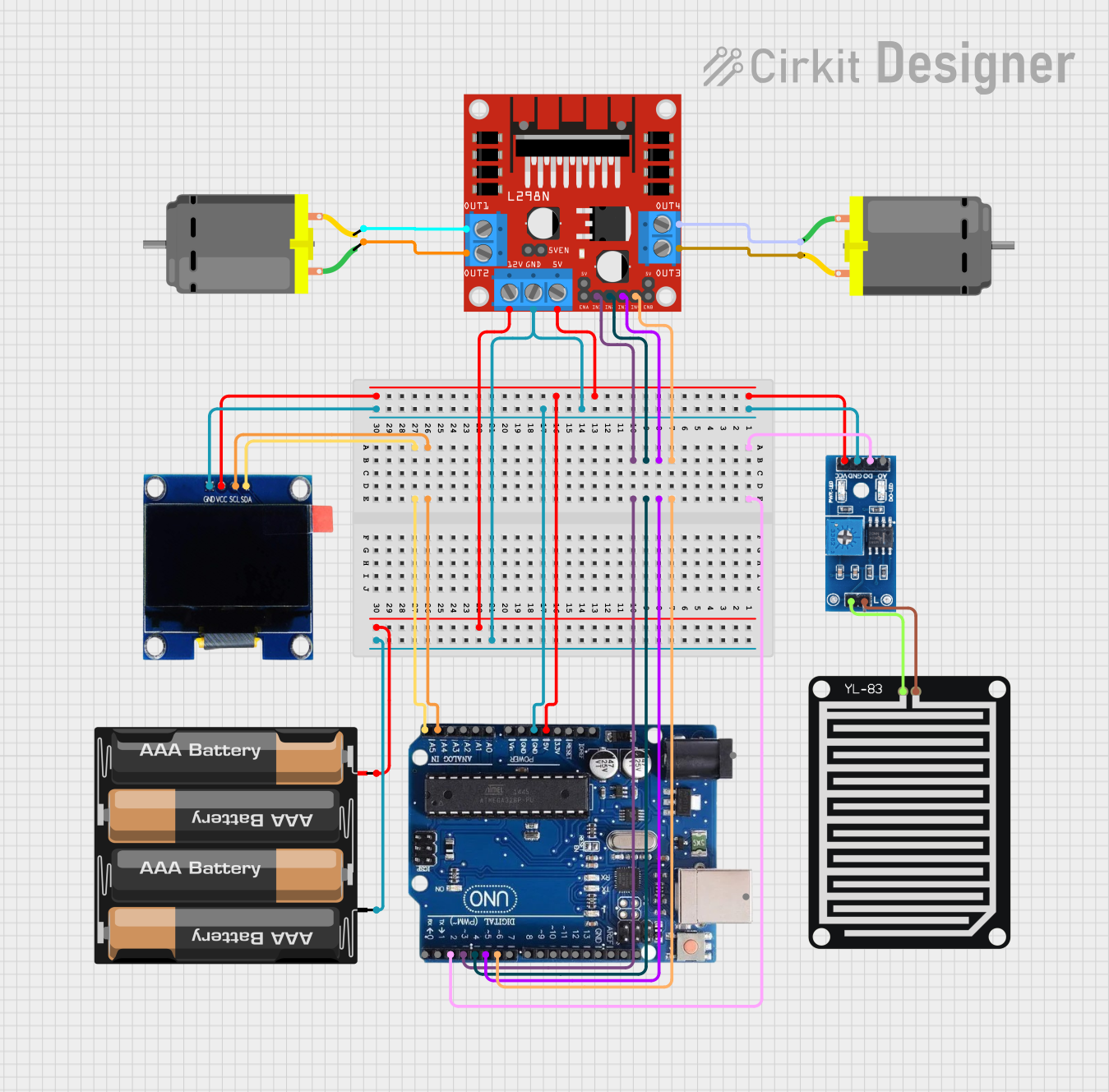 Open Project in Cirkit Designer
Explore Projects Built with Rain and Snow
Open Project in Cirkit DesignerOpen Project in Cirkit DesignerOpen Project in Cirkit DesignerOpen Project in Cirkit DesignerTechnical Specifications
- Manufacturer: Zakir
- Part ID: Rain
- Operating Voltage: 3.3V to 5V DC
- Output Type: Analog and Digital
- Current Consumption: ≤ 20mA
- Detection Area: 40mm x 60mm
- Operating Temperature: -40°C to 85°C
- Output Signal:
- Digital Output: High (no rain/snow), Low (rain/snow detected)
- Analog Output: Proportional to the amount of water/snow on the sensor
- Dimensions: 50mm x 70mm (sensor board)
Pin Configuration and Descriptions
The Zakir Rain sensor has a 3-pin interface for easy connection to microcontrollers.
| Pin | Name | Description |
|---|---|---|
| 1 | VCC | Power supply input (3.3V to 5V DC) |
| 2 | GND | Ground connection |
| 3 | OUT | Output signal (Digital or Analog, depending on the mode of operation) |
Usage Instructions
Connecting the Sensor
- Power Supply: Connect the VCC pin to a 3.3V or 5V power source and the GND pin to the ground of your circuit.
- Output Signal:
- For digital output, connect the OUT pin to a digital input pin on your microcontroller.
- For analog output, connect the OUT pin to an analog input pin on your microcontroller.
- Mounting: Place the sensor in an open area where it can be exposed to rain or snow. Ensure the detection surface is clean and free from obstructions.
Example Circuit with Arduino UNO
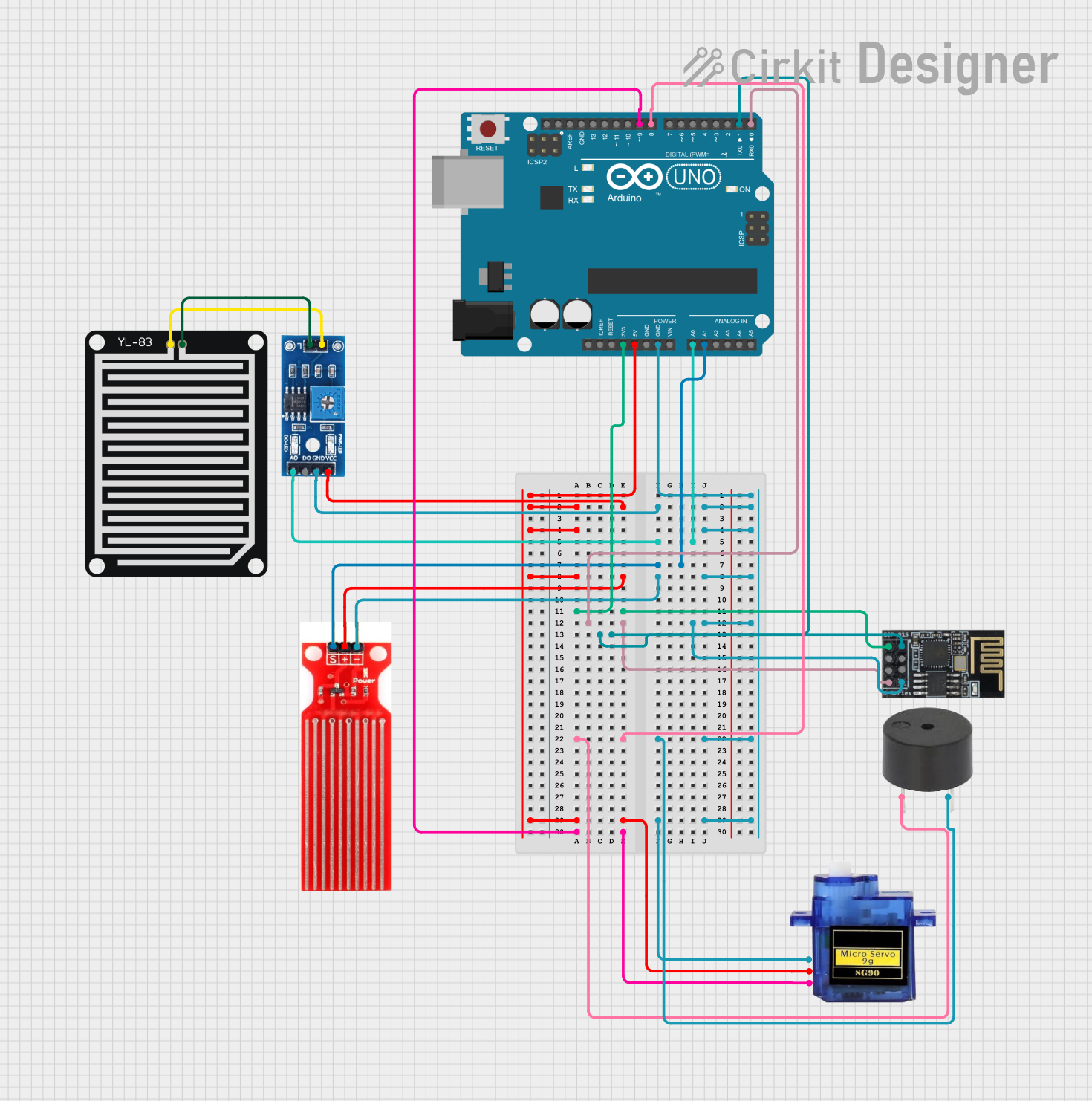
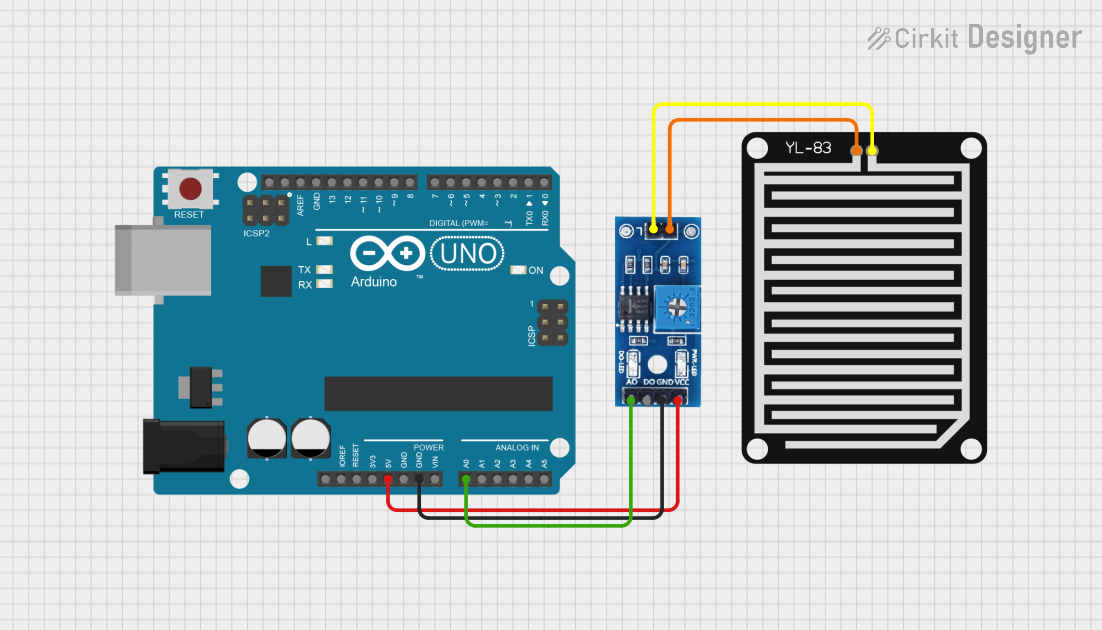
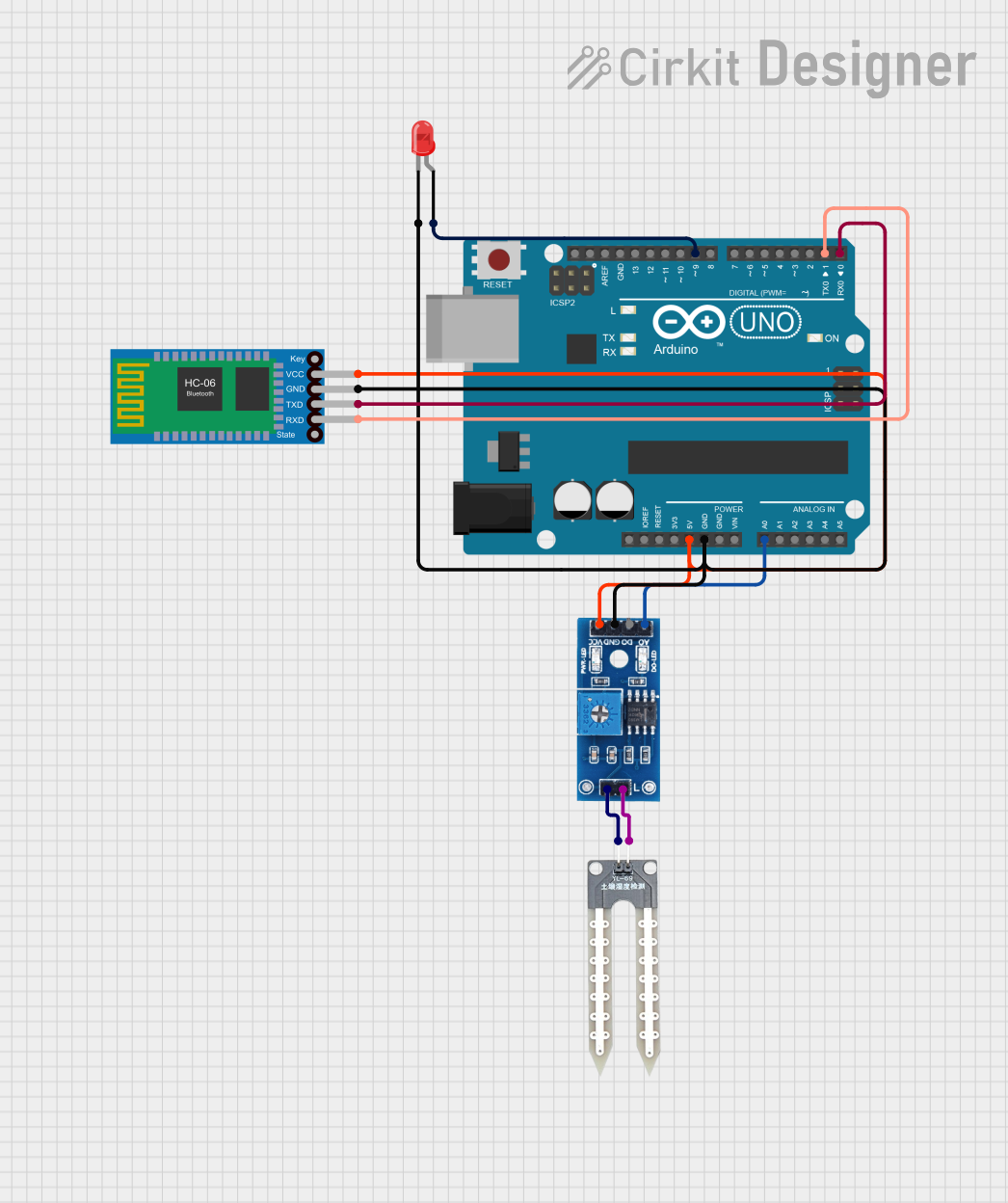
Below is an example of how to connect and use the Zakir Rain sensor with an Arduino UNO.
Circuit Diagram
- VCC → 5V on Arduino
- GND → GND on Arduino
- OUT → A0 (Analog Input) or D2 (Digital Input) on Arduino
Arduino Code
// Example code for Zakir Rain Sensor with Arduino UNO
// This code reads both digital and analog outputs from the sensor
// and prints the results to the Serial Monitor.

const int digitalPin = 2; // Digital output pin from the sensor
const int analogPin = A0; // Analog output pin from the sensor

void setup() {
  pinMode(digitalPin, INPUT); // Set digital pin as input
  Serial.begin(9600);        // Initialize serial communication
}

void loop() {
  int digitalValue = digitalRead(digitalPin); // Read digital output
  int analogValue = analogRead(analogPin);   // Read analog output

  // Print the sensor readings to the Serial Monitor
  Serial.print("Digital Output: ");
  Serial.println(digitalValue);
  Serial.print("Analog Output: ");
  Serial.println(analogValue);

  // Add a delay to avoid flooding the Serial Monitor
  delay(1000);
}
Important Considerations
- Placement: Ensure the sensor is placed in an area where it can accurately detect rain or snow without interference.
- Cleaning: Periodically clean the sensor surface to remove dirt or debris that may affect its performance.
- Power Supply: Use a stable power source to avoid fluctuations in sensor readings.
- Waterproofing: While the sensor is designed for outdoor use, ensure proper waterproofing of the connections to prevent damage.
Troubleshooting and FAQs
Common Issues
No Output Signal:
- Check the power supply connections (VCC and GND).
- Ensure the sensor is exposed to rain or snow for proper detection.
- Verify the OUT pin is correctly connected to the microcontroller.
Inconsistent Readings:
- Clean the sensor surface to remove dirt or residue.
- Check for loose or corroded connections.
Analog Output Not Changing:
- Ensure the sensor is connected to an analog input pin on the microcontroller.
- Verify the sensor is receiving sufficient power.
FAQs
Q: Can this sensor detect humidity?
A: No, the Zakir Rain sensor is designed to detect rain or snow, not ambient humidity.
Q: Is the sensor waterproof?
A: The detection surface is water-resistant, but the connections should be properly waterproofed for outdoor use.
Q: Can I use this sensor with a 3.3V microcontroller?
A: Yes, the sensor operates within a voltage range of 3.3V to 5V, making it compatible with 3.3V systems.
Q: How do I calibrate the sensor?
A: The sensor does not require calibration. However, you can adjust the sensitivity by using the onboard potentiometer (if available).