
How to Use ESP32 WROOM-32 C Type CP2102 USB Dual Core WiFi + Bluetooth 38 Pins: Examples, Pinouts, and Specs
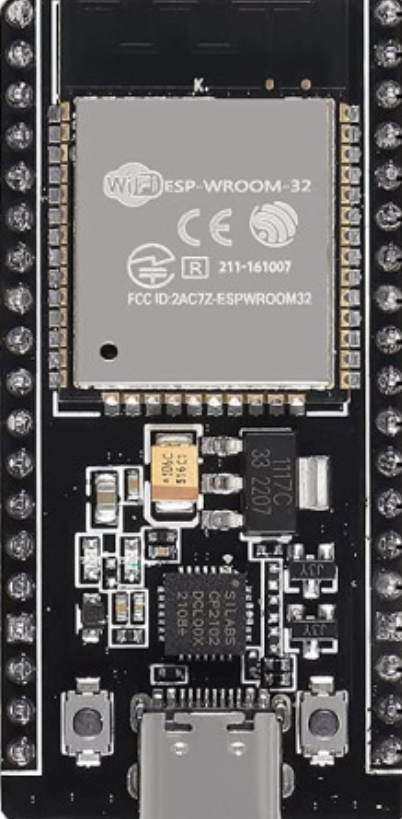
 Design with ESP32 WROOM-32 C Type CP2102 USB Dual Core WiFi + Bluetooth 38 Pins in Cirkit Designer
Introduction
The ESP32 WROOM-32 C Type CP2102 USB Dual Core WiFi + Bluetooth 38 Pins is a highly versatile microcontroller module manufactured by ESP32. It features a dual-core processor, integrated WiFi and Bluetooth capabilities, and a CP2102 USB interface for seamless programming and connectivity. With 38 GPIO pins, this module is ideal for a wide range of IoT, automation, and embedded system applications.
Explore Projects Built with ESP32 WROOM-32 C Type CP2102 USB Dual Core WiFi + Bluetooth 38 Pins
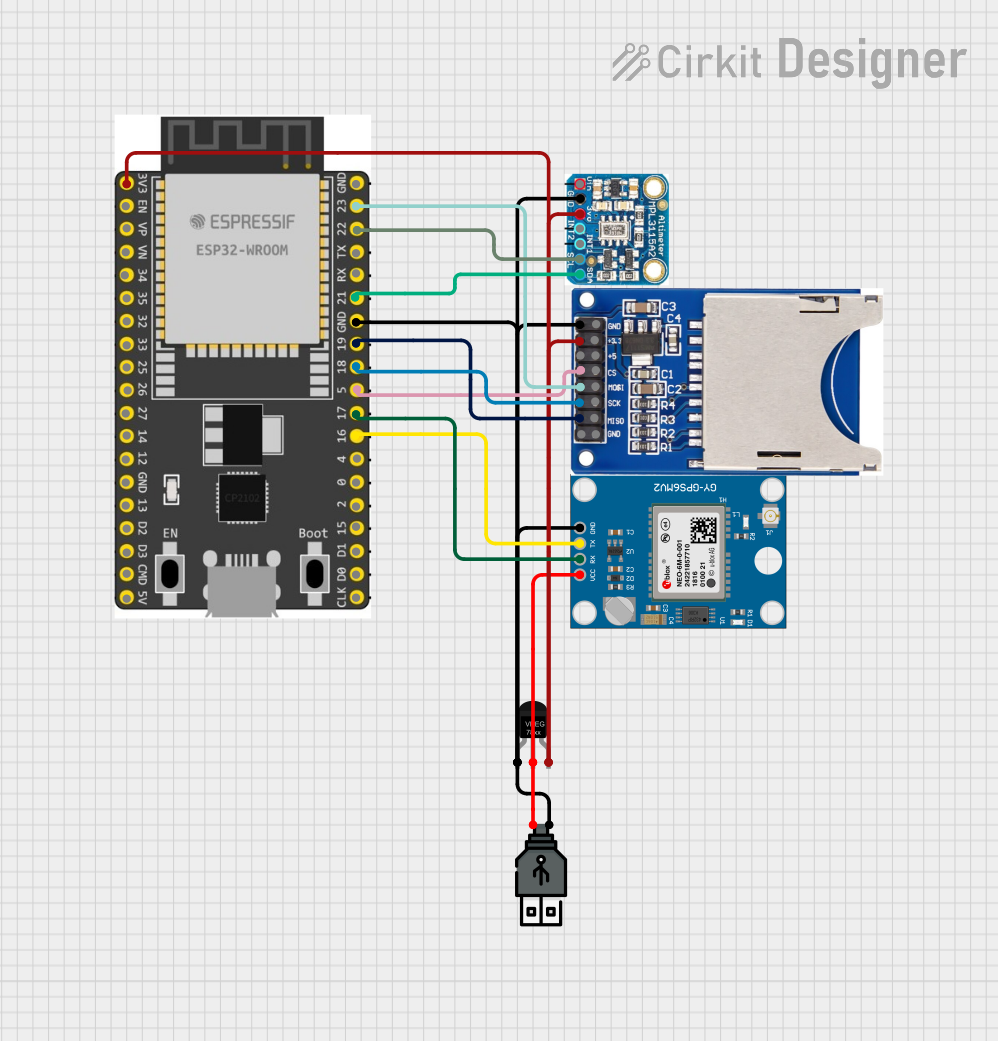 Open Project in Cirkit Designer
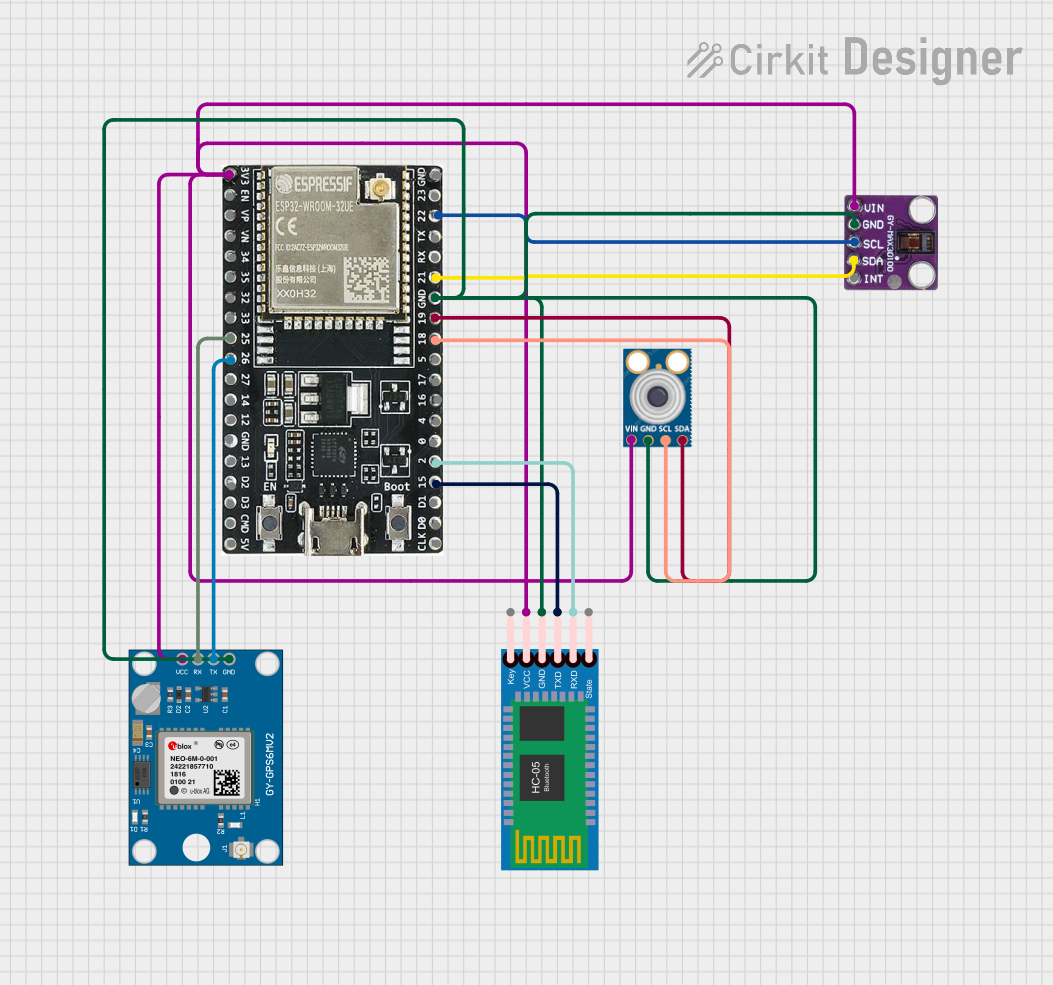 Open Project in Cirkit Designer
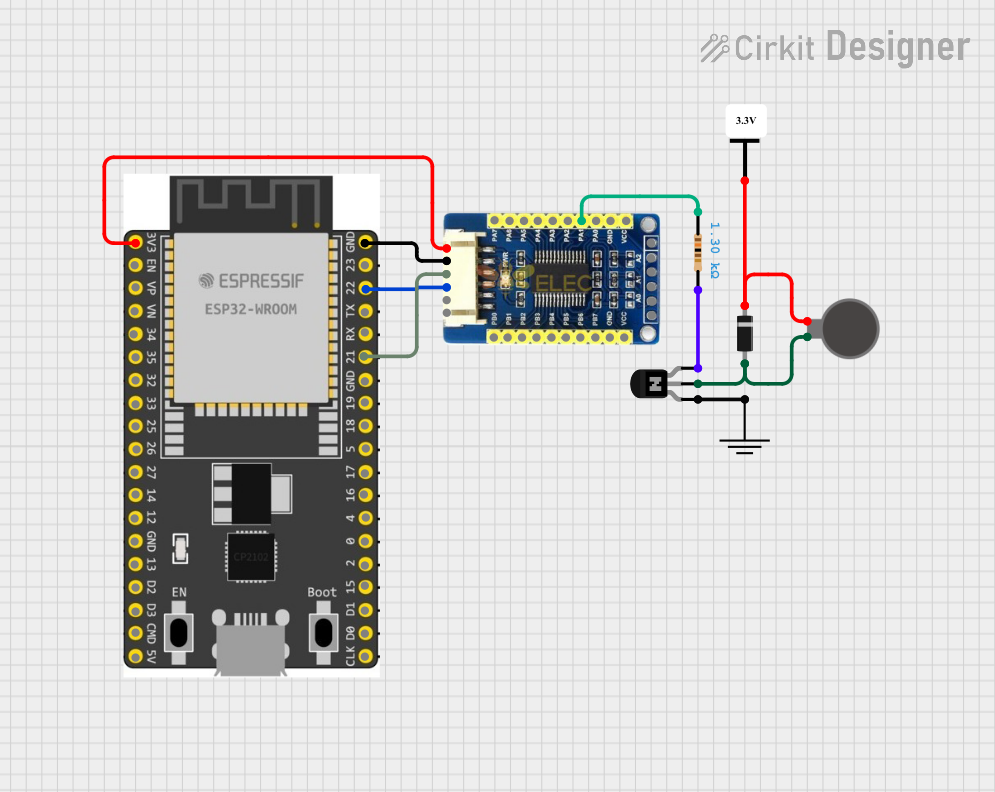 Open Project in Cirkit Designer
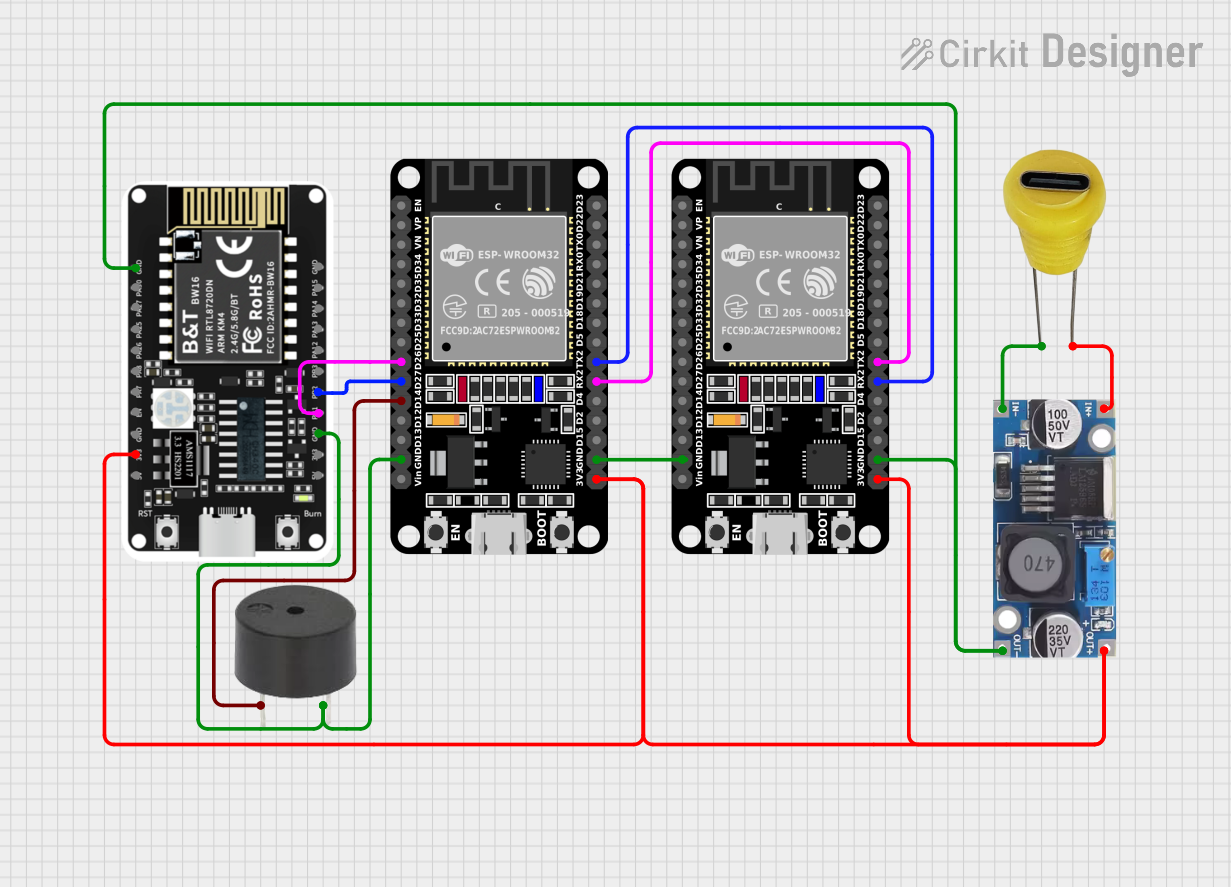 Open Project in Cirkit Designer
Explore Projects Built with ESP32 WROOM-32 C Type CP2102 USB Dual Core WiFi + Bluetooth 38 Pins
Open Project in Cirkit DesignerOpen Project in Cirkit DesignerOpen Project in Cirkit DesignerOpen Project in Cirkit DesignerCommon Applications and Use Cases
- IoT Devices: Smart home systems, environmental monitoring, and connected appliances.
- Wearable Technology: Fitness trackers and health monitoring devices.
- Robotics: Wireless control and sensor integration.
- Prototyping: Rapid development of WiFi- and Bluetooth-enabled projects.
- Industrial Automation: Remote monitoring and control systems.
Technical Specifications
The following table outlines the key technical details of the ESP32 WROOM-32 C Type module:
| Specification | Details |
|---|---|
| Manufacturer | ESP32 |
| Part ID | ESP32-Wroom-38-C-Type |
| Processor | Dual-core Xtensa® 32-bit LX6 |
| Clock Speed | Up to 240 MHz |
| Flash Memory | 4 MB |
| SRAM | 520 KB |
| Wireless Connectivity | WiFi 802.11 b/g/n, Bluetooth v4.2 + BLE |
| USB Interface | CP2102 USB-to-UART bridge |
| GPIO Pins | 38 |
| Operating Voltage | 3.3V |
| Input Voltage Range | 5V (via USB) or 3.3V (via VIN pin) |
| Power Consumption | Ultra-low power consumption in deep sleep mode (as low as 10 µA) |
| Operating Temperature | -40°C to +85°C |
| Dimensions | 25.5 mm x 18 mm |
Pin Configuration and Descriptions
The ESP32 WROOM-32 C Type module has 38 pins. Below is a summary of the pin configuration:
| Pin Number | Pin Name | Description |
|---|---|---|
| 1 | EN | Enable pin. Active high to enable the module. |
| 2 | IO0 | GPIO0. Used for boot mode selection during programming. |
| 3 | IO1 (TXD0) | GPIO1. UART0 TX pin. |
| 4 | IO3 (RXD0) | GPIO3. UART0 RX pin. |
| 5 | IO4 | GPIO4. General-purpose I/O. |
| 6 | IO5 | GPIO5. General-purpose I/O. |
| 7 | IO12 | GPIO12. General-purpose I/O. |
| 8 | IO13 | GPIO13. General-purpose I/O. |
| 9 | IO14 | GPIO14. General-purpose I/O. |
| 10 | IO15 | GPIO15. General-purpose I/O. |
| 11 | IO16 | GPIO16. General-purpose I/O. |
| 12 | IO17 | GPIO17. General-purpose I/O. |
| 13 | IO18 | GPIO18. General-purpose I/O. |
| 14 | IO19 | GPIO19. General-purpose I/O. |
| 15 | IO21 | GPIO21. General-purpose I/O. |
| 16 | IO22 | GPIO22. General-purpose I/O. |
| 17 | IO23 | GPIO23. General-purpose I/O. |
| 18 | IO25 | GPIO25. General-purpose I/O. |
| 19 | IO26 | GPIO26. General-purpose I/O. |
| 20 | IO27 | GPIO27. General-purpose I/O. |
| 21 | IO32 | GPIO32. General-purpose I/O. |
| 22 | IO33 | GPIO33. General-purpose I/O. |
| 23 | IO34 | GPIO34. Input-only GPIO. |
| 24 | IO35 | GPIO35. Input-only GPIO. |
| 25 | GND | Ground pin. |
| 26 | 3V3 | 3.3V power output. |
| 27 | VIN | Power input (5V). |
Usage Instructions
How to Use the ESP32 WROOM-32 C Type in a Circuit
Powering the Module:
- Connect the module to a 5V power source via the USB port or the VIN pin.
- Ensure the power supply is stable and within the specified voltage range.
Programming the Module:
- Use a USB cable to connect the module to your computer.
- Install the CP2102 USB-to-UART driver if not already installed.
- Use the Arduino IDE or ESP-IDF (Espressif IoT Development Framework) for programming.
Connecting Peripherals:
- Use the GPIO pins to connect sensors, actuators, or other peripherals.
- Ensure proper voltage levels and current limits for connected devices.
Boot Mode Selection:
- Hold the IO0 pin low while resetting the module to enter bootloader mode for programming.
Important Considerations and Best Practices
- Voltage Levels: The GPIO pins operate at 3.3V. Avoid applying 5V directly to the pins to prevent damage.
- Deep Sleep Mode: Use deep sleep mode to minimize power consumption in battery-powered applications.
- Antenna Placement: Ensure the onboard antenna has sufficient clearance from metal objects to avoid signal interference.
- Heat Management: The module may heat up during operation. Ensure proper ventilation in enclosed designs.
Example Code for Arduino UNO Integration
Below is an example of how to use the ESP32 WROOM-32 C Type with the Arduino IDE to blink an LED connected to GPIO2:
// Example: Blink an LED connected to GPIO2 on the ESP32 WROOM-32 C Type

// Define the GPIO pin for the LED
#define LED_PIN 2

void setup() {
  // Initialize the LED pin as an output
  pinMode(LED_PIN, OUTPUT);
}

void loop() {
  // Turn the LED on
  digitalWrite(LED_PIN, HIGH);
  delay(1000); // Wait for 1 second

  // Turn the LED off
  digitalWrite(LED_PIN, LOW);
  delay(1000); // Wait for 1 second
}
Troubleshooting and FAQs
Common Issues and Solutions
Module Not Detected by Computer:
- Ensure the CP2102 driver is installed correctly.
- Try using a different USB cable or port.
Failed to Upload Code:
- Check the boot mode by holding IO0 low during reset.
- Verify the correct COM port and board settings in the Arduino IDE.
WiFi Connection Issues:
- Ensure the correct SSID and password are used in the code.
- Check for interference or weak signal strength.
Overheating:
- Reduce the clock speed or optimize the code to lower power consumption.
- Ensure proper ventilation around the module.
FAQs
Q: Can the ESP32 WROOM-32 C Type operate on battery power?
A: Yes, the module can operate on battery power. Use a 3.7V LiPo battery with a voltage regulator to provide 3.3V to the VIN pin.
Q: How do I reset the module?
A: Press the onboard reset button or toggle the EN pin.
Q: Can I use the ESP32 WROOM-32 C Type with Bluetooth and WiFi simultaneously?
A: Yes, the module supports simultaneous use of Bluetooth and WiFi, but performance may vary depending on the application.