
How to Use FT230XQ: Examples, Pinouts, and Specs
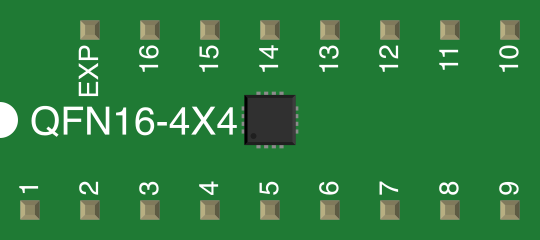
 Design with FT230XQ in Cirkit Designer
Introduction
The FT230XQ, manufactured by FTDI, is a USB to serial UART interface chip designed to provide a seamless connection between devices and USB ports. It simplifies the integration of USB functionality into embedded systems by offering a compact and efficient solution. The FT230XQ supports data rates of up to 3 Mbps and includes advanced features such as hardware flow control, a built-in EEPROM for configuration, and support for USB suspend and resume modes.
Explore Projects Built with FT230XQ
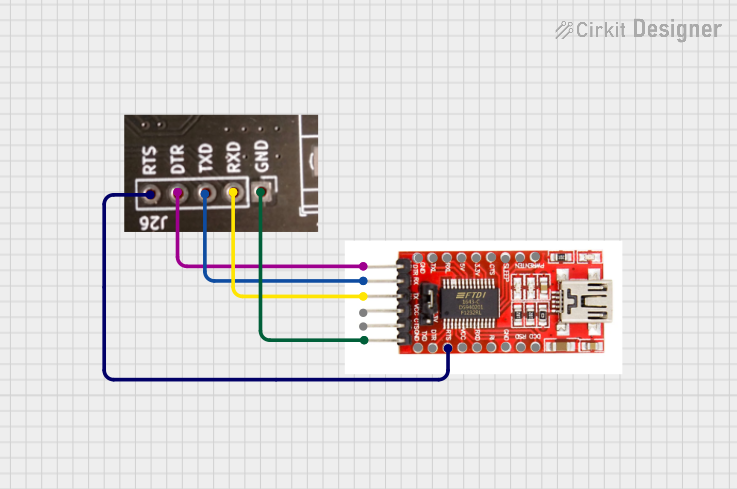 Open Project in Cirkit Designer
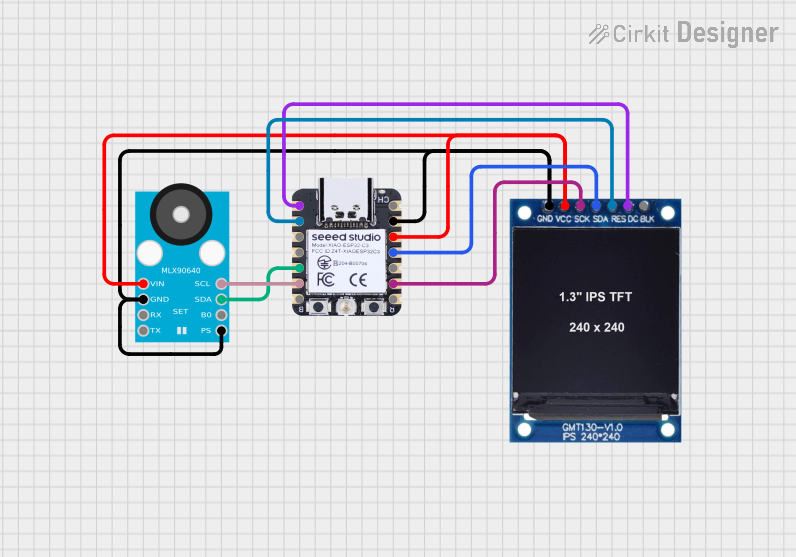 Open Project in Cirkit Designer
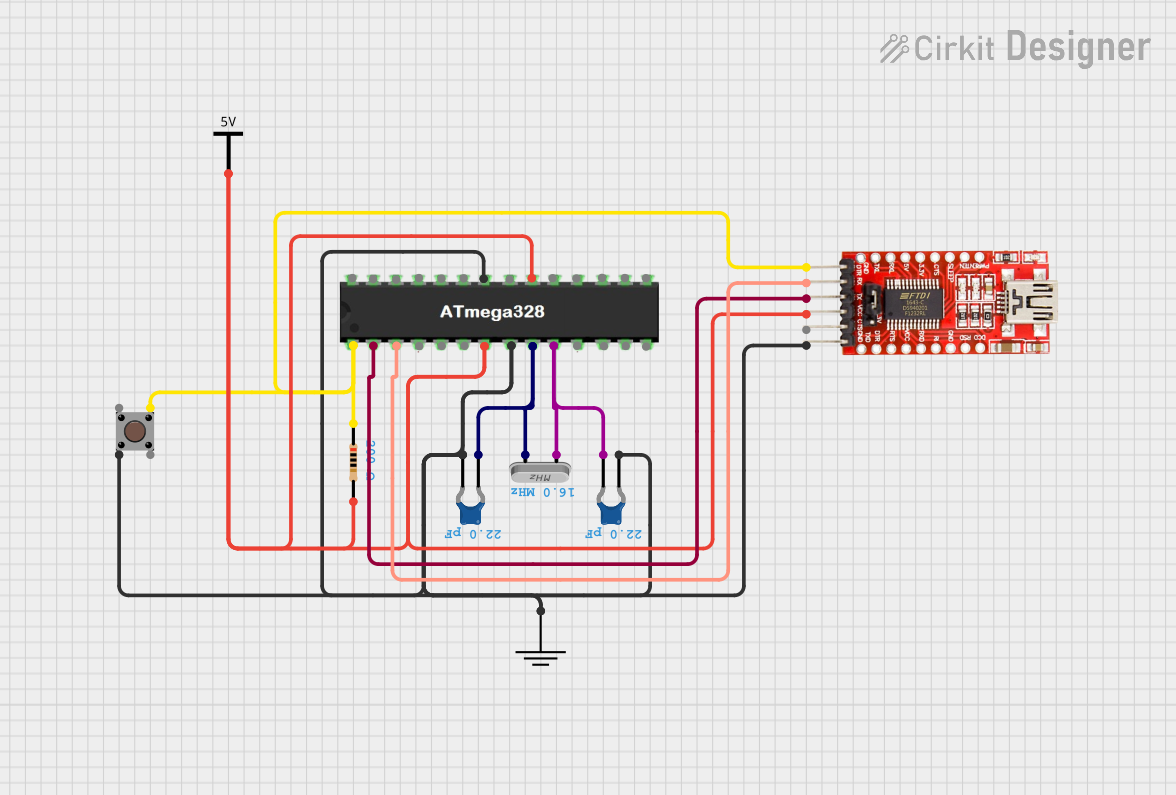 Open Project in Cirkit Designer
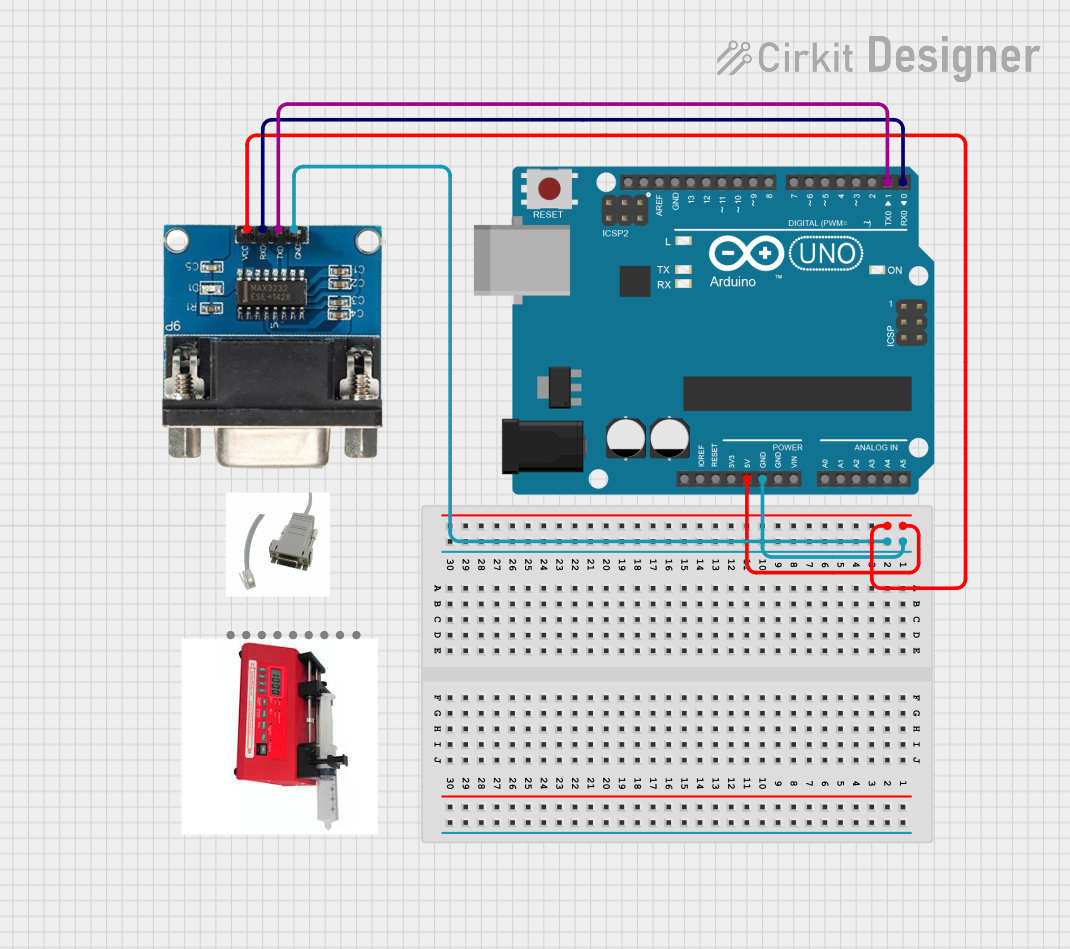 Open Project in Cirkit Designer
Explore Projects Built with FT230XQ
Open Project in Cirkit DesignerOpen Project in Cirkit DesignerOpen Project in Cirkit DesignerOpen Project in Cirkit DesignerCommon Applications and Use Cases
- USB-to-serial communication for microcontrollers and embedded systems
- USB-based debugging and programming interfaces
- USB connectivity for industrial equipment
- Data logging and monitoring systems
- Replacement for legacy RS232/RS485 interfaces
Technical Specifications
Key Technical Details
| Parameter | Value |
|---|---|
| Manufacturer | FTDI |
| Part Number | FT230XQ |
| USB Standard | USB 2.0 Full-Speed |
| UART Data Rate | Up to 3 Mbps |
| Operating Voltage | 3.3V (core) / 1.8V to 5.5V (I/O) |
| Power Consumption | 8 mA (typical, active mode) |
| EEPROM | Built-in, 1024 bits |
| Flow Control | RTS/CTS, DTR/DSR, XON/XOFF |
| Package Type | QFN-16 (4x4 mm) |
| Operating Temperature | -40°C to +85°C |
Pin Configuration and Descriptions
The FT230XQ is available in a 16-pin QFN package. Below is the pinout and description:
| Pin No. | Pin Name | Type | Description |
|---|---|---|---|
| 1 | VCC | Power | Supply voltage input (1.8V to 5.5V). |
| 2 | GND | Ground | Ground connection. |
| 3 | USBDP | I/O | USB data plus signal. |
| 4 | USBDM | I/O | USB data minus signal. |
| 5 | RESET# | Input | Active-low reset input. |
| 6 | TXD | Output | UART transmit data. |
| 7 | RXD | Input | UART receive data. |
| 8 | RTS# | Output | UART request-to-send signal. |
| 9 | CTS# | Input | UART clear-to-send signal. |
| 10 | CBUS0 | I/O | Configurable I/O pin (default: TXDEN). |
| 11 | CBUS1 | I/O | Configurable I/O pin. |
| 12 | CBUS2 | I/O | Configurable I/O pin. |
| 13 | CBUS3 | I/O | Configurable I/O pin. |
| 14 | CBUS4 | I/O | Configurable I/O pin. |
| 15 | 3V3OUT | Output | 3.3V regulator output (can supply up to 50 mA). |
| 16 | TEST | Input | Factory test pin (leave unconnected). |
Usage Instructions
How to Use the FT230XQ in a Circuit
- Power Supply: Connect the VCC pin to a power source within the range of 1.8V to 5.5V. Ensure proper decoupling capacitors are placed near the VCC pin for stable operation.
- USB Connection: Connect the USBDP and USBDM pins to the USB data lines. Use a standard USB connector for interfacing with a host device.
- UART Interface: Connect the TXD and RXD pins to the corresponding UART pins of the microcontroller or device. If hardware flow control is required, connect the RTS# and CTS# pins as well.
- Reset: Optionally, connect the RESET# pin to a push-button or microcontroller GPIO for manual or software-controlled reset functionality.
- Configuration: Use the built-in EEPROM to configure the chip's settings (e.g., CBUS pin functions, USB descriptors) using FTDI's FT_PROG utility.
Important Considerations and Best Practices
- USB Compliance: Ensure proper impedance matching and routing for the USB data lines to maintain signal integrity.
- Decoupling: Place a 0.1 µF ceramic capacitor close to the VCC pin to filter noise.
- EEPROM Programming: Use FTDI's tools to customize the chip's configuration, such as USB VID/PID, product description, and CBUS pin functions.
- Thermal Management: The FT230XQ operates within a wide temperature range, but ensure adequate ventilation or heat dissipation in high-temperature environments.
Example: Connecting FT230XQ to Arduino UNO
The FT230XQ can be used to provide USB-to-serial communication for an Arduino UNO. Below is an example Arduino sketch for testing serial communication:
// Example: Serial communication using FT230XQ and Arduino UNO
// Connect FT230XQ TXD to Arduino RX (Pin 0)
// Connect FT230XQ RXD to Arduino TX (Pin 1)
// Ensure common ground between FT230XQ and Arduino

void setup() {
  Serial.begin(9600); // Initialize serial communication at 9600 baud
  delay(1000);        // Wait for the FT230XQ to initialize
  Serial.println("FT230XQ Communication Test"); // Send test message
}

void loop() {
  if (Serial.available() > 0) {
    // Read data from the FT230XQ and echo it back
    char received = Serial.read();
    Serial.print("Received: ");
    Serial.println(received);
  }
}
Troubleshooting and FAQs
Common Issues and Solutions
Device Not Recognized by Host:
- Ensure the USB data lines (USBDP and USBDM) are properly connected.
- Verify that the correct drivers are installed. FTDI provides drivers for Windows, macOS, and Linux.
No UART Communication:
- Check the TXD and RXD connections between the FT230XQ and the target device.
- Ensure the baud rate and UART settings (e.g., parity, stop bits) match on both ends.
EEPROM Configuration Issues:
- Use FTDI's FT_PROG utility to verify and reprogram the EEPROM settings.
- Ensure the EEPROM is not corrupted by avoiding power interruptions during programming.
Overheating:
- Verify that the VCC voltage is within the specified range.
- Check for short circuits or excessive current draw on the 3V3OUT pin.
FAQs
Q: Can the FT230XQ operate without external EEPROM programming?
A: Yes, the FT230XQ has default settings that allow it to function as a USB-to-UART bridge without additional configuration.
Q: What is the maximum current output of the 3V3OUT pin?
A: The 3V3OUT pin can supply up to 50 mA, which is sufficient for powering small external circuits.
Q: Is the FT230XQ compatible with USB 3.0 ports?
A: Yes, the FT230XQ is backward-compatible with USB 3.0 ports, but it operates at USB 2.0 full-speed.
Q: Can I use the FT230XQ for RS485 communication?
A: Yes, the FT230XQ can be used with an external RS485 transceiver to implement RS485 communication.
By following this documentation, users can effectively integrate the FT230XQ into their projects and troubleshoot common issues with ease.