
How to Use ESP32 S3 Pico: Examples, Pinouts, and Specs
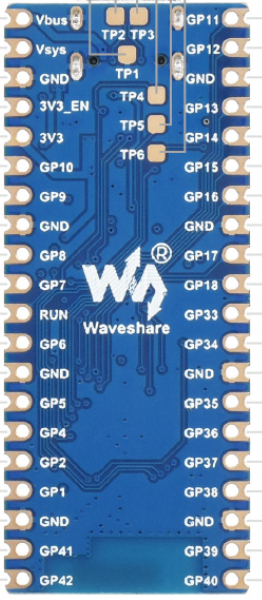
 Design with ESP32 S3 Pico in Cirkit Designer
Introduction
The ESP32 S3 Pico is a compact microcontroller board developed by Arduino, featuring dual-core processing, integrated Wi-Fi, and Bluetooth capabilities. Designed for IoT applications and embedded systems, this board offers high performance, low power consumption, and a small form factor, making it ideal for a wide range of projects, from smart home devices to wearable technology.
Explore Projects Built with ESP32 S3 Pico
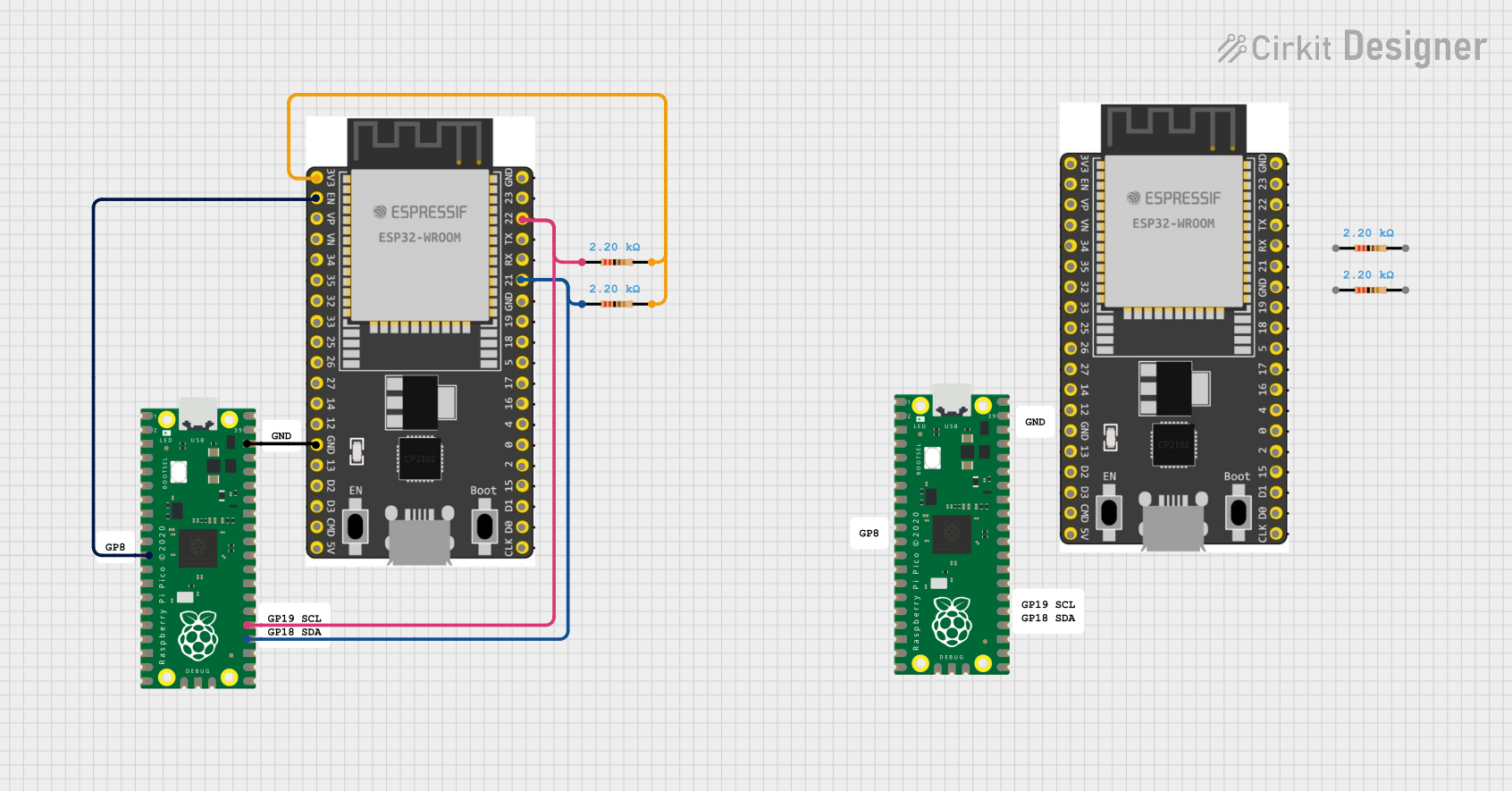 Open Project in Cirkit Designer
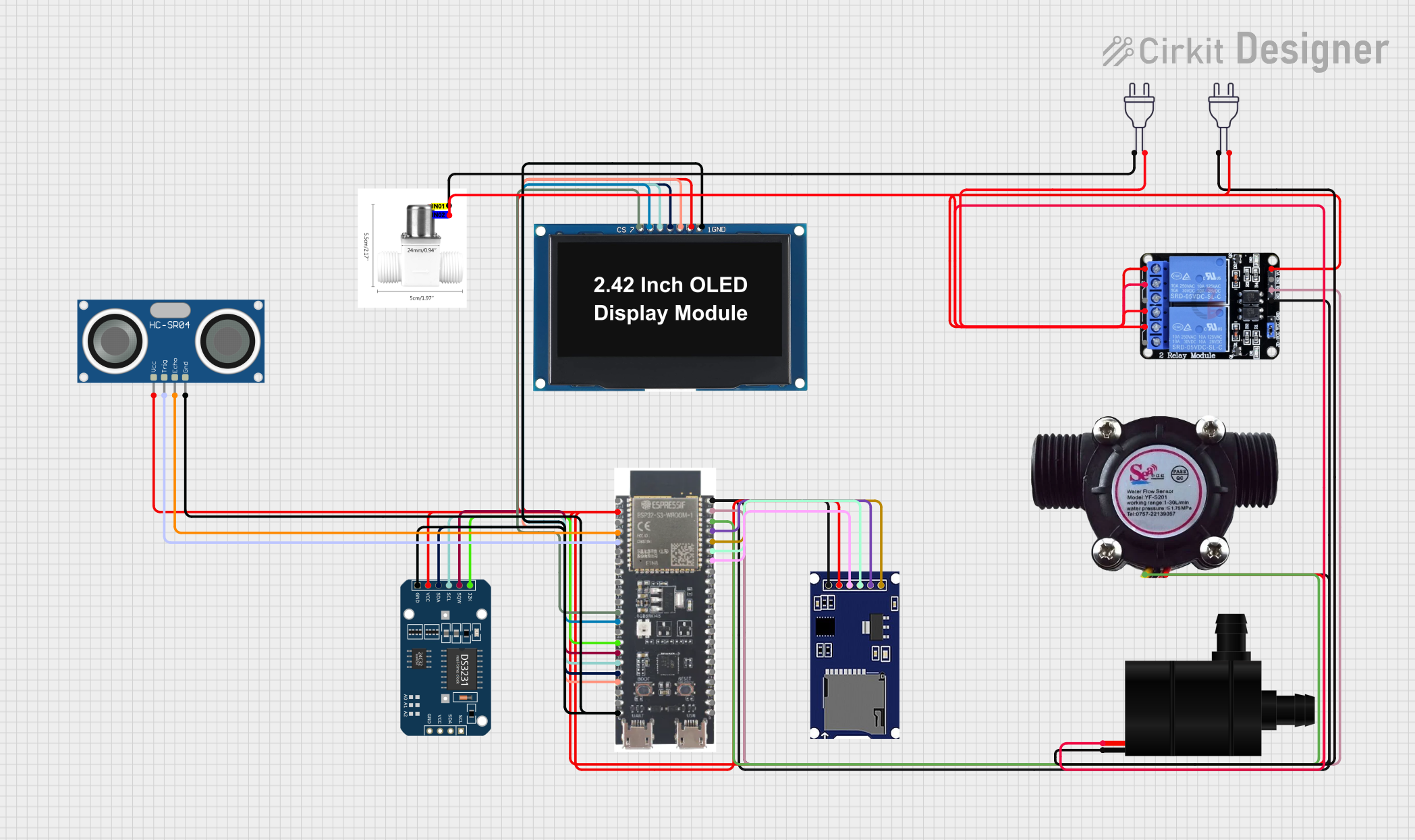 Open Project in Cirkit Designer
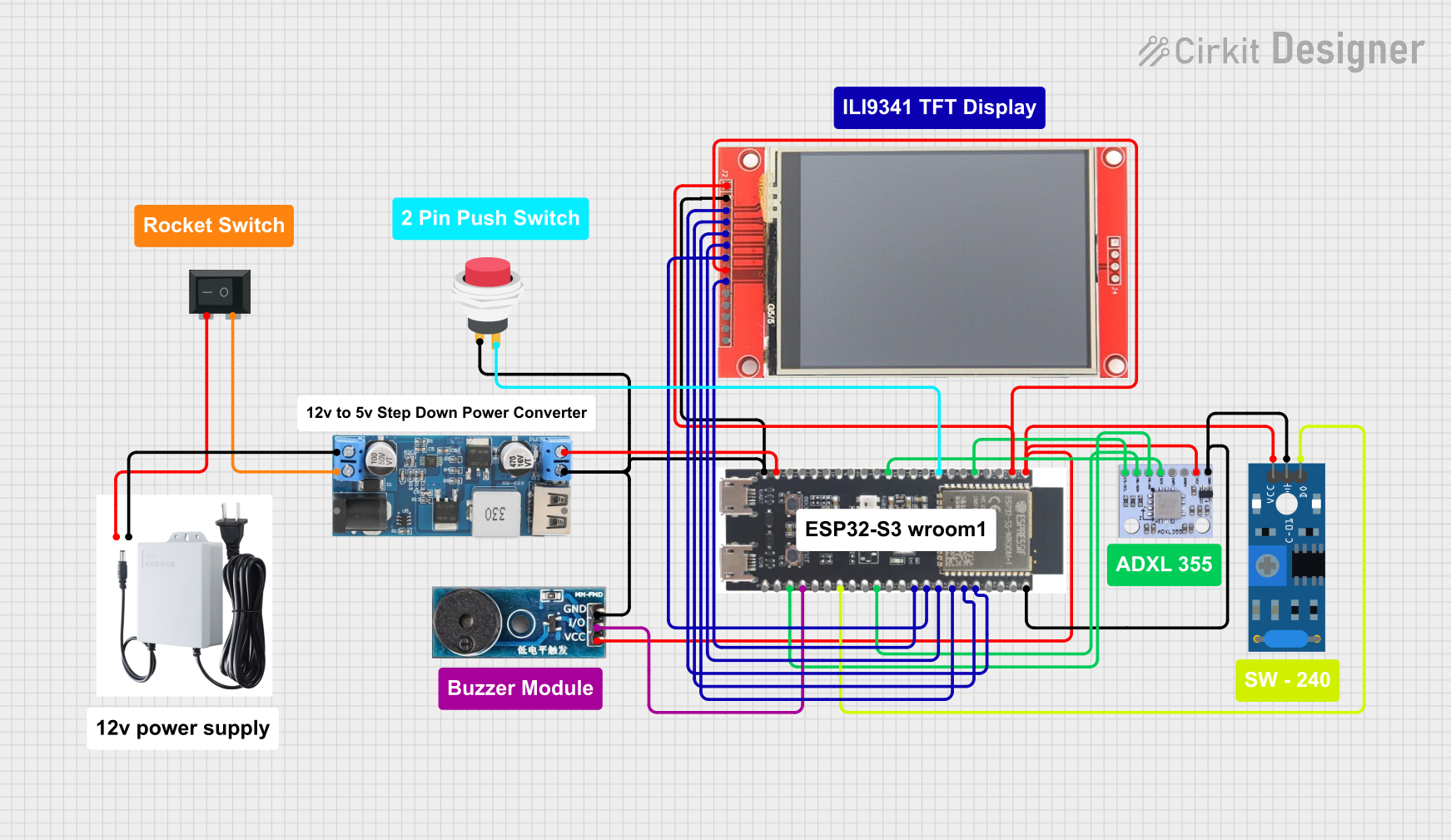 Open Project in Cirkit Designer
 Open Project in Cirkit Designer
Explore Projects Built with ESP32 S3 Pico
Open Project in Cirkit DesignerOpen Project in Cirkit DesignerOpen Project in Cirkit DesignerOpen Project in Cirkit DesignerCommon Applications and Use Cases
- Internet of Things (IoT) devices
- Smart home automation systems
- Wearable electronics
- Wireless sensor networks
- Robotics and control systems
- Real-time data monitoring and logging
Technical Specifications
The ESP32 S3 Pico is built to deliver robust performance while maintaining energy efficiency. Below are its key technical specifications:
| Specification | Details |
|---|---|
| Microcontroller | ESP32-S3 (dual-core Xtensa LX7 processor) |
| Clock Speed | Up to 240 MHz |
| Flash Memory | 8 MB (external) |
| RAM | 512 KB SRAM |
| Wireless Connectivity | Wi-Fi 802.11 b/g/n (2.4 GHz), Bluetooth 5.0 LE |
| GPIO Pins | 27 (multipurpose, including ADC, DAC, I2C, SPI, UART, PWM) |
| Operating Voltage | 3.3V |
| Input Voltage Range | 5V (via USB-C) |
| Power Consumption | Ultra-low power modes available |
| USB Interface | USB-C (supports programming and power supply) |
| Dimensions | 21 mm x 51 mm |
Pin Configuration and Descriptions
The ESP32 S3 Pico features a versatile pinout, allowing for multiple configurations. Below is the pin configuration:
| Pin | Name | Function |
|---|---|---|
| 1 | GND | Ground |
| 2 | 3V3 | 3.3V power output |
| 3 | EN | Enable pin (active high, resets the board when pulled low) |
| 4 | GPIO0 | General-purpose I/O, boot mode selection |
| 5 | GPIO1 | General-purpose I/O, UART TX |
| 6 | GPIO2 | General-purpose I/O, UART RX |
| 7 | GPIO3 | General-purpose I/O, ADC, PWM |
| 8 | GPIO4 | General-purpose I/O, ADC, PWM |
| 9 | GPIO5 | General-purpose I/O, SPI MOSI |
| 10 | GPIO6 | General-purpose I/O, SPI MISO |
| ... | ... | ... (Refer to the official datasheet for the full pinout) |
Usage Instructions
The ESP32 S3 Pico is easy to integrate into your projects. Below are the steps to get started and important considerations:
How to Use the ESP32 S3 Pico in a Circuit
Powering the Board:
- Connect the board to your computer or power source using a USB-C cable.
- Ensure the input voltage does not exceed 5V to avoid damage.
Programming the Board:
- Install the Arduino IDE and add the ESP32 board package via the Board Manager.
- Select "ESP32 S3 Pico" as the target board in the Tools menu.
- Write your code and upload it to the board using the USB-C connection.
Connecting Peripherals:
- Use the GPIO pins to connect sensors, actuators, or other peripherals.
- Ensure proper voltage levels (3.3V logic) when interfacing with external components.
Important Considerations and Best Practices
- Power Supply: Always use a stable power source to avoid unexpected resets or malfunctions.
- Pin Voltage Levels: The GPIO pins operate at 3.3V logic. Avoid applying 5V directly to the pins.
- Wi-Fi and Bluetooth: Ensure proper antenna placement for optimal wireless performance.
- Heat Management: While the ESP32 S3 Pico is efficient, prolonged high-performance tasks may generate heat. Consider ventilation if necessary.
Example Code for Arduino UNO Integration
Below is an example of how to use the ESP32 S3 Pico to read data from a DHT11 temperature and humidity sensor and send it to a serial monitor:
#include <DHT.h>

// Define the DHT sensor type and pin
#define DHTPIN 4       // GPIO4 is connected to the DHT11 data pin
#define DHTTYPE DHT11  // DHT11 sensor type

DHT dht(DHTPIN, DHTTYPE);

void setup() {
  Serial.begin(115200);  // Initialize serial communication at 115200 baud
  dht.begin();           // Initialize the DHT sensor
  Serial.println("DHT11 Sensor Test");
}

void loop() {
  delay(2000);  // Wait 2 seconds between readings

  // Read temperature and humidity values
  float humidity = dht.readHumidity();
  float temperature = dht.readTemperature();

  // Check if the readings are valid
  if (isnan(humidity) || isnan(temperature)) {
    Serial.println("Failed to read from DHT sensor!");
    return;
  }

  // Print the readings to the serial monitor
  Serial.print("Humidity: ");
  Serial.print(humidity);
  Serial.print("%  Temperature: ");
  Serial.print(temperature);
  Serial.println("°C");
}
Troubleshooting and FAQs
Common Issues and Solutions
Board Not Detected by Arduino IDE:
- Ensure the correct USB driver is installed for the ESP32 S3 Pico.
- Check that the USB-C cable supports data transfer (not just charging).
- Verify that the correct board and port are selected in the Arduino IDE.
Wi-Fi Connection Fails:
- Double-check the SSID and password in your code.
- Ensure the Wi-Fi network operates on the 2.4 GHz band (not 5 GHz).
- Place the board closer to the router to improve signal strength.
Program Upload Fails:
- Press and hold the "BOOT" button on the board while uploading the code.
- Ensure no other application is using the COM port.
Overheating:
- Avoid running high-power tasks continuously without breaks.
- Ensure proper ventilation around the board.
FAQs
Q: Can the ESP32 S3 Pico operate on battery power?
A: Yes, the board can be powered using a 3.7V LiPo battery connected to the appropriate pins, but ensure proper voltage regulation.
Q: Is the ESP32 S3 Pico compatible with Arduino libraries?
A: Yes, most Arduino libraries are compatible with the ESP32 S3 Pico. However, some may require minor modifications.
Q: How do I reset the board?
A: Press the "EN" button on the board to reset it.
Q: Can I use the ESP32 S3 Pico for machine learning applications?
A: Yes, the dual-core processor and ample memory make it suitable for lightweight machine learning tasks.
This concludes the documentation for the ESP32 S3 Pico. For further details, refer to the official Arduino documentation or datasheet.