
How to Use LJ12A3-4-Z/BX Inductive Proximity Sensor: Examples, Pinouts, and Specs
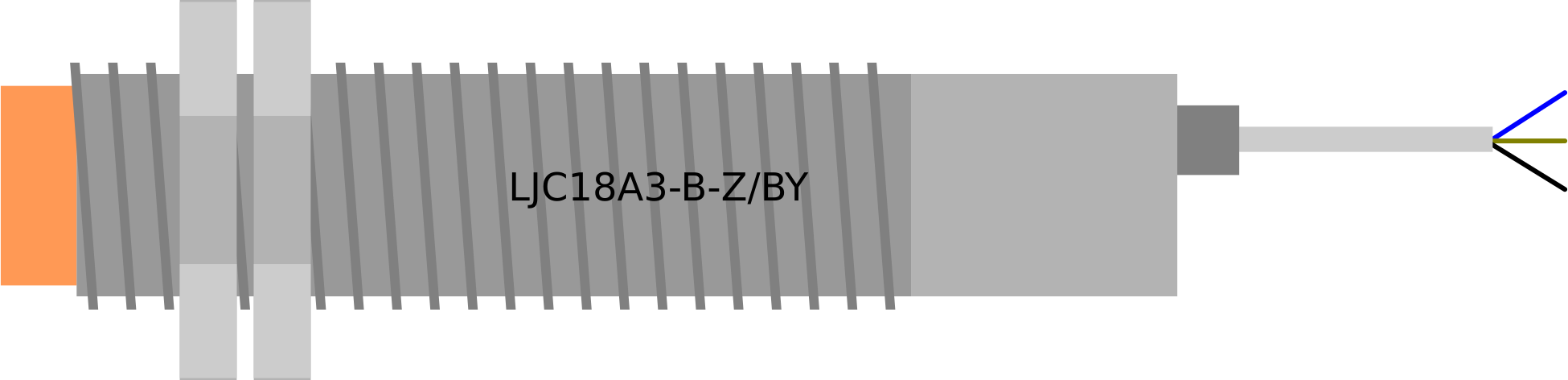
 Design with LJ12A3-4-Z/BX Inductive Proximity Sensor in Cirkit Designer
Introduction
The LJ12A3-4-Z/BX is a non-contact inductive proximity sensor designed to detect metallic objects within a specified range using electromagnetic fields. This sensor is widely used in industrial automation, robotics, and manufacturing systems for position sensing, object detection, and counting applications. Its robust design and reliable performance make it suitable for harsh environments.
Explore Projects Built with LJ12A3-4-Z/BX Inductive Proximity Sensor
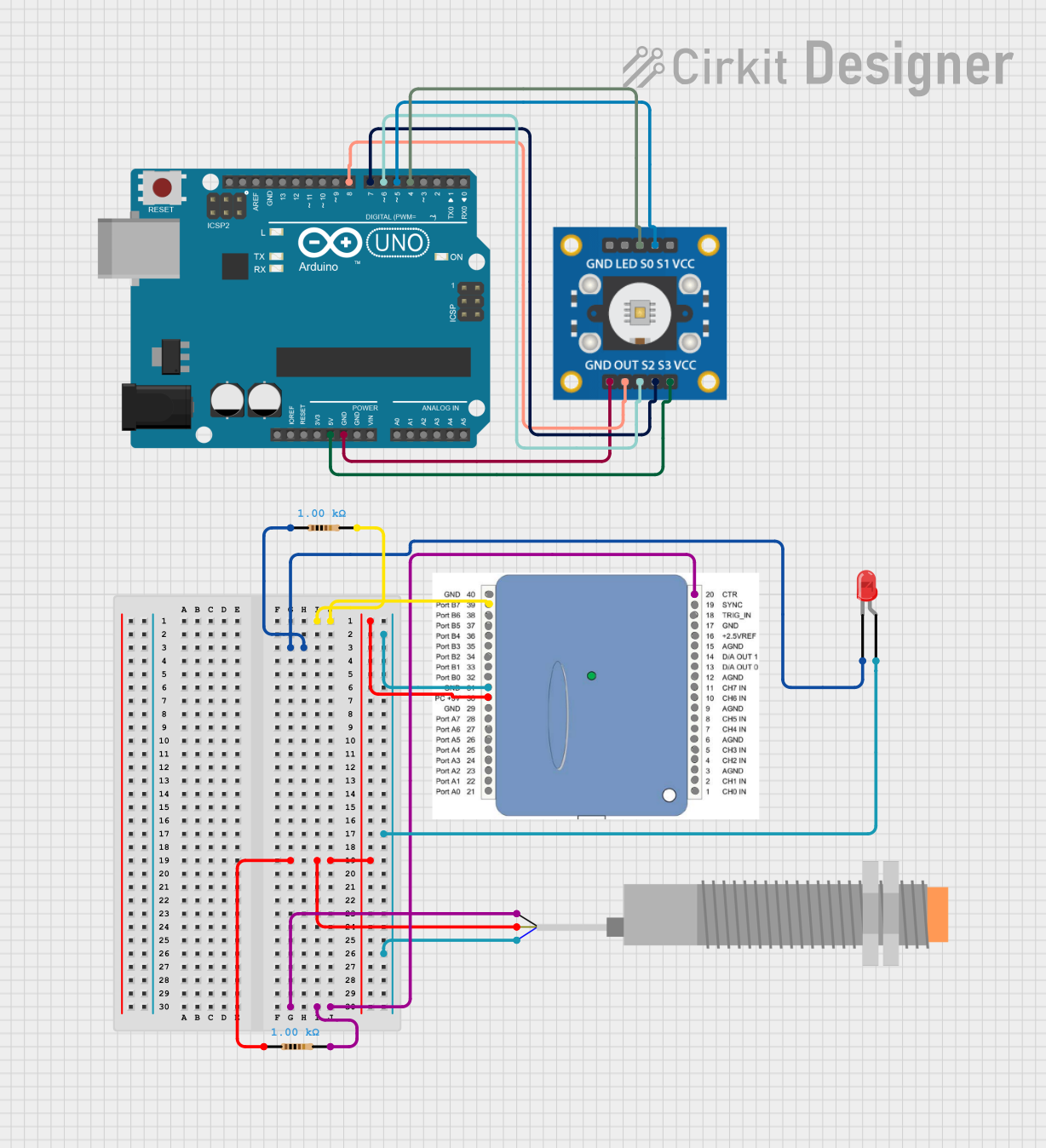 Open Project in Cirkit Designer
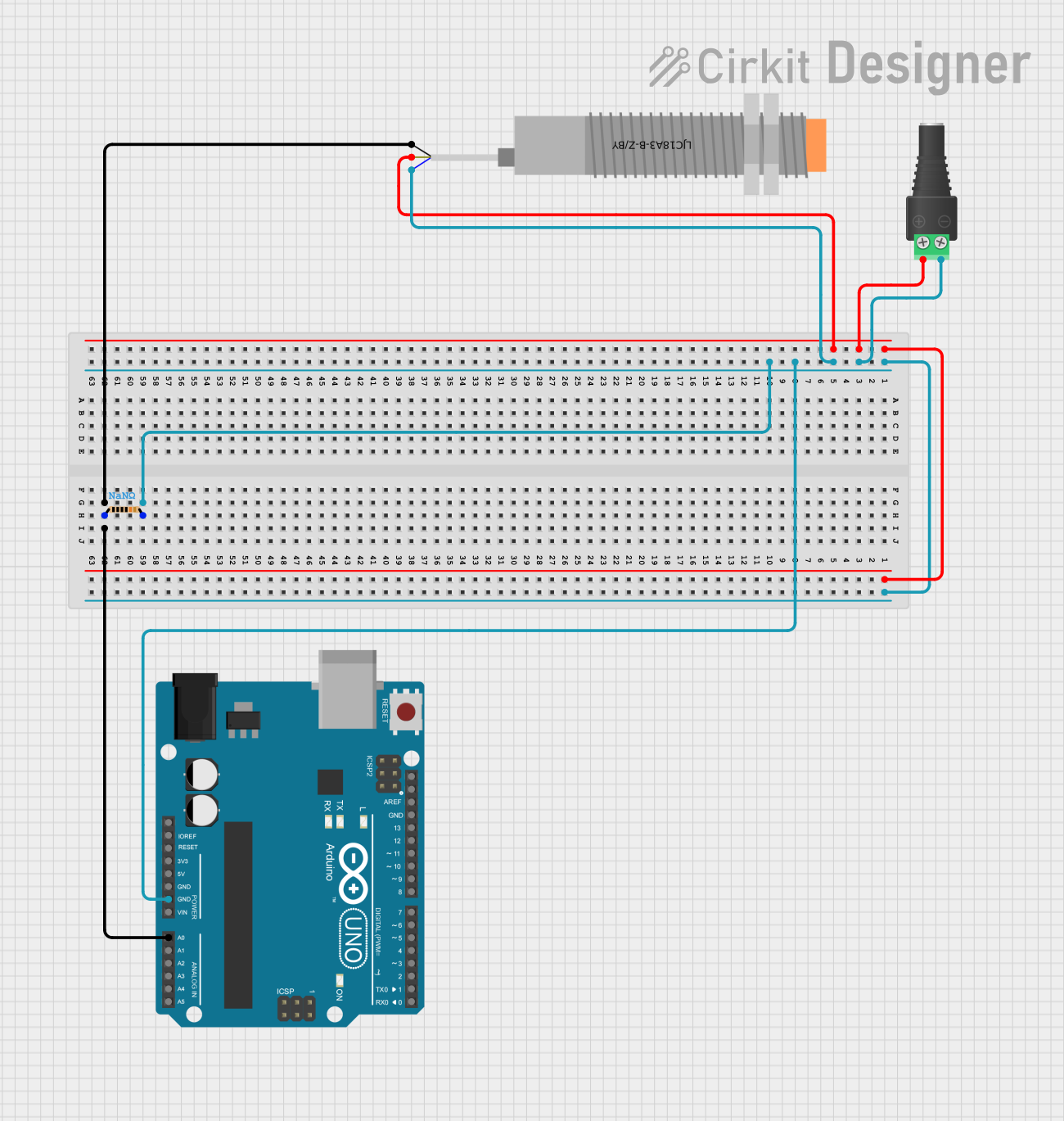 Open Project in Cirkit Designer
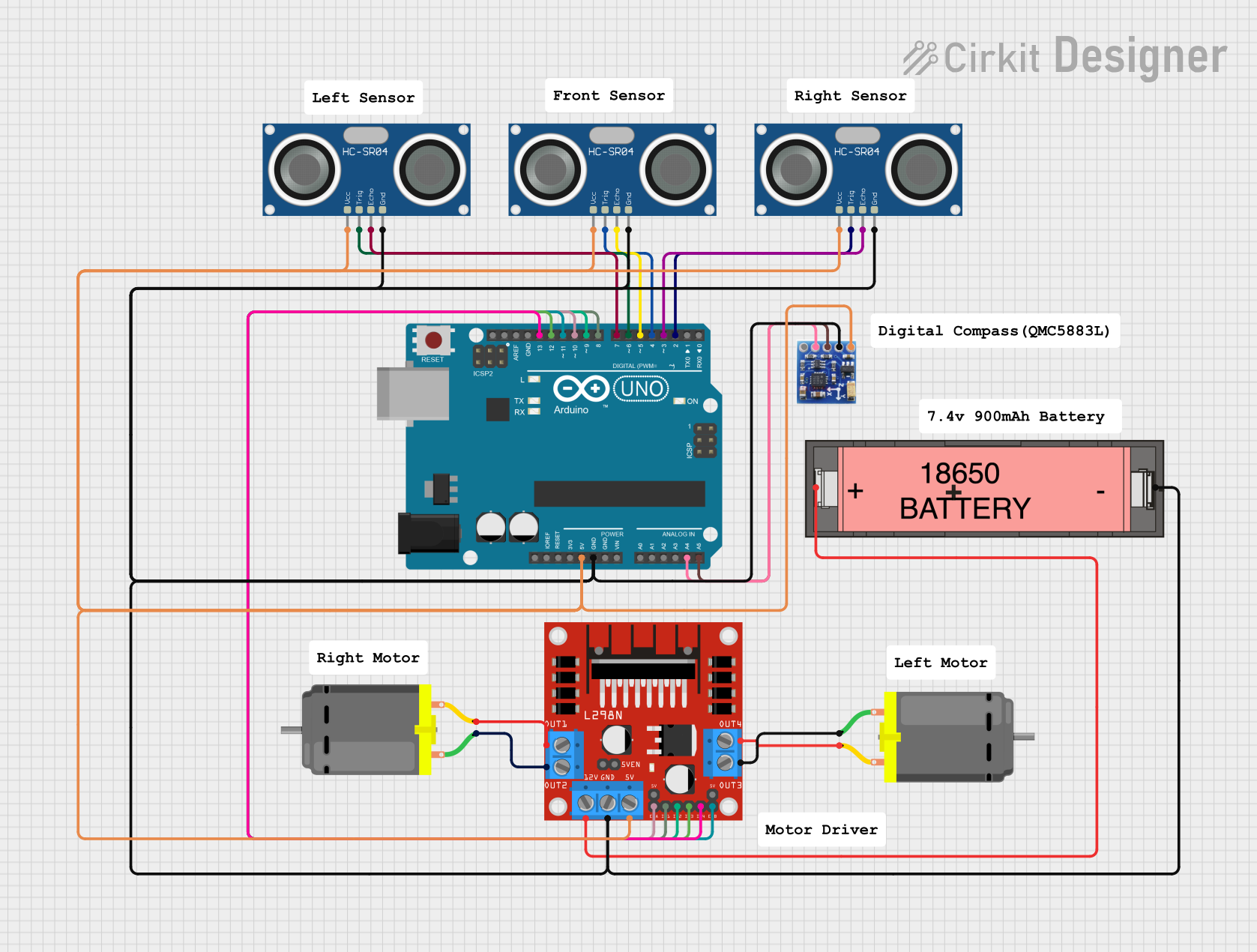 Open Project in Cirkit Designer
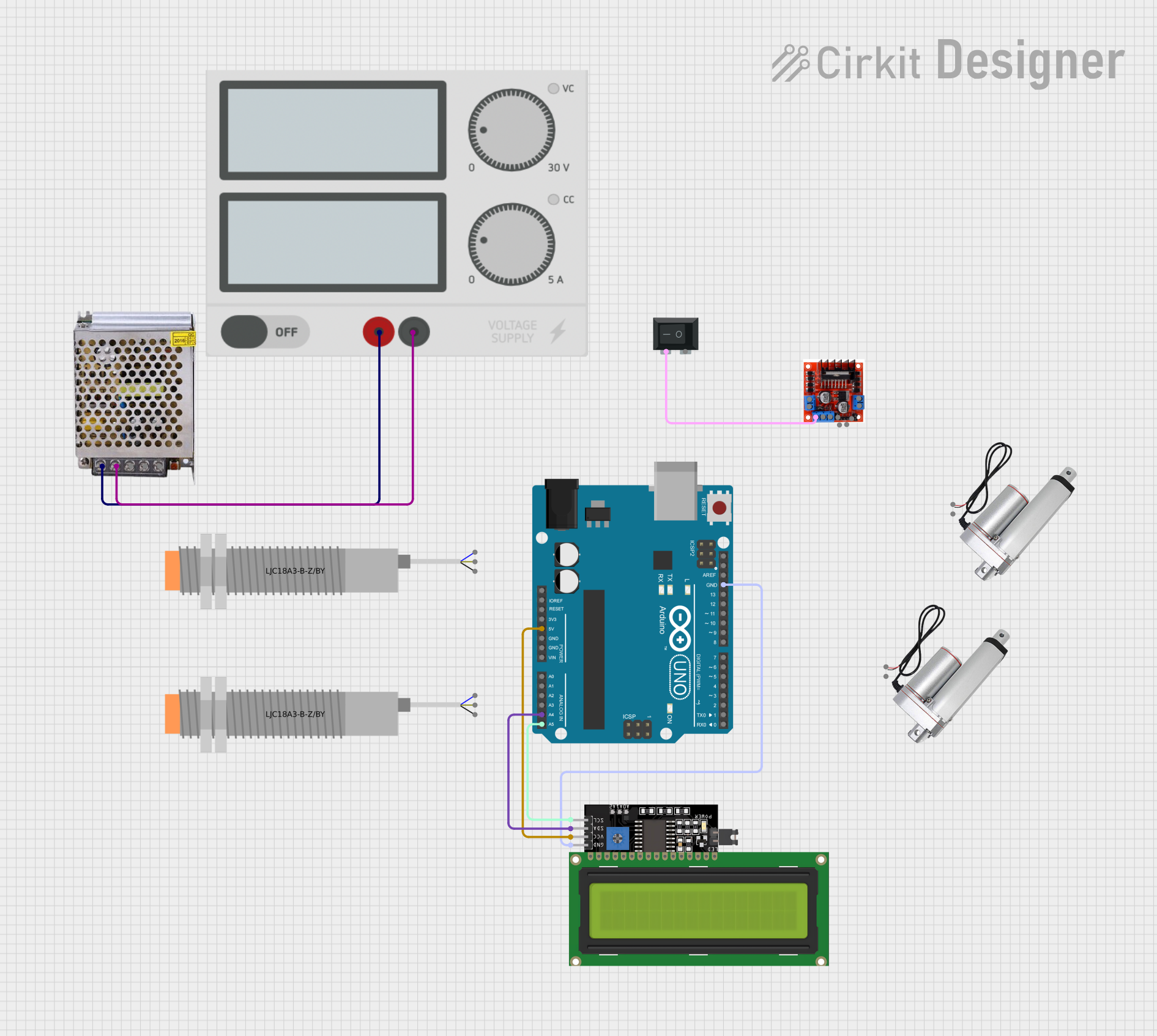 Open Project in Cirkit Designer
Explore Projects Built with LJ12A3-4-Z/BX Inductive Proximity Sensor
Open Project in Cirkit DesignerOpen Project in Cirkit DesignerOpen Project in Cirkit DesignerOpen Project in Cirkit DesignerCommon Applications
- Position sensing in conveyor systems
- Object detection in automated machinery
- Metal detection in industrial processes
- Robotics for proximity-based tasks
- Counting metallic objects in production lines
Technical Specifications
Key Technical Details
| Parameter | Value |
|---|---|
| Model | LJ12A3-4-Z/BX |
| Sensing Distance | 4 mm |
| Sensing Target | Metallic objects (e.g., iron) |
| Output Type | NPN Normally Open (NO) |
| Operating Voltage | 6V to 36V DC |
| Output Current | ≤ 300 mA |
| Response Frequency | 500 Hz |
| Operating Temperature | -25°C to +70°C |
| Housing Material | Nickel-plated brass |
| Protection Rating | IP67 (dust-tight and water-resistant) |
Pin Configuration and Descriptions
| Pin Name | Wire Color | Description |
|---|---|---|
| VCC | Brown | Positive supply voltage (6V to 36V DC) |
| GND | Blue | Ground connection |
| OUT | Black | Output signal (NPN, Normally Open) |
Usage Instructions
How to Use the LJ12A3-4-Z/BX in a Circuit
- Power Supply: Connect the brown wire (VCC) to a DC power supply within the range of 6V to 36V. Ensure the power supply is stable and within the specified voltage range.
- Ground Connection: Connect the blue wire (GND) to the ground of the power supply or circuit.
- Output Signal: Connect the black wire (OUT) to the input pin of a microcontroller, relay, or other control circuit. Use a pull-down resistor if necessary to stabilize the signal.
- Placement: Position the sensor such that the metallic object to be detected is within the 4 mm sensing range. Ensure the object is aligned with the sensing face of the sensor.
- Testing: Power on the circuit and test the sensor by moving a metallic object in and out of the sensing range. The output signal will change state when the object is detected.
Important Considerations and Best Practices
- Target Material: The sensor is optimized for detecting ferrous metals (e.g., iron). Non-ferrous metals may reduce the sensing range.
- Mounting: Secure the sensor using the threaded housing and nuts provided. Avoid excessive vibration or mechanical stress.
- Environmental Conditions: Ensure the sensor is not exposed to temperatures or humidity levels beyond its operating range. The IP67 rating provides protection against dust and water, but avoid submerging the sensor.
- Wiring: Keep the wiring as short as possible to minimize noise interference. Use shielded cables if the sensor is used in a high-noise environment.
Example: Connecting to an Arduino UNO
The LJ12A3-4-Z/BX can be easily interfaced with an Arduino UNO for object detection. Below is an example circuit and code:
Circuit Diagram
- Connect the brown wire (VCC) to the Arduino's 5V pin.
- Connect the blue wire (GND) to the Arduino's GND pin.
- Connect the black wire (OUT) to the Arduino's digital pin 2.
Arduino Code
// LJ12A3-4-Z/BX Inductive Proximity Sensor Example
// This code reads the sensor's output and prints the detection status to the Serial Monitor.

const int sensorPin = 2; // Sensor output connected to digital pin 2
int sensorState = 0;     // Variable to store the sensor state

void setup() {
  pinMode(sensorPin, INPUT); // Set sensor pin as input
  Serial.begin(9600);        // Initialize serial communication at 9600 baud
}

void loop() {
  sensorState = digitalRead(sensorPin); // Read the sensor's output state

  if (sensorState == HIGH) {
    // If the sensor detects a metallic object
    Serial.println("Metallic object detected!");
  } else {
    // If no object is detected
    Serial.println("No object detected.");
  }

  delay(500); // Wait for 500 milliseconds before the next reading
}
Troubleshooting and FAQs
Common Issues and Solutions
| Issue | Possible Cause | Solution |
|---|---|---|
| Sensor not detecting objects | Object is out of sensing range | Ensure the object is within 4 mm of the sensor face. |
| False detections or noise | Electrical interference or noise | Use shielded cables and keep wiring short. |
| No output signal | Incorrect wiring or insufficient power | Verify wiring connections and power supply voltage. |
| Reduced sensing range | Non-ferrous target material | Use ferrous metals for optimal detection. |
FAQs
Can the sensor detect non-metallic objects?
No, the LJ12A3-4-Z/BX is designed to detect metallic objects only.What happens if the supply voltage exceeds 36V?
Exceeding the maximum voltage may damage the sensor permanently. Always use a regulated power supply within the specified range.Can I use this sensor outdoors?
Yes, the IP67 rating allows for outdoor use, but avoid prolonged submersion in water.How do I extend the sensing range?
The sensing range is fixed at 4 mm. To detect objects at a greater distance, consider using a different sensor model with a longer range.
By following this documentation, you can effectively integrate the LJ12A3-4-Z/BX inductive proximity sensor into your projects and troubleshoot common issues with ease.