
How to Use 테무 220V 원격 전원 스위치: Examples, Pinouts, and Specs
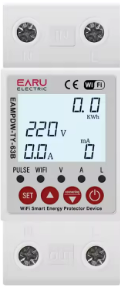
 Design with 테무 220V 원격 전원 스위치 in Cirkit Designer
Introduction
The 테무 220V 원격 전원 스위치 is a versatile remote-controlled power switch designed for 220V AC applications. It allows users to remotely control electrical devices, such as lights, fans, or appliances, enhancing convenience, energy efficiency, and safety. This component is ideal for home automation systems, industrial equipment control, and other scenarios where remote operation of electrical devices is required.
Explore Projects Built with 테무 220V 원격 전원 스위치
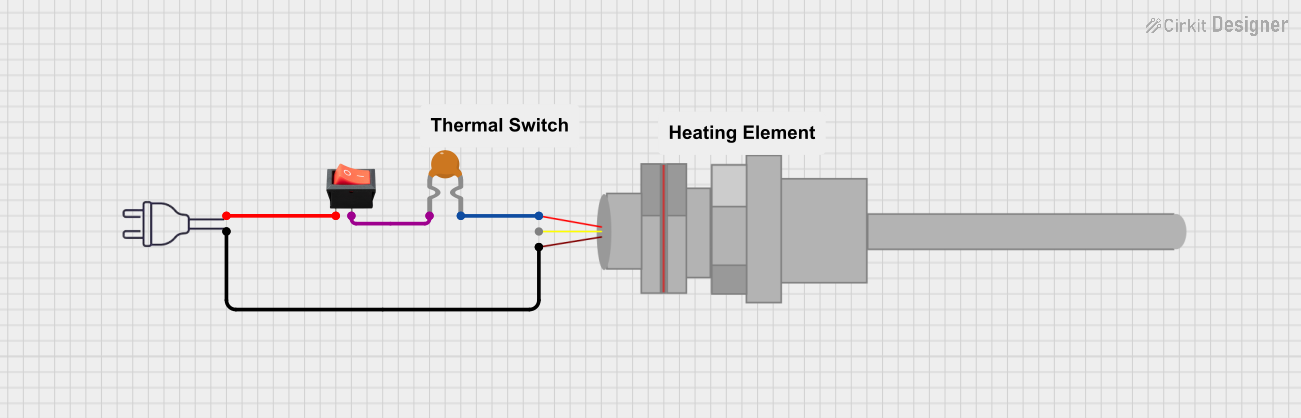 Open Project in Cirkit Designer
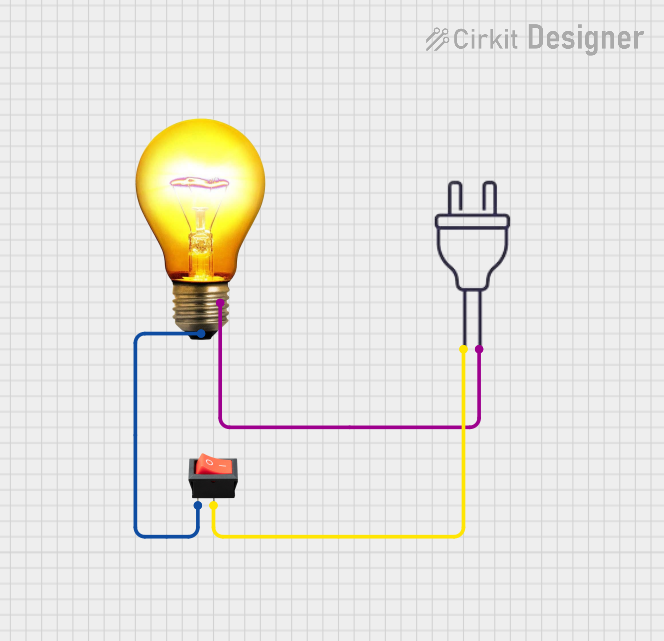 Open Project in Cirkit Designer
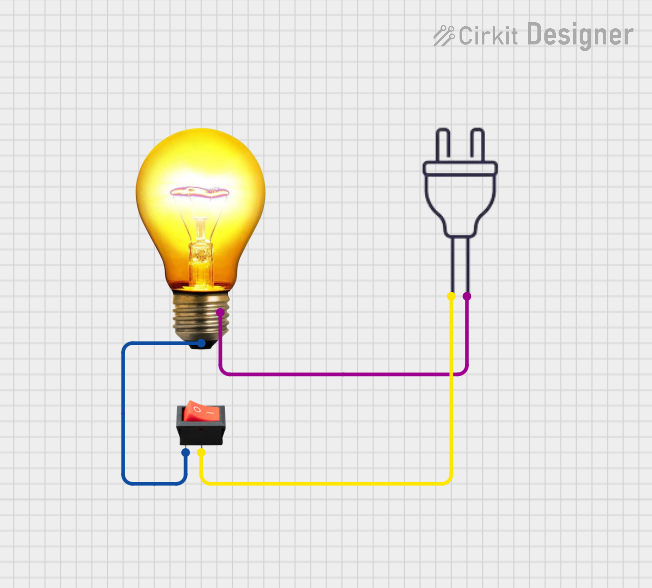 Open Project in Cirkit Designer
 Open Project in Cirkit Designer
Explore Projects Built with 테무 220V 원격 전원 스위치
Open Project in Cirkit DesignerOpen Project in Cirkit DesignerOpen Project in Cirkit DesignerOpen Project in Cirkit DesignerCommon Applications and Use Cases
- Home Automation: Control lights, fans, or appliances remotely.
- Industrial Equipment: Manage machinery or tools from a safe distance.
- Energy Management: Turn off unused devices to save power.
- Safety Applications: Operate high-voltage devices without direct contact.
Technical Specifications
Key Technical Details
| Parameter | Value |
|---|---|
| Operating Voltage | 220V AC |
| Maximum Load Current | 10A |
| Power Rating | 2200W |
| Control Method | RF Remote Control |
| Remote Control Range | Up to 30 meters (line of sight) |
| Frequency | 433 MHz |
| Dimensions | 90mm x 50mm x 30mm |
| Operating Temperature | -10°C to 50°C |
| Manufacturer Part ID | 테무 220V 원격 전원 스위치 |
Pin Configuration and Descriptions
The 테무 220V 원격 전원 스위치 has the following terminal connections:
| Terminal Label | Description |
|---|---|
| L (Line) | Connect to the live wire of the 220V AC supply. |
| N (Neutral) | Connect to the neutral wire of the 220V AC supply. |
| Load L | Connect to the live wire of the load (e.g., appliance). |
| Load N | Connect to the neutral wire of the load. |
Usage Instructions
How to Use the Component in a Circuit
Wiring the Switch:
- Connect the L (Line) terminal to the live wire of the 220V AC power supply.
- Connect the N (Neutral) terminal to the neutral wire of the 220V AC power supply.
- Connect the Load L and Load N terminals to the live and neutral wires of the device you want to control.
- Ensure all connections are secure and insulated to prevent electrical hazards.
Pairing the Remote:
- Press and hold the pairing button on the switch until the indicator LED starts blinking.
- Press the desired button on the remote control to pair it with the switch.
- The LED will stop blinking, indicating successful pairing.
Operating the Switch:
- Use the remote control to turn the connected device ON or OFF.
- Ensure the remote is within the specified range (up to 30 meters).
Important Considerations and Best Practices
- Safety First: Always disconnect the power supply before wiring or modifying connections.
- Load Capacity: Do not exceed the maximum load current of 10A or power rating of 2200W.
- Environment: Avoid using the switch in environments with high humidity or extreme temperatures.
- Testing: After installation, test the switch with a low-power device to ensure proper operation before connecting high-power appliances.
Arduino UNO Integration
While the 테무 220V 원격 전원 스위치 is primarily controlled via its RF remote, it can be integrated with an Arduino UNO using an RF transmitter module. Below is an example code snippet to control the switch using an Arduino:
#include <RH_ASK.h>  // Include RadioHead ASK library for RF communication
#include <SPI.h>     // Include SPI library (required by RadioHead)

RH_ASK rf_driver;    // Initialize RF driver

void setup() {
  rf_driver.init();  // Initialize RF communication
}

void loop() {
  const char *on_signal = "ON";  // Signal to turn the switch ON
  const char *off_signal = "OFF"; // Signal to turn the switch OFF

  // Send ON signal
  rf_driver.send((uint8_t *)on_signal, strlen(on_signal));
  rf_driver.waitPacketSent();  // Wait for the signal to be sent
  delay(5000);  // Wait for 5 seconds

  // Send OFF signal
  rf_driver.send((uint8_t *)off_signal, strlen(off_signal));
  rf_driver.waitPacketSent();  // Wait for the signal to be sent
  delay(5000);  // Wait for 5 seconds
}
Note: Replace the
on_signalandoff_signalvalues with the actual RF codes for your remote control. Use an RF sniffer to capture these codes if necessary.
Troubleshooting and FAQs
Common Issues and Solutions
The switch does not respond to the remote control:
- Ensure the remote is within the specified range (30 meters).
- Check the battery in the remote control and replace it if necessary.
- Re-pair the remote with the switch by following the pairing instructions.
The connected device does not turn ON or OFF:
- Verify the wiring connections to ensure they are correct and secure.
- Check if the connected device is functional by testing it with a direct power connection.
- Ensure the load does not exceed the maximum power rating (2200W).
The switch overheats during operation:
- Confirm that the load current does not exceed 10A.
- Ensure proper ventilation around the switch to dissipate heat.
Interference with other RF devices:
- Change the frequency of the RF remote if possible, or move the switch away from other RF devices.
FAQs
Can I use this switch with a 110V AC supply?
- No, the switch is designed specifically for 220V AC applications.
What happens if the remote is lost?
- You can purchase a compatible replacement remote and pair it with the switch.
Is the switch waterproof?
- No, the switch is not waterproof. Use it only in dry environments or enclosures.
Can I control multiple switches with one remote?
- Yes, you can pair multiple switches with the same remote, provided they are within range.
This concludes the documentation for the 테무 220V 원격 전원 스위치. For further assistance, refer to the manufacturer's support resources.