
How to Use F25: Examples, Pinouts, and Specs
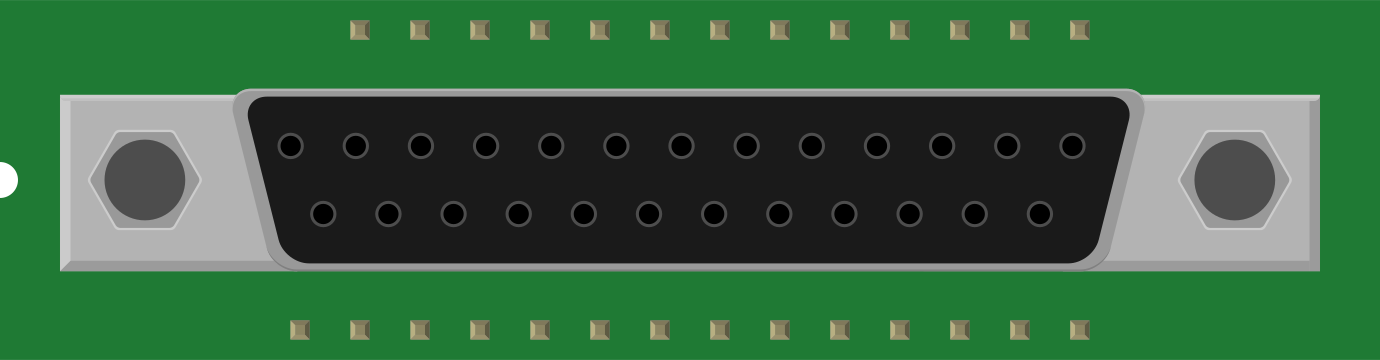
 Design with F25 in Cirkit Designer
Introduction
The F25 is a fuse designed to protect electrical circuits from overcurrent conditions. It operates by breaking the circuit when the current exceeds a specified limit, thereby preventing damage to components and reducing the risk of fire or other hazards. Fuses like the F25 are essential in ensuring the safety and reliability of electrical systems.
Explore Projects Built with F25
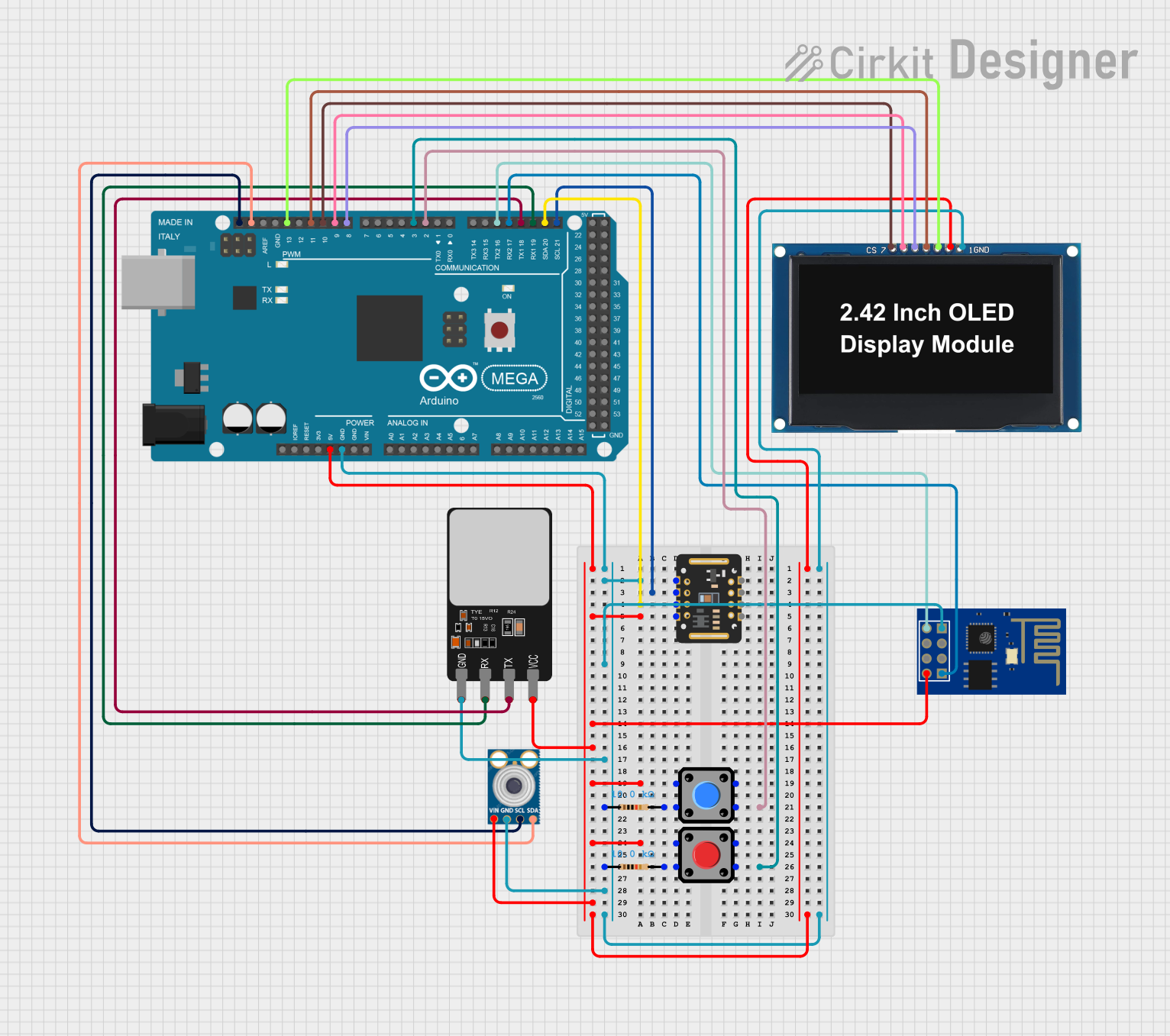 Open Project in Cirkit Designer
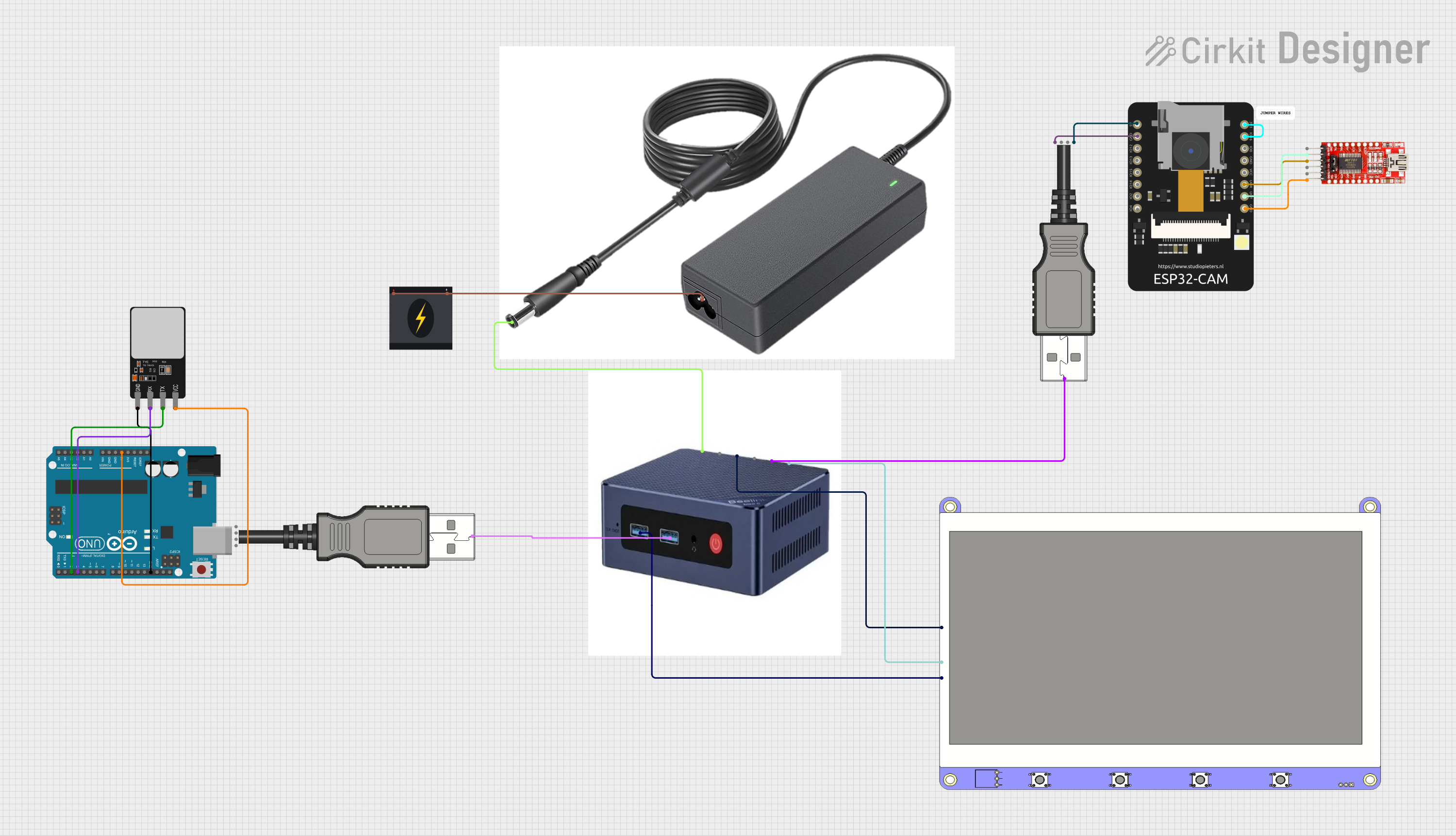 Open Project in Cirkit Designer
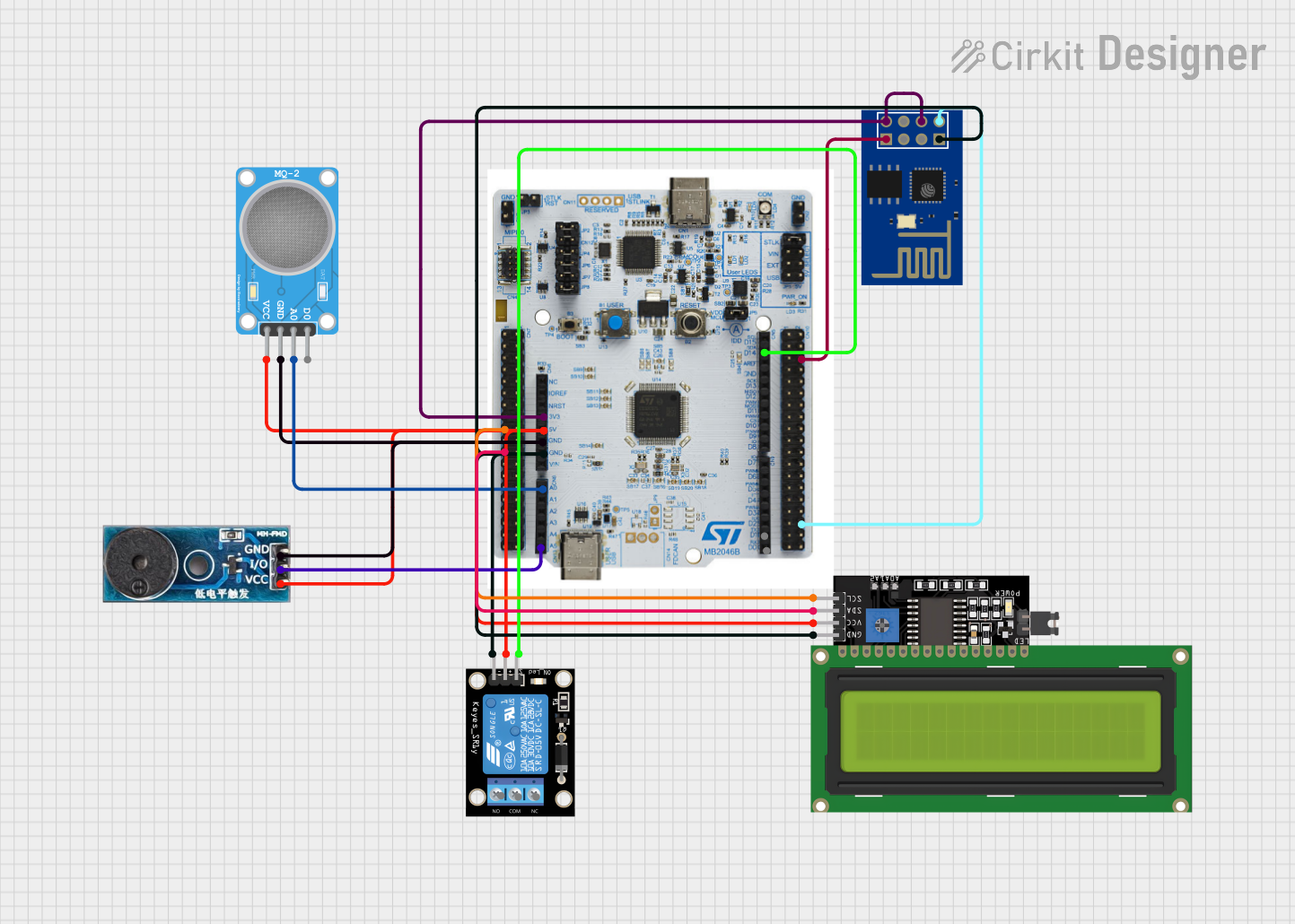 Open Project in Cirkit Designer
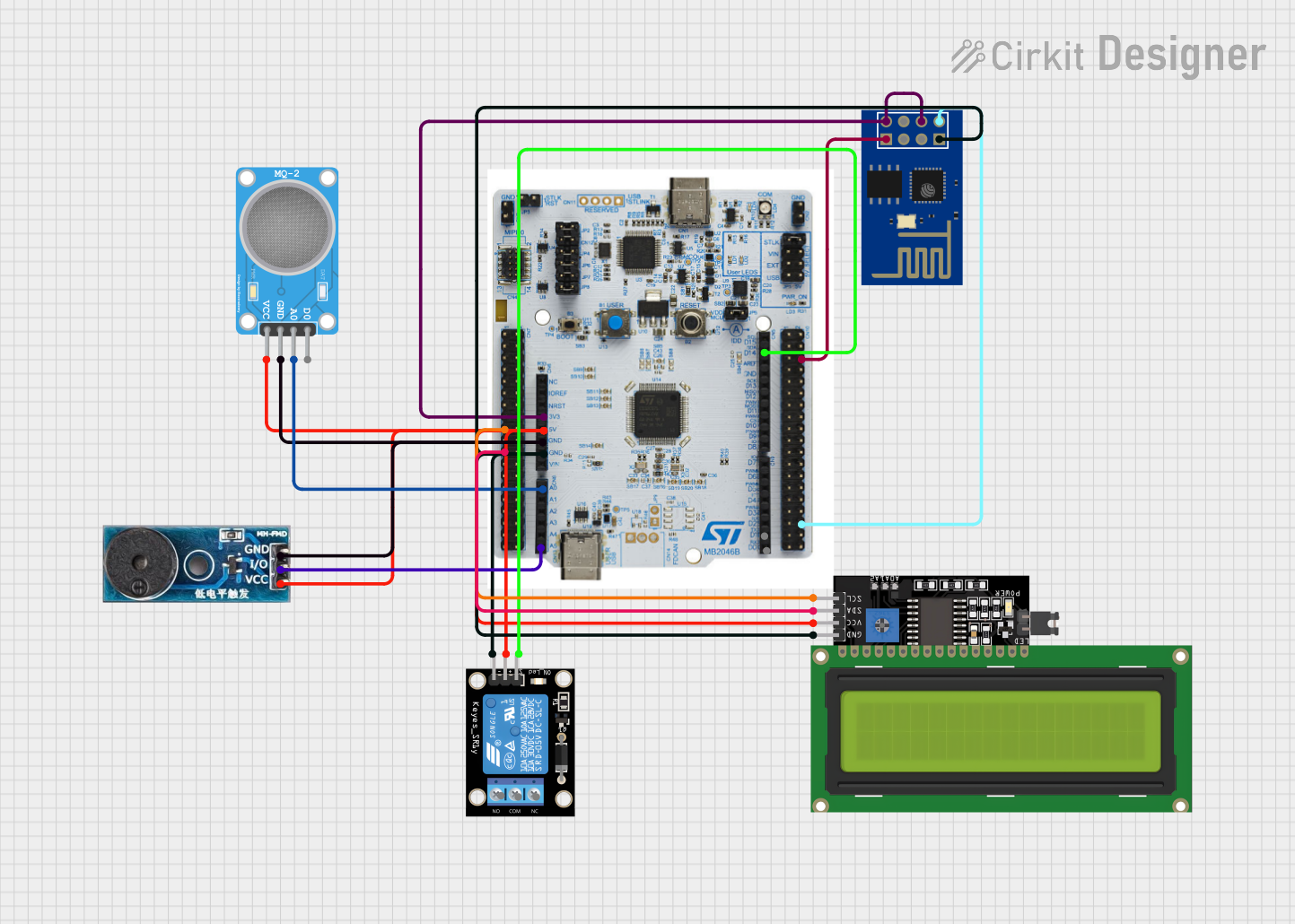 Open Project in Cirkit Designer
Explore Projects Built with F25
Open Project in Cirkit DesignerOpen Project in Cirkit DesignerOpen Project in Cirkit DesignerOpen Project in Cirkit DesignerCommon Applications and Use Cases
- Protection of household appliances such as refrigerators, washing machines, and air conditioners.
- Safeguarding industrial equipment and machinery.
- Use in automotive electrical systems to protect wiring and components.
- Integration into power supplies and distribution boards for circuit protection.
Technical Specifications
The F25 fuse is available in various ratings to suit different applications. Below are the general technical details:
| Parameter | Specification |
|---|---|
| Rated Voltage | 250V AC |
| Rated Current | 1A, 2A, 5A, 10A, 15A (varies by model) |
| Breaking Capacity | 1000A at rated voltage |
| Fuse Type | Fast-acting (F) |
| Body Material | Ceramic or glass |
| Operating Temperature | -55°C to +125°C |
| Dimensions | 5mm x 20mm (standard size) |
Pin Configuration and Descriptions
The F25 fuse does not have pins but instead features two metallic end caps for connection. These end caps are designed to fit into fuse holders or clips. Below is a description of the connections:
| Connection | Description |
|---|---|
| End Cap 1 | Connects to the input side of the circuit. |
| End Cap 2 | Connects to the output side of the circuit. |
Usage Instructions
How to Use the F25 Fuse in a Circuit
- Determine the Required Fuse Rating: Select an F25 fuse with a current rating slightly higher than the normal operating current of your circuit but lower than the maximum current the circuit can safely handle.
- Install the Fuse: Place the fuse in a suitable fuse holder or clip. Ensure the connections are secure and that the fuse is properly seated.
- Test the Circuit: Power on the circuit and verify that it operates correctly. If the fuse blows immediately, check for short circuits or excessive current draw.
Important Considerations and Best Practices
- Always use a fuse with the correct voltage and current rating for your application.
- Avoid bypassing or replacing the fuse with a higher-rated one, as this can compromise safety.
- Inspect the fuse regularly for signs of damage or wear, such as discoloration or cracks.
- Use a multimeter to check the continuity of the fuse if you suspect it has blown.
- When replacing a blown fuse, identify and address the cause of the overcurrent before installing a new one.
Example: Using the F25 Fuse with an Arduino UNO
When connecting an Arduino UNO to external components, such as motors or sensors, you can use an F25 fuse to protect the circuit. Below is an example of how to integrate the fuse:
// Example: Protecting an Arduino UNO circuit with an F25 fuse

/*
  This example demonstrates how to use an F25 fuse to protect an Arduino UNO
  circuit. The fuse is placed between the power supply and the Arduino's VIN pin.
*/

// Define the input voltage and current requirements
const int inputVoltage = 12; // Voltage supplied to the Arduino (in volts)
const int maxCurrent = 1;    // Maximum current rating of the F25 fuse (in amps)

void setup() {
  // Initialize the serial monitor for debugging
  Serial.begin(9600);
  Serial.println("F25 Fuse Protection Example");

  // Simulate circuit operation
  Serial.println("Circuit is operating normally...");
}

void loop() {
  // Simulate normal operation
  delay(1000);
  Serial.println("Monitoring circuit...");

  // Note: If the fuse blows, the circuit will lose power and stop functioning.
}
Troubleshooting and FAQs
Common Issues Users Might Face
Fuse Blows Repeatedly:
- Cause: The circuit is drawing more current than the fuse rating.
- Solution: Check for short circuits or reduce the load on the circuit. Use a fuse with a higher rating only if it is safe to do so.
Fuse Does Not Blow During Overcurrent:
- Cause: The fuse rating is too high for the circuit.
- Solution: Replace the fuse with one that has a lower current rating, appropriate for the circuit.
Fuse Holder Overheats:
- Cause: Poor connection between the fuse and the holder.
- Solution: Ensure the fuse is properly seated and that the holder is clean and undamaged.
FAQs
Q: Can I use an F25 fuse in a DC circuit?
A: Yes, the F25 fuse can be used in both AC and DC circuits, provided the voltage and current ratings are not exceeded.
Q: How do I know if an F25 fuse has blown?
A: You can visually inspect the fuse for a broken filament or use a multimeter to check for continuity. A blown fuse will show no continuity.
Q: Can I replace an F25 fuse with a different type of fuse?
A: It is recommended to replace the F25 fuse with the same type and rating to ensure proper protection. Using a different type may affect the circuit's safety and performance.