
How to Use A4988 Stepper Motor Driver Carrier: Examples, Pinouts, and Specs
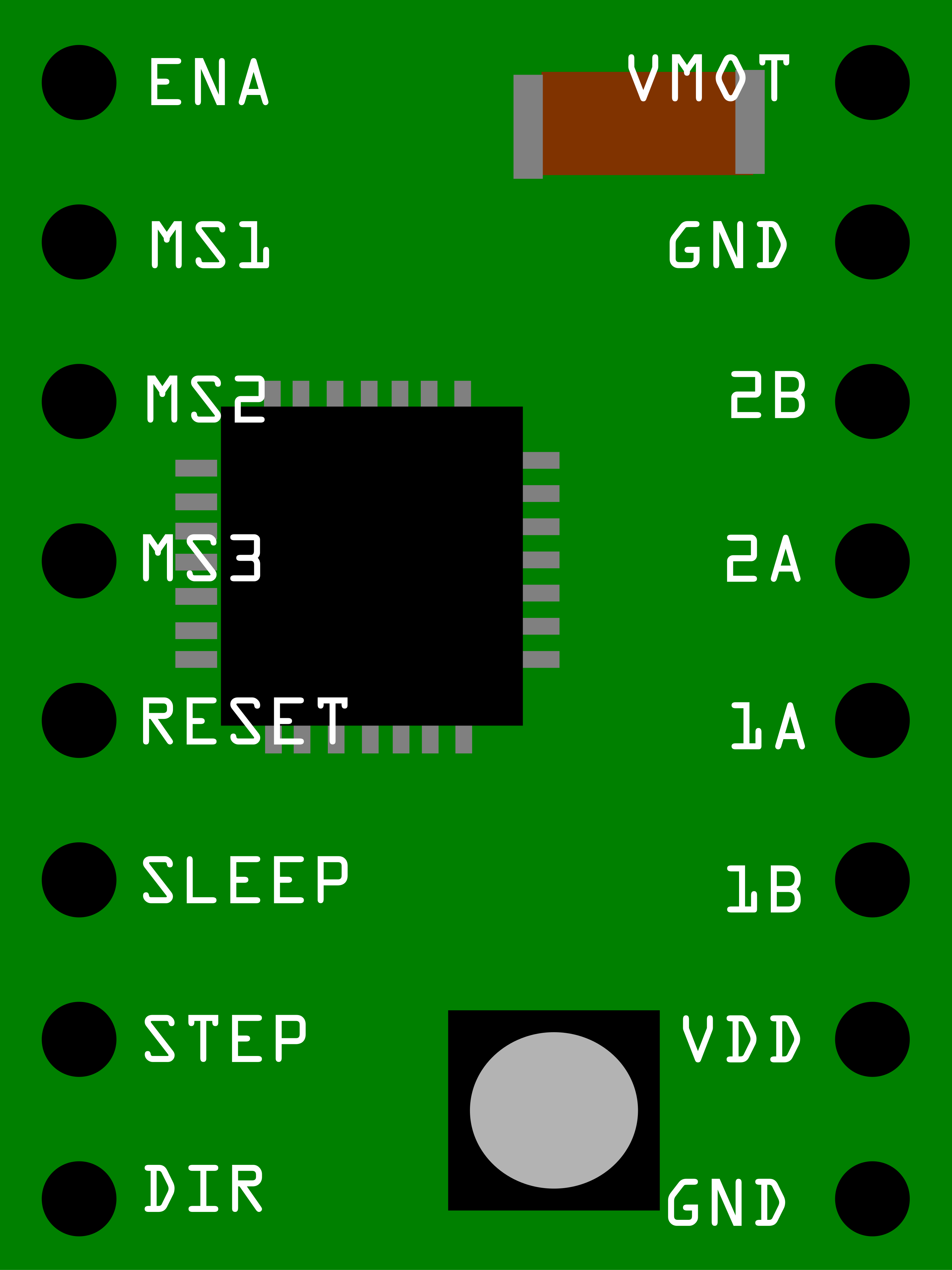
 Design with A4988 Stepper Motor Driver Carrier in Cirkit Designer
Introduction
The A4988 is a microstepping driver designed for controlling bipolar stepper motors. It enables precise control of motor position and speed, making it ideal for applications requiring high accuracy and smooth motion. The A4988 features adjustable current control, built-in over-temperature protection, and a straightforward interface, making it easy to integrate into a wide range of projects.
Explore Projects Built with A4988 Stepper Motor Driver Carrier
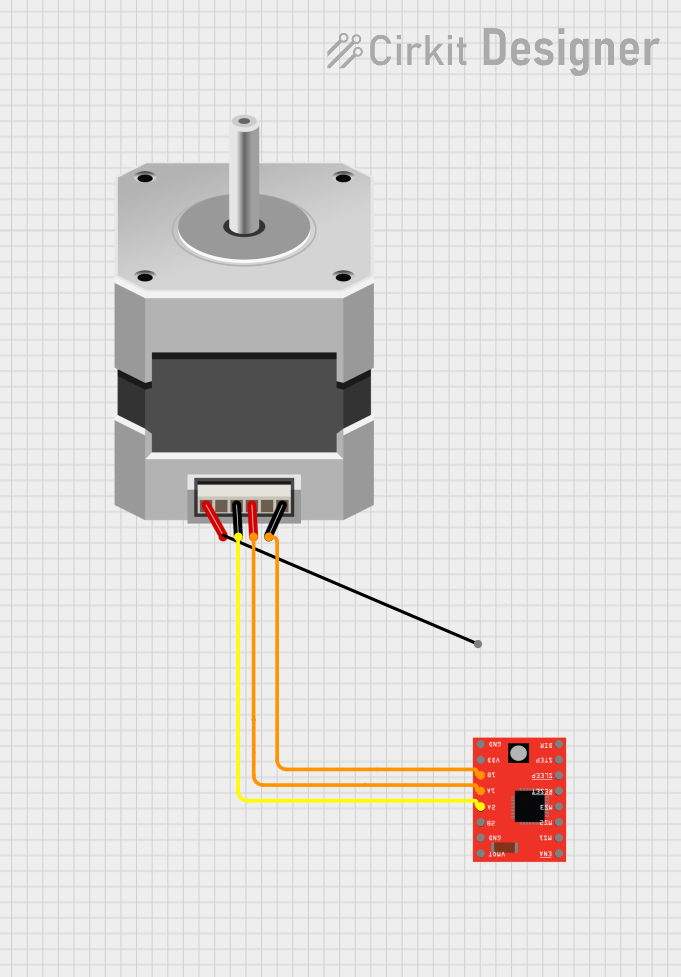 Open Project in Cirkit Designer
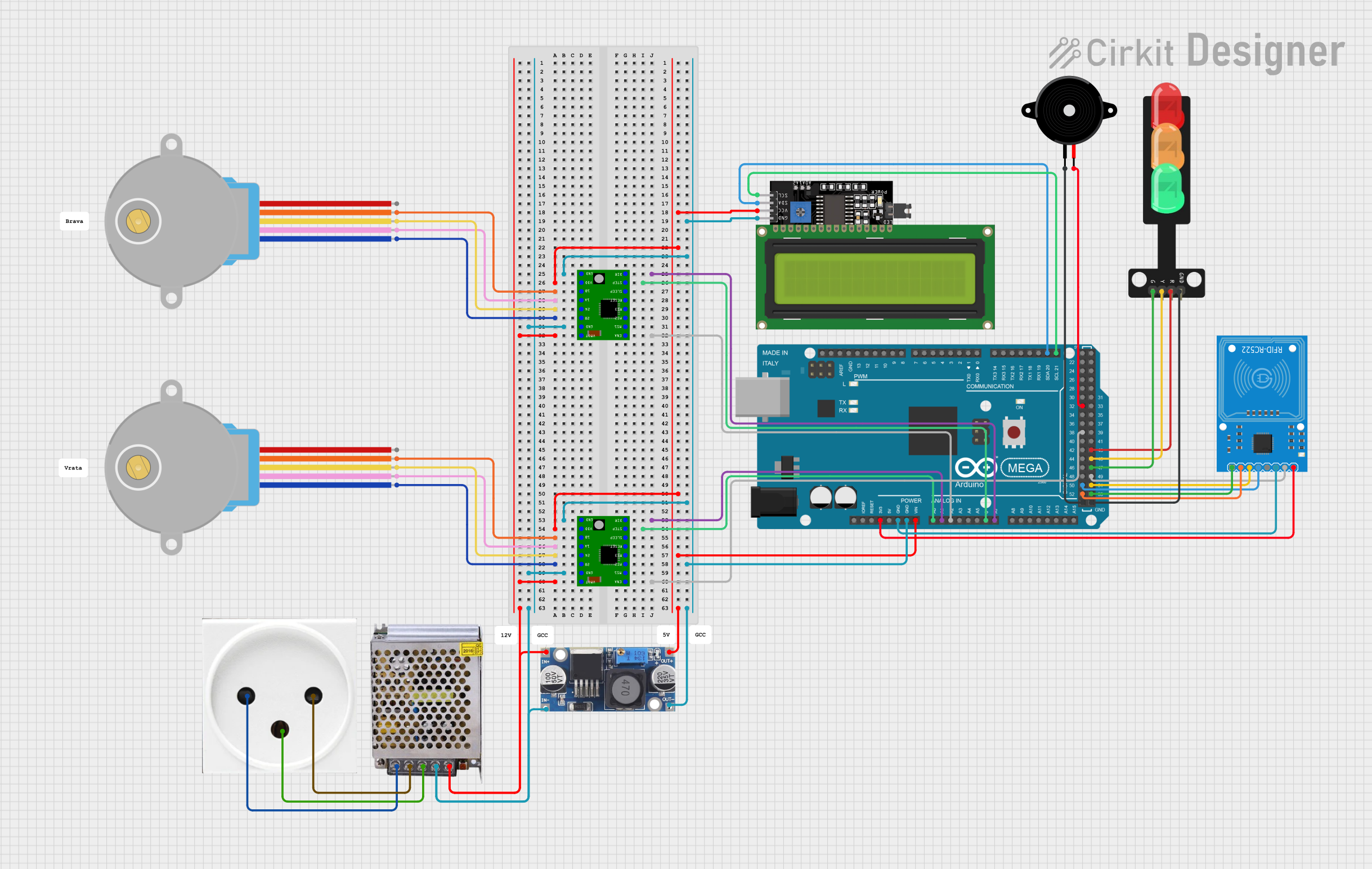 Open Project in Cirkit Designer
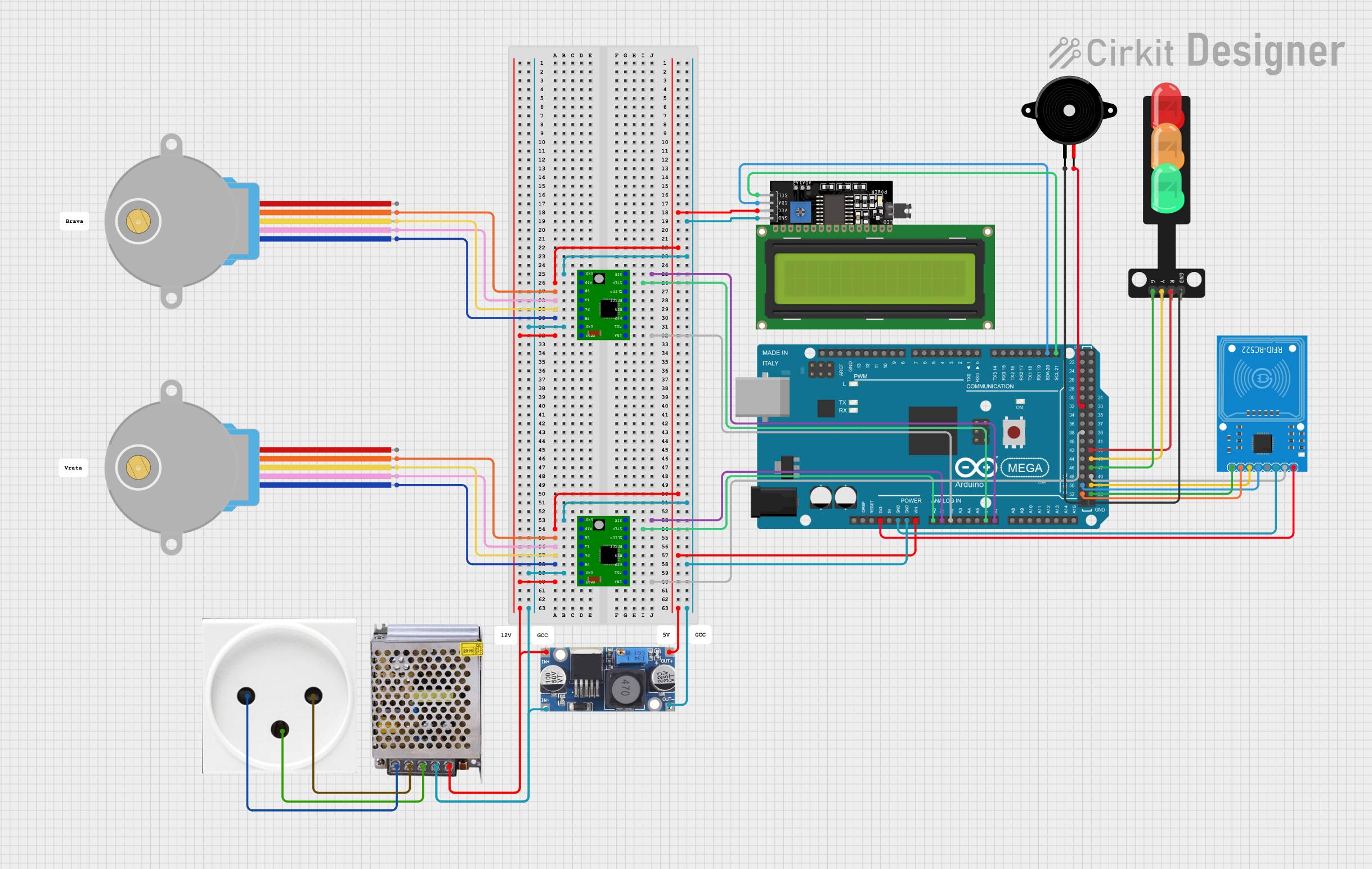 Open Project in Cirkit Designer
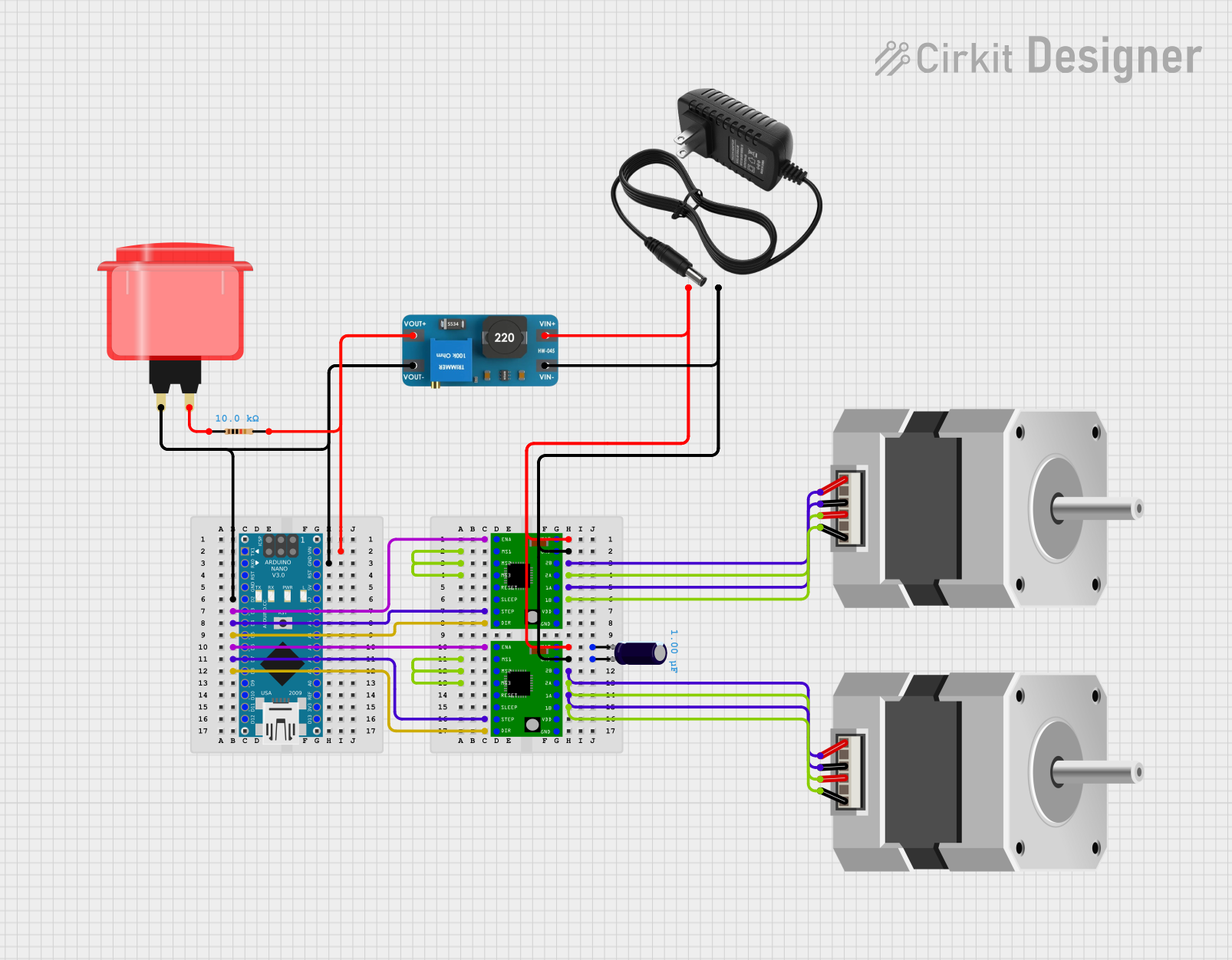 Open Project in Cirkit Designer
Explore Projects Built with A4988 Stepper Motor Driver Carrier
Open Project in Cirkit DesignerOpen Project in Cirkit DesignerOpen Project in Cirkit DesignerOpen Project in Cirkit DesignerCommon Applications and Use Cases
- 3D printers
- CNC machines
- Robotics
- Automated camera sliders
- Precision positioning systems
Technical Specifications
The A4988 stepper motor driver carrier is a compact module with the following key specifications:
| Parameter | Value |
|---|---|
| Motor Type Supported | Bipolar stepper motors |
| Operating Voltage (Vcc) | 8 V to 35 V |
| Logic Voltage (Vdd) | 3.3 V to 5 V |
| Maximum Output Current | 2 A per coil (with sufficient cooling) |
| Microstepping Modes | Full, 1/2, 1/4, 1/8, 1/16 |
| Current Control | Adjustable via onboard potentiometer |
| Protection Features | Over-temperature, short-circuit, and under-voltage lockout |
| Dimensions | 20 mm × 15 mm × 4 mm |
Pin Configuration and Descriptions
The A4988 module has 16 pins, which are described in the table below:
| Pin Name | Type | Description |
|---|---|---|
| VMOT | Power Input | Motor power supply (8 V to 35 V). Connect to the stepper motor power source. |
| GND | Power Ground | Ground connection for motor power supply. |
| VDD | Power Input | Logic power supply (3.3 V to 5 V). |
| GND | Power Ground | Ground connection for logic power supply. |
| 1A, 1B | Motor Output | Connect to one coil of the stepper motor. |
| 2A, 2B | Motor Output | Connect to the other coil of the stepper motor. |
| STEP | Logic Input | Controls the step signal. A rising edge triggers the motor to step. |
| DIR | Logic Input | Controls the direction of motor rotation. |
| ENABLE | Logic Input | Enables or disables the driver (active low). |
| MS1, MS2, MS3 | Logic Input | Microstepping mode selection pins. |
| RESET | Logic Input | Resets the driver (active low). |
| SLEEP | Logic Input | Puts the driver into low-power sleep mode (active low). |
Usage Instructions
How to Use the A4988 in a Circuit
Power Connections:
- Connect the motor power supply (8 V to 35 V) to the
VMOTpin and ground to theGNDpin. - Connect the logic power supply (3.3 V or 5 V) to the
VDDpin and ground to theGNDpin.
- Connect the motor power supply (8 V to 35 V) to the
Motor Connections:
- Connect the two coils of the stepper motor to the
1A,1B,2A, and2Bpins. Ensure the correct pairing of the motor wires.
- Connect the two coils of the stepper motor to the
Control Signals:
- Use the
STEPpin to send step pulses to the driver. Each pulse moves the motor one step. - Use the
DIRpin to set the direction of rotation (high or low). - Configure the microstepping mode by setting the
MS1,MS2, andMS3pins as per the desired mode (refer to the datasheet for the configuration table).
- Use the
Adjusting Current Limit:
- Use the onboard potentiometer to set the current limit. This prevents overheating and ensures safe operation of the motor.
Optional Connections:
- Connect the
ENABLEpin to enable or disable the driver. - Use the
RESETandSLEEPpins for additional control features.
- Connect the
Important Considerations and Best Practices
- Heat Dissipation: The A4988 can get hot during operation. Use a heat sink or active cooling if the current exceeds 1 A.
- Power Supply: Ensure the motor power supply voltage matches the requirements of your stepper motor.
- Current Limit: Always set the current limit to match the rated current of your stepper motor to avoid damage.
- Decoupling Capacitors: Place a 100 µF capacitor across the
VMOTandGNDpins to reduce voltage spikes.
Example Code for Arduino UNO
Below is an example of how to control a stepper motor using the A4988 and an Arduino UNO:
// Define control pins for the A4988 driver
#define STEP_PIN 3  // Pin connected to STEP
#define DIR_PIN 4   // Pin connected to DIR

void setup() {
  // Set the STEP and DIR pins as outputs
  pinMode(STEP_PIN, OUTPUT);
  pinMode(DIR_PIN, OUTPUT);

  // Set initial direction
  digitalWrite(DIR_PIN, HIGH); // Rotate clockwise
}

void loop() {
  // Generate step pulses to move the motor
  for (int i = 0; i < 200; i++) { // 200 steps for one revolution (1.8°/step motor)
    digitalWrite(STEP_PIN, HIGH); // Step pulse high
    delayMicroseconds(1000);      // Wait 1 ms
    digitalWrite(STEP_PIN, LOW);  // Step pulse low
    delayMicroseconds(1000);      // Wait 1 ms
  }

  // Change direction
  digitalWrite(DIR_PIN, !digitalRead(DIR_PIN)); // Toggle direction
  delay(1000); // Wait 1 second before the next rotation
}
Troubleshooting and FAQs
Common Issues and Solutions
Motor Not Moving:
- Check all power and ground connections.
- Ensure the
STEPpin is receiving pulses. - Verify the current limit is set correctly.
Motor Vibrates but Does Not Rotate:
- Check the wiring of the motor coils. Ensure the correct pairing of wires.
- Verify the microstepping mode configuration.
Driver Overheating:
- Reduce the current limit using the potentiometer.
- Add a heat sink or active cooling to the driver.
Motor Moves in the Wrong Direction:
- Reverse the connections of one coil (e.g., swap
1Aand1B). - Toggle the
DIRpin state in your code.
- Reverse the connections of one coil (e.g., swap
Noisy Operation:
- Use a higher microstepping mode for smoother motion.
- Ensure the motor power supply is stable and well-filtered.
FAQs
Can I use the A4988 with unipolar stepper motors? No, the A4988 is designed for bipolar stepper motors only.
What is the maximum step rate supported? The maximum step rate depends on the motor and power supply but typically exceeds 500 kHz.
Do I need to connect all control pins? No, only the
STEP,DIR, and power pins are mandatory. Other pins are optional based on your application.Can I use the A4988 with a 12 V power supply? Yes, the A4988 supports motor power supply voltages between 8 V and 35 V.