
How to Use DFRobot Gesture Sensor : Examples, Pinouts, and Specs
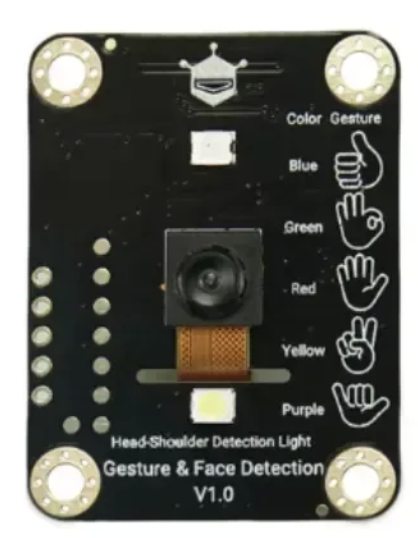
 Design with DFRobot Gesture Sensor in Cirkit Designer
Introduction
The DFRobot Gesture Sensor is a compact and versatile sensor designed to detect hand gestures and movements. It enables touchless control of devices and applications, making it ideal for modern, interactive systems. This sensor uses infrared technology to recognize gestures such as swiping, waving, and directional movements, providing a seamless user experience.
Explore Projects Built with DFRobot Gesture Sensor
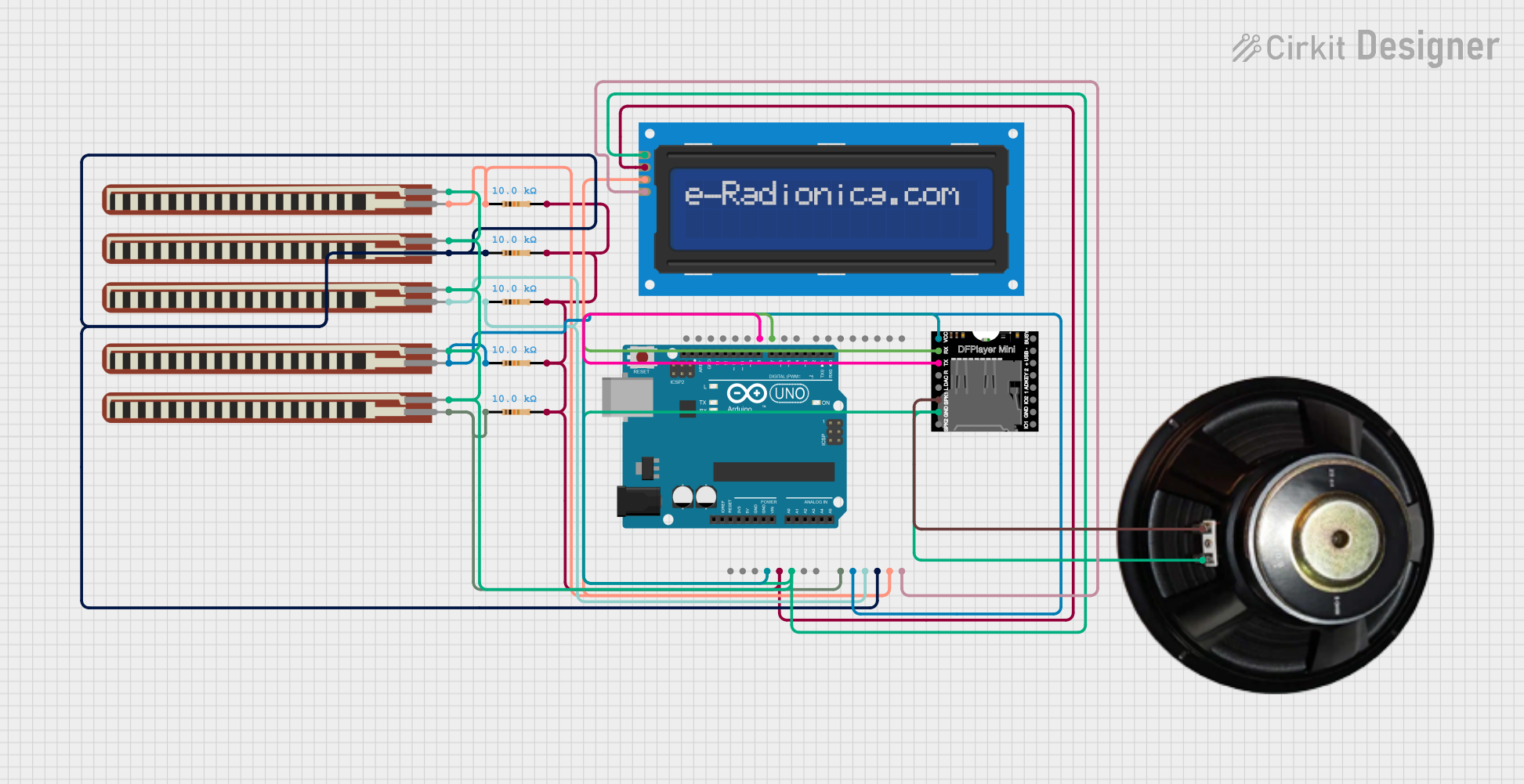 Open Project in Cirkit Designer
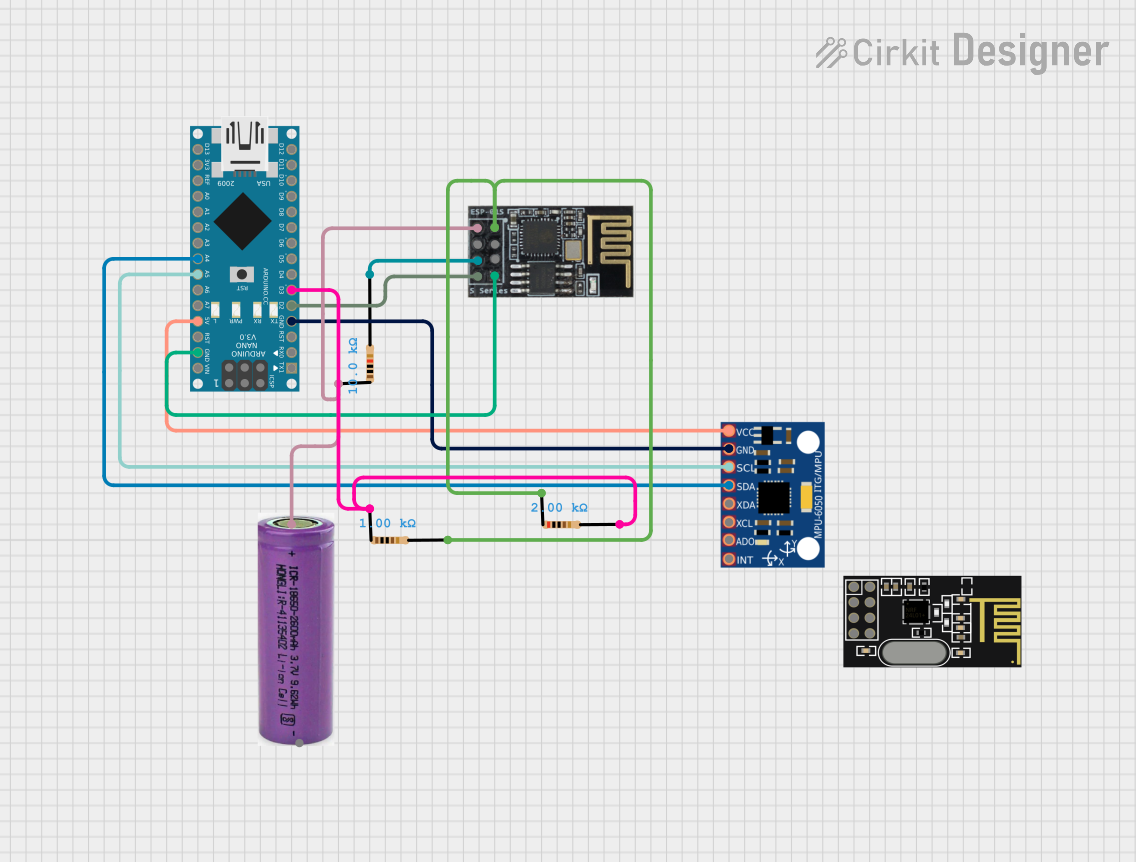 Open Project in Cirkit Designer
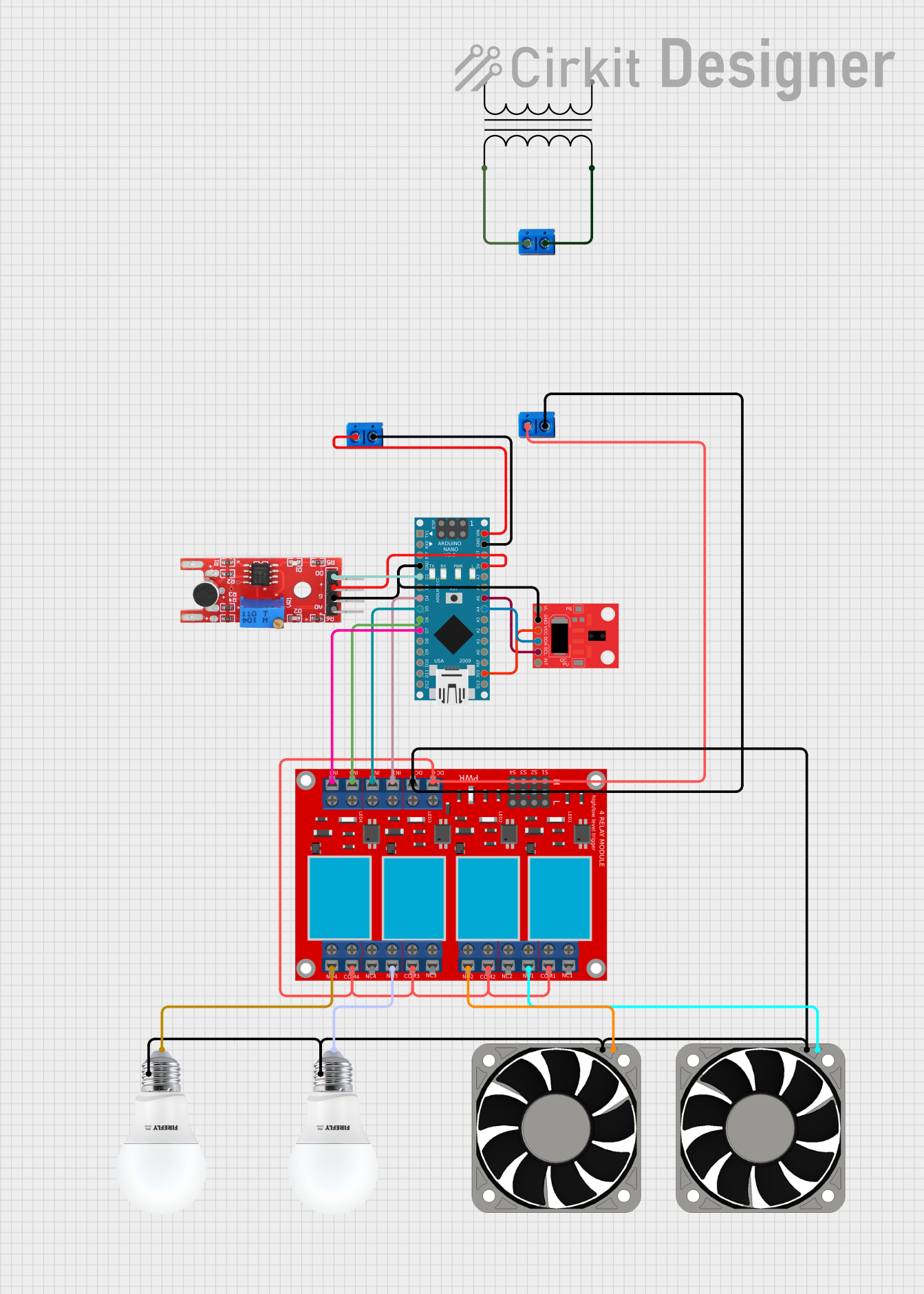 Open Project in Cirkit Designer
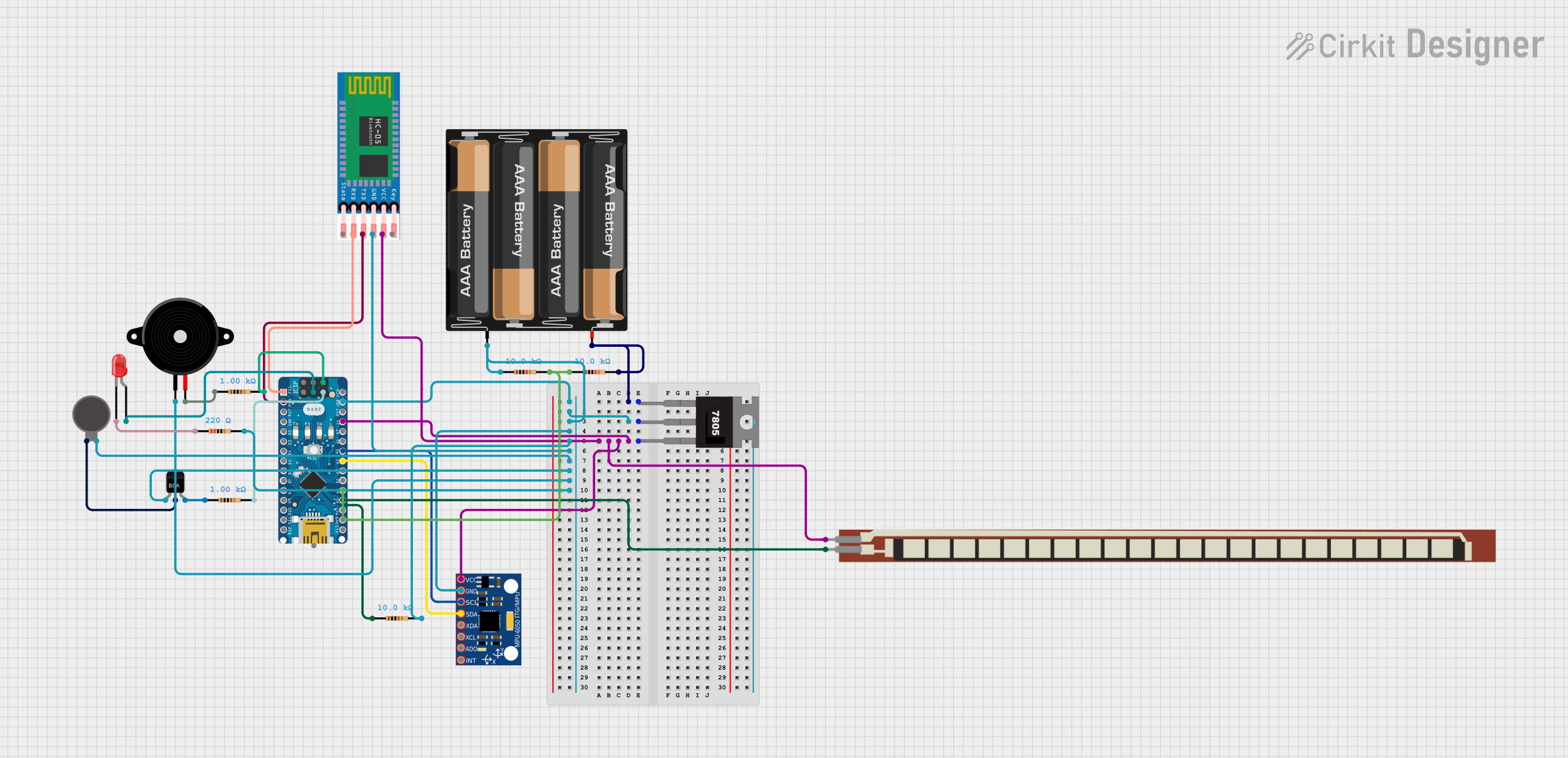 Open Project in Cirkit Designer
Explore Projects Built with DFRobot Gesture Sensor
Open Project in Cirkit DesignerOpen Project in Cirkit DesignerOpen Project in Cirkit DesignerOpen Project in Cirkit DesignerCommon Applications
- Smart home automation (e.g., controlling lights or appliances)
- Touchless control for consumer electronics
- Interactive kiosks and displays
- Robotics and human-machine interaction
- Gaming and virtual reality systems
Technical Specifications
The DFRobot Gesture Sensor is built for ease of integration and reliable performance. Below are its key technical details:
| Parameter | Specification |
|---|---|
| Operating Voltage | 3.3V to 5V |
| Operating Current | 65mA (typical) |
| Communication Protocol | I2C |
| Detection Range | 0 to 15 cm |
| Gesture Recognition | Swipe left, swipe right, up, down, |
| clockwise, counterclockwise, wave | |
| Dimensions | 35mm x 20mm |
| Operating Temperature | -20°C to 70°C |
Pin Configuration
The DFRobot Gesture Sensor has a 4-pin interface for easy connection to microcontrollers. Below is the pinout description:
| Pin | Name | Description |
|---|---|---|
| 1 | VCC | Power supply input (3.3V to 5V) |
| 2 | GND | Ground connection |
| 3 | SDA | I2C data line for communication |
| 4 | SCL | I2C clock line for communication |
Usage Instructions
Connecting the Sensor
- Connect the VCC pin to the 3.3V or 5V power supply of your microcontroller.
- Connect the GND pin to the ground of your microcontroller.
- Connect the SDA pin to the I2C data line (e.g., A4 on Arduino UNO).
- Connect the SCL pin to the I2C clock line (e.g., A5 on Arduino UNO).
Example Code for Arduino UNO
Below is an example Arduino sketch to interface with the DFRobot Gesture Sensor. This code reads gesture data and prints it to the Serial Monitor.
#include <Wire.h>

// I2C address of the DFRobot Gesture Sensor
#define GESTURE_SENSOR_ADDR 0x73

void setup() {
  Wire.begin(); // Initialize I2C communication
  Serial.begin(9600); // Start serial communication at 9600 baud
  Serial.println("DFRobot Gesture Sensor Test");
}

void loop() {
  Wire.beginTransmission(GESTURE_SENSOR_ADDR); // Start communication
  Wire.write(0x00); // Request gesture data
  Wire.endTransmission();

  Wire.requestFrom(GESTURE_SENSOR_ADDR, 1); // Request 1 byte of data
  if (Wire.available()) {
    uint8_t gesture = Wire.read(); // Read the gesture data

    // Interpret and print the gesture
    switch (gesture) {
      case 0x01:
        Serial.println("Swipe Left");
        break;
      case 0x02:
        Serial.println("Swipe Right");
        break;
      case 0x03:
        Serial.println("Swipe Up");
        break;
      case 0x04:
        Serial.println("Swipe Down");
        break;
      case 0x05:
        Serial.println("Clockwise");
        break;
      case 0x06:
        Serial.println("Counterclockwise");
        break;
      case 0x07:
        Serial.println("Wave");
        break;
      default:
        Serial.println("Unknown Gesture");
        break;
    }
  }

  delay(200); // Small delay to avoid overwhelming the sensor
}
Best Practices
- Ensure the sensor is placed in a stable position with no obstructions in its detection range.
- Avoid direct sunlight or strong infrared sources, as they may interfere with the sensor's performance.
- Use pull-up resistors on the I2C lines if your microcontroller does not have internal pull-ups enabled.
Troubleshooting and FAQs
Common Issues
No gesture detected:
- Ensure the sensor is powered correctly (check VCC and GND connections).
- Verify the I2C address (default is
0x73) and adjust in the code if necessary. - Check for loose or incorrect wiring.
Incorrect or random gestures detected:
- Ensure there are no reflective surfaces or objects within the detection range.
- Reduce ambient infrared interference (e.g., from sunlight or heat sources).
I2C communication errors:
- Confirm the SDA and SCL lines are connected to the correct pins on the microcontroller.
- Check for proper pull-up resistors on the I2C lines.
FAQs
Q: Can the sensor detect multiple gestures simultaneously?
A: No, the sensor detects one gesture at a time. It processes gestures sequentially.
Q: What is the maximum detection range?
A: The sensor can detect gestures up to 15 cm away.
Q: Can I use this sensor with a Raspberry Pi?
A: Yes, the sensor supports I2C communication, which is compatible with Raspberry Pi. Ensure you configure the I2C pins and address correctly.
Q: How do I change the I2C address?
A: The I2C address is fixed at 0x73 and cannot be changed.
By following this documentation, you can effectively integrate the DFRobot Gesture Sensor into your projects for touchless control and interaction.