
How to Use Fuse 20A: Examples, Pinouts, and Specs
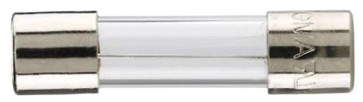
 Design with Fuse 20A in Cirkit Designer
Introduction
A Fuse 20A is a safety device designed to protect electrical circuits from overcurrent conditions. It interrupts the flow of electricity when the current exceeds 20 amperes, thereby preventing potential damage to components, overheating, or fire hazards. Fuses are essential in ensuring the safety and longevity of electrical systems.
Explore Projects Built with Fuse 20A
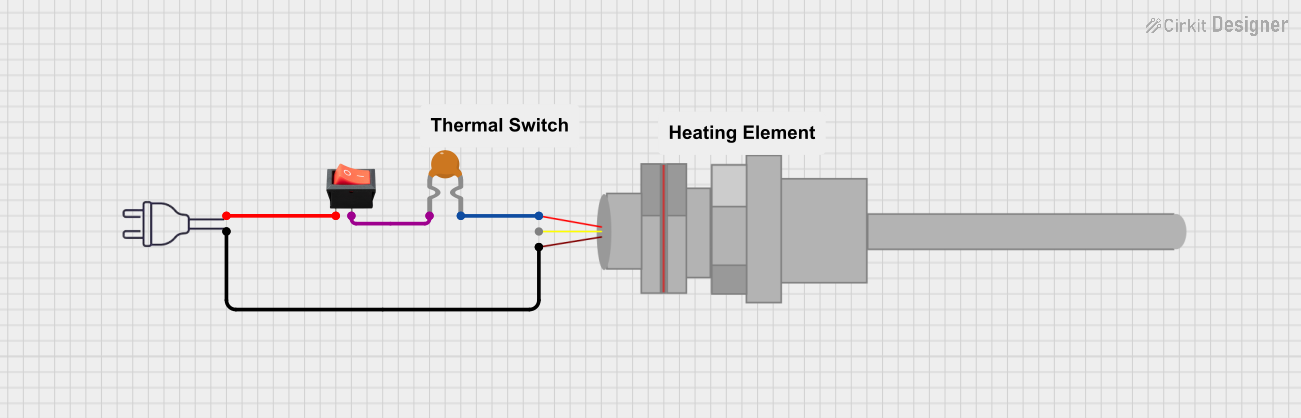 Open Project in Cirkit Designer
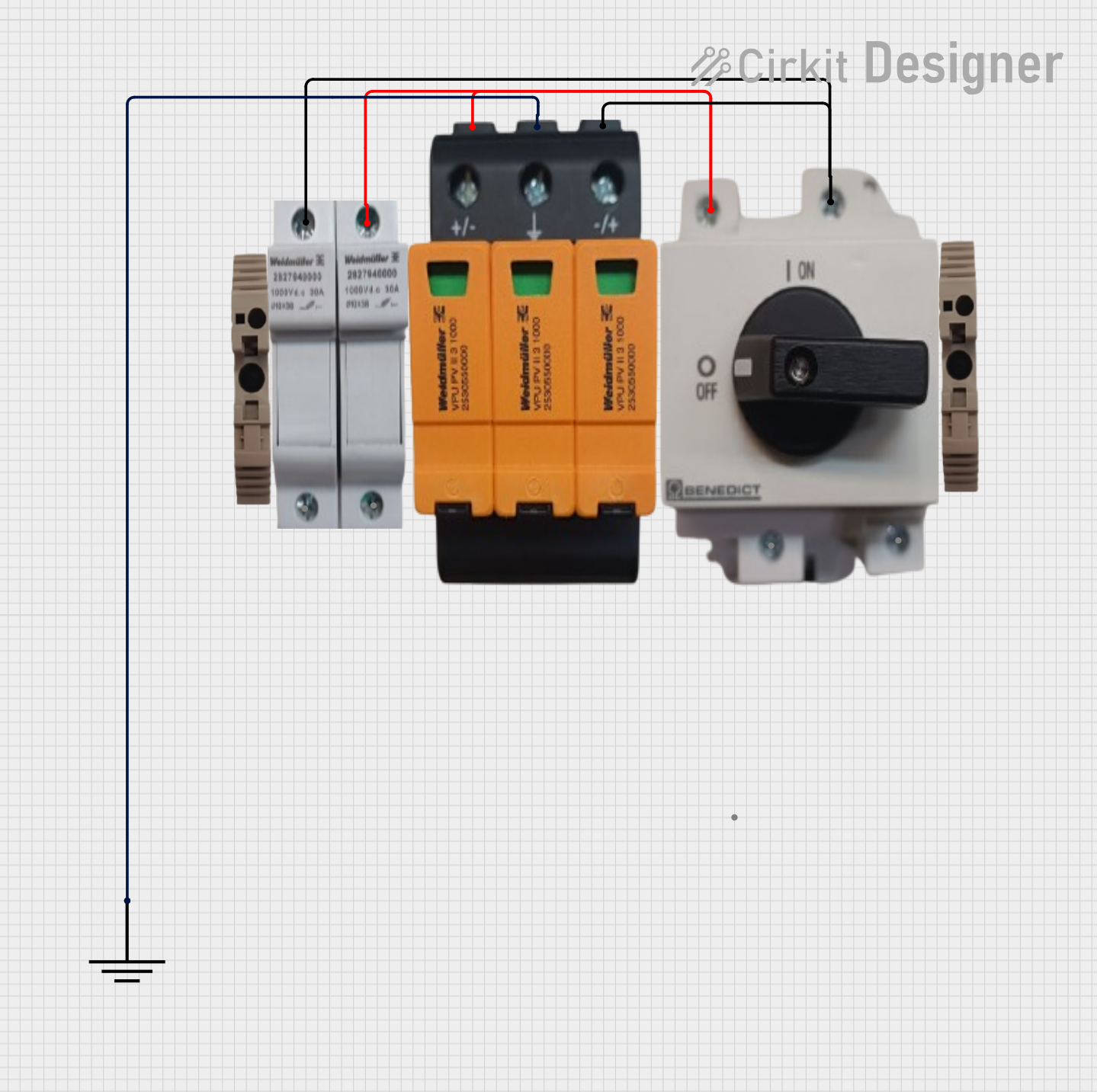 Open Project in Cirkit Designer
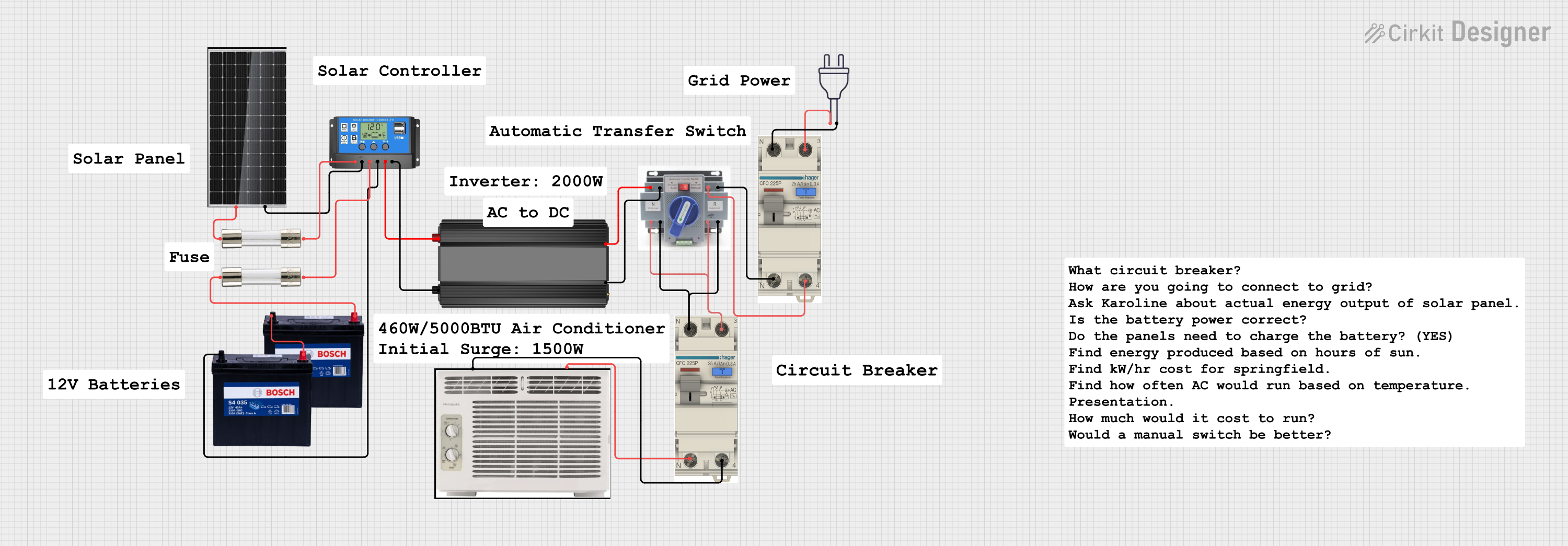 Open Project in Cirkit Designer
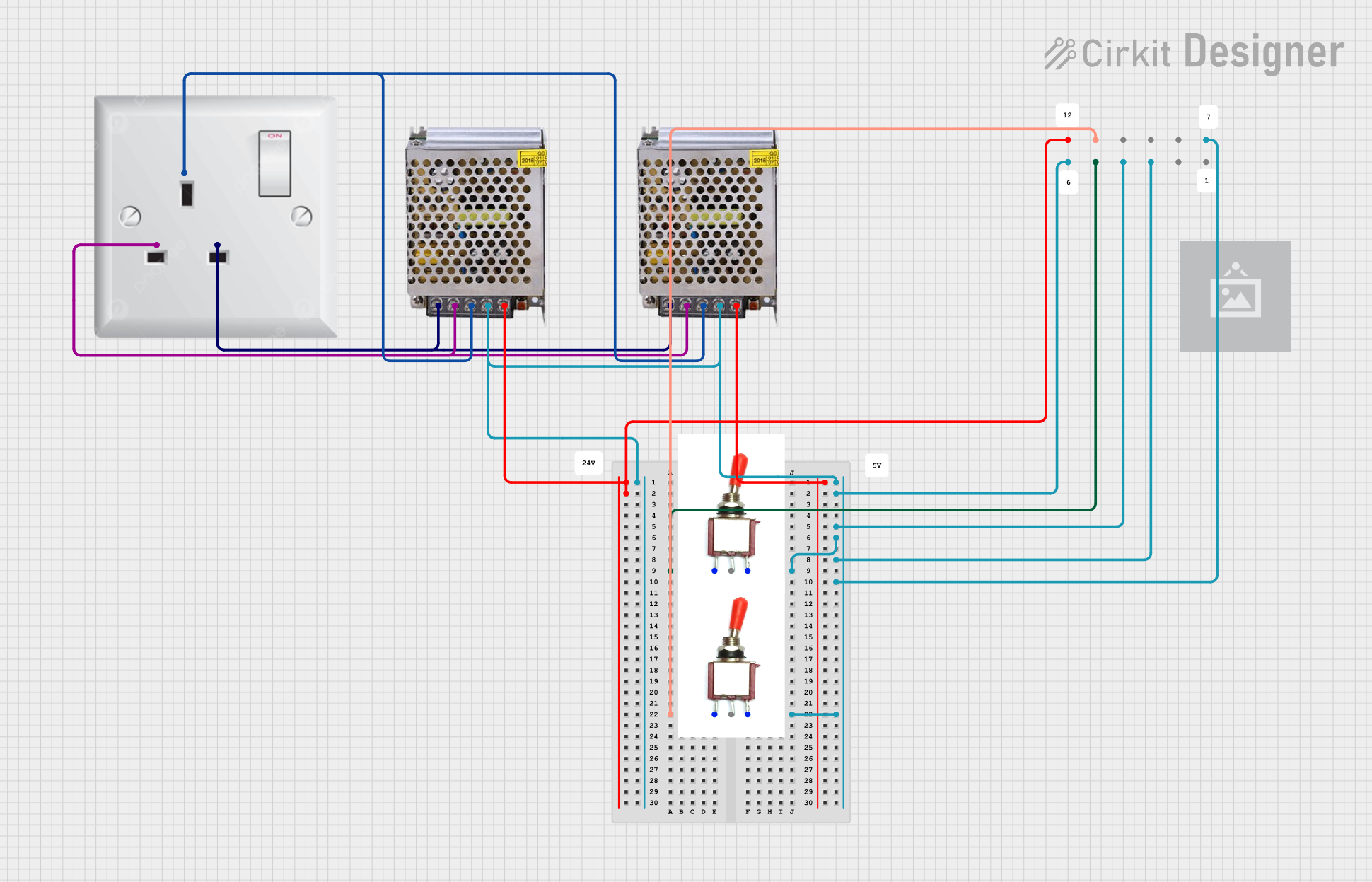 Open Project in Cirkit Designer
Explore Projects Built with Fuse 20A
Open Project in Cirkit DesignerOpen Project in Cirkit DesignerOpen Project in Cirkit DesignerOpen Project in Cirkit DesignerCommon Applications and Use Cases
- Automotive electrical systems to protect wiring and components.
- Household appliances such as washing machines and air conditioners.
- Industrial equipment to safeguard motors and control circuits.
- Power distribution systems to prevent overloads and short circuits.
Technical Specifications
The Fuse 20A is designed to operate reliably under specific electrical and environmental conditions. Below are its key technical details:
General Specifications
| Parameter | Value |
|---|---|
| Rated Current | 20 Amperes |
| Rated Voltage | 250V AC / 32V DC |
| Breaking Capacity | 1000A at 250V AC |
| Fuse Type | Cartridge or Blade |
| Response Time | Fast-acting or Time-delay |
| Material | Ceramic or Glass Body |
| Operating Temperature | -40°C to +85°C |
Pin Configuration and Descriptions
For blade-type fuses, the pin configuration is as follows:
| Pin Number | Description |
|---|---|
| 1 | Input terminal (connect to power source) |
| 2 | Output terminal (connect to load) |
For cartridge-type fuses, the fuse is cylindrical and does not have distinct pins. Instead, it is inserted into a fuse holder or clip.
Usage Instructions
How to Use the Fuse 20A in a Circuit
- Determine the Load Current: Ensure the load current does not exceed 20A under normal operating conditions.
- Select the Fuse Type: Choose between fast-acting or time-delay fuses based on the application:
- Use fast-acting fuses for sensitive electronics.
- Use time-delay fuses for inductive loads like motors.
- Install the Fuse:
- For blade-type fuses, insert the fuse into the appropriate slot in the fuse box.
- For cartridge-type fuses, place the fuse in a compatible fuse holder.
- Verify Connections: Ensure the fuse is securely connected to avoid loose contacts.
- Test the Circuit: Power on the circuit and verify proper operation.
Important Considerations and Best Practices
- Always use a fuse with the correct current and voltage rating for your application.
- Replace a blown fuse with one of the same specifications; never bypass a fuse.
- Inspect the fuse regularly for signs of wear or damage.
- For circuits connected to microcontrollers like Arduino, use a fuse to protect the board from overcurrent.
Example: Using a Fuse with an Arduino UNO
When connecting an Arduino UNO to a motor, a Fuse 20A can protect the circuit from overcurrent. Below is an example circuit setup:
- Connect the positive terminal of the power supply to one terminal of the Fuse 20A.
- Connect the other terminal of the fuse to the motor's positive input.
- Connect the motor's negative terminal to the ground of the power supply.
- Use a motor driver to interface the Arduino UNO with the motor.
// Example Arduino code to control a motor with a fuse in the circuit
const int motorPin = 9; // Pin connected to motor driver input

void setup() {
  pinMode(motorPin, OUTPUT); // Set motor pin as output
}

void loop() {
  digitalWrite(motorPin, HIGH); // Turn motor on
  delay(5000); // Run motor for 5 seconds
  digitalWrite(motorPin, LOW); // Turn motor off
  delay(5000); // Wait for 5 seconds before restarting
}
Troubleshooting and FAQs
Common Issues Users Might Face
Fuse Blows Frequently:
- Cause: The circuit's current exceeds 20A.
- Solution: Check the load current and ensure it is within the fuse's rating. Use a higher-rated fuse if necessary, but only if the circuit is designed for it.
Fuse Does Not Blow During Overload:
- Cause: Incorrect fuse type (e.g., time-delay fuse used in a fast-acting application).
- Solution: Replace the fuse with the correct type for the application.
Loose Connections:
- Cause: Improper installation of the fuse.
- Solution: Ensure the fuse is securely seated in the holder or slot.
Fuse Holder Overheats:
- Cause: Poor contact or undersized holder.
- Solution: Use a properly rated fuse holder for the Fuse 20A.
FAQs
Q1: Can I use a Fuse 20A for a 12V DC circuit?
Yes, the Fuse 20A is suitable for 12V DC circuits as long as the current does not exceed 20A.
Q2: What is the difference between fast-acting and time-delay fuses?
Fast-acting fuses blow quickly during overcurrent, while time-delay fuses allow short surges (e.g., motor startup) before blowing.
Q3: How do I know if a fuse is blown?
Inspect the fuse visually for a broken filament or use a multimeter to check for continuity. A blown fuse will show no continuity.
Q4: Can I replace a Fuse 20A with a higher-rated fuse?
No, replacing a fuse with a higher rating can compromise circuit protection and lead to damage or safety hazards. Always use the specified rating.