
How to Use TC4420: Examples, Pinouts, and Specs
 Design with TC4420 in Cirkit Designer
Introduction
The TC4420 is a dual high-speed CMOS buffer/driver designed for driving capacitive loads. It features a high output current capability and low output impedance, making it suitable for applications requiring fast switching and high drive strength. This component is widely used in circuits where efficient and reliable signal buffering or driving is required.
Explore Projects Built with TC4420
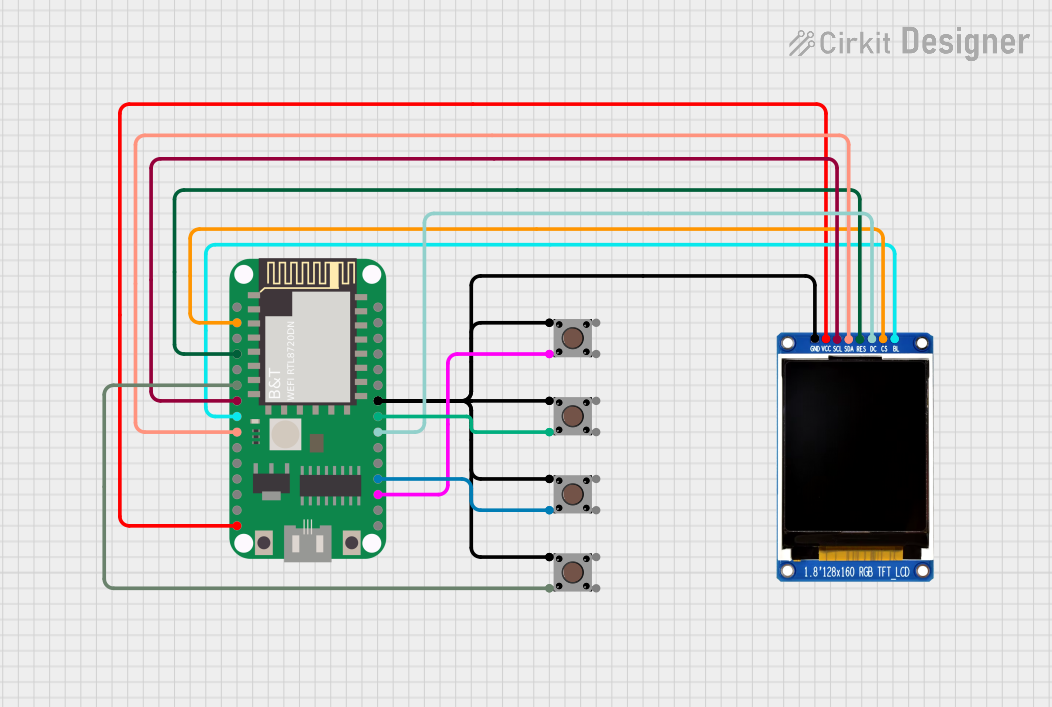 Open Project in Cirkit Designer
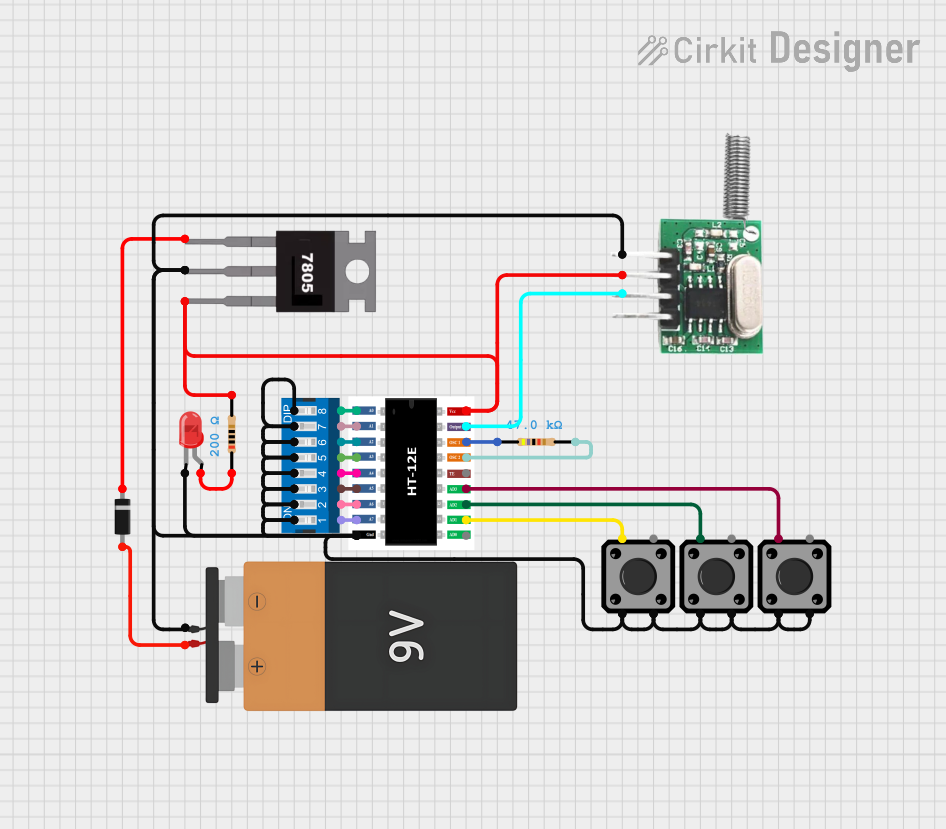 Open Project in Cirkit Designer
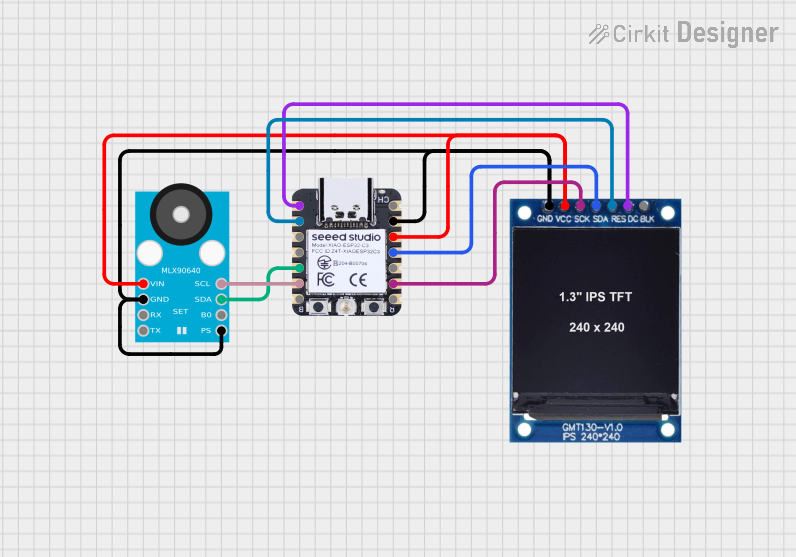 Open Project in Cirkit Designer
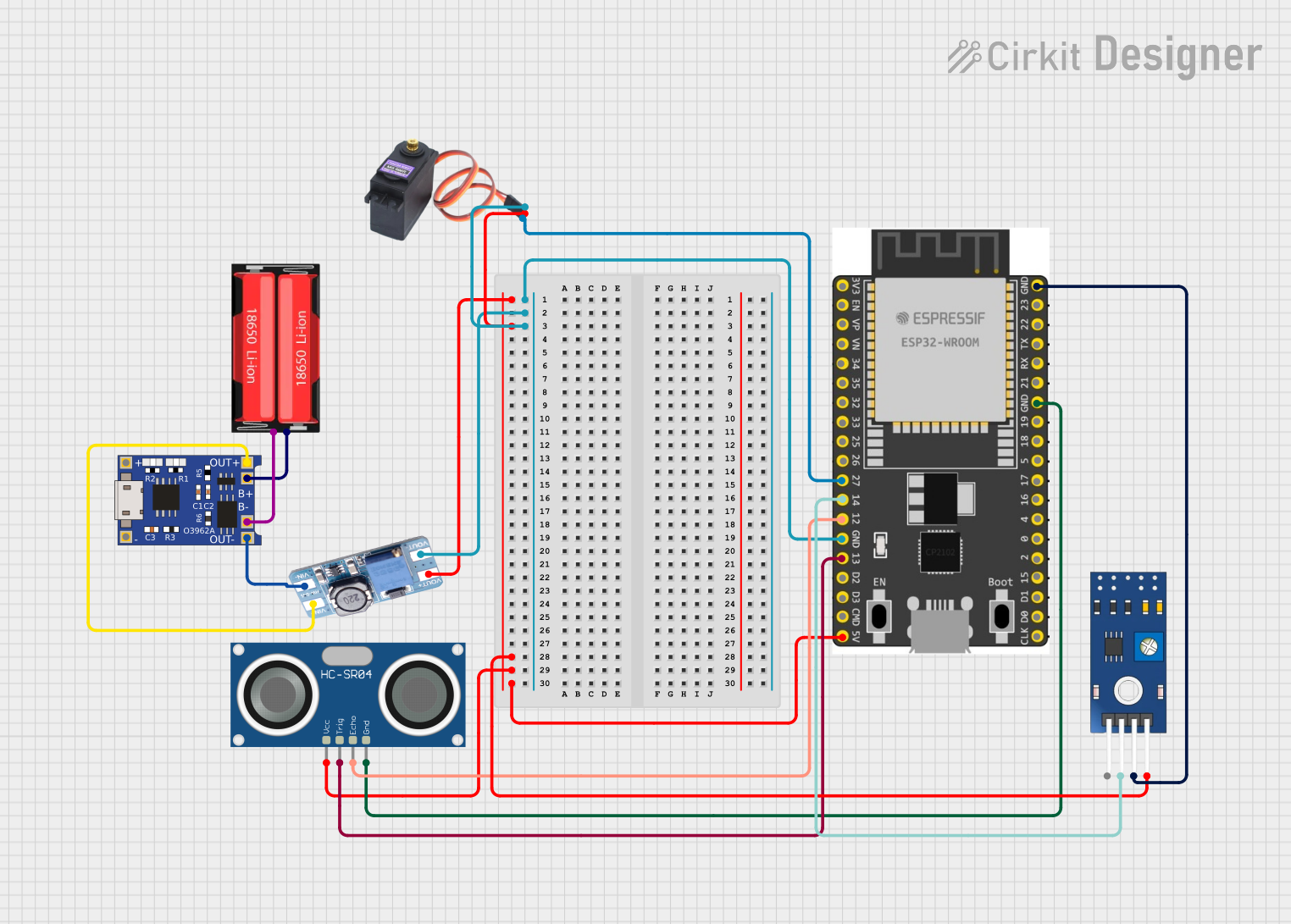 Open Project in Cirkit Designer
Explore Projects Built with TC4420
Open Project in Cirkit DesignerOpen Project in Cirkit DesignerOpen Project in Cirkit DesignerOpen Project in Cirkit DesignerCommon Applications and Use Cases
- Driving MOSFETs in power electronics
- Signal buffering in digital circuits
- Pulse generation and timing circuits
- Motor control and power management systems
- High-speed switching applications
Technical Specifications
The TC4420 is designed to deliver robust performance in demanding applications. Below are its key technical specifications:
| Parameter | Value |
|---|---|
| Supply Voltage (Vdd) | 4.5V to 18V |
| Output Current (Peak) | ±6A |
| Output Impedance | 2.5Ω (typical) |
| Propagation Delay | 25ns (typical) |
| Input Voltage Range | 0V to Vdd |
| Operating Temperature | -40°C to +85°C |
| Package Options | 8-Pin PDIP, SOIC, and TO-220 |
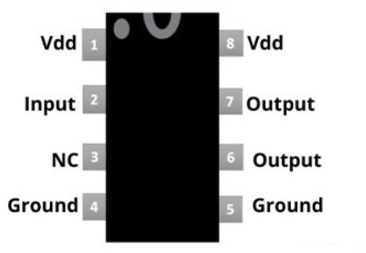
Pin Configuration and Descriptions
The TC4420 is available in an 8-pin package. Below is the pinout and description:
| Pin Number | Pin Name | Description |
|---|---|---|
| 1 | IN A | Input signal for Channel A |
| 2 | GND | Ground (common for both channels) |
| 3 | IN B | Input signal for Channel B |
| 4 | NC | No connection |
| 5 | OUT B | Output signal for Channel B |
| 6 | Vdd | Positive supply voltage |
| 7 | OUT A | Output signal for Channel A |
| 8 | NC | No connection |
Usage Instructions
The TC4420 is straightforward to use in a circuit. Below are the steps and considerations for proper usage:
How to Use the TC4420 in a Circuit
- Power Supply: Connect the Vdd pin to a stable power supply within the range of 4.5V to 18V. Connect the GND pin to the circuit ground.
- Input Signals: Apply the input signals to the IN A and IN B pins. Ensure the input voltage levels are within the range of 0V to Vdd.
- Output Connections: Connect the OUT A and OUT B pins to the load you wish to drive. The TC4420 is capable of driving capacitive loads, such as MOSFET gates, directly.
- Bypass Capacitor: Place a decoupling capacitor (e.g., 0.1µF ceramic) close to the Vdd pin to reduce noise and ensure stable operation.
Important Considerations and Best Practices
- Thermal Management: The TC4420 can handle high output currents, but excessive current may cause heating. Use proper heat dissipation techniques, such as heat sinks, if necessary.
- Input Signal Integrity: Ensure the input signals are clean and free from noise to avoid erratic behavior.
- Load Characteristics: Verify that the load connected to the output does not exceed the maximum current rating of ±6A.
- PCB Layout: Use short and wide traces for power and ground connections to minimize resistance and inductance.
Example: Using the TC4420 with an Arduino UNO
The TC4420 can be used to drive a MOSFET in a circuit controlled by an Arduino UNO. Below is an example code snippet:
// Example: Driving a MOSFET with TC4420 using Arduino UNO
// Connect Arduino pin 9 to IN A of TC4420
// Connect OUT A of TC4420 to the MOSFET gate
// Ensure Vdd and GND of TC4420 are properly connected

const int driverPin = 9; // Arduino pin connected to TC4420 IN A

void setup() {
  pinMode(driverPin, OUTPUT); // Set the driver pin as an output
}

void loop() {
  digitalWrite(driverPin, HIGH); // Turn on the MOSFET
  delay(1000);                   // Wait for 1 second
  digitalWrite(driverPin, LOW);  // Turn off the MOSFET
  delay(1000);                   // Wait for 1 second
}
Troubleshooting and FAQs
Common Issues and Solutions
No Output Signal:
- Cause: Incorrect power supply or loose connections.
- Solution: Verify that Vdd and GND are properly connected and the supply voltage is within the specified range.
Excessive Heating:
- Cause: High output current or insufficient heat dissipation.
- Solution: Check the load current and ensure it does not exceed ±6A. Use a heat sink if necessary.
Erratic Behavior:
- Cause: Noisy input signals or insufficient decoupling.
- Solution: Use a bypass capacitor near the Vdd pin and ensure the input signals are clean.
Output Voltage Too Low:
- Cause: High load impedance or damaged component.
- Solution: Verify the load impedance and replace the TC4420 if it is damaged.
FAQs
Q1: Can the TC4420 drive inductive loads?
A1: The TC4420 is primarily designed for capacitive loads, but it can drive inductive loads with proper flyback diodes to protect the driver from voltage spikes.
Q2: What is the maximum switching frequency of the TC4420?
A2: The TC4420 can operate at frequencies up to several hundred kHz, depending on the load capacitance and supply voltage.
Q3: Can I use the TC4420 with a 3.3V microcontroller?
A3: Yes, the TC4420 can accept input signals as low as 0V to Vdd. However, ensure that the Vdd supply voltage is compatible with the microcontroller's output voltage levels.
Q4: Is the TC4420 suitable for automotive applications?
A4: Yes, the TC4420's wide operating temperature range (-40°C to +85°C) makes it suitable for automotive and industrial applications.