
How to Use stepper motor and driver: Examples, Pinouts, and Specs
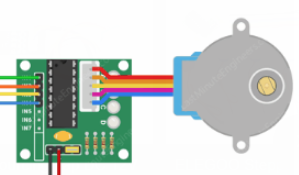
 Design with stepper motor and driver in Cirkit Designer
Introduction
A stepper motor is a type of DC motor that moves in discrete steps, allowing precise control of position, speed, and acceleration. It is commonly used in applications requiring accurate positioning, such as 3D printers, CNC machines, robotics, and camera gimbals. A stepper motor driver is an electronic device that controls the motor by sending electrical pulses to its windings, determining the direction and step size.
The combination of a stepper motor and driver enables precise motion control, making it ideal for automation and mechatronics projects.
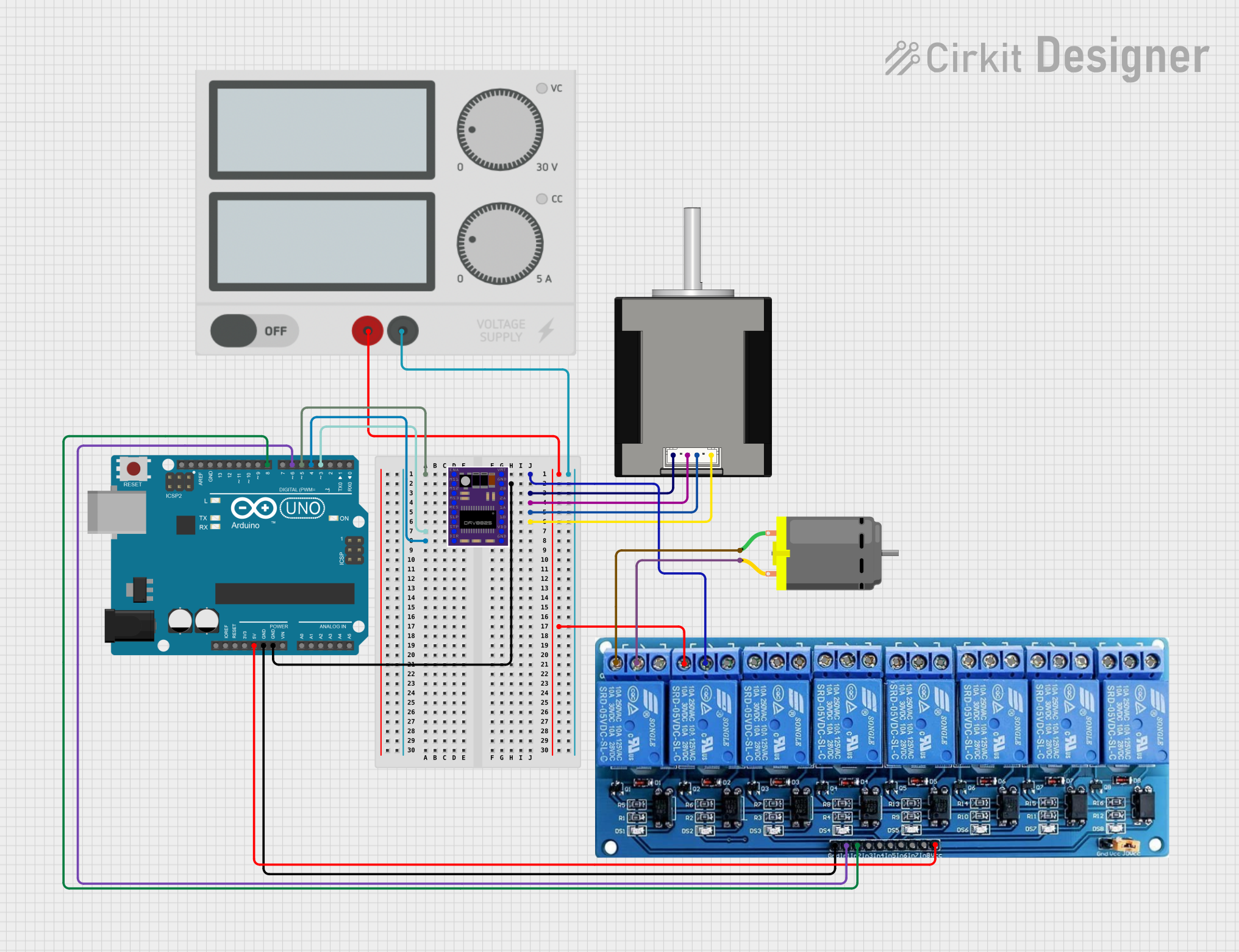
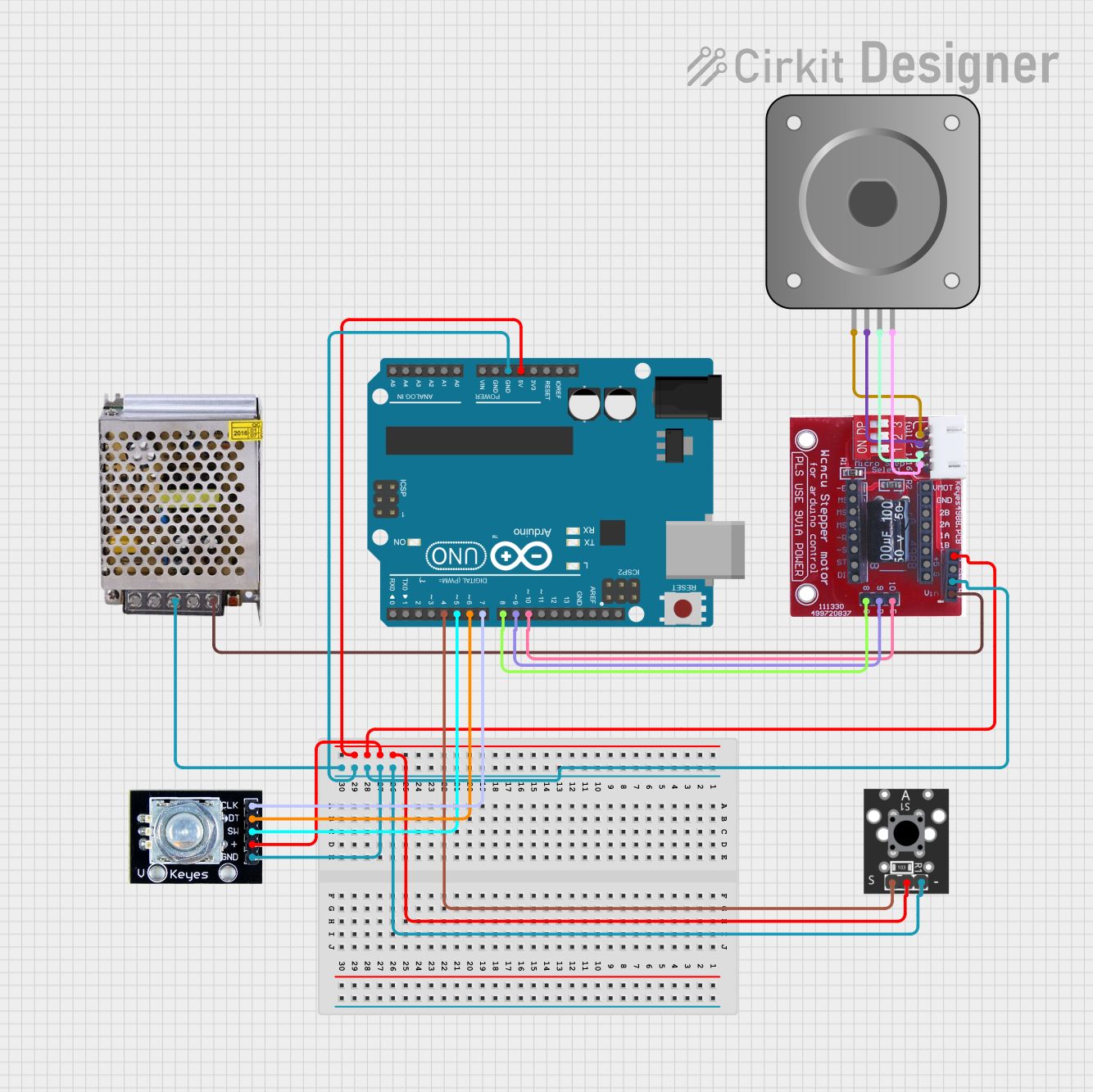
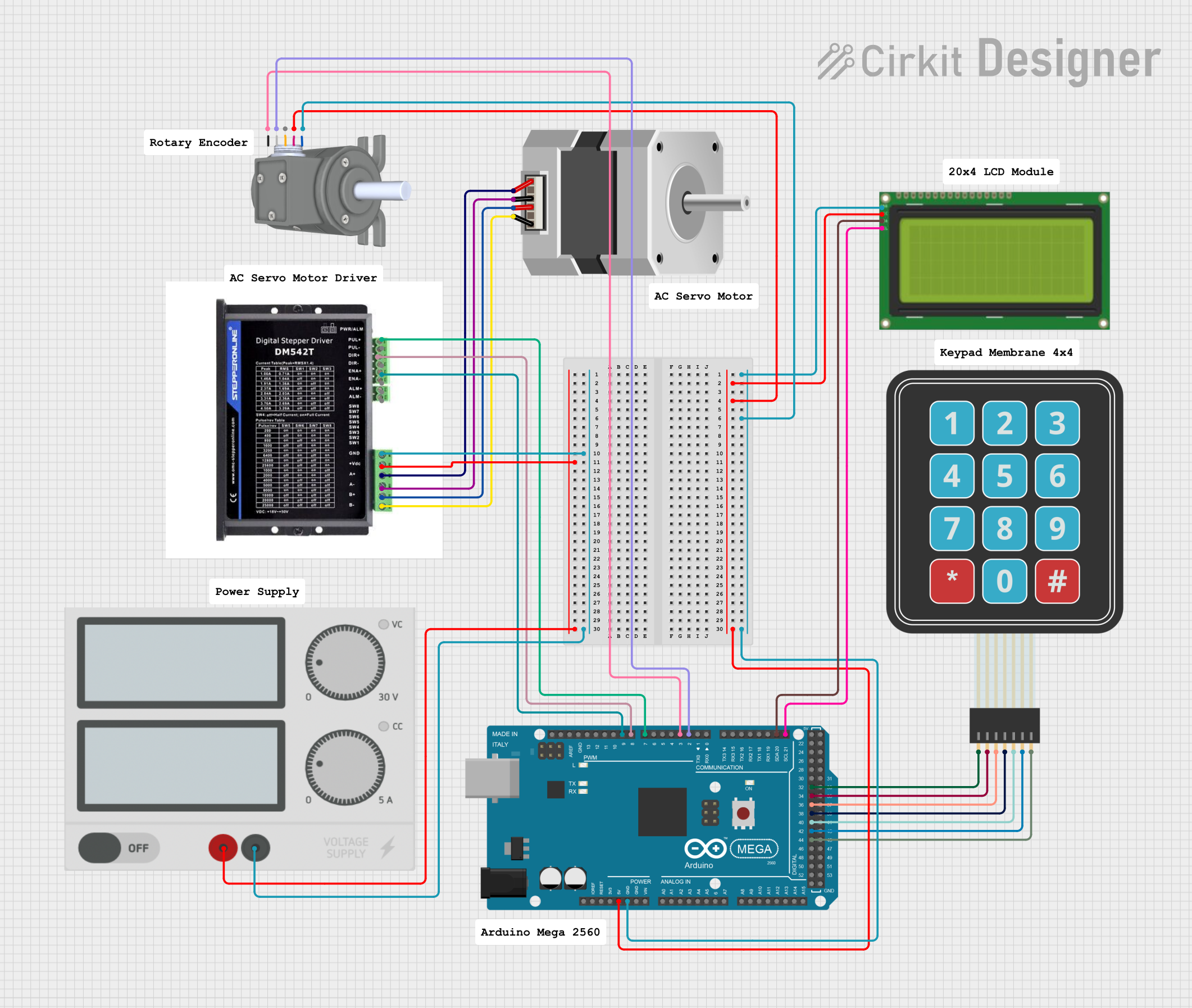
Explore Projects Built with stepper motor and driver
 Open Project in Cirkit Designer
 Open Project in Cirkit Designer
 Open Project in Cirkit Designer
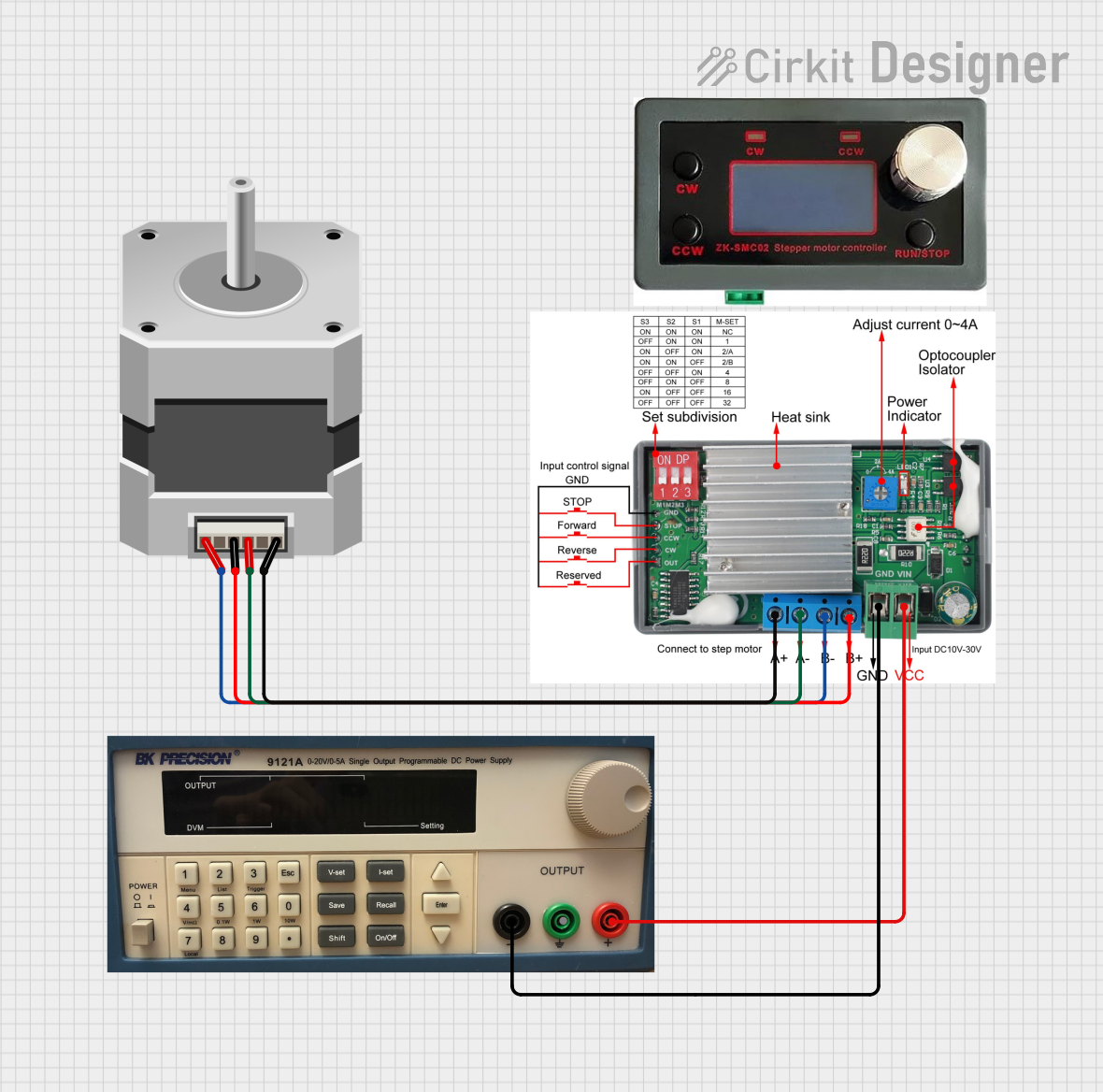 Open Project in Cirkit Designer
Explore Projects Built with stepper motor and driver
Open Project in Cirkit DesignerOpen Project in Cirkit DesignerOpen Project in Cirkit DesignerOpen Project in Cirkit DesignerTechnical Specifications
Stepper Motor Specifications
| Parameter | Value |
|---|---|
| Step Angle | 1.8° (200 steps per revolution) |
| Voltage Rating | 12V |
| Current Rating | 1.5A per phase |
| Holding Torque | 4.2 kg-cm |
| Number of Phases | 2 |
| Shaft Diameter | 5mm |
| Operating Temperature | -20°C to 50°C |
Stepper Motor Driver Specifications (e.g., A4988 Driver)
| Parameter | Value |
|---|---|
| Input Voltage | 8V to 35V |
| Output Current | Up to 2A per coil (with cooling) |
| Microstepping Modes | Full, 1/2, 1/4, 1/8, 1/16 |
| Logic Voltage | 3.3V or 5V |
| Step Pulse Frequency | Up to 500 kHz |
| Overcurrent Protection | Yes |
| Thermal Shutdown | Yes |
Pin Configuration for A4988 Driver
| Pin Name | Description |
|---|---|
| VMOT | Motor power supply (8V to 35V) |
| GND | Ground for motor power supply |
| VDD | Logic power supply (3.3V or 5V) |
| STEP | Step pulse input (controls motor steps) |
| DIR | Direction input (controls motor rotation direction) |
| ENABLE | Enable/disable motor driver (active low) |
| MS1, MS2, MS3 | Microstepping mode selection pins |
| 1A, 1B | Outputs for motor coil 1 |
| 2A, 2B | Outputs for motor coil 2 |
Usage Instructions
Connecting the Stepper Motor and Driver
- Power Supply: Connect the motor power supply (VMOT) and ground (GND) to the driver. Ensure the voltage matches the motor's rating.
- Logic Power: Connect the VDD pin to a 3.3V or 5V logic supply, depending on your microcontroller.
- Motor Connections: Connect the stepper motor's coils to the driver outputs (1A, 1B, 2A, 2B). Refer to the motor's datasheet to identify the coil pairs.
- Control Pins: Connect the STEP and DIR pins to your microcontroller's digital output pins. Optionally, connect ENABLE to control motor activation.
- Microstepping: Set the MS1, MS2, and MS3 pins to configure the desired microstepping mode.
Example Arduino UNO Code
// Define control pins for the stepper motor driver
#define STEP_PIN 3  // Pin connected to STEP on the driver
#define DIR_PIN 4   // Pin connected to DIR on the driver

void setup() {
  pinMode(STEP_PIN, OUTPUT); // Set STEP pin as output
  pinMode(DIR_PIN, OUTPUT);  // Set DIR pin as output

  digitalWrite(DIR_PIN, HIGH); // Set initial direction (HIGH = clockwise)
}

void loop() {
  // Rotate the motor one step at a time
  digitalWrite(STEP_PIN, HIGH); // Generate a step pulse
  delayMicroseconds(1000);      // Wait for 1ms (adjust for speed control)
  digitalWrite(STEP_PIN, LOW);  // End the step pulse
  delayMicroseconds(1000);      // Wait for 1ms before the next step
}
Best Practices
- Use a heat sink or cooling fan for the driver if operating near its maximum current rating.
- Avoid disconnecting the motor while the driver is powered, as this can damage the driver.
- Use decoupling capacitors near the VMOT and VDD pins to reduce electrical noise.
- Adjust the driver's current limit to match the motor's rated current to prevent overheating.
Troubleshooting and FAQs
Common Issues
Motor Not Moving:
- Check all connections, especially the motor coils and power supply.
- Verify that the STEP and DIR pins are receiving signals from the microcontroller.
- Ensure the driver is enabled (ENABLE pin is LOW).
Motor Vibrates but Doesn't Rotate:
- Verify the coil connections. Incorrect wiring can cause the motor to vibrate without stepping.
- Check the microstepping configuration (MS1, MS2, MS3 pins).
Driver Overheating:
- Ensure the current limit is set correctly using the driver's potentiometer.
- Add a heat sink or cooling fan to the driver.
Motor Skipping Steps:
- Increase the step pulse duration (delayMicroseconds in the code).
- Ensure the power supply can provide sufficient current for the motor.
FAQs
Q: Can I use a 5V power supply for the motor?
A: Most stepper motors require higher voltages (e.g., 12V or 24V) for optimal performance. Check your motor's datasheet for the recommended voltage.
Q: How do I set the current limit on the driver?
A: Use a small screwdriver to adjust the potentiometer on the driver. Refer to the driver's datasheet for the formula to calculate the current limit.
Q: What is microstepping, and why is it useful?
A: Microstepping divides each full step into smaller steps, improving resolution and reducing vibration. It is useful for applications requiring smooth and precise motion.
Q: Can I control multiple stepper motors with one Arduino?
A: Yes, you can control multiple motors by connecting additional drivers to different digital pins on the Arduino. Ensure the Arduino has enough I/O pins and processing power for your application.