
How to Use terminalblock-04-01: Examples, Pinouts, and Specs
 Design with terminalblock-04-01 in Cirkit Designer
Introduction
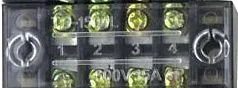
The TerminalBlock-04-01 is a versatile and reliable terminal block designed for connecting multiple wires together in a secure and organized manner. It is commonly used in electrical and electronic systems to simplify wiring, reduce clutter, and ensure stable connections. This component is ideal for applications requiring frequent wire changes or where a durable and reusable connection point is needed.
Explore Projects Built with terminalblock-04-01
 Open Project in Cirkit Designer
 Open Project in Cirkit Designer
 Open Project in Cirkit Designer
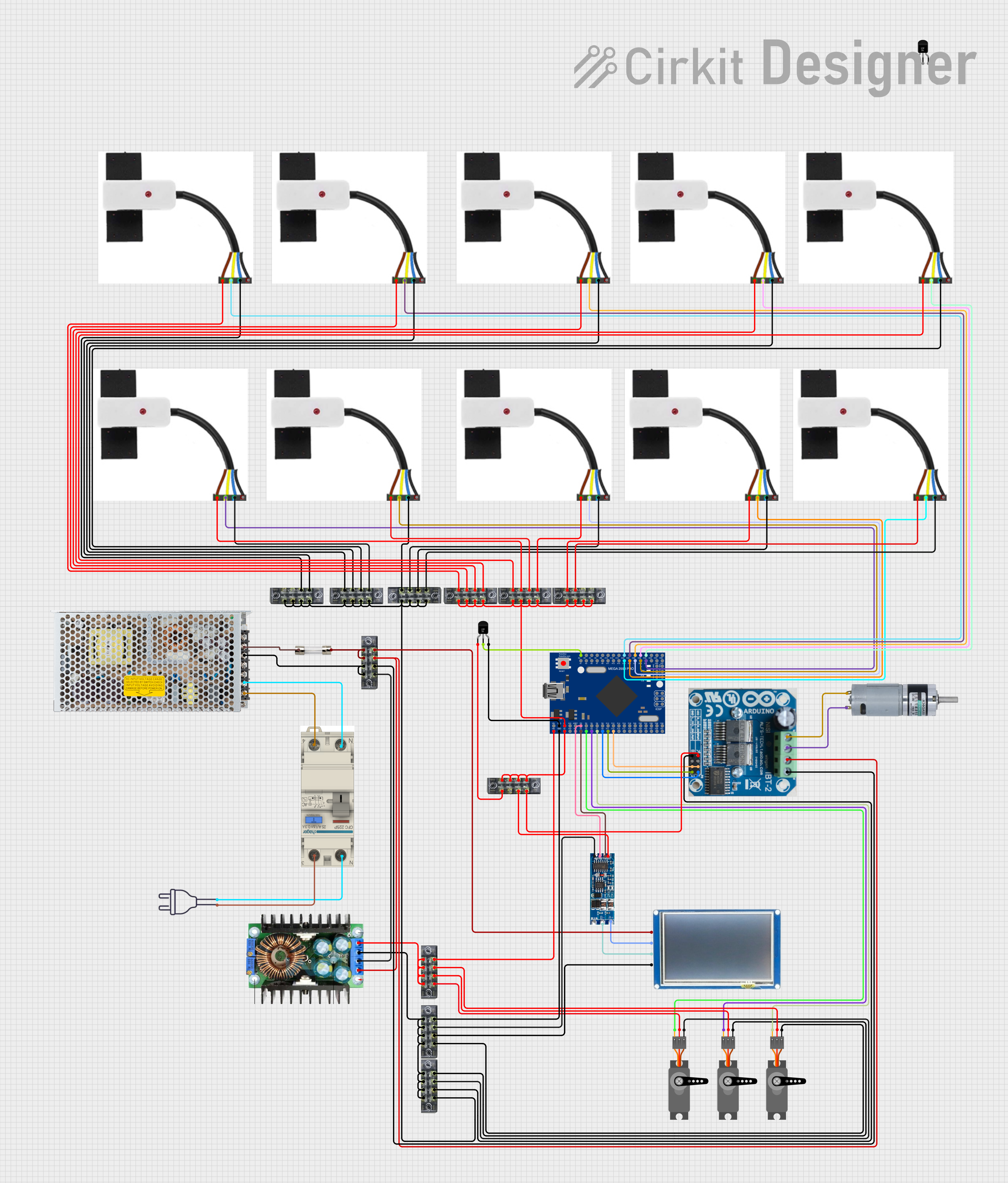 Open Project in Cirkit Designer
Explore Projects Built with terminalblock-04-01
Open Project in Cirkit DesignerOpen Project in Cirkit DesignerOpen Project in Cirkit DesignerOpen Project in Cirkit DesignerCommon Applications and Use Cases
- Industrial control panels and automation systems
- Electrical distribution boards
- Prototyping and testing circuits
- Home and building wiring systems
- Audio and speaker connections
Technical Specifications
Key Technical Details
| Parameter | Value |
|---|---|
| Number of Terminals | 4 |
| Rated Voltage | 300V AC/DC |
| Rated Current | 15A |
| Wire Size Compatibility | 22-12 AWG |
| Material | Flame-retardant thermoplastic |
| Mounting Type | Screw or DIN rail |
| Operating Temperature | -40°C to +105°C |
| Dimensions (LxWxH) | 40mm x 10mm x 15mm |
Pin Configuration and Descriptions
The TerminalBlock-04-01 does not have traditional pins but instead features screw terminals for wire connections. Below is a description of the terminal layout:
| Terminal Number | Description |
|---|---|
| 1 | Input/Output wire connection point 1 |
| 2 | Input/Output wire connection point 2 |
| 3 | Input/Output wire connection point 3 |
| 4 | Input/Output wire connection point 4 |
Each terminal is independent, allowing for flexible wiring configurations.
Usage Instructions
How to Use the TerminalBlock-04-01 in a Circuit
- Prepare the Wires: Strip the insulation from the ends of the wires you intend to connect. Ensure the exposed conductor length matches the terminal block's specifications (typically 5-7mm).
- Insert the Wires: Loosen the screw on the desired terminal using a screwdriver. Insert the stripped wire into the terminal opening.
- Secure the Connection: Tighten the screw to clamp the wire securely in place. Avoid overtightening, as this may damage the wire or terminal.
- Repeat for Additional Wires: Follow the same steps for the remaining terminals as needed.
Important Considerations and Best Practices
- Wire Compatibility: Ensure the wire gauge (22-12 AWG) matches the terminal block's specifications for a secure connection.
- Avoid Overloading: Do not exceed the rated voltage (300V) or current (15A) to prevent overheating or damage.
- Check Connections: Periodically inspect and retighten screws to maintain a reliable connection, especially in environments with vibration.
- Mounting: Use screws or a DIN rail for secure mounting, depending on your application.
Example: Connecting to an Arduino UNO
While the TerminalBlock-04-01 is not directly connected to an Arduino UNO, it can be used to organize and distribute power or signals in Arduino-based projects. Below is an example of how to use it to distribute 5V power from an Arduino:
// Example: Distributing 5V power using TerminalBlock-04-01
// Connect the Arduino's 5V and GND pins to the terminal block
// to distribute power to multiple components.

void setup() {
  // No specific code is required for the terminal block itself.
  // Ensure proper wiring as follows:
  // - Connect Arduino 5V to Terminal 1
  // - Connect Arduino GND to Terminal 2
  // - Use Terminals 3 and 4 to power other components
}

void loop() {
  // Your main code logic goes here
}
Troubleshooting and FAQs
Common Issues and Solutions
Loose Connections:
- Issue: Wires are not securely held in the terminal block.
- Solution: Ensure the screws are tightened properly. Check that the wire gauge is compatible with the terminal block.
Overheating:
- Issue: The terminal block becomes hot during operation.
- Solution: Verify that the current does not exceed the 15A rating. Use thicker wires if necessary to reduce resistance.
Wire Slippage:
- Issue: Wires slip out of the terminal block.
- Solution: Ensure the stripped wire length is correct (5-7mm) and that the screw is tightened securely.
Corrosion or Damage:
- Issue: Terminals show signs of corrosion or wear.
- Solution: Replace the terminal block if corrosion is severe. Use components in environments within the specified operating temperature range.
FAQs
Q1: Can I use the TerminalBlock-04-01 for AC connections?
A1: Yes, the terminal block is rated for both AC and DC connections up to 300V.
Q2: How many wires can I connect to each terminal?
A2: Each terminal is designed for one wire. However, you can use fork or ring connectors to combine multiple wires if needed.
Q3: Is the TerminalBlock-04-01 suitable for outdoor use?
A3: The terminal block is not waterproof. For outdoor use, ensure it is housed in a weatherproof enclosure.
Q4: Can I use this terminal block for high-frequency signals?
A4: While it can handle low-frequency signals, it is not optimized for high-frequency applications due to potential signal degradation.
By following this documentation, you can effectively use the TerminalBlock-04-01 in your projects and ensure reliable electrical connections.