
How to Use Mist Maker: Examples, Pinouts, and Specs
 Design with Mist Maker in Cirkit Designer
Introduction
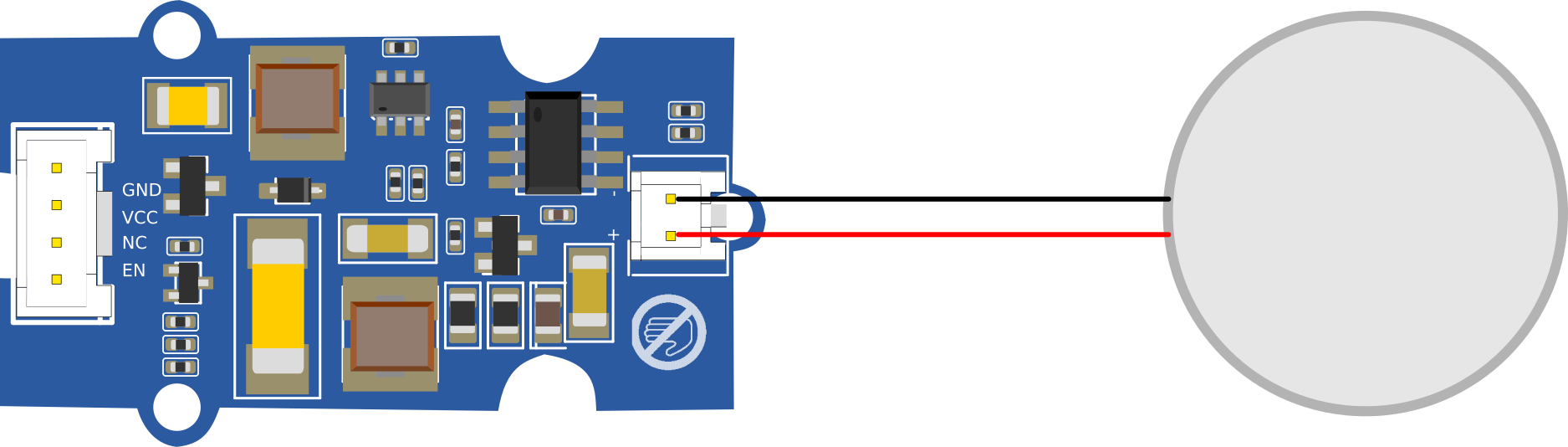
The Mist Maker is an electronic device designed to create a fine mist or fog by utilizing ultrasonic technology. It works by vibrating a ceramic disc at ultrasonic frequencies, which breaks water into tiny droplets, producing a visible mist. This component is widely used in applications such as humidification, aromatherapy, decorative fountains, and even in theatrical effects.
Common applications and use cases:
- Humidifiers: Adds moisture to the air in dry environments.
- Aromatherapy: Disperses essential oils into the air for therapeutic purposes.
- Decorative Features: Enhances the aesthetic appeal of fountains, ponds, or terrariums.
- Special Effects: Creates fog for theatrical or photography purposes.
Explore Projects Built with Mist Maker
 Open Project in Cirkit Designer
 Open Project in Cirkit Designer
 Open Project in Cirkit Designer
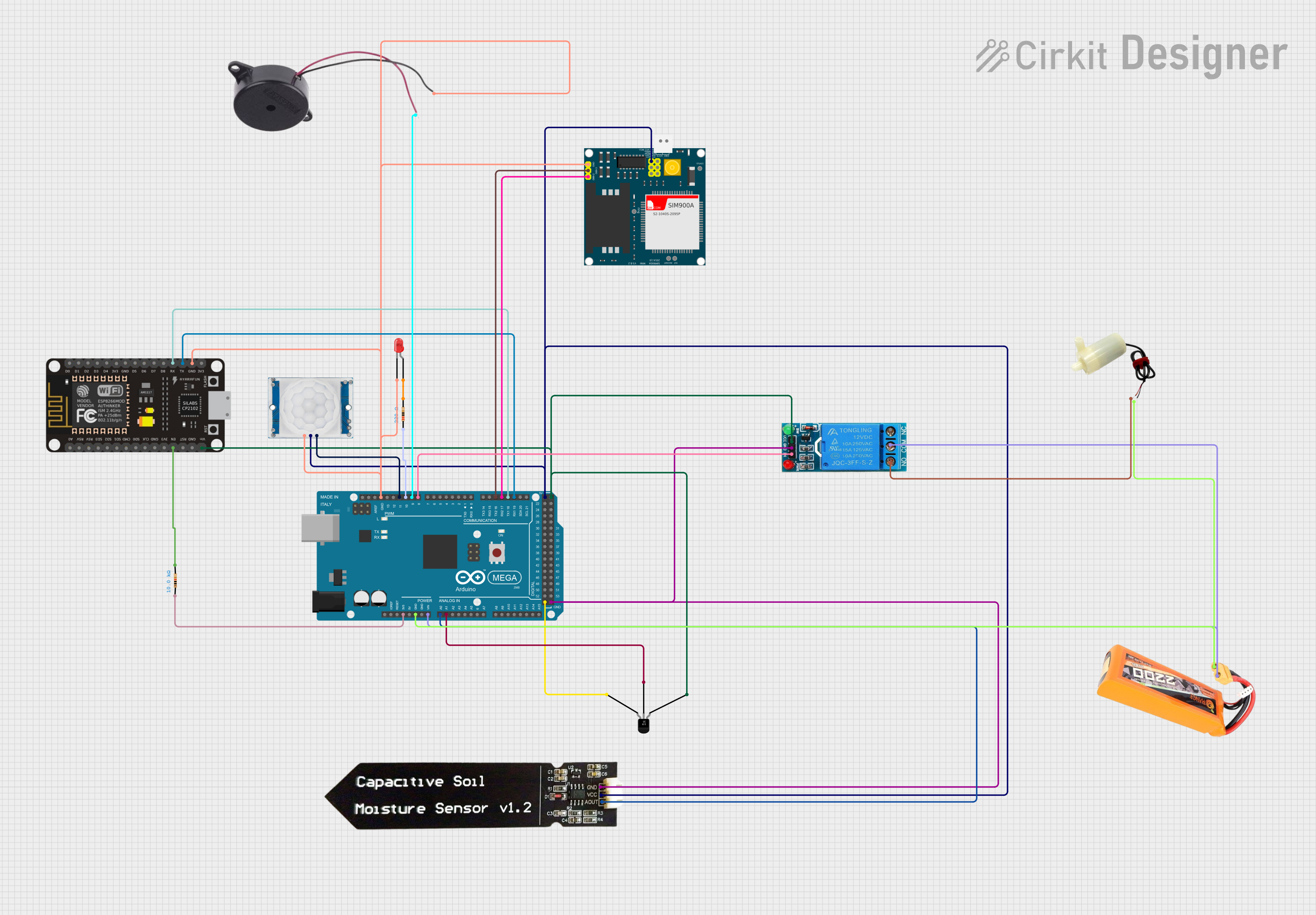 Open Project in Cirkit Designer
Explore Projects Built with Mist Maker
Open Project in Cirkit DesignerOpen Project in Cirkit DesignerOpen Project in Cirkit DesignerOpen Project in Cirkit DesignerTechnical Specifications
Below are the key technical details of a typical Mist Maker:
| Parameter | Value |
|---|---|
| Operating Voltage | 24V DC |
| Operating Current | 400-600 mA |
| Power Consumption | 10-15W |
| Operating Frequency | 1.7 MHz (ultrasonic frequency) |
| Water Level Requirement | Minimum 25-30 mm above the disc |
| Mist Output | 300-400 mL/hour |
| Operating Temperature | 5°C to 50°C |
| Dimensions | Varies (commonly 4-5 cm diameter) |
Pin Configuration and Descriptions
The Mist Maker typically has a simple interface with the following connections:
| Pin/Connector | Description |
|---|---|
| Power Input (+) | Positive terminal for 24V DC input |
| Power Input (-) | Negative terminal for 24V DC input |
| LED Output (optional) | Some models include an LED output for lighting effects |
Usage Instructions
How to Use the Mist Maker in a Circuit
- Power Supply: Connect the Mist Maker to a stable 24V DC power supply. Ensure the power supply can provide at least 600 mA of current to avoid underpowering the device.
- Water Level: Place the Mist Maker in a container with clean water. Ensure the water level is at least 25-30 mm above the ceramic disc for optimal mist production.
- Placement: Position the Mist Maker horizontally in the water. Avoid tilting or submerging the entire device, as this may damage the electronics.
- Operation: Once powered, the Mist Maker will start producing mist automatically. Some models may include an LED indicator or lighting effects.
Important Considerations and Best Practices
- Water Quality: Use clean, distilled, or filtered water to prevent mineral buildup on the ceramic disc.
- Overheating: Do not operate the Mist Maker without water, as this can cause the ceramic disc to overheat and fail.
- Maintenance: Regularly clean the ceramic disc with a soft cloth or cotton swab to remove any residue or buildup.
- Safety: Ensure the device is used in a well-ventilated area and away from sensitive electronics to prevent moisture damage.
Example: Connecting a Mist Maker to an Arduino UNO
While the Mist Maker itself does not require an Arduino for basic operation, you can control it using an Arduino for advanced applications, such as timed mist production or integration with sensors.
Arduino Code Example
// Example: Controlling a Mist Maker with an Arduino UNO
// This code turns the Mist Maker on for 10 seconds, then off for 10 seconds.

const int mistMakerPin = 9; // Pin connected to the Mist Maker's relay module

void setup() {
  pinMode(mistMakerPin, OUTPUT); // Set the pin as an output
}

void loop() {
  digitalWrite(mistMakerPin, HIGH); // Turn the Mist Maker ON
  delay(10000); // Keep it ON for 10 seconds
  digitalWrite(mistMakerPin, LOW);  // Turn the Mist Maker OFF
  delay(10000); // Keep it OFF for 10 seconds
}
Note: Use a relay module to control the Mist Maker with an Arduino, as the Arduino cannot directly supply the required 24V DC power.
Troubleshooting and FAQs
Common Issues and Solutions
No Mist Production:
- Cause: Insufficient water level.
- Solution: Ensure the water level is at least 25-30 mm above the ceramic disc.
- Cause: Faulty power supply.
- Solution: Verify the power supply is providing 24V DC and sufficient current.
Weak Mist Output:
- Cause: Dirty or clogged ceramic disc.
- Solution: Clean the disc with a soft cloth or cotton swab.
- Cause: Low water quality.
- Solution: Use clean, distilled, or filtered water.
Device Overheats:
- Cause: Operating without water.
- Solution: Always ensure the device is submerged in water before powering it on.
Intermittent Operation:
- Cause: Loose or damaged connections.
- Solution: Check all wiring and connectors for secure and proper connections.
FAQs
Q: Can I use the Mist Maker with liquids other than water?
A: No, the Mist Maker is designed for use with water only. Other liquids may damage the ceramic disc or internal components.Q: How often should I clean the ceramic disc?
A: Clean the disc every 1-2 weeks, or more frequently if you notice reduced mist output.Q: Can I submerge the entire Mist Maker in water?
A: No, only the ceramic disc and the lower portion of the device should be submerged. Submerging the entire device may damage the electronics.Q: Is the Mist Maker safe to use around electronics?
A: Yes, but ensure proper ventilation and avoid placing it too close to sensitive electronics to prevent moisture damage.
This concludes the documentation for the Mist Maker. Follow the guidelines above for safe and effective operation!