
How to Use Motion 2350 Pro: Examples, Pinouts, and Specs
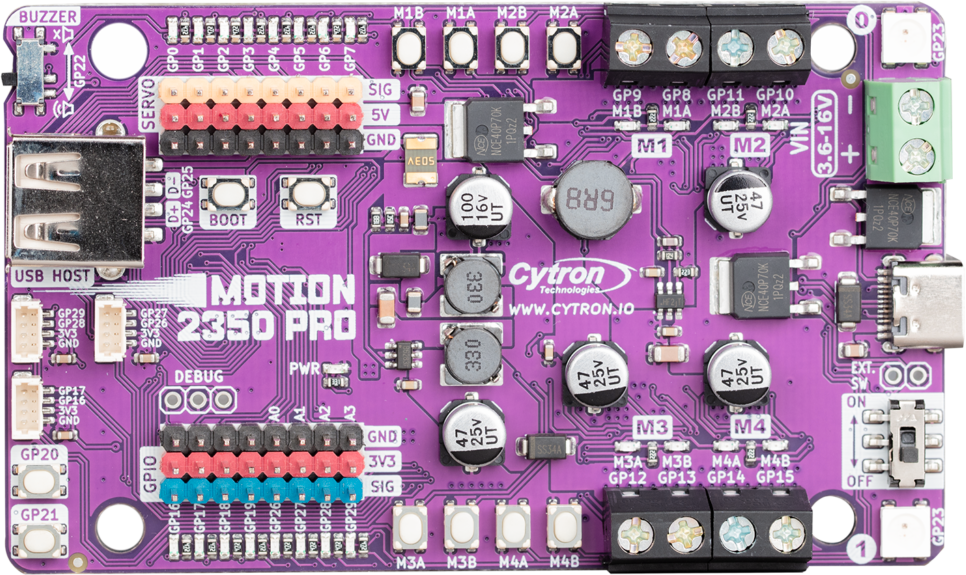
 Design with Motion 2350 Pro in Cirkit Designer
Introduction
The Motion 2350 Pro by Cytron is a high-performance motion sensor designed for precise tracking and control in a wide range of applications. Its advanced sensing capabilities make it ideal for robotics, automation, industrial systems, and even consumer electronics. With its robust design and reliable performance, the Motion 2350 Pro ensures accurate motion detection and feedback, enabling seamless integration into complex systems.
Explore Projects Built with Motion 2350 Pro
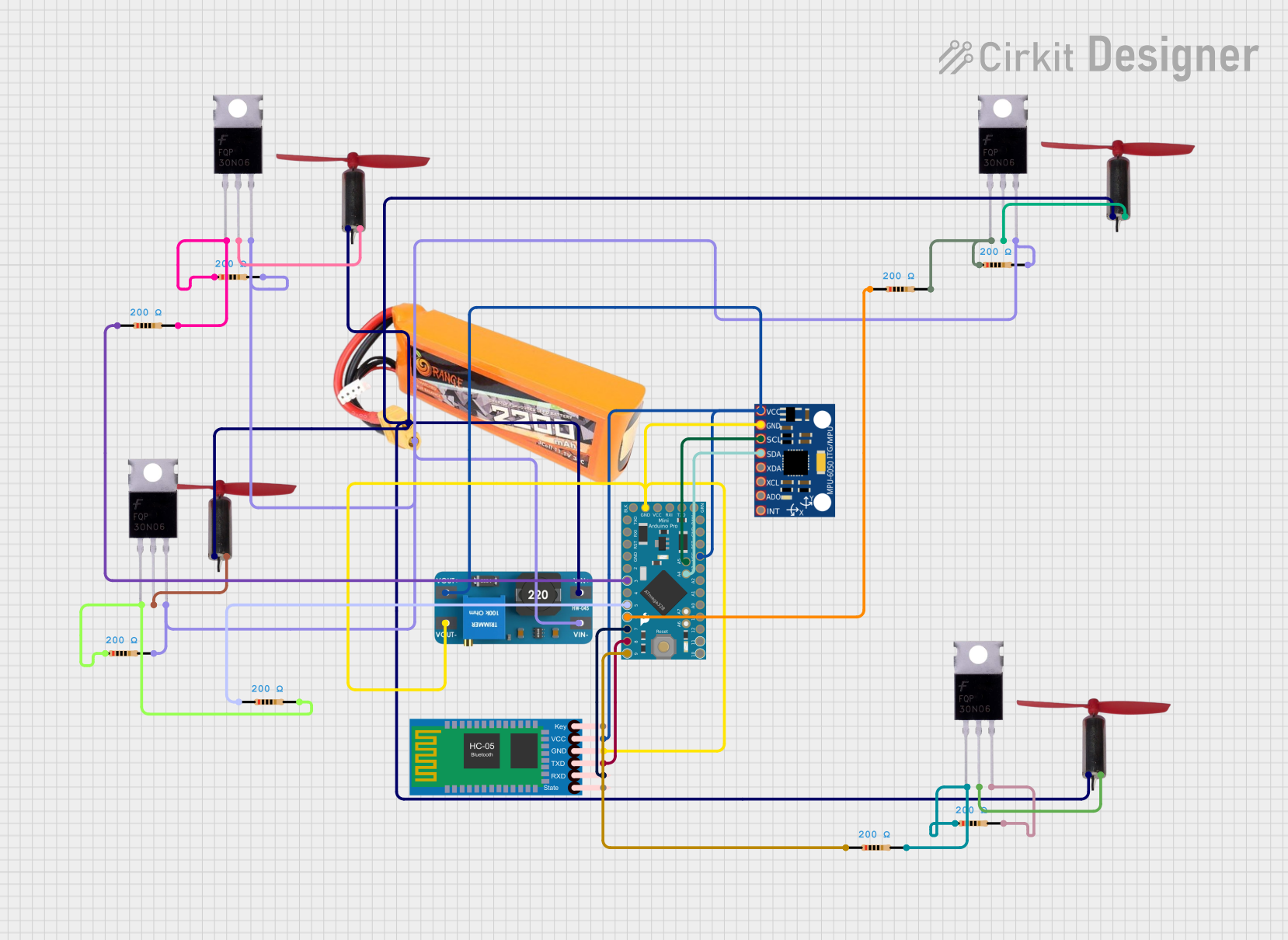 Open Project in Cirkit Designer
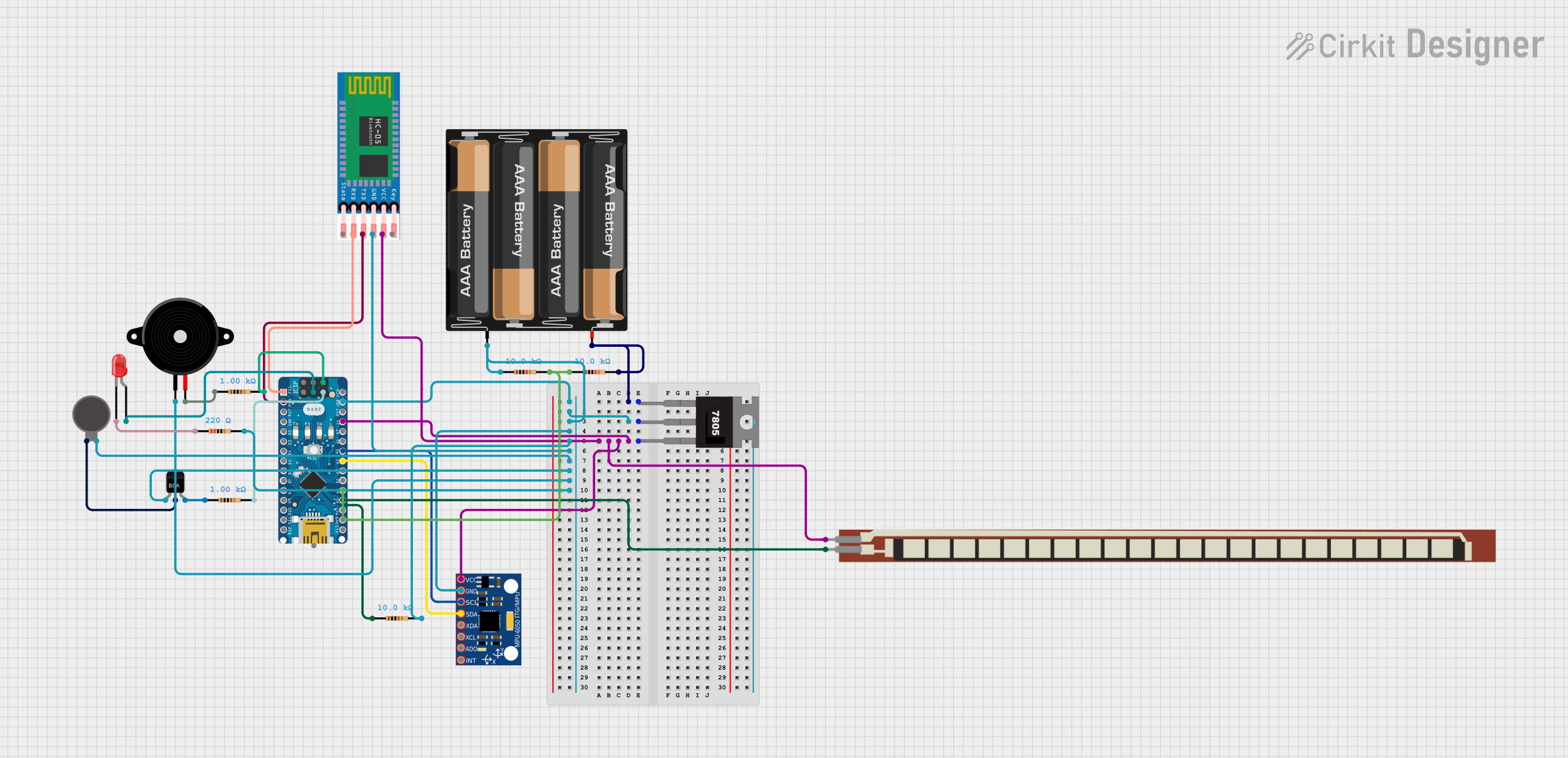 Open Project in Cirkit Designer
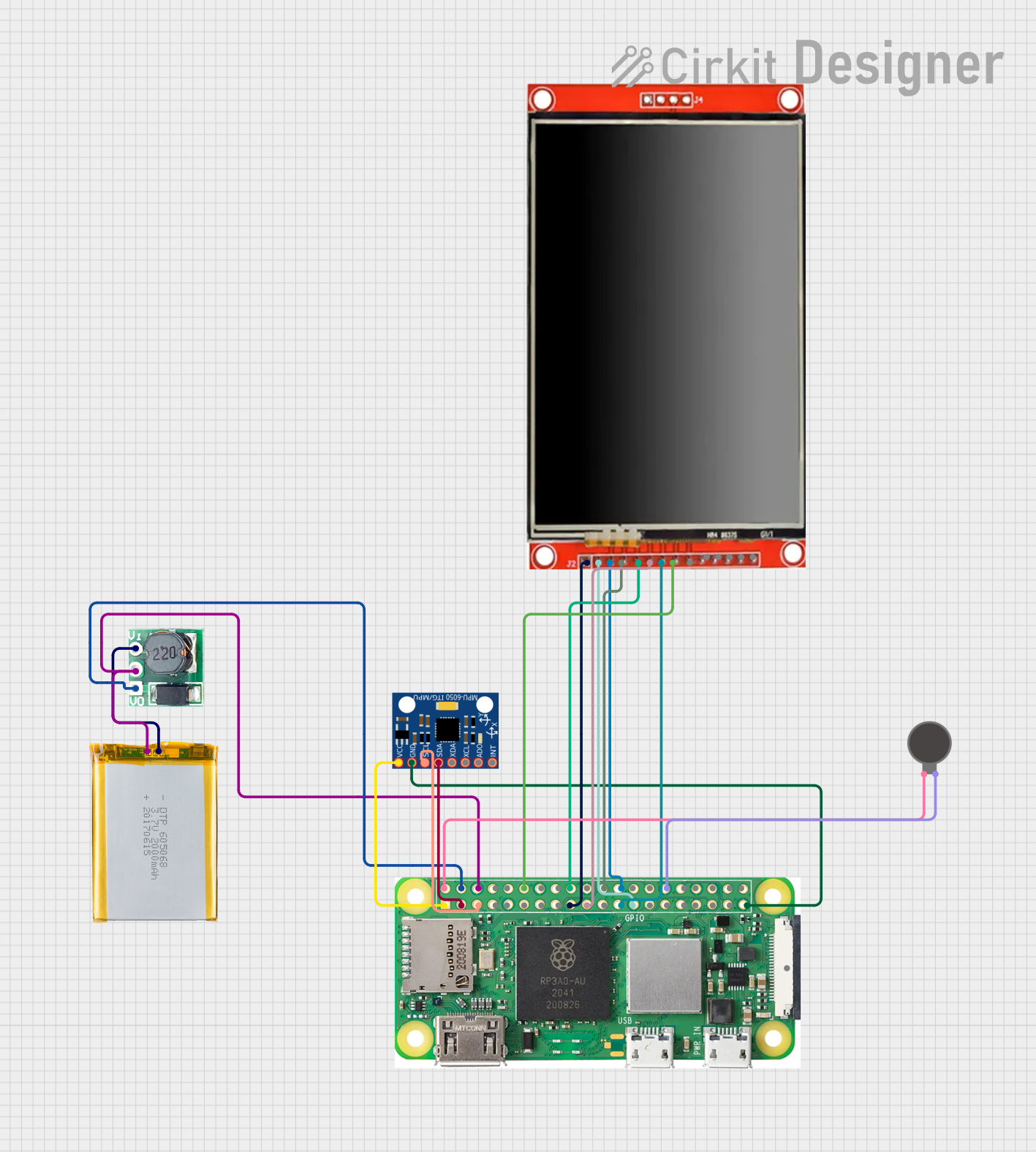 Open Project in Cirkit Designer
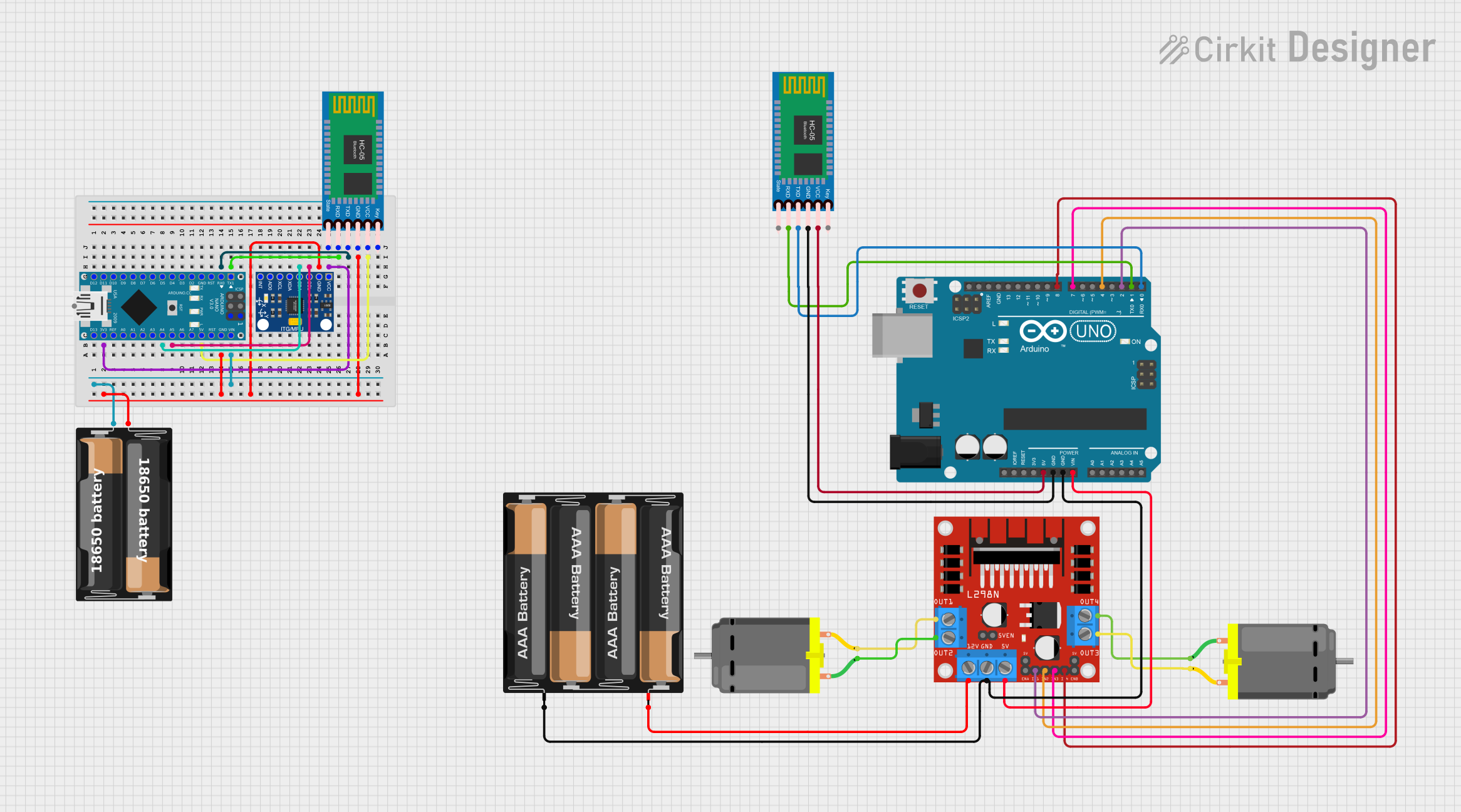 Open Project in Cirkit Designer
Explore Projects Built with Motion 2350 Pro
Open Project in Cirkit DesignerOpen Project in Cirkit DesignerOpen Project in Cirkit DesignerOpen Project in Cirkit DesignerCommon Applications
- Robotics for navigation and obstacle detection
- Industrial automation for conveyor belt monitoring
- Drones and UAVs for stabilization and control
- Smart home devices for motion-triggered automation
- Gaming systems for motion-based input
Technical Specifications
The following table outlines the key technical details of the Motion 2350 Pro:
| Parameter | Specification |
|---|---|
| Operating Voltage | 3.3V to 5V DC |
| Operating Current | 15mA (typical) |
| Communication Protocol | I2C, SPI |
| Measurement Range | ±16g (acceleration), ±2000°/s (gyro) |
| Sampling Rate | Up to 1 kHz |
| Operating Temperature | -40°C to 85°C |
| Dimensions | 25mm x 25mm x 5mm |
Pin Configuration
The Motion 2350 Pro features a 6-pin interface for easy integration. The pinout is as follows:
| Pin | Name | Description |
|---|---|---|
| 1 | VCC | Power supply input (3.3V to 5V DC) |
| 2 | GND | Ground connection |
| 3 | SCL | I2C clock line |
| 4 | SDA | I2C data line |
| 5 | CS | Chip select for SPI communication |
| 6 | INT | Interrupt output for motion detection events |
Usage Instructions
How to Use the Motion 2350 Pro in a Circuit
- Power Connection: Connect the VCC pin to a 3.3V or 5V power source and the GND pin to the ground.
- Communication Setup:
- For I2C communication, connect the SCL and SDA pins to the corresponding pins on your microcontroller.
- For SPI communication, connect the CS pin to a GPIO pin on your microcontroller and configure it as the chip select line.
- Interrupt Handling: If using the interrupt feature, connect the INT pin to a GPIO pin on your microcontroller and configure it to detect rising or falling edges.
Important Considerations
- Use pull-up resistors (typically 4.7kΩ) on the SCL and SDA lines for I2C communication.
- Ensure the power supply voltage matches the operating range of the sensor (3.3V to 5V).
- Place decoupling capacitors (e.g., 0.1µF) near the VCC pin to reduce noise.
- Avoid placing the sensor near high-frequency noise sources to maintain accuracy.
Example: Connecting to an Arduino UNO
Below is an example of how to connect and use the Motion 2350 Pro with an Arduino UNO via I2C:
Circuit Connections
| Motion 2350 Pro Pin | Arduino UNO Pin |
|---|---|
| VCC | 5V |
| GND | GND |
| SCL | A5 (SCL) |
| SDA | A4 (SDA) |
| INT | D2 |
Arduino Code Example
#include <Wire.h> // Include the Wire library for I2C communication

#define MOTION_ADDR 0x68 // I2C address of the Motion 2350 Pro
#define INT_PIN 2        // Interrupt pin connected to Arduino D2

void setup() {
  Wire.begin(); // Initialize I2C communication
  pinMode(INT_PIN, INPUT); // Set interrupt pin as input
  Serial.begin(9600); // Start serial communication for debugging

  // Initialize the Motion 2350 Pro
  Wire.beginTransmission(MOTION_ADDR);
  Wire.write(0x6B); // Access the power management register
  Wire.write(0x00); // Wake up the sensor
  Wire.endTransmission();

  Serial.println("Motion 2350 Pro initialized.");
}

void loop() {
  // Read motion data from the sensor
  Wire.beginTransmission(MOTION_ADDR);
  Wire.write(0x3B); // Starting register for accelerometer data
  Wire.endTransmission(false);
  Wire.requestFrom(MOTION_ADDR, 6); // Request 6 bytes (X, Y, Z data)

  if (Wire.available() == 6) {
    int16_t accelX = (Wire.read() << 8) | Wire.read();
    int16_t accelY = (Wire.read() << 8) | Wire.read();
    int16_t accelZ = (Wire.read() << 8) | Wire.read();

    Serial.print("Accel X: "); Serial.print(accelX);
    Serial.print(" | Accel Y: "); Serial.print(accelY);
    Serial.print(" | Accel Z: "); Serial.println(accelZ);
  }

  delay(500); // Delay for readability
}
Troubleshooting and FAQs
Common Issues
No Data from the Sensor
- Cause: Incorrect I2C address or wiring.
- Solution: Verify the I2C address (default is
0x68) and check all connections.
Inconsistent Readings
- Cause: Electrical noise or improper grounding.
- Solution: Add decoupling capacitors near the sensor and ensure a solid ground connection.
Interrupt Not Triggering
- Cause: Incorrect interrupt configuration.
- Solution: Verify the interrupt pin connection and configure the microcontroller to detect the correct edge (rising or falling).
FAQs
Can the Motion 2350 Pro operate at 3.3V? Yes, the sensor supports both 3.3V and 5V operation.
What is the maximum sampling rate? The sensor supports a maximum sampling rate of 1 kHz.
Can I use the sensor with SPI instead of I2C? Yes, the Motion 2350 Pro supports both I2C and SPI communication protocols.
Is the sensor suitable for outdoor use? While the sensor operates in a wide temperature range, it is not waterproof. Use appropriate enclosures for outdoor applications.