
How to Use MOSFET IRF1404: Examples, Pinouts, and Specs
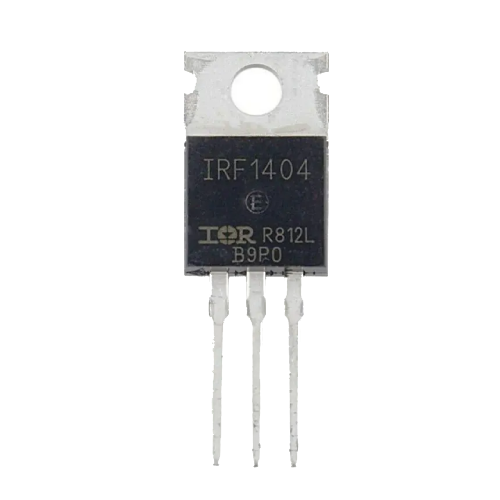
 Design with MOSFET IRF1404 in Cirkit Designer
Introduction
The IRF1404 is an N-channel MOSFET designed for high-speed switching applications. It features low on-resistance and high current handling capabilities, making it ideal for power management and amplification in various electronic circuits. This component is widely used in automotive systems, motor control, DC-DC converters, and other high-power applications due to its efficiency and reliability.
Explore Projects Built with MOSFET IRF1404
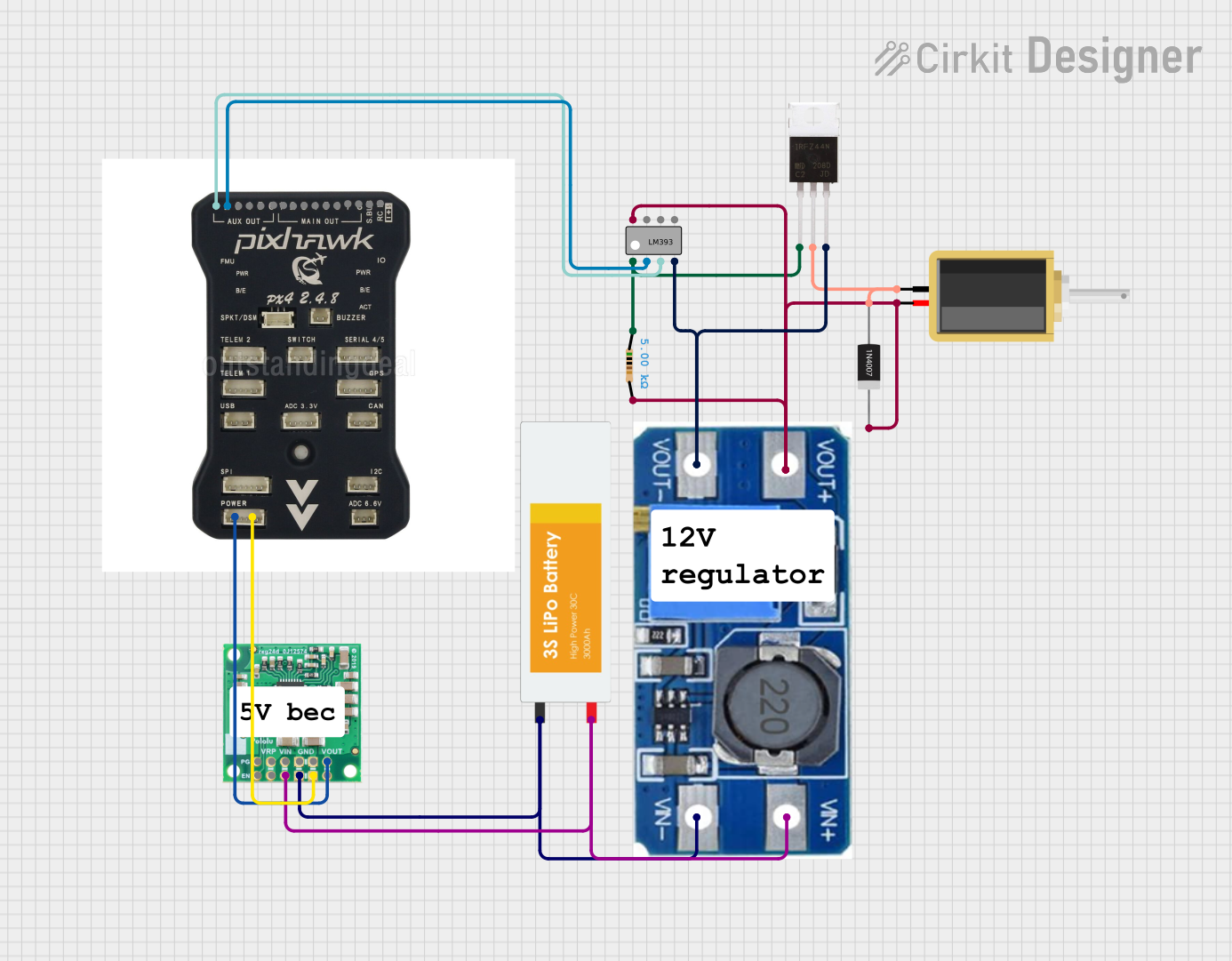 Open Project in Cirkit Designer
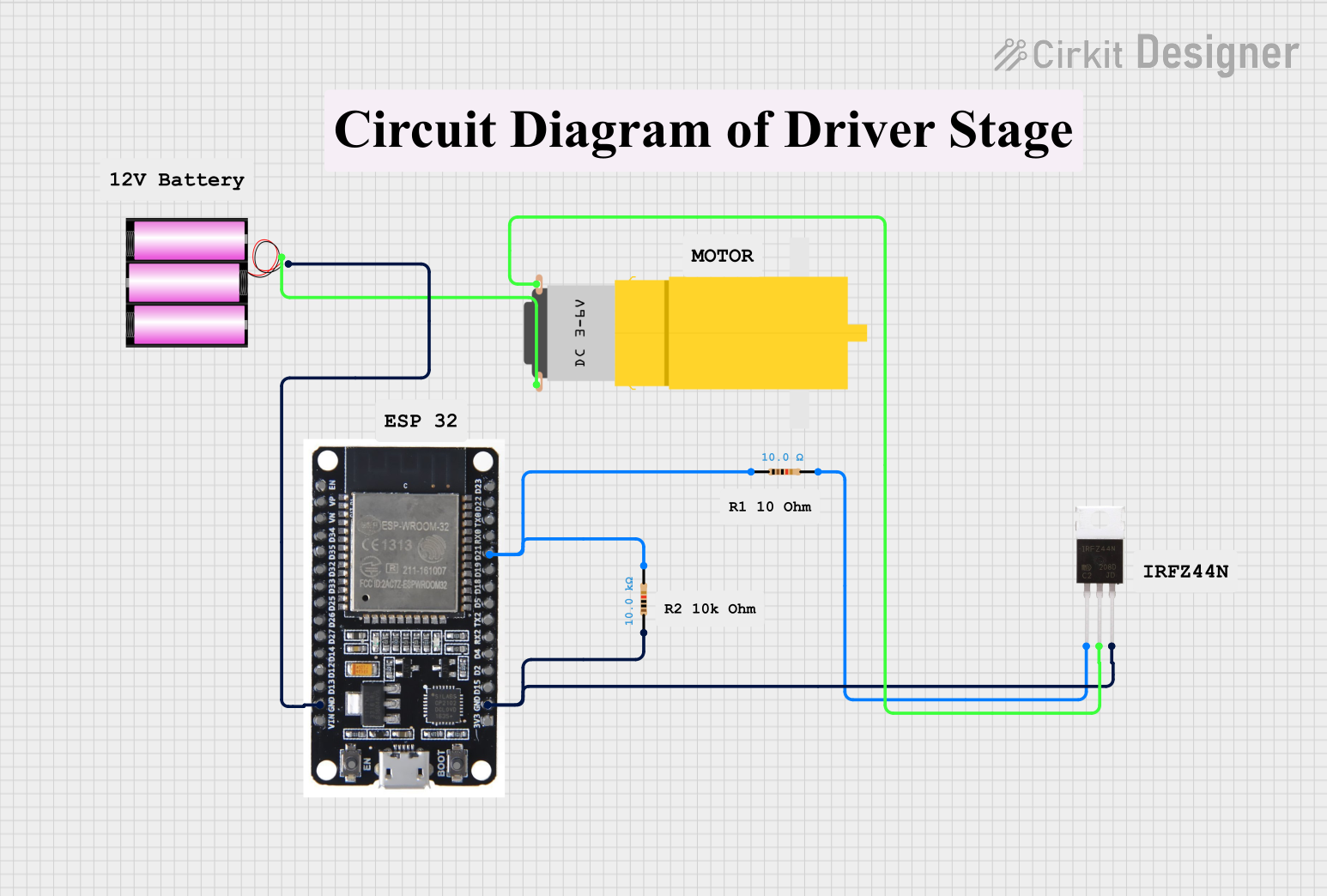 Open Project in Cirkit Designer
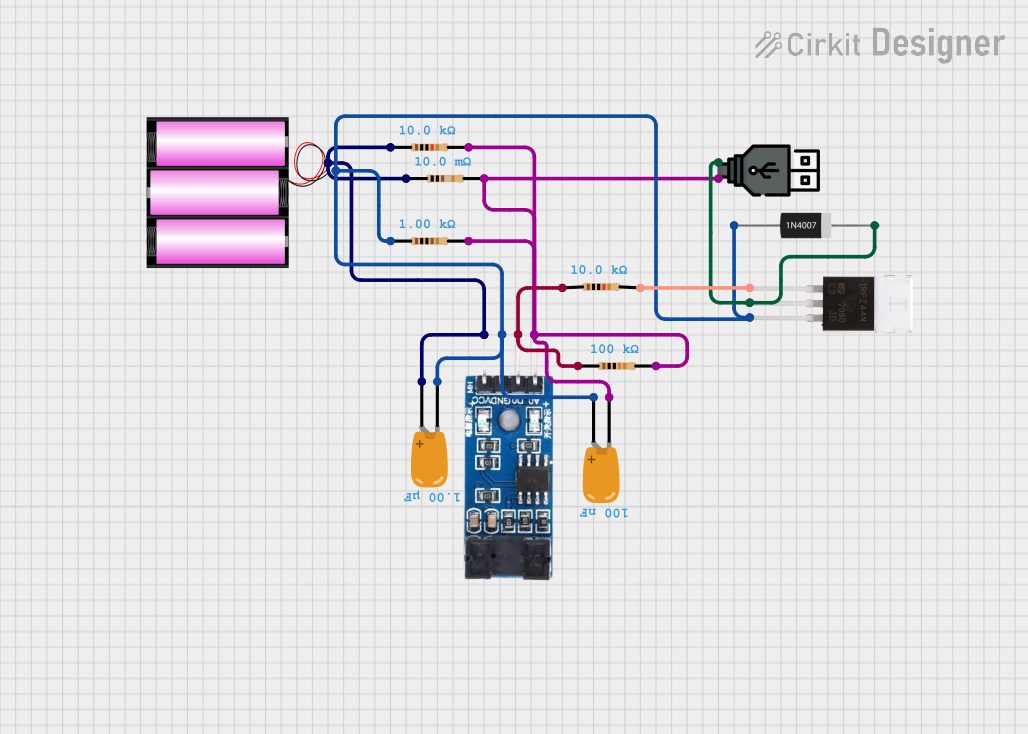 Open Project in Cirkit Designer
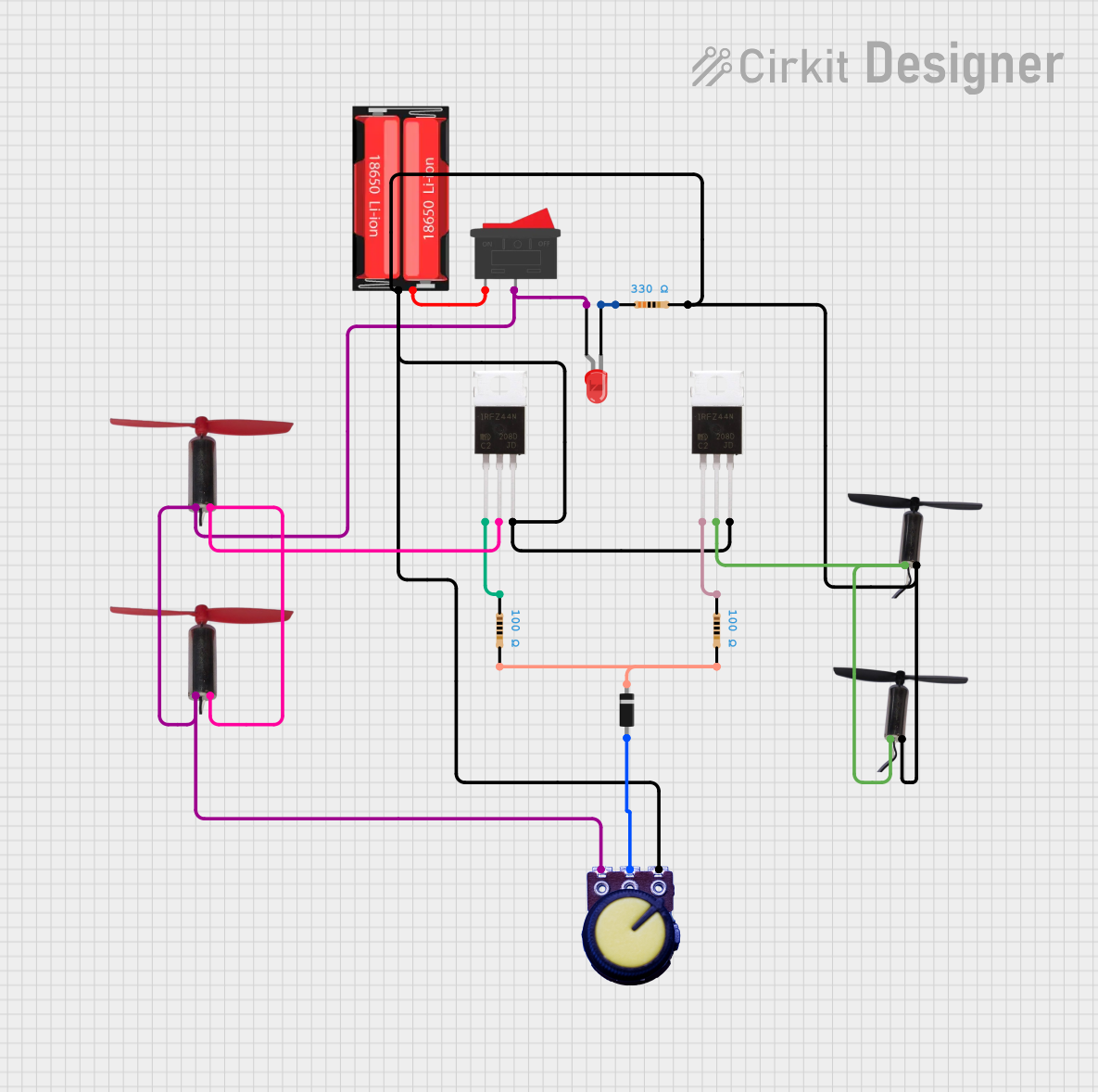 Open Project in Cirkit Designer
Explore Projects Built with MOSFET IRF1404
Open Project in Cirkit DesignerOpen Project in Cirkit DesignerOpen Project in Cirkit DesignerOpen Project in Cirkit DesignerCommon Applications
- Automotive electronics (e.g., electric motor control, power distribution)
- DC-DC converters and power supplies
- High-current switching circuits
- Amplification in audio and RF systems
- Battery management systems
Technical Specifications
The IRF1404 is a robust and efficient MOSFET with the following key specifications:
| Parameter | Value |
|---|---|
| Manufacturer Part ID | IRF1404 |
| Type | N-Channel MOSFET |
| Maximum Drain-Source Voltage (VDS) | 40V |
| Maximum Gate-Source Voltage (VGS) | ±20V |
| Continuous Drain Current (ID) | 162A (at 25°C) |
| Pulsed Drain Current (IDM) | 580A |
| Power Dissipation (PD) | 200W |
| On-Resistance (RDS(on)) | 0.004Ω (typical) |
| Gate Threshold Voltage (VGS(th)) | 2.0V - 4.0V |
| Operating Temperature Range | -55°C to +175°C |
| Package Type | TO-220 |
Pin Configuration
The IRF1404 is housed in a TO-220 package with three pins. The pin configuration is as follows:
| Pin Number | Pin Name | Description |
|---|---|---|
| 1 | Gate (G) | Controls the MOSFET switching state |
| 2 | Drain (D) | Current flows from drain to source |
| 3 | Source (S) | Connected to the ground or load |
Usage Instructions
How to Use the IRF1404 in a Circuit
Gate Control:
- Apply a voltage between the Gate (G) and Source (S) to control the MOSFET. A voltage above the gate threshold (typically 2.0V to 4.0V) will turn the MOSFET on.
- Use a resistor (e.g., 10Ω to 100Ω) in series with the gate to limit inrush current and protect the driving circuit.
Drain-Source Connection:
- Connect the load between the Drain (D) and the positive supply voltage.
- The Source (S) is typically connected to ground in low-side switching configurations.
Power Dissipation:
- Ensure proper heat dissipation by attaching a heatsink to the TO-220 package if the MOSFET operates at high currents.
Protection:
- Use a flyback diode across inductive loads (e.g., motors) to protect the MOSFET from voltage spikes.
- Avoid exceeding the maximum VDS and VGS ratings to prevent damage.
Example: Using IRF1404 with Arduino UNO
The IRF1404 can be controlled by an Arduino UNO for switching applications. Below is an example of controlling a DC motor using the IRF1404:
Circuit Connections
- Gate (G): Connect to an Arduino digital pin (e.g., D9) through a 100Ω resistor.
- Drain (D): Connect to one terminal of the DC motor.
- Source (S): Connect to ground.
- The other terminal of the motor connects to the positive supply voltage.
- Add a flyback diode across the motor terminals to protect the MOSFET.
Arduino Code
// Example code to control a DC motor using IRF1404 and Arduino UNO

const int motorPin = 9; // Pin connected to the Gate of IRF1404

void setup() {
  pinMode(motorPin, OUTPUT); // Set motorPin as an output
}

void loop() {
  digitalWrite(motorPin, HIGH); // Turn the motor ON
  delay(2000);                 // Keep the motor ON for 2 seconds
  digitalWrite(motorPin, LOW);  // Turn the motor OFF
  delay(2000);                 // Keep the motor OFF for 2 seconds
}
Best Practices
- Use a logic-level MOSFET driver if the gate voltage from the microcontroller is insufficient to fully turn on the MOSFET.
- Ensure the MOSFET operates within its safe operating area (SOA) to avoid thermal or electrical damage.
- Use proper decoupling capacitors near the power supply to reduce noise and voltage fluctuations.
Troubleshooting and FAQs
Common Issues and Solutions
MOSFET Not Turning On:
- Ensure the gate voltage exceeds the threshold voltage (VGS(th)).
- Check for proper connections and verify the gate resistor value.
Excessive Heat:
- Verify that the MOSFET is operating within its current and power dissipation limits.
- Attach a heatsink to the TO-220 package for better thermal management.
Motor Not Running:
- Check the flyback diode and ensure it is correctly oriented.
- Verify the motor connections and power supply voltage.
MOSFET Damage:
- Avoid exceeding the maximum VDS and VGS ratings.
- Use proper protection circuits, such as TVS diodes or snubber circuits, for high-voltage spikes.
FAQs
Q1: Can the IRF1404 be driven directly by a 5V microcontroller?
A1: Yes, the IRF1404 can be driven by a 5V microcontroller, but ensure the gate voltage is sufficient to fully turn on the MOSFET. For optimal performance, consider using a gate driver.
Q2: What is the purpose of the flyback diode?
A2: The flyback diode protects the MOSFET from voltage spikes generated by inductive loads, such as motors or relays, during switching.
Q3: Can the IRF1404 handle AC loads?
A3: The IRF1404 is primarily designed for DC applications. For AC loads, additional circuitry, such as an H-bridge, is required.
Q4: How do I calculate the required heatsink size?
A4: Use the formula:
( P_{D} = I_{D}^2 \times R_{DS(on)} )
Then, calculate the thermal resistance needed to maintain the junction temperature below the maximum rating.
By following this documentation, users can effectively integrate the IRF1404 into their electronic designs for reliable and efficient performance.