
How to Use IP2312: Examples, Pinouts, and Specs
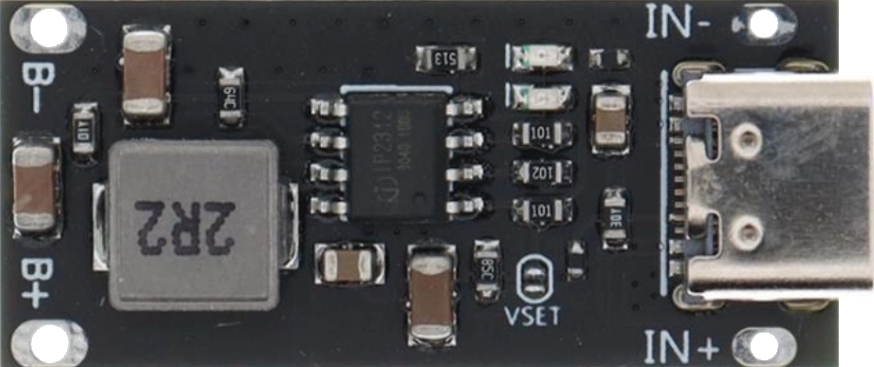
 Design with IP2312 in Cirkit Designer
Introduction
The IP2312, manufactured by Injoinic Technology, is a high-performance power management integrated circuit (PMIC) designed for battery-powered applications. It features a low-dropout (LDO) regulator and multiple output voltage options, making it ideal for efficient power distribution in portable devices. The IP2312 is widely used in applications such as wearable electronics, IoT devices, and portable medical equipment due to its compact size, high efficiency, and reliable performance.
Explore Projects Built with IP2312
 Open Project in Cirkit Designer
 Open Project in Cirkit Designer
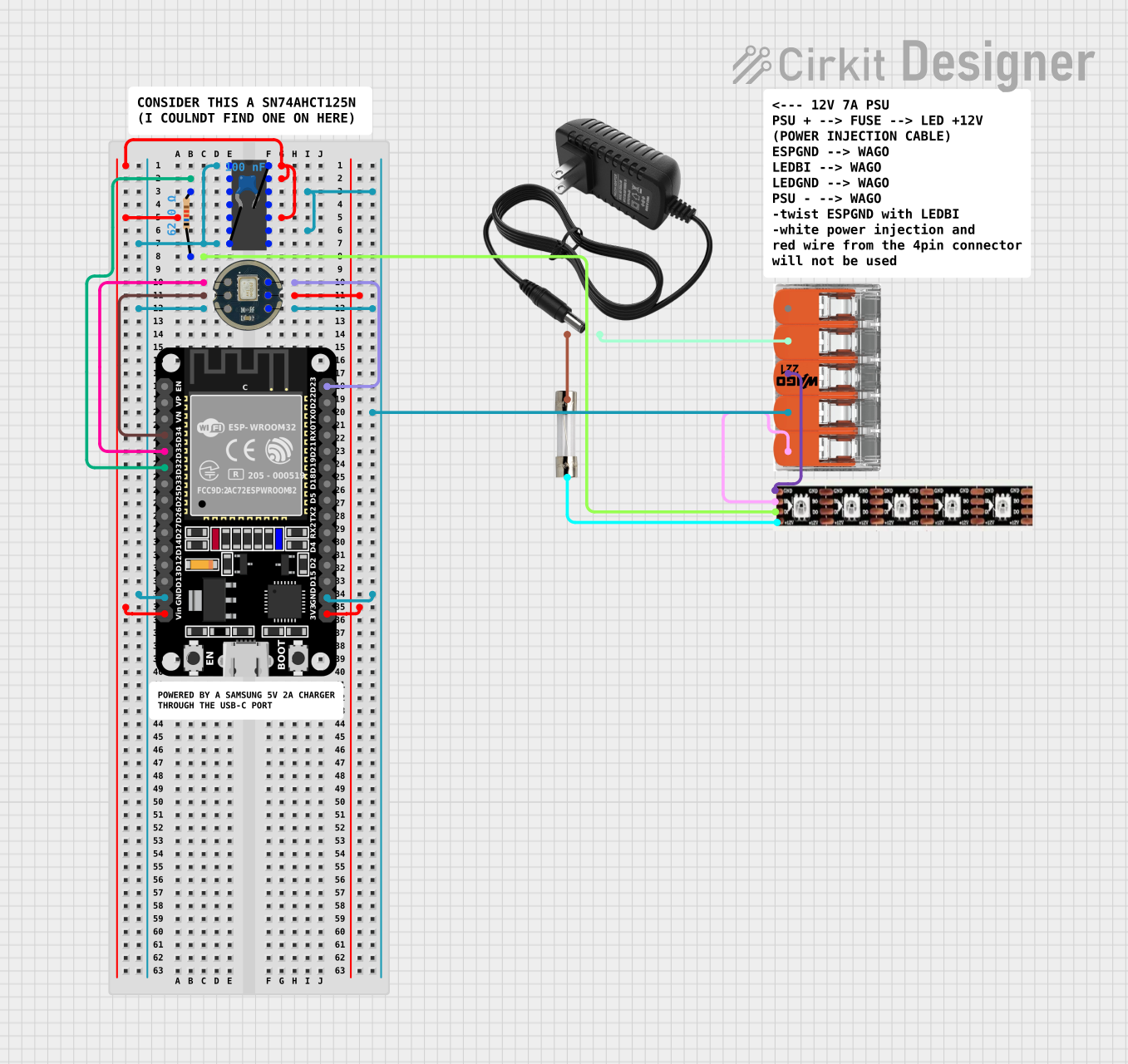 Open Project in Cirkit Designer
 Open Project in Cirkit Designer
Explore Projects Built with IP2312
Open Project in Cirkit DesignerOpen Project in Cirkit DesignerOpen Project in Cirkit DesignerOpen Project in Cirkit DesignerCommon Applications:
- Wearable devices (e.g., smartwatches, fitness trackers)
- IoT (Internet of Things) devices
- Portable medical equipment
- Battery-powered consumer electronics
- Wireless communication modules
Technical Specifications
Key Technical Details:
- Input Voltage Range: 2.5V to 6.5V
- Output Voltage Options: Configurable (e.g., 1.8V, 3.3V, etc.)
- Output Current: Up to 1A
- Low-Dropout Voltage: < 200mV at 500mA load
- Quiescent Current: < 50µA
- Efficiency: Up to 95%
- Operating Temperature Range: -40°C to +85°C
- Package Type: SOT23-6 or DFN-6 (depending on variant)
Pin Configuration and Descriptions:
The IP2312 is typically available in a 6-pin package. Below is the pinout and description:
SOT23-6 Package Pinout:
| Pin Number | Pin Name | Description |
|---|---|---|
| 1 | VIN | Input voltage supply (2.5V to 6.5V). |
| 2 | GND | Ground connection. |
| 3 | EN | Enable pin. High to enable the IC, low to disable. |
| 4 | FB | Feedback pin for output voltage adjustment. |
| 5 | VOUT | Regulated output voltage. |
| 6 | NC | No connection (leave floating or connect to GND). |
DFN-6 Package Pinout:
| Pin Number | Pin Name | Description |
|---|---|---|
| 1 | VIN | Input voltage supply (2.5V to 6.5V). |
| 2 | GND | Ground connection. |
| 3 | EN | Enable pin. High to enable the IC, low to disable. |
| 4 | FB | Feedback pin for output voltage adjustment. |
| 5 | VOUT | Regulated output voltage. |
| 6 | GND (Pad) | Exposed thermal pad for heat dissipation. |
Usage Instructions
How to Use the IP2312 in a Circuit:
- Power Supply: Connect the input voltage (VIN) to a stable DC power source within the range of 2.5V to 6.5V.
- Enable Pin: Use a pull-up resistor to enable the IC by driving the EN pin high. To disable the IC, pull the EN pin low.
- Output Voltage Configuration:
- Use a resistor divider network connected to the FB pin to set the desired output voltage.
- The output voltage (VOUT) can be calculated using the formula:
[ V_{OUT} = V_{REF} \times \left(1 + \frac{R_1}{R_2}\right) ]
where ( V_{REF} ) is the internal reference voltage (typically 1.2V).
- Output Capacitor: Place a low-ESR capacitor (e.g., 10µF ceramic) at the VOUT pin for stability and noise filtering.
- Thermal Management: Ensure proper heat dissipation by connecting the exposed thermal pad (if available) to a large ground plane.
Important Considerations:
- Input Capacitor: Use a 10µF ceramic capacitor close to the VIN pin to minimize input voltage ripple.
- Load Regulation: Ensure the load current does not exceed the maximum rated output current (1A).
- PCB Layout: Keep the feedback trace short and away from noisy signals to maintain output voltage accuracy.
Example: Using IP2312 with Arduino UNO
The IP2312 can be used to power an Arduino UNO by providing a stable 5V output. Below is an example circuit and Arduino code to enable the IC:
Circuit:
- Connect VIN to a 6V battery.
- Connect VOUT to the Arduino UNO's 5V pin.
- Use a 10kΩ pull-up resistor on the EN pin to enable the IC.
Arduino Code:
// Example code to control the EN pin of the IP2312 using Arduino UNO
const int enablePin = 7; // Pin 7 connected to the EN pin of IP2312

void setup() {
  pinMode(enablePin, OUTPUT); // Set enablePin as an output
  digitalWrite(enablePin, HIGH); // Enable the IP2312
}

void loop() {
  // The IP2312 remains enabled, providing power to the Arduino
  delay(1000); // Placeholder for user code
}
Troubleshooting and FAQs
Common Issues and Solutions:
No Output Voltage:
- Cause: EN pin is not properly configured.
- Solution: Ensure the EN pin is pulled high to enable the IC.
Output Voltage Instability:
- Cause: Insufficient output capacitor or poor PCB layout.
- Solution: Use a low-ESR capacitor (e.g., 10µF ceramic) close to the VOUT pin and minimize feedback trace length.
Excessive Heat:
- Cause: Overloading or insufficient thermal dissipation.
- Solution: Ensure the load current does not exceed 1A and connect the thermal pad to a large ground plane.
High Quiescent Current:
- Cause: Faulty configuration or damaged IC.
- Solution: Verify the circuit connections and replace the IC if necessary.
FAQs:
Can the IP2312 operate with a 3.7V Li-ion battery?
Yes, the IP2312 supports input voltages as low as 2.5V, making it compatible with 3.7V Li-ion batteries.What is the maximum output current of the IP2312?
The IP2312 can provide up to 1A of output current.How do I adjust the output voltage?
Use a resistor divider network connected to the FB pin to set the desired output voltage.Is the IP2312 suitable for powering microcontrollers?
Yes, the IP2312 is ideal for powering microcontrollers due to its low dropout voltage and high efficiency.
By following this documentation, users can effectively integrate the IP2312 into their designs for efficient power management.