
How to Use ADS7830: Examples, Pinouts, and Specs
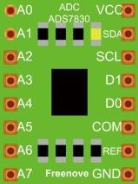
 Design with ADS7830 in Cirkit Designer
Introduction
The ADS7830, manufactured by Freenove, is a 12-bit analog-to-digital converter (ADC) with a serial interface. It operates on a single supply voltage and is designed for low-power applications. The ADS7830 provides high accuracy and fast conversion rates, making it ideal for use in data acquisition systems, sensor interfacing, and portable devices.
Explore Projects Built with ADS7830
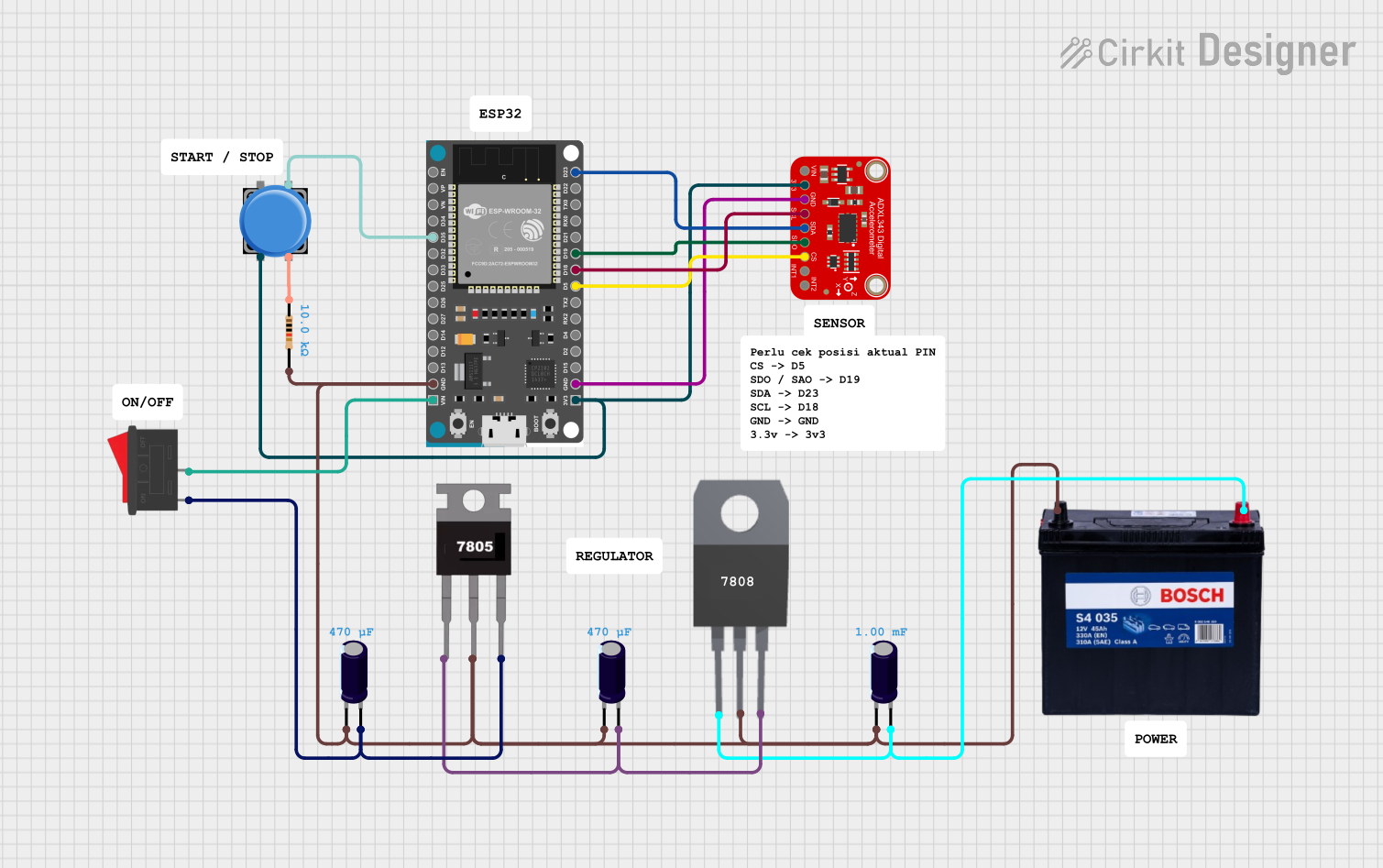 Open Project in Cirkit Designer
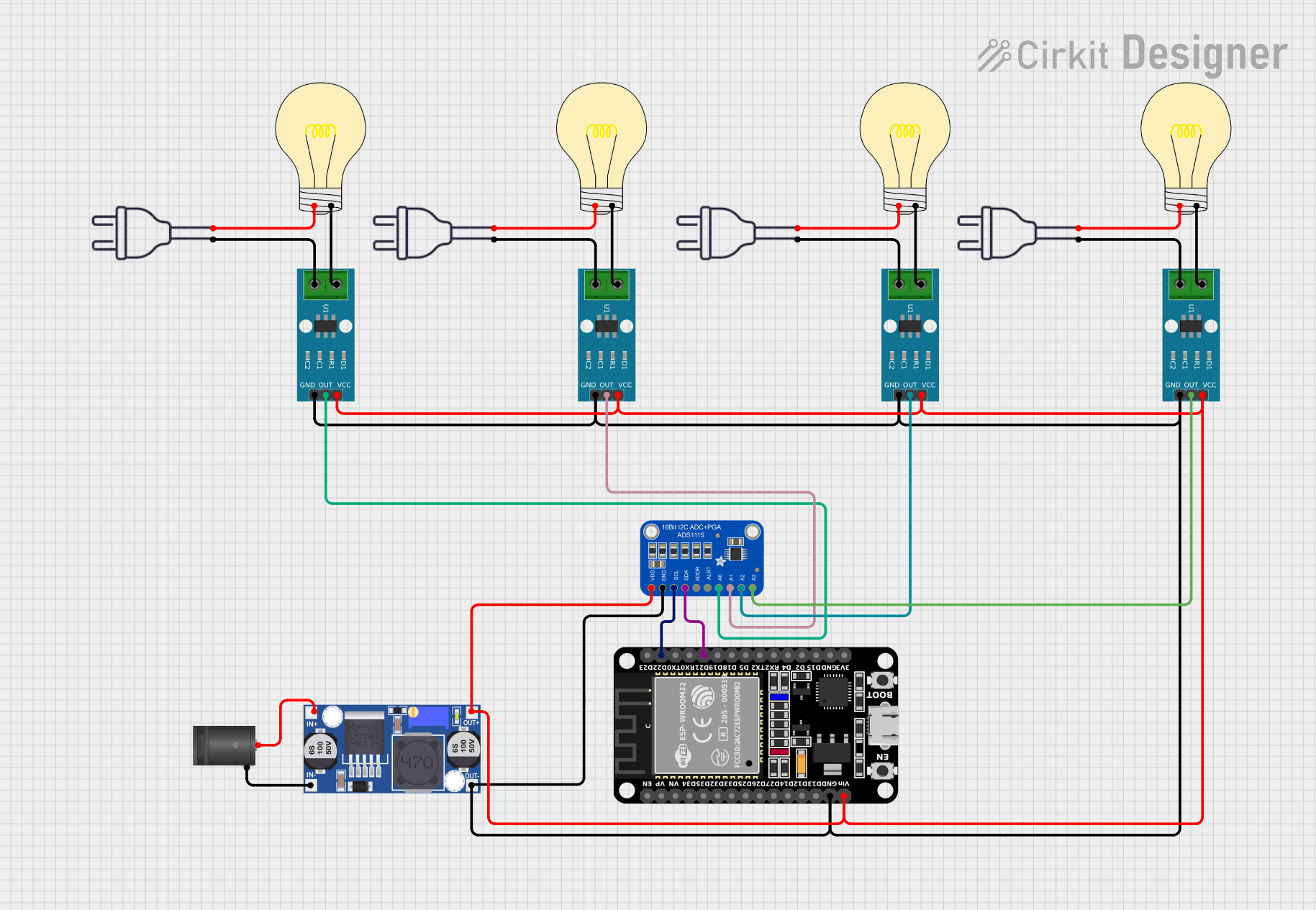 Open Project in Cirkit Designer
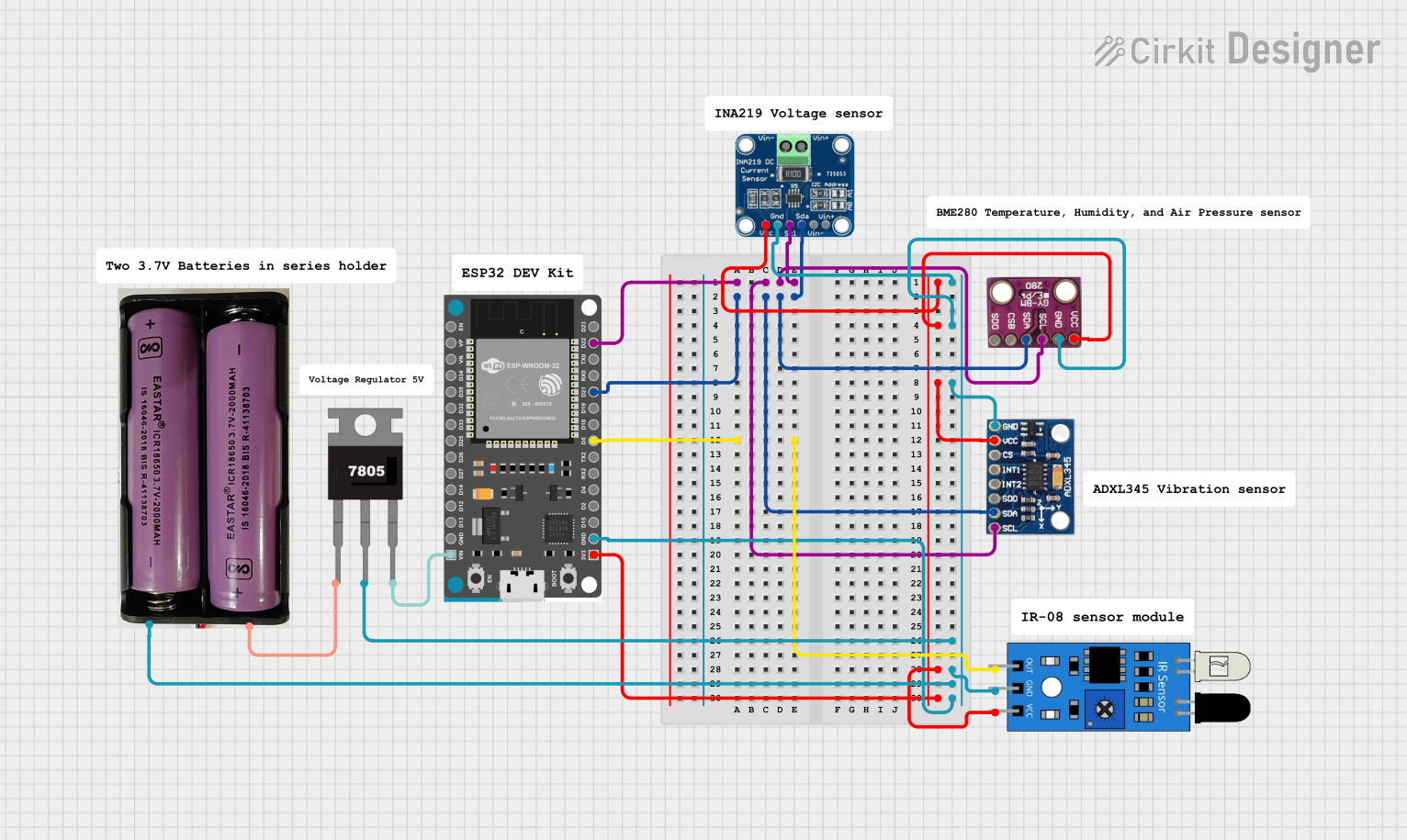 Open Project in Cirkit Designer
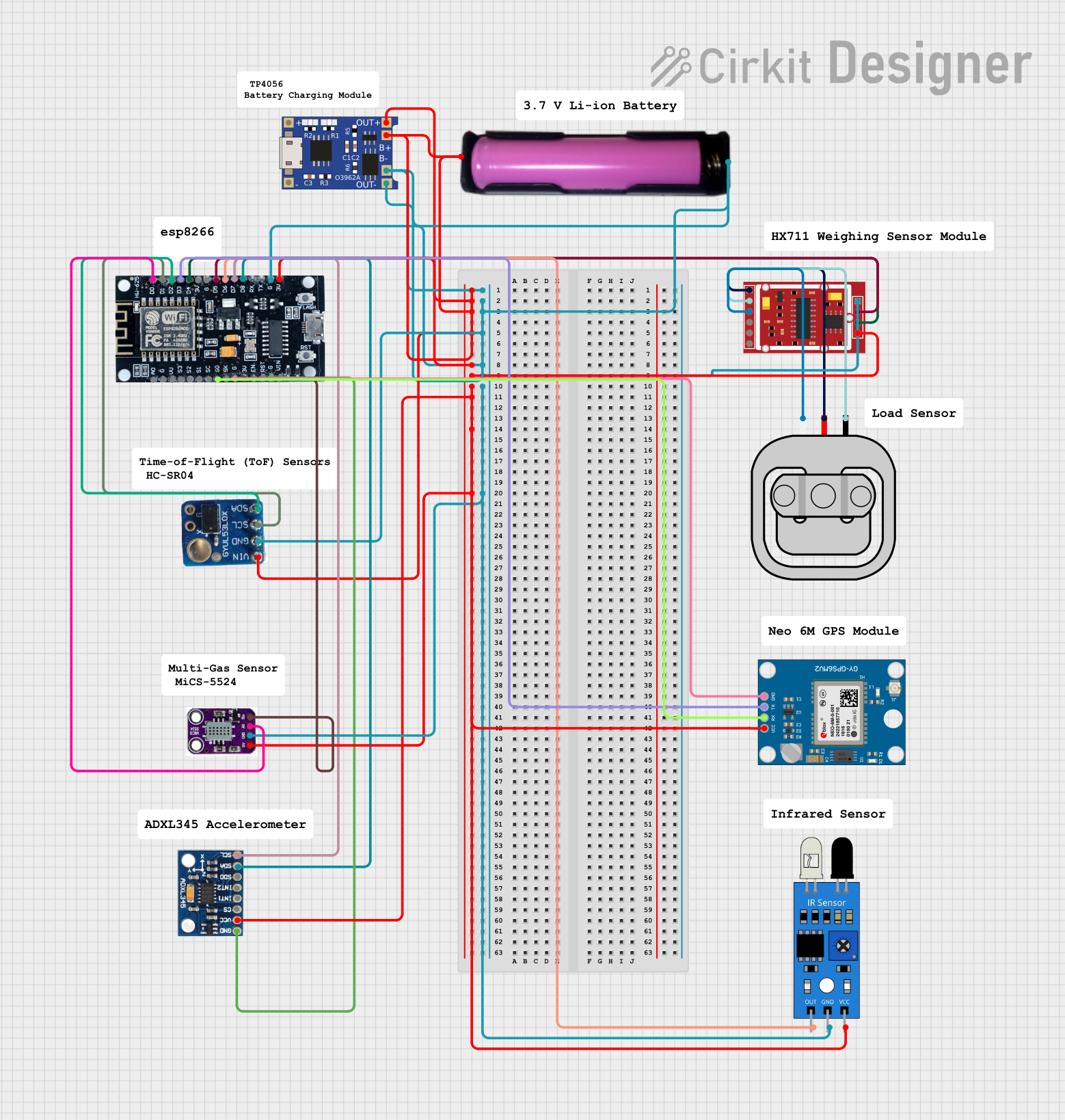 Open Project in Cirkit Designer
Explore Projects Built with ADS7830
Open Project in Cirkit DesignerOpen Project in Cirkit DesignerOpen Project in Cirkit DesignerOpen Project in Cirkit DesignerCommon Applications
- Sensor data acquisition (e.g., temperature, pressure, light sensors)
- Portable and battery-powered devices
- Industrial process control
- Medical instrumentation
- IoT devices requiring analog signal conversion
Technical Specifications
The ADS7830 is a versatile ADC with the following key specifications:
| Parameter | Value |
|---|---|
| Resolution | 12-bit |
| Number of Channels | 8 (multiplexed) |
| Supply Voltage Range | 2.7V to 5.5V |
| Input Voltage Range | 0V to VDD |
| Conversion Time | 25 µs (typical) |
| Communication Interface | I²C |
| Power Consumption | 0.3 mW (typical at 3V) |
| Operating Temperature Range | -40°C to +85°C |
| Package Type | SOP-16 |
Pin Configuration and Descriptions
The ADS7830 comes in a 16-pin SOP package. Below is the pin configuration:
| Pin Number | Pin Name | Description |
|---|---|---|
| 1 | A0 | I²C Address Selection Pin (LSB of address) |
| 2 | A1 | I²C Address Selection Pin (MSB of address) |
| 3 | SDA | Serial Data Line for I²C Communication |
| 4 | SCL | Serial Clock Line for I²C Communication |
| 5-12 | CH0-CH7 | Analog Input Channels (CH0 to CH7) |
| 13 | VDD | Positive Supply Voltage |
| 14 | GND | Ground |
| 15 | REF | Reference Voltage Input |
| 16 | NC | No Connection |
Usage Instructions
How to Use the ADS7830 in a Circuit
- Power Supply: Connect the VDD pin to a stable power source (2.7V to 5.5V) and the GND pin to ground.
- Reference Voltage: Provide a reference voltage to the REF pin. Typically, this is connected to VDD.
- Analog Inputs: Connect the analog signals to any of the CH0-CH7 pins. Ensure the input voltage does not exceed the reference voltage.
- I²C Communication:
- Connect the SDA and SCL pins to the corresponding I²C lines of your microcontroller.
- Use pull-up resistors (typically 4.7kΩ) on the SDA and SCL lines.
- Address Selection: Configure the A0 and A1 pins to set the I²C address. These pins can be tied to GND or VDD.
Best Practices
- Use decoupling capacitors (e.g., 0.1 µF) near the VDD pin to reduce noise.
- Ensure the reference voltage is stable for accurate conversions.
- Avoid exceeding the input voltage range to prevent damage to the ADC.
Example: Connecting ADS7830 to Arduino UNO
Below is an example of how to interface the ADS7830 with an Arduino UNO to read an analog signal:
Circuit Connections
- Connect VDD to the Arduino's 5V pin.
- Connect GND to the Arduino's GND pin.
- Connect SDA to the Arduino's A4 pin (I²C data line).
- Connect SCL to the Arduino's A5 pin (I²C clock line).
- Connect an analog signal to CH0.
Arduino Code
#include <Wire.h> // Include the Wire library for I²C communication

#define ADS7830_ADDRESS 0x48 // Default I²C address of ADS7830

void setup() {
  Wire.begin(); // Initialize I²C communication
  Serial.begin(9600); // Start serial communication for debugging
}

void loop() {
  uint16_t adcValue = readADC(0); // Read from channel 0
  float voltage = (adcValue / 4095.0) * 5.0; // Convert ADC value to voltage
  Serial.print("ADC Value: ");
  Serial.print(adcValue);
  Serial.print(", Voltage: ");
  Serial.println(voltage, 3); // Print voltage with 3 decimal places
  delay(1000); // Wait for 1 second
}

uint16_t readADC(uint8_t channel) {
  if (channel > 7) return 0; // Ensure channel is valid (0-7)

  Wire.beginTransmission(ADS7830_ADDRESS);
  Wire.write(0x84 | (channel << 4)); // Command to select channel
  Wire.endTransmission();

  Wire.requestFrom(ADS7830_ADDRESS, 2); // Request 2 bytes from ADC
  if (Wire.available() == 2) {
    uint8_t msb = Wire.read(); // Most significant byte
    uint8_t lsb = Wire.read(); // Least significant byte
    return (msb << 8) | lsb; // Combine MSB and LSB into a 12-bit value
  }
  return 0; // Return 0 if no data is available
}
Troubleshooting and FAQs
Common Issues
No Data from ADC:
- Ensure the I²C address matches the configuration of the A0 and A1 pins.
- Verify the pull-up resistors on the SDA and SCL lines.
- Check the wiring for loose or incorrect connections.
Incorrect ADC Values:
- Confirm the reference voltage is stable and matches the expected value.
- Ensure the input voltage does not exceed the reference voltage.
Communication Errors:
- Verify the I²C clock speed is compatible with the ADS7830 (typically 100 kHz or 400 kHz).
- Check for noise or interference on the I²C lines.
FAQs
Q: Can I use the ADS7830 with a 3.3V microcontroller?
A: Yes, the ADS7830 operates with a supply voltage as low as 2.7V, making it compatible with 3.3V systems.
Q: How do I select a specific channel for conversion?
A: Use the I²C command byte to specify the desired channel. Refer to the datasheet for the command format.
Q: What is the maximum sampling rate of the ADS7830?
A: The ADS7830 can achieve a maximum sampling rate of approximately 40 kSPS (kilo-samples per second).