
How to Use BNO 086: Examples, Pinouts, and Specs
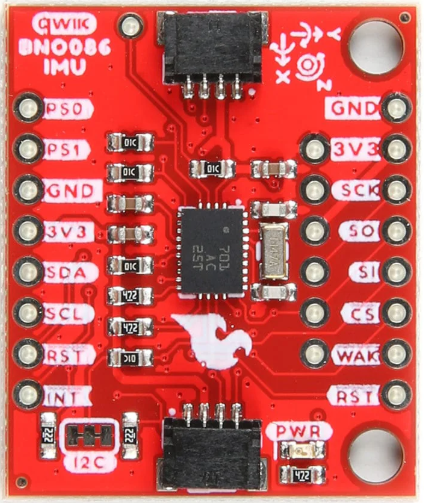
 Design with BNO 086 in Cirkit Designer
Introduction
The BNO 086 is a 9-axis absolute orientation sensor that integrates a 3-axis accelerometer, a 3-axis gyroscope, and a 3-axis magnetometer. This sensor is designed to provide precise orientation data by fusing data from its internal sensors using advanced algorithms. The BNO 086 is widely used in applications such as robotics, drones, augmented reality (AR), virtual reality (VR), and motion tracking systems.
Explore Projects Built with BNO 086
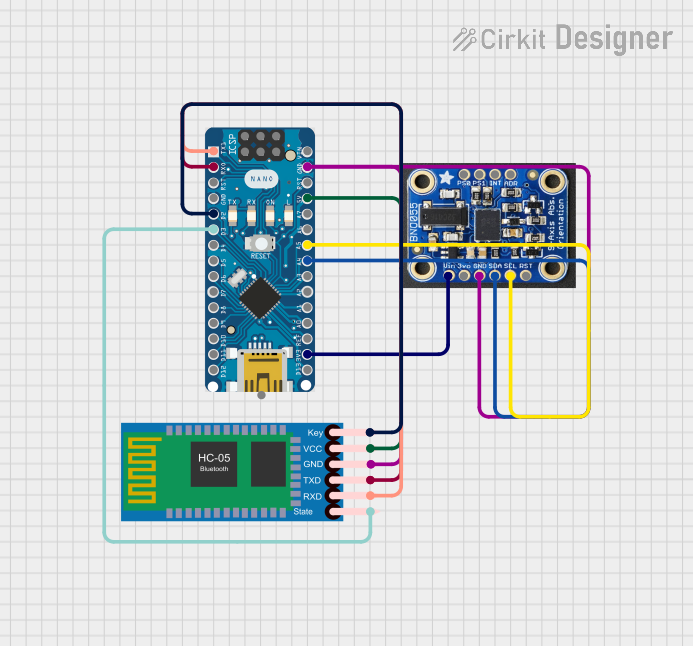 Open Project in Cirkit Designer
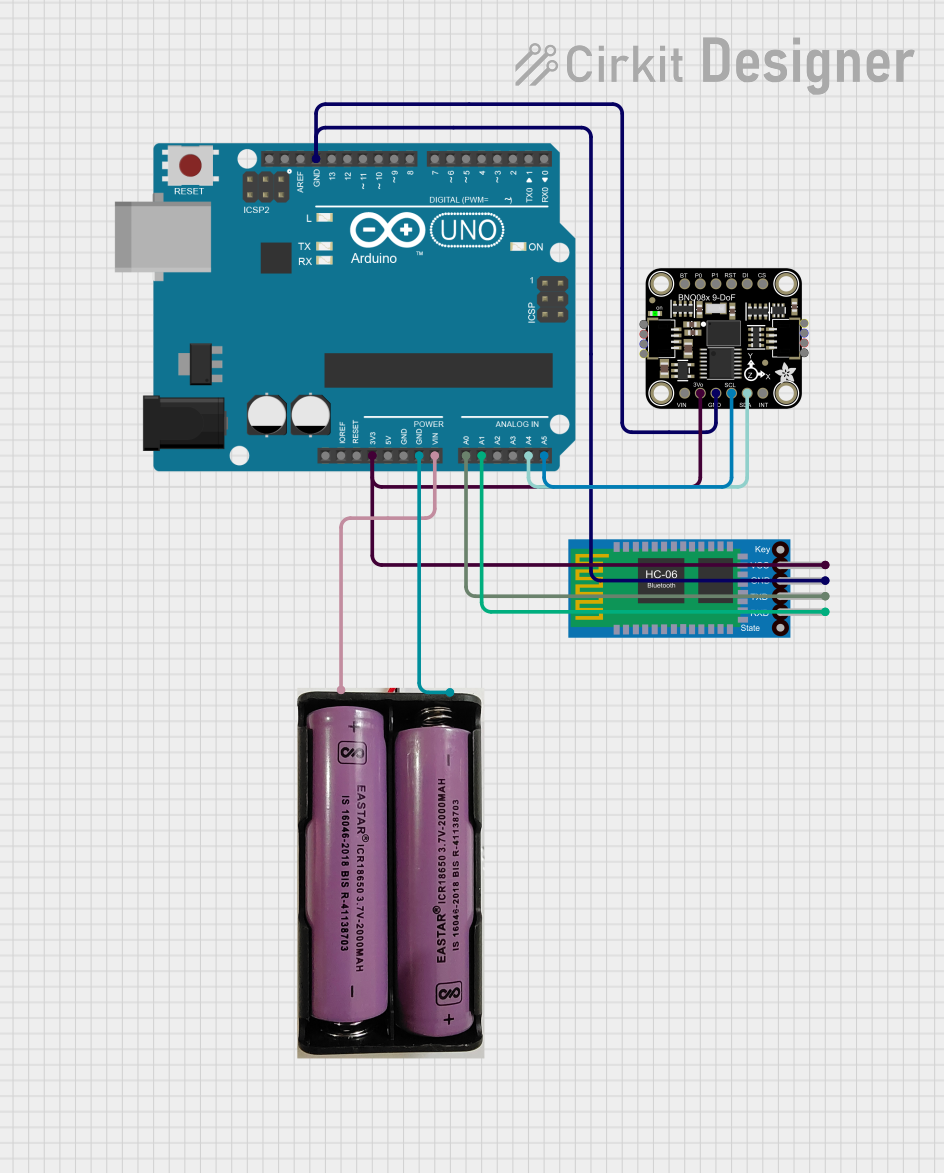 Open Project in Cirkit Designer
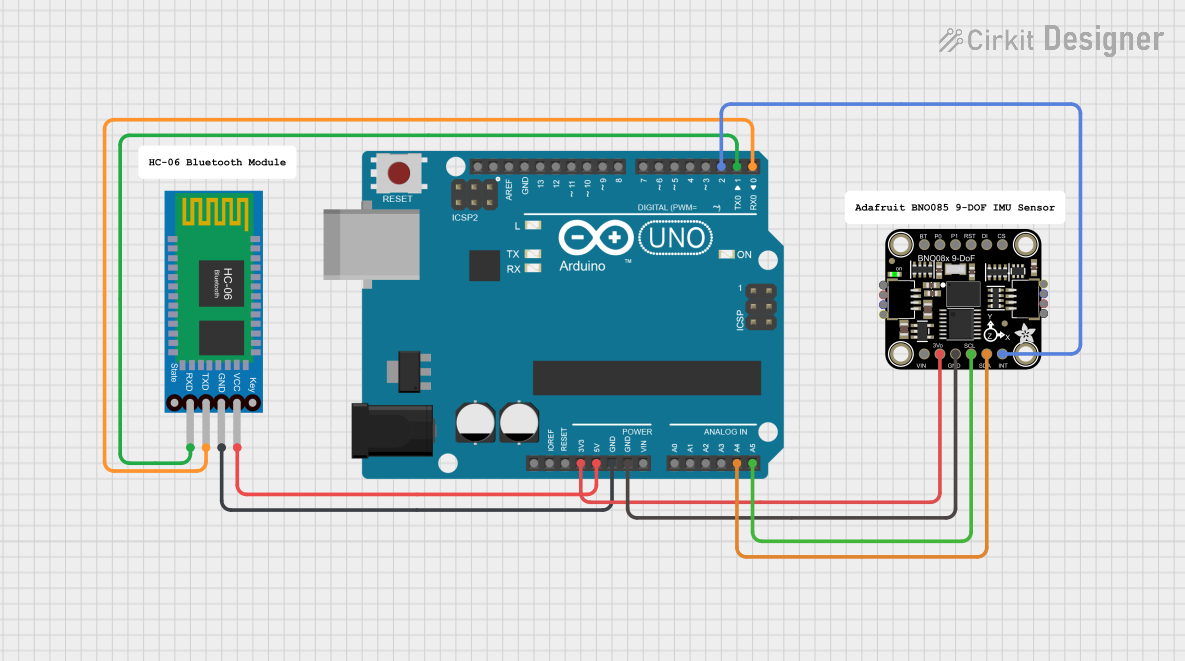 Open Project in Cirkit Designer
 Open Project in Cirkit Designer
Explore Projects Built with BNO 086
Open Project in Cirkit DesignerOpen Project in Cirkit DesignerOpen Project in Cirkit DesignerOpen Project in Cirkit DesignerCommon Applications:
- Robotics for navigation and control
- Drones for stabilization and orientation
- Motion tracking in AR/VR systems
- Wearable devices for activity monitoring
- Gaming controllers for motion sensing
Technical Specifications
The BNO 086 is a high-performance sensor with the following key specifications:
| Parameter | Value |
|---|---|
| Operating Voltage | 1.8V to 3.6V |
| Communication Interfaces | I²C, SPI, UART |
| Accelerometer Range | ±2g, ±4g, ±8g, ±16g |
| Gyroscope Range | ±125°/s to ±2000°/s |
| Magnetometer Range | ±1300 µT |
| Orientation Output | Quaternion, Euler angles |
| Power Consumption | ~1.3 mA (typical, depends on mode) |
| Operating Temperature Range | -40°C to +85°C |
| Package Type | LGA-28 (4.5mm x 4.5mm x 1.1mm) |
Pin Configuration
The BNO 086 has 28 pins, but the most commonly used pins for basic operation are listed below:
| Pin Number | Pin Name | Description |
|---|---|---|
| 1 | VDD | Power supply (1.8V to 3.6V) |
| 2 | GND | Ground |
| 3 | SDA | I²C data line |
| 4 | SCL | I²C clock line |
| 5 | CS | Chip select for SPI communication |
| 6 | INT | Interrupt output |
| 7 | RST | Reset pin |
| 8 | BOOTN | Boot mode selection |
For a complete pinout, refer to the manufacturer's datasheet.
Usage Instructions
Connecting the BNO 086 to an Arduino UNO
The BNO 086 can be interfaced with an Arduino UNO using the I²C communication protocol. Below is a basic wiring guide:
| BNO 086 Pin | Arduino UNO Pin |
|---|---|
| VDD | 3.3V |
| GND | GND |
| SDA | A4 |
| SCL | A5 |
| INT | Digital Pin 2 |
Sample Arduino Code
The following example demonstrates how to read orientation data (quaternions) from the BNO 086 using the I²C interface:
#include <Wire.h>
#include <Adafruit_BNO08x.h>

// Create an instance of the BNO08x sensor
Adafruit_BNO08x bno = Adafruit_BNO08x();

// Define the interrupt pin
#define BNO08X_INT_PIN 2

void setup() {
  Serial.begin(115200); // Initialize serial communication
  while (!Serial) delay(10); // Wait for the serial monitor to open

  // Initialize the BNO08x sensor
  if (!bno.begin_I2C()) {
    Serial.println("Failed to initialize BNO08x! Check wiring.");
    while (1);
  }
  Serial.println("BNO08x initialized successfully!");

  // Configure the sensor to output quaternions
  if (!bno.enableReport(BNO08X_REPORTID_ROTATION_VECTOR)) {
    Serial.println("Failed to enable quaternion reporting!");
    while (1);
  }
}

void loop() {
  // Check if new data is available
  if (bno.getEvent()) {
    // Retrieve quaternion data
    sensors_event_t event;
    bno.getEvent(&event);

    // Print quaternion values to the serial monitor
    Serial.print("Quaternion: ");
    Serial.print("W: "); Serial.print(event.orientation.w, 4);
    Serial.print(", X: "); Serial.print(event.orientation.x, 4);
    Serial.print(", Y: "); Serial.print(event.orientation.y, 4);
    Serial.print(", Z: "); Serial.println(event.orientation.z, 4);
  }

  delay(100); // Delay to avoid flooding the serial monitor
}
Important Considerations:
- Power Supply: Ensure the BNO 086 is powered with a stable voltage between 1.8V and 3.6V. If using a 5V microcontroller, use a level shifter for I²C lines.
- Pull-Up Resistors: The I²C lines (SDA and SCL) require pull-up resistors (typically 4.7kΩ) if not already present on the breakout board.
- Interrupt Pin: The INT pin can be used to detect when new data is available, reducing the need for constant polling.
- Orientation Modes: The BNO 086 supports multiple output formats (e.g., quaternions, Euler angles). Configure the sensor based on your application.
Troubleshooting and FAQs
Common Issues:
Sensor Not Detected:
- Ensure the wiring is correct and matches the pinout.
- Verify that the I²C address (default: 0x4A or 0x4B) is correct.
- Check for loose connections or damaged wires.
Incorrect Orientation Data:
- Perform a calibration procedure for the accelerometer, gyroscope, and magnetometer.
- Avoid placing the sensor near magnetic or metallic objects that can interfere with the magnetometer.
No Data Output:
- Confirm that the sensor is properly initialized in the code.
- Check the INT pin for activity if using interrupts.
FAQs:
Q: Can the BNO 086 be used with a 5V microcontroller?
A: Yes, but you must use a level shifter for the I²C lines (SDA and SCL) to avoid damaging the sensor.
Q: How do I calibrate the BNO 086?
A: The BNO 086 performs automatic calibration, but you can improve accuracy by moving the sensor in a figure-eight pattern to calibrate the magnetometer.
Q: What is the maximum I²C clock speed supported?
A: The BNO 086 supports I²C clock speeds up to 400 kHz (Fast Mode).
Q: Can I use SPI instead of I²C?
A: Yes, the BNO 086 supports SPI communication. Refer to the datasheet for SPI-specific wiring and configuration.
By following this documentation, you can successfully integrate the BNO 086 into your projects and leverage its powerful orientation sensing capabilities.