
How to Use QTR-1A Reflectance Sensor : Examples, Pinouts, and Specs
 Design with QTR-1A Reflectance Sensor in Cirkit Designer
Introduction
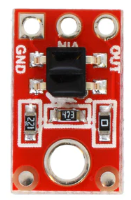
The QTR-1A is an infrared reflectance sensor designed for detecting the presence of objects or measuring distances by emitting infrared light and sensing the reflected light. This compact and efficient sensor is widely used in robotics applications, such as line-following robots, edge detection, and obstacle avoidance systems. Its small size and low power consumption make it an excellent choice for embedded systems and microcontroller-based projects.
Explore Projects Built with QTR-1A Reflectance Sensor
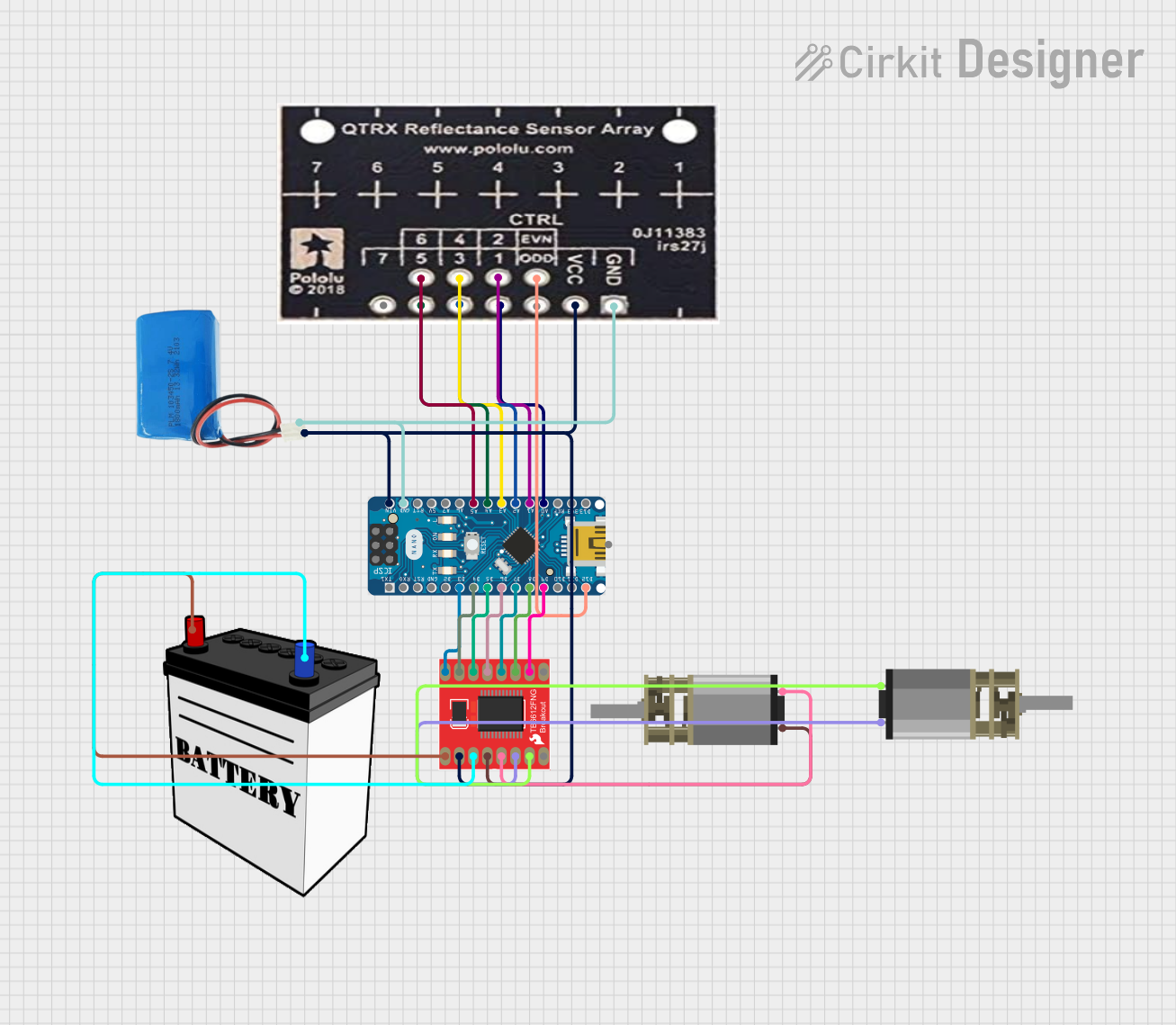 Open Project in Cirkit Designer
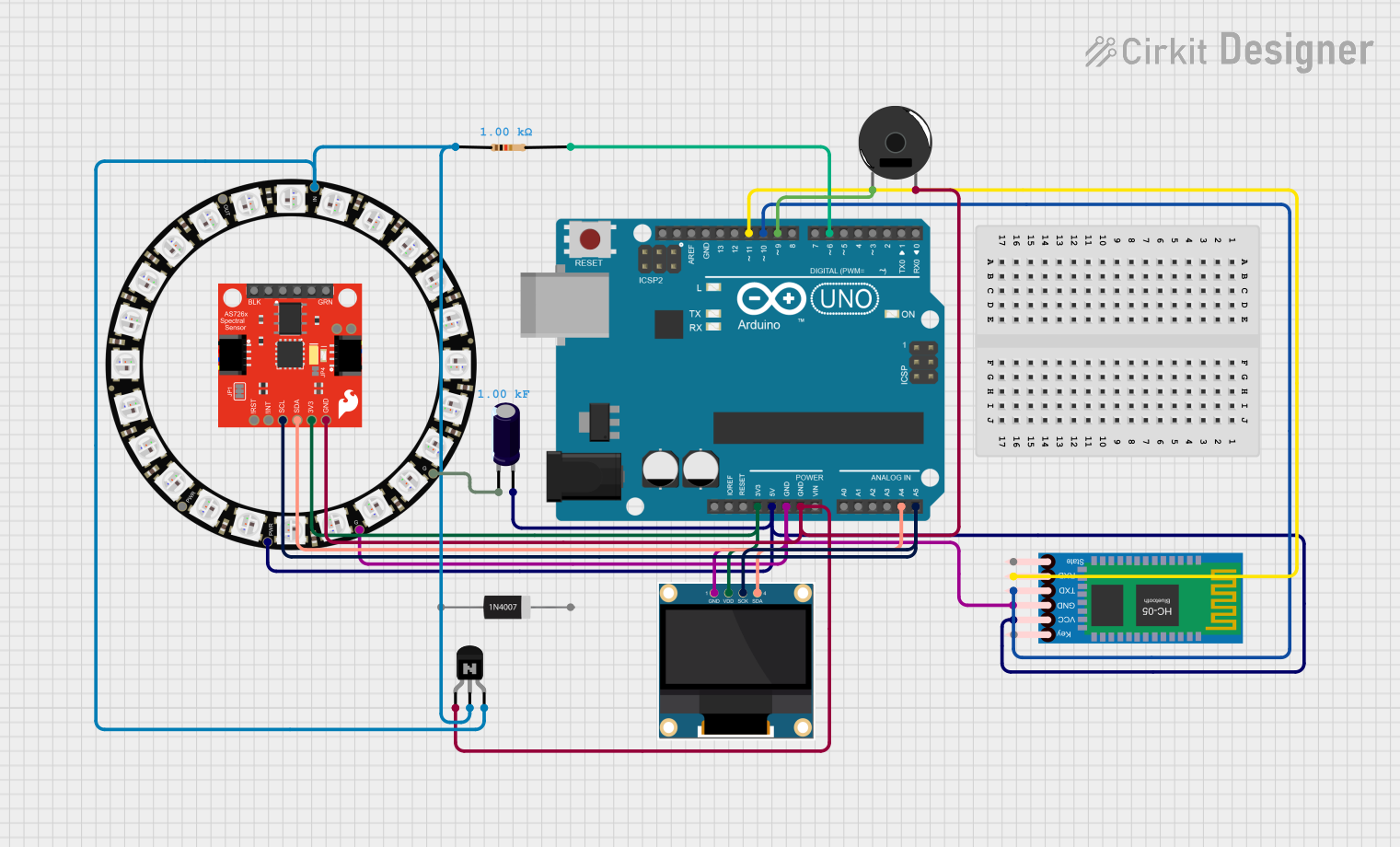 Open Project in Cirkit Designer
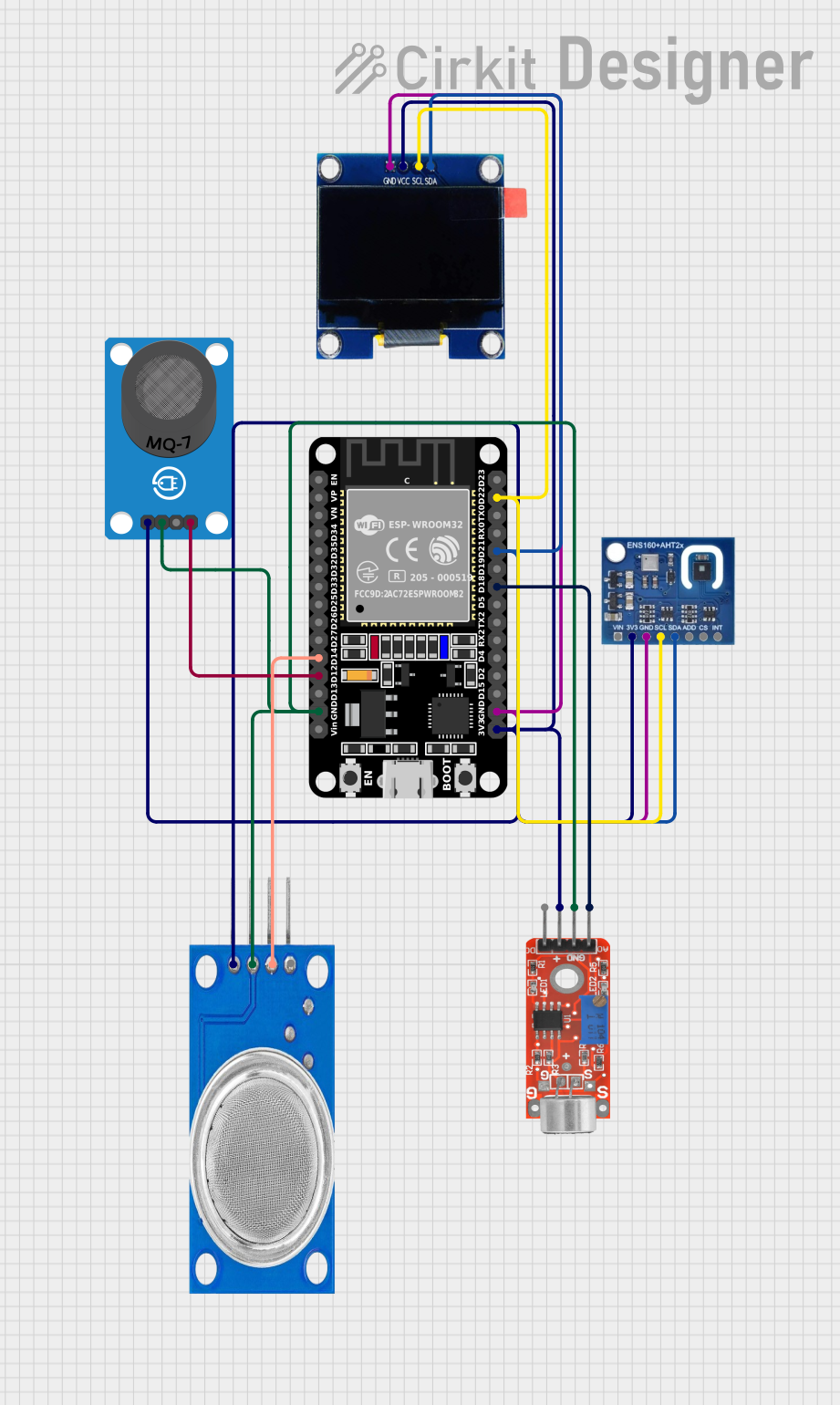 Open Project in Cirkit Designer
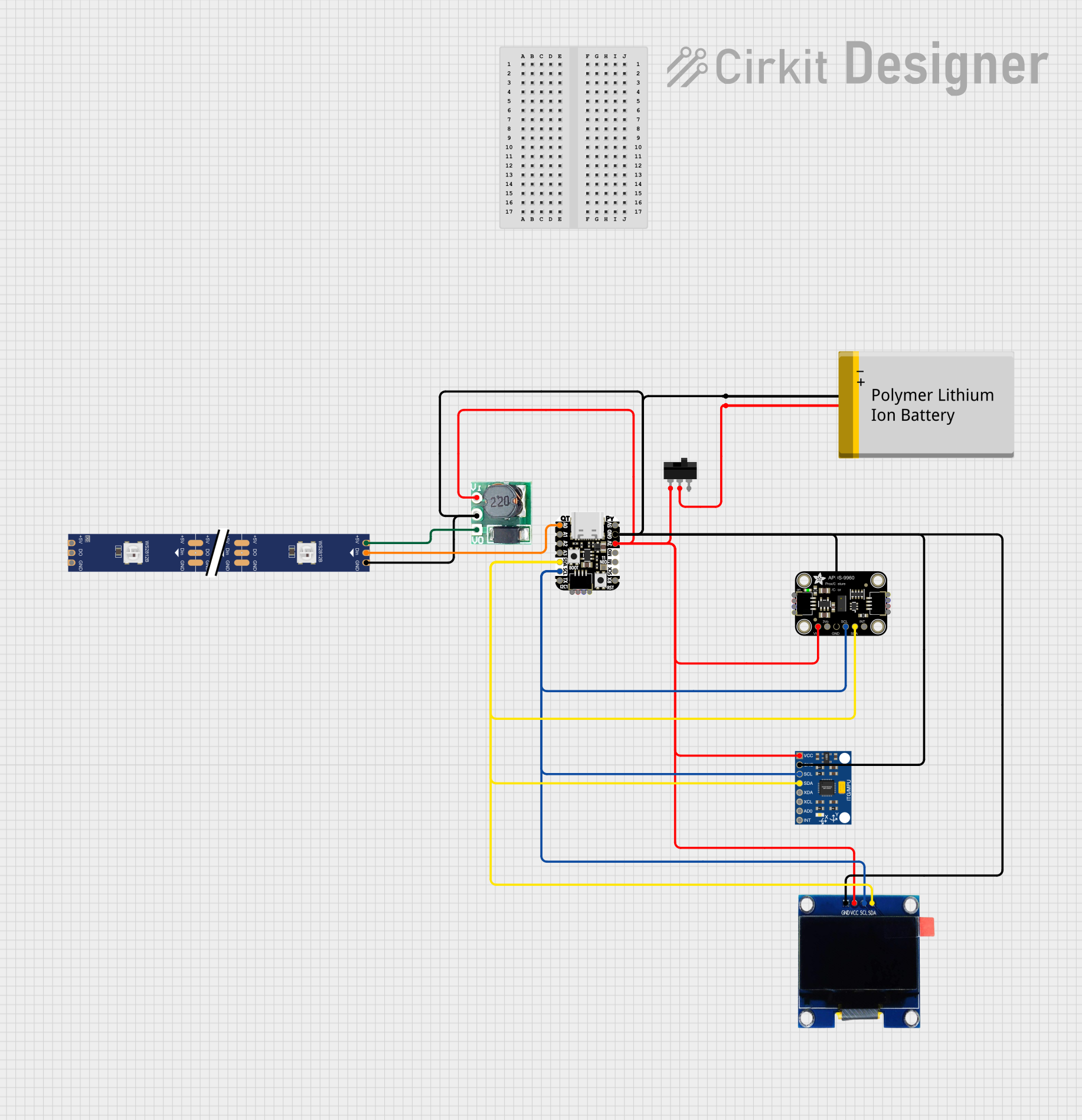 Open Project in Cirkit Designer
Explore Projects Built with QTR-1A Reflectance Sensor
Open Project in Cirkit DesignerOpen Project in Cirkit DesignerOpen Project in Cirkit DesignerOpen Project in Cirkit DesignerCommon Applications
- Line-following robots
- Edge detection in robotic systems
- Obstacle detection and avoidance
- Proximity sensing
- Position tracking in automation systems
Technical Specifications
The QTR-1A Reflectance Sensor is a simple yet powerful component. Below are its key technical details:
Key Technical Details
- Operating Voltage: 3.3V to 5V
- Current Consumption: ~25 mA
- Output Type: Analog voltage (proportional to reflectance)
- IR Emitter Wavelength: 940 nm
- Optimal Sensing Distance: 3 mm to 6 mm
- Maximum Sensing Distance: ~25 mm (depending on surface reflectivity)
- Dimensions: 0.5" × 0.3" × 0.1" (13 mm × 8 mm × 3 mm)
Pin Configuration and Descriptions
The QTR-1A sensor has three pins, as described in the table below:
| Pin | Name | Description |
|---|---|---|
| 1 | VCC | Power supply input (3.3V to 5V). Connect to the positive terminal of the power. |
| 2 | GND | Ground. Connect to the ground of the power supply. |
| 3 | OUT | Analog output. Provides a voltage proportional to the reflectance detected. |
Usage Instructions
The QTR-1A Reflectance Sensor is straightforward to use in a circuit. Follow the steps below to integrate it into your project:
Connecting the Sensor
- Power Supply: Connect the VCC pin to a 3.3V or 5V power source and the GND pin to the ground.
- Output Signal: Connect the OUT pin to an analog input pin of your microcontroller (e.g., Arduino UNO).
- Placement: Position the sensor 3 mm to 6 mm above the surface for optimal performance. Ensure the sensor faces the surface directly.
Important Considerations
- Surface Reflectivity: The sensor's output depends on the reflectivity of the surface. Dark surfaces (e.g., black lines) reflect less IR light, resulting in a lower output voltage, while bright surfaces (e.g., white lines) reflect more IR light, producing a higher output voltage.
- Ambient Light: Minimize ambient IR light interference by shielding the sensor or using it in controlled lighting conditions.
- Calibration: Calibrate the sensor for your specific application to determine the threshold values for detecting different surfaces.
Example: Using QTR-1A with Arduino UNO
Below is an example of how to use the QTR-1A sensor with an Arduino UNO to read reflectance values:
// QTR-1A Reflectance Sensor Example with Arduino UNO
// Connect the OUT pin of the QTR-1A to A0 on the Arduino UNO

const int sensorPin = A0; // Analog pin connected to the QTR-1A OUT pin
int sensorValue = 0;      // Variable to store the sensor reading

void setup() {
  Serial.begin(9600); // Initialize serial communication at 9600 baud
}

void loop() {
  sensorValue = analogRead(sensorPin); // Read the analog value from the sensor
  Serial.print("Sensor Value: ");
  Serial.println(sensorValue); // Print the sensor value to the Serial Monitor

  delay(100); // Delay for 100 ms before the next reading
}
Best Practices
- Use a stable power supply to avoid fluctuations in sensor readings.
- Mount the sensor securely to prevent movement during operation.
- Test the sensor in your specific environment to fine-tune its placement and calibration.
Troubleshooting and FAQs
Common Issues and Solutions
No Output or Incorrect Readings:
- Ensure the sensor is powered correctly (3.3V to 5V).
- Verify all connections are secure and correct.
- Check for damage to the sensor or wiring.
Inconsistent Readings:
- Reduce ambient IR light interference by shielding the sensor.
- Ensure the sensor is positioned at the recommended distance from the surface.
Low Sensitivity:
- Clean the sensor to remove dust or debris.
- Verify the surface reflectivity is within the sensor's detectable range.
Output Always High or Low:
- Check if the surface is too reflective or too dark for the sensor to detect.
- Adjust the sensor's distance from the surface.
FAQs
Q: Can the QTR-1A detect colors?
A: No, the QTR-1A is designed to detect reflectance, not specific colors. It differentiates surfaces based on their reflectivity to infrared light.
Q: What is the maximum sensing distance?
A: The sensor can detect reflectance up to ~25 mm, but optimal performance is achieved at 3 mm to 6 mm.
Q: Can I use the QTR-1A with a 3.3V microcontroller?
A: Yes, the QTR-1A operates at both 3.3V and 5V, making it compatible with 3.3V microcontrollers.
Q: How do I calibrate the sensor?
A: Use the sensor to measure the reflectance of the surfaces in your application and determine threshold values for detection. Adjust your code accordingly.
By following this documentation, you can effectively integrate the QTR-1A Reflectance Sensor into your projects and troubleshoot any issues that arise.