
How to Use Motor Driver 60A: Examples, Pinouts, and Specs
 Design with Motor Driver 60A in Cirkit Designer
Introduction
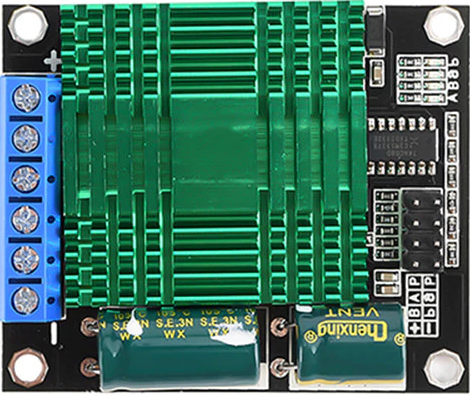
The Motor Driver 60A (HC-160A-2S) is a high-performance motor driver designed to control DC motors with a maximum current of 60A. Manufactured in China, this component is ideal for applications requiring precise speed and direction control, such as robotics, electric vehicles, conveyor systems, and industrial automation. Its robust design ensures reliable operation in demanding environments.
Common applications include:
- Robotics and automation systems
- Electric scooters and vehicles
- Conveyor belts and industrial machinery
- Remote-controlled cars and boats
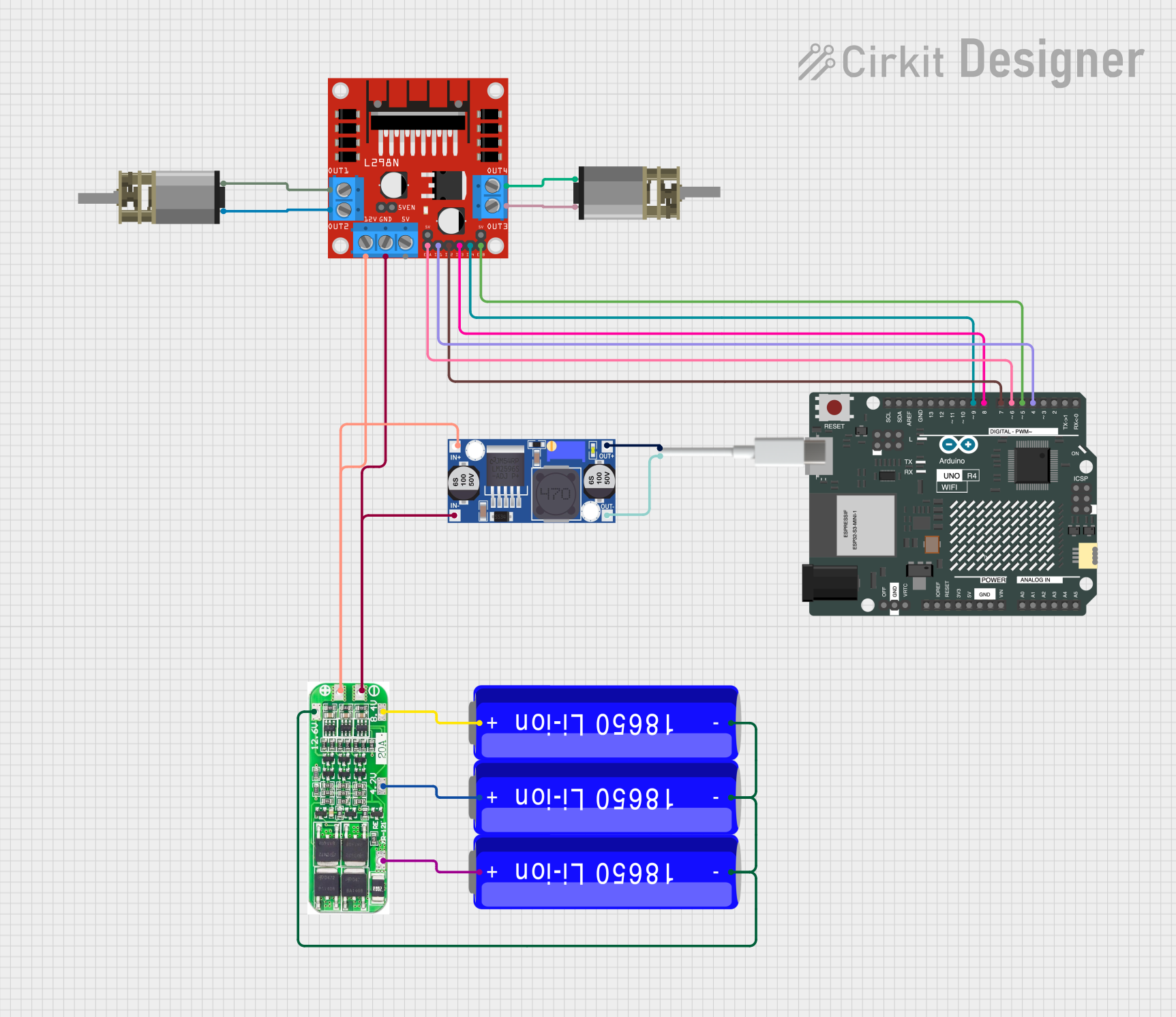
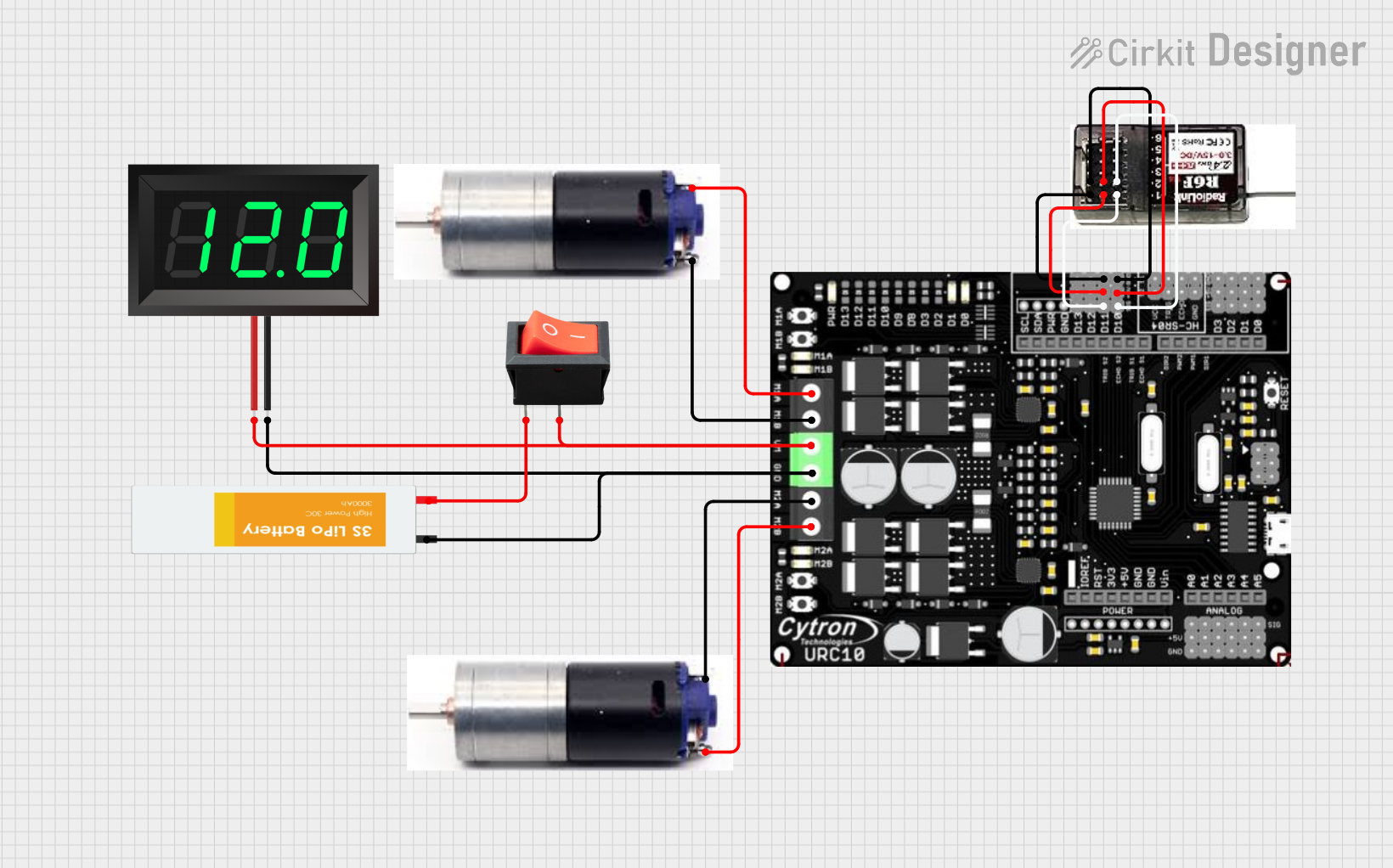
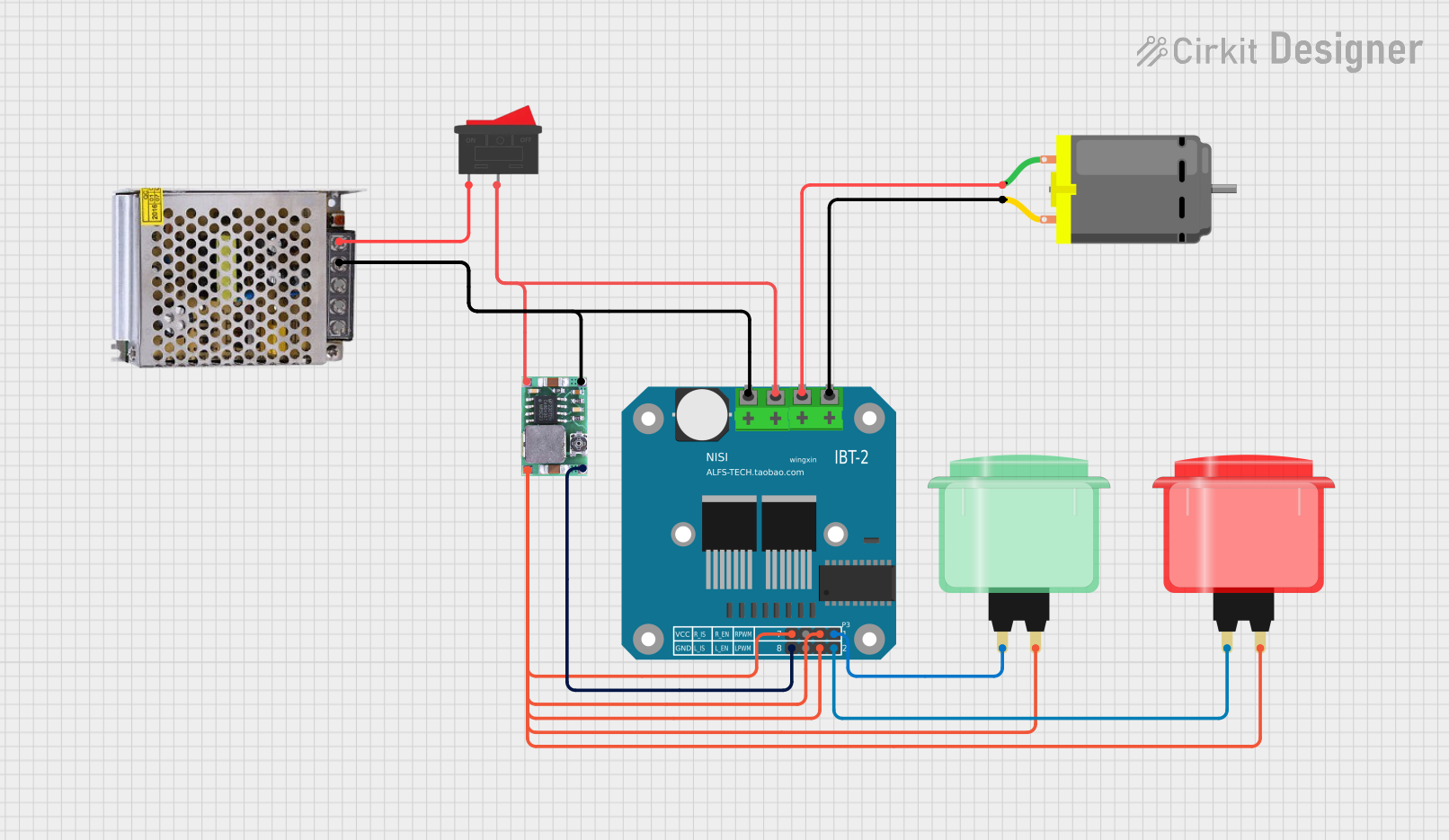
Explore Projects Built with Motor Driver 60A
 Open Project in Cirkit Designer
 Open Project in Cirkit Designer
 Open Project in Cirkit Designer
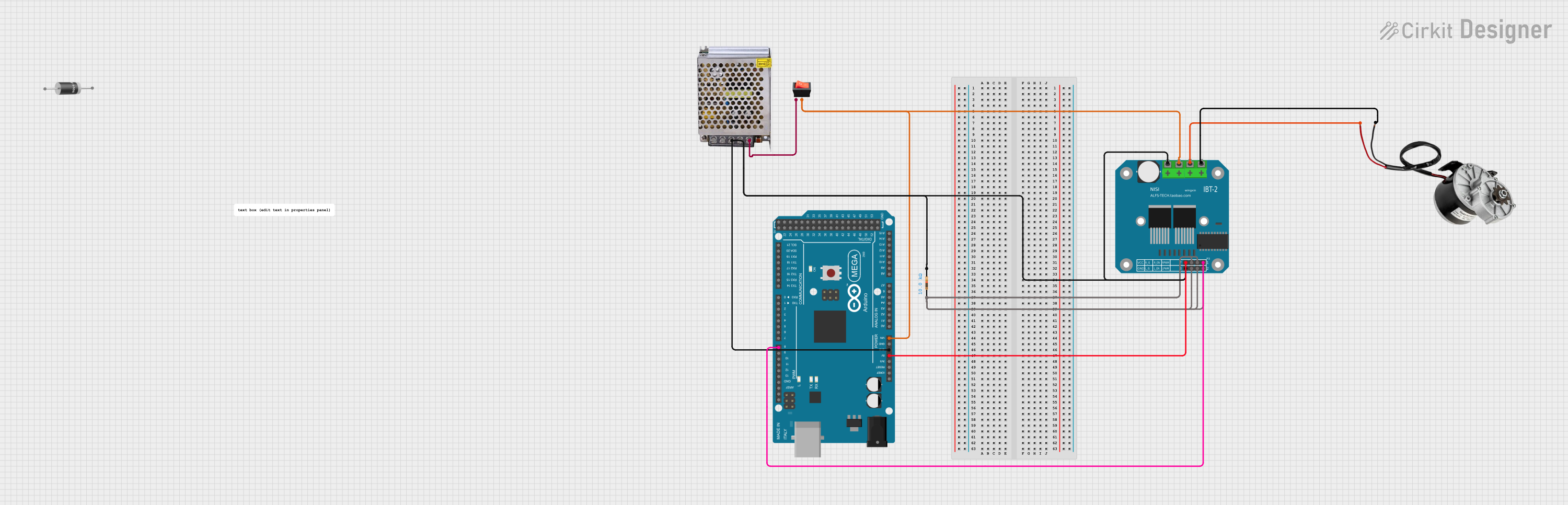 Open Project in Cirkit Designer
Explore Projects Built with Motor Driver 60A
Open Project in Cirkit DesignerOpen Project in Cirkit DesignerOpen Project in Cirkit DesignerOpen Project in Cirkit DesignerTechnical Specifications
The following table outlines the key technical details of the Motor Driver 60A:
| Parameter | Value |
|---|---|
| Manufacturer | China |
| Part ID | HC-160A-2S |
| Maximum Current | 60A |
| Operating Voltage | 6V - 60V |
| Control Signal Voltage | 3.3V - 5V (logic level) |
| PWM Frequency | Up to 20 kHz |
| Operating Temperature | -20°C to 85°C |
| Dimensions | 100mm x 70mm x 30mm |
| Weight | 150g |
Pin Configuration and Descriptions
The Motor Driver 60A features the following pin configuration:
| Pin Name | Description |
|---|---|
| V+ | Positive power supply input (6V - 60V). Connect to the motor power source. |
| GND | Ground connection. Connect to the power supply ground. |
| IN1 | Control input 1. Used to set motor direction (logic HIGH or LOW). |
| IN2 | Control input 2. Used to set motor direction (logic HIGH or LOW). |
| PWM | Pulse Width Modulation input. Controls motor speed (0% - 100% duty cycle). |
| OUT1 | Motor output 1. Connect to one terminal of the motor. |
| OUT2 | Motor output 2. Connect to the other terminal of the motor. |
Usage Instructions
How to Use the Component in a Circuit
- Power Supply: Connect the motor power supply to the
V+andGNDpins. Ensure the voltage is within the 6V - 60V range. - Motor Connection: Connect the motor terminals to the
OUT1andOUT2pins. - Control Signals: Use the
IN1,IN2, andPWMpins to control the motor:- Set
IN1andIN2to HIGH or LOW to determine the motor's direction. - Apply a PWM signal to the
PWMpin to control the motor's speed.
- Set
- Logic Level Compatibility: Ensure the control signals are within the 3.3V - 5V range.
Important Considerations and Best Practices
- Heat Dissipation: The motor driver may generate heat during operation. Use a heat sink or active cooling if operating near the maximum current (60A).
- Current Limiting: Ensure the motor's current draw does not exceed 60A to prevent damage to the driver.
- Reverse Polarity Protection: Double-check power supply connections to avoid reverse polarity, which can damage the component.
- PWM Frequency: Use a PWM frequency of up to 20 kHz for optimal performance and minimal noise.
Example: Connecting to an Arduino UNO
Below is an example of how to control the Motor Driver 60A using an Arduino UNO:
Circuit Connections
- Connect
V+andGNDto the motor power supply. - Connect
OUT1andOUT2to the motor terminals. - Connect
IN1to Arduino pin 7. - Connect
IN2to Arduino pin 8. - Connect
PWMto Arduino pin 9.
Arduino Code
// Motor Driver 60A Example Code
// Controls motor speed and direction using Arduino UNO

#define IN1 7  // Define pin for IN1
#define IN2 8  // Define pin for IN2
#define PWM 9  // Define pin for PWM

void setup() {
  pinMode(IN1, OUTPUT); // Set IN1 as output
  pinMode(IN2, OUTPUT); // Set IN2 as output
  pinMode(PWM, OUTPUT); // Set PWM as output
}

void loop() {
  // Rotate motor forward at 50% speed
  digitalWrite(IN1, HIGH);  // Set IN1 HIGH
  digitalWrite(IN2, LOW);   // Set IN2 LOW
  analogWrite(PWM, 128);    // Set PWM to 50% duty cycle (128/255)

  delay(5000); // Run motor for 5 seconds

  // Rotate motor backward at 75% speed
  digitalWrite(IN1, LOW);   // Set IN1 LOW
  digitalWrite(IN2, HIGH);  // Set IN2 HIGH
  analogWrite(PWM, 192);    // Set PWM to 75% duty cycle (192/255)

  delay(5000); // Run motor for 5 seconds

  // Stop motor
  digitalWrite(IN1, LOW);   // Set IN1 LOW
  digitalWrite(IN2, LOW);   // Set IN2 LOW
  analogWrite(PWM, 0);      // Set PWM to 0% duty cycle

  delay(5000); // Wait for 5 seconds before repeating
}
Troubleshooting and FAQs
Common Issues and Solutions
Motor Not Running:
- Verify the power supply voltage is within the 6V - 60V range.
- Check the connections to
OUT1andOUT2. - Ensure the control signals (
IN1,IN2,PWM) are correctly configured.
Overheating:
- Ensure proper heat dissipation using a heat sink or cooling fan.
- Check that the motor's current draw does not exceed 60A.
No Response to PWM Signal:
- Verify the PWM signal is within the 0% - 100% duty cycle range.
- Ensure the PWM frequency does not exceed 20 kHz.
Motor Running in the Wrong Direction:
- Swap the logic levels of
IN1andIN2to reverse the motor direction.
- Swap the logic levels of
FAQs
Can I use this motor driver with a 3.3V microcontroller? Yes, the control signal inputs are compatible with both 3.3V and 5V logic levels.
What happens if the motor draws more than 60A? Exceeding 60A can damage the motor driver. Use a current-limiting circuit or fuse for protection.
Can I control two motors with this driver? No, this motor driver is designed to control a single motor.
Is reverse polarity protection included? No, reverse polarity protection is not included. Double-check power connections before use.