
How to Use RF Wireless Bluetooth module: Examples, Pinouts, and Specs
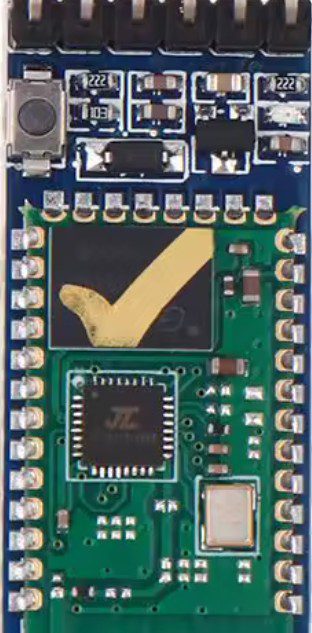
 Design with RF Wireless Bluetooth module in Cirkit Designer
Introduction
The RF Wireless Bluetooth Module is a compact device that enables wireless communication between electronic devices using Bluetooth technology. It facilitates seamless data transfer and control over short distances, typically up to 10 meters, depending on the module and environmental conditions. This module is widely used in IoT applications, wireless audio systems, remote controls, and other embedded systems requiring wireless connectivity.
Explore Projects Built with RF Wireless Bluetooth module
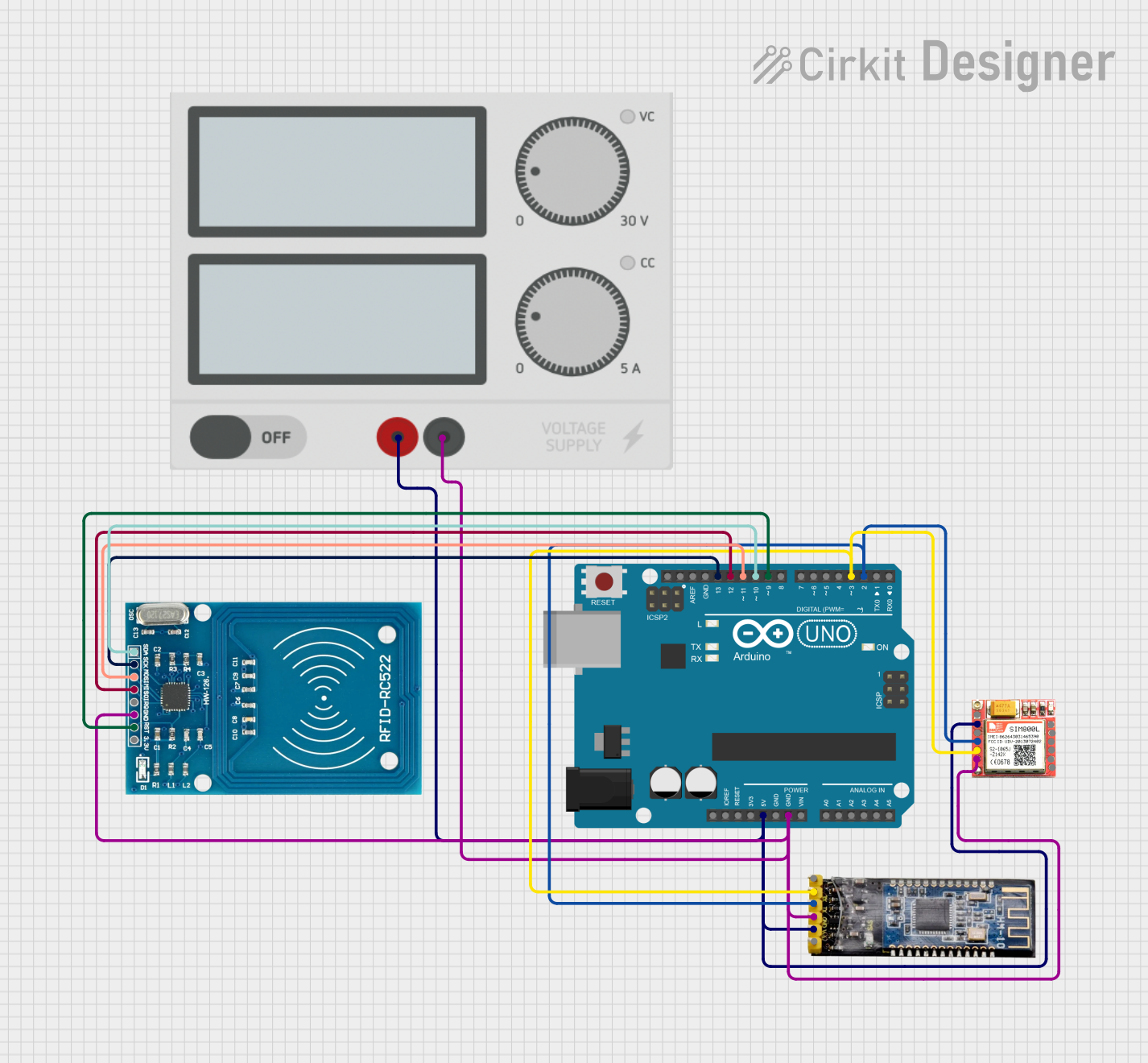 Open Project in Cirkit Designer
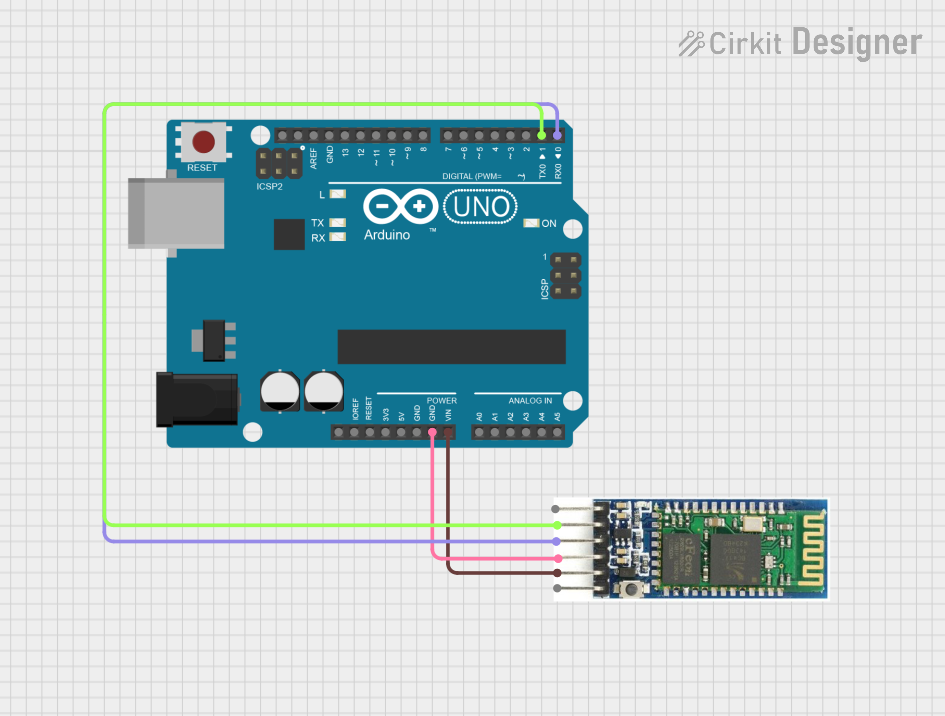 Open Project in Cirkit Designer
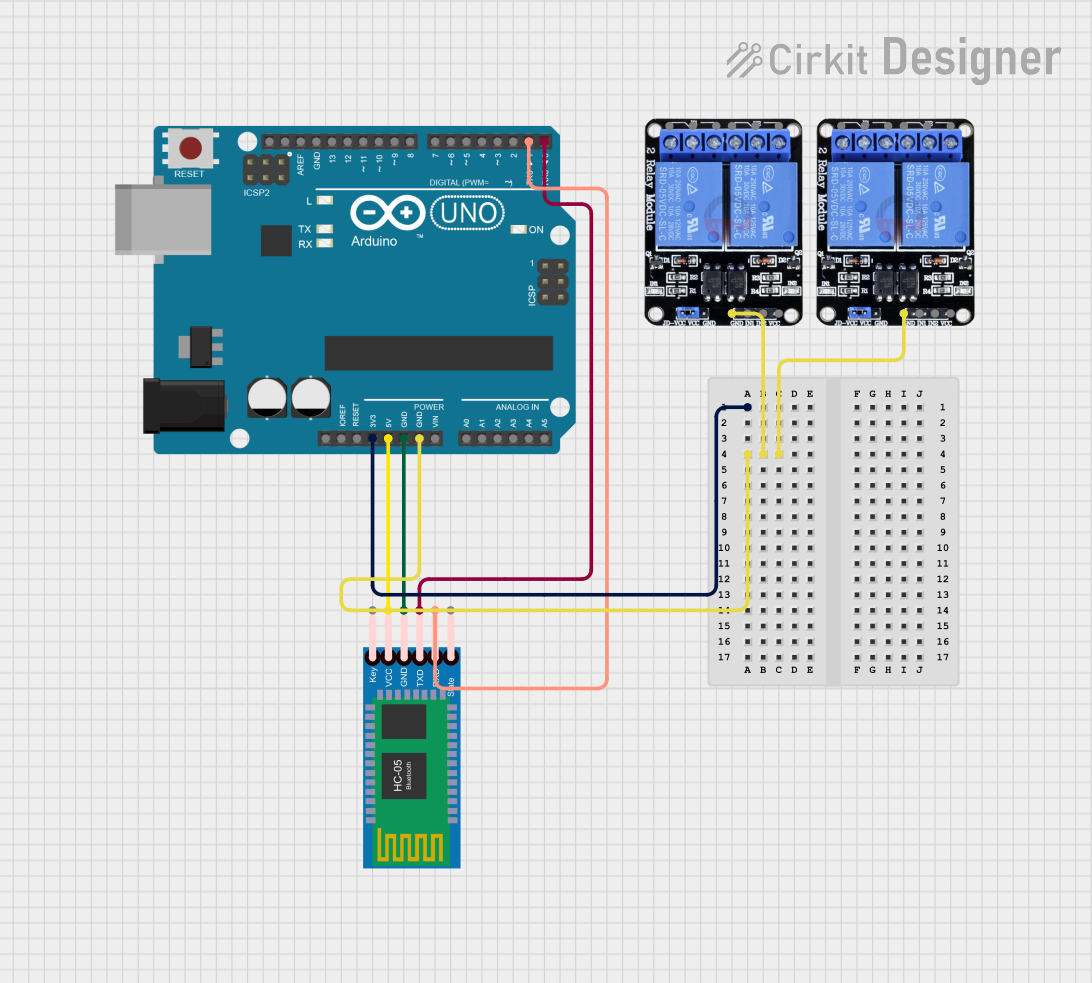 Open Project in Cirkit Designer
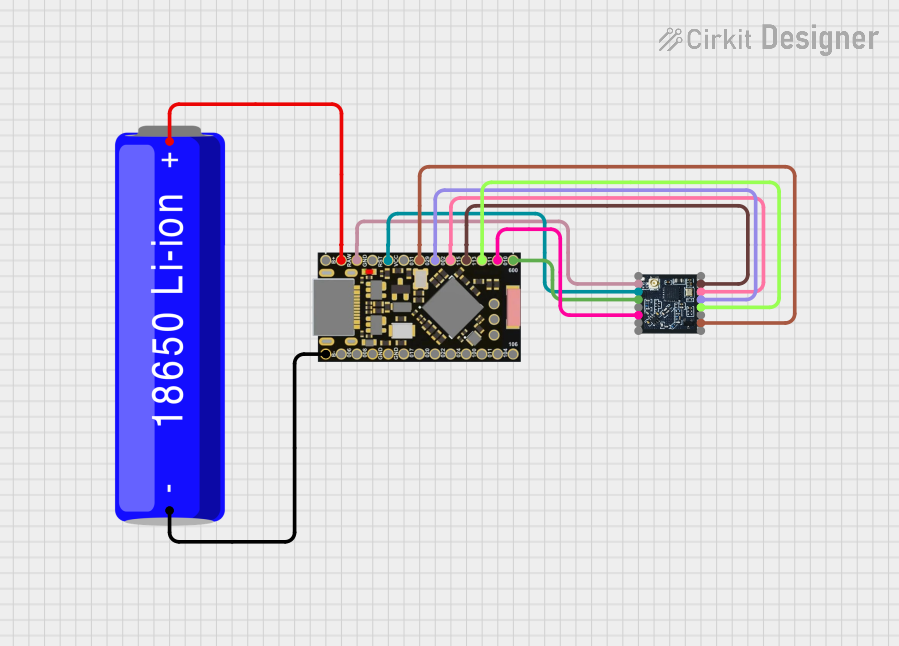 Open Project in Cirkit Designer
Explore Projects Built with RF Wireless Bluetooth module
Open Project in Cirkit DesignerOpen Project in Cirkit DesignerOpen Project in Cirkit DesignerOpen Project in Cirkit DesignerCommon Applications and Use Cases
- Wireless data transmission between microcontrollers and smartphones
- IoT devices for home automation
- Wireless audio streaming (e.g., Bluetooth speakers)
- Remote control systems
- Robotics and wireless sensor networks
Technical Specifications
Below are the key technical details and pin configuration for the RF Wireless Bluetooth Module:
Key Technical Details
| Parameter | Value |
|---|---|
| Bluetooth Version | 4.0 / 4.2 (varies by model) |
| Operating Voltage | 3.3V to 6V |
| Operating Current | 30mA (typical) |
| Communication Protocol | UART (Universal Asynchronous Receiver-Transmitter) |
| Baud Rate | 9600 bps (default, configurable) |
| Range | Up to 10 meters (line of sight) |
| Frequency Band | 2.4 GHz ISM band |
| Dimensions | ~15mm x 28mm x 2.4mm |
Pin Configuration and Descriptions
| Pin Name | Pin Number | Description |
|---|---|---|
| VCC | 1 | Power supply input (3.3V to 6V) |
| GND | 2 | Ground connection |
| TXD | 3 | Transmit data pin (UART output) |
| RXD | 4 | Receive data pin (UART input) |
| EN/KEY | 5 | Enable or mode selection pin (optional, varies) |
Usage Instructions
How to Use the RF Wireless Bluetooth Module in a Circuit
- Power the Module: Connect the
VCCpin to a 3.3V or 5V power source and theGNDpin to the ground of your circuit. - Connect UART Pins:
- Connect the
TXDpin of the module to theRXpin of your microcontroller. - Connect the
RXDpin of the module to theTXpin of your microcontroller. - Use a voltage divider or level shifter if your microcontroller operates at 5V logic levels.
- Connect the
- Enable the Module: If the module has an
EN/KEYpin, connect it to the appropriate voltage level (refer to the module's datasheet) to enable or configure the module. - Pairing and Communication:
- Pair the module with a Bluetooth-enabled device (e.g., smartphone or PC) using the default pairing code (commonly
1234or0000). - Use a serial communication tool or custom application to send and receive data.
- Pair the module with a Bluetooth-enabled device (e.g., smartphone or PC) using the default pairing code (commonly
Important Considerations and Best Practices
- Ensure proper voltage levels to avoid damaging the module.
- Use decoupling capacitors near the power pins to reduce noise.
- Avoid placing the module near high-frequency components to minimize interference.
- For long-range communication, ensure a clear line of sight between devices.
Example: Connecting to an Arduino UNO
Below is an example of how to connect and use the RF Wireless Bluetooth Module with an Arduino UNO:
Circuit Connections
| Bluetooth Module Pin | Arduino UNO Pin |
|---|---|
| VCC | 5V |
| GND | GND |
| TXD | RX (Pin 0) |
| RXD | TX (Pin 1) |
Arduino Code Example
#include <SoftwareSerial.h>

// Define RX and TX pins for SoftwareSerial
SoftwareSerial Bluetooth(10, 11); // RX = Pin 10, TX = Pin 11

void setup() {
  // Start serial communication with the Bluetooth module
  Bluetooth.begin(9600); // Default baud rate for most modules
  Serial.begin(9600);    // Start serial monitor for debugging

  Serial.println("Bluetooth Module Initialized");
  Bluetooth.println("Hello from Arduino!"); // Send initial message
}

void loop() {
  // Check if data is available from the Bluetooth module
  if (Bluetooth.available()) {
    char received = Bluetooth.read(); // Read incoming data
    Serial.print("Received: ");
    Serial.println(received);         // Print to serial monitor
  }

  // Check if data is available from the serial monitor
  if (Serial.available()) {
    char input = Serial.read();       // Read user input
    Bluetooth.print(input);           // Send to Bluetooth module
  }
}
Notes:
- Use
SoftwareSerialif the hardware UART pins (0 and 1) are already in use. - Replace the RX and TX pins in the code with the actual pins connected to the module.
Troubleshooting and FAQs
Common Issues and Solutions
Module Not Powering On:
- Ensure the
VCCandGNDconnections are secure. - Verify the power supply voltage is within the module's operating range.
- Ensure the
Unable to Pair with Bluetooth Device:
- Check if the module is in pairing mode (refer to the datasheet for LED indicators).
- Ensure the correct pairing code is used (default is often
1234or0000).
No Data Transmission:
- Verify the UART connections (TXD to RX and RXD to TX).
- Check the baud rate settings on both the module and the microcontroller.
Interference or Poor Range:
- Avoid placing the module near metal objects or other RF devices.
- Ensure a clear line of sight between the module and the paired device.
FAQs
Q: Can I use this module with a 5V microcontroller?
A: Yes, but ensure the RXD pin is protected using a voltage divider or level shifter to avoid damage.
Q: How do I change the module's baud rate?
A: Use AT commands to configure the baud rate. Refer to the module's datasheet for the specific command set.
Q: What is the maximum data transfer rate?
A: The maximum data rate depends on the module but is typically around 1 Mbps for Bluetooth 4.0.
Q: Can I connect multiple devices to this module simultaneously?
A: Most basic modules support only one connection at a time. For multiple connections, consider using a more advanced Bluetooth module.