
How to Use type-c port: Examples, Pinouts, and Specs
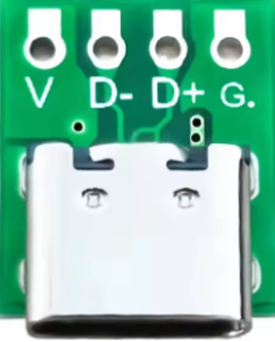
 Design with type-c port in Cirkit Designer
Introduction
The Type-C port is a universal connector designed for data transfer and power delivery. It features a reversible design, allowing users to insert the connector in either orientation, eliminating the frustration of incorrect insertion. This port is widely adopted in modern electronic devices due to its compact size, high-speed data transfer capabilities, and support for high power delivery.
Explore Projects Built with type-c port
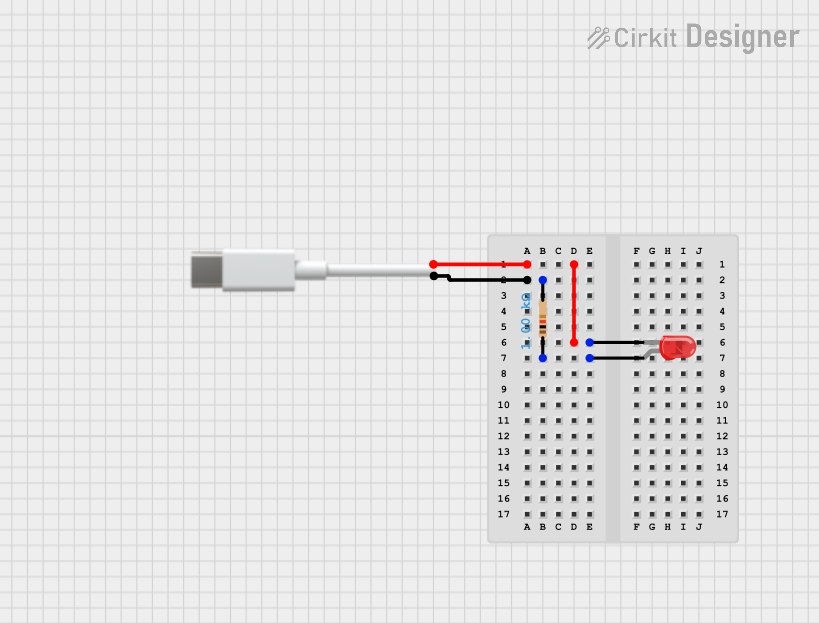 Open Project in Cirkit Designer
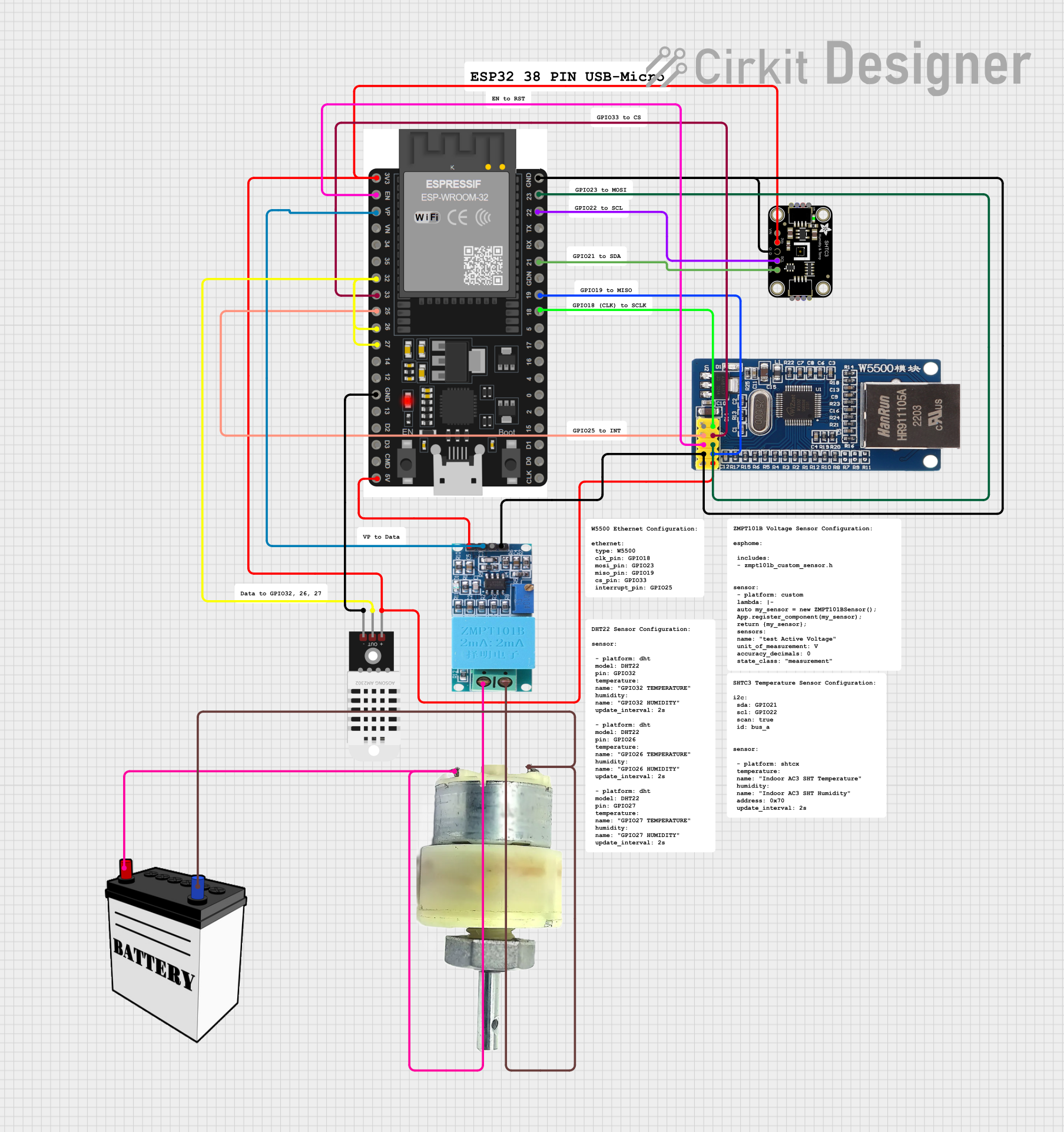 Open Project in Cirkit Designer
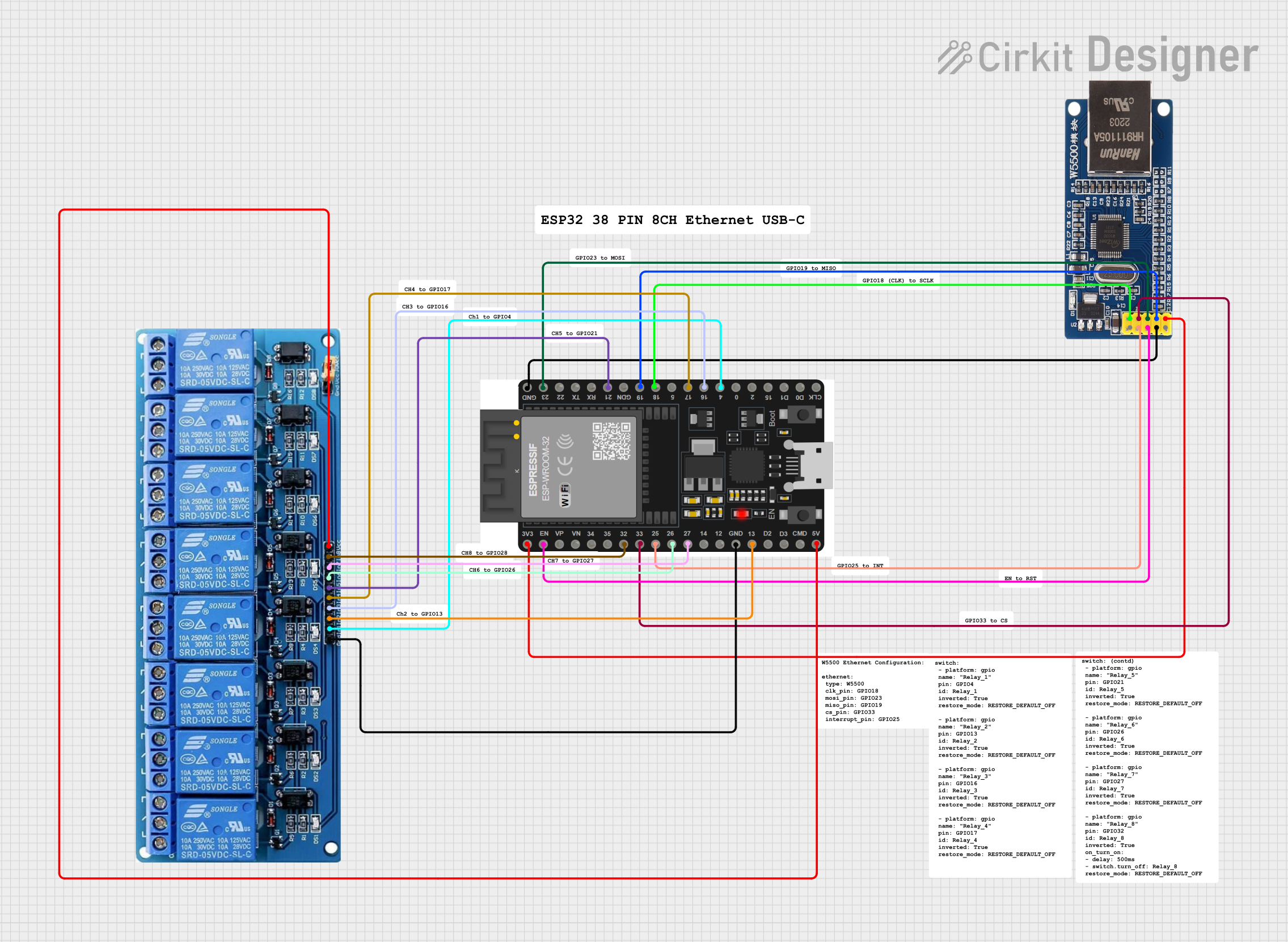 Open Project in Cirkit Designer
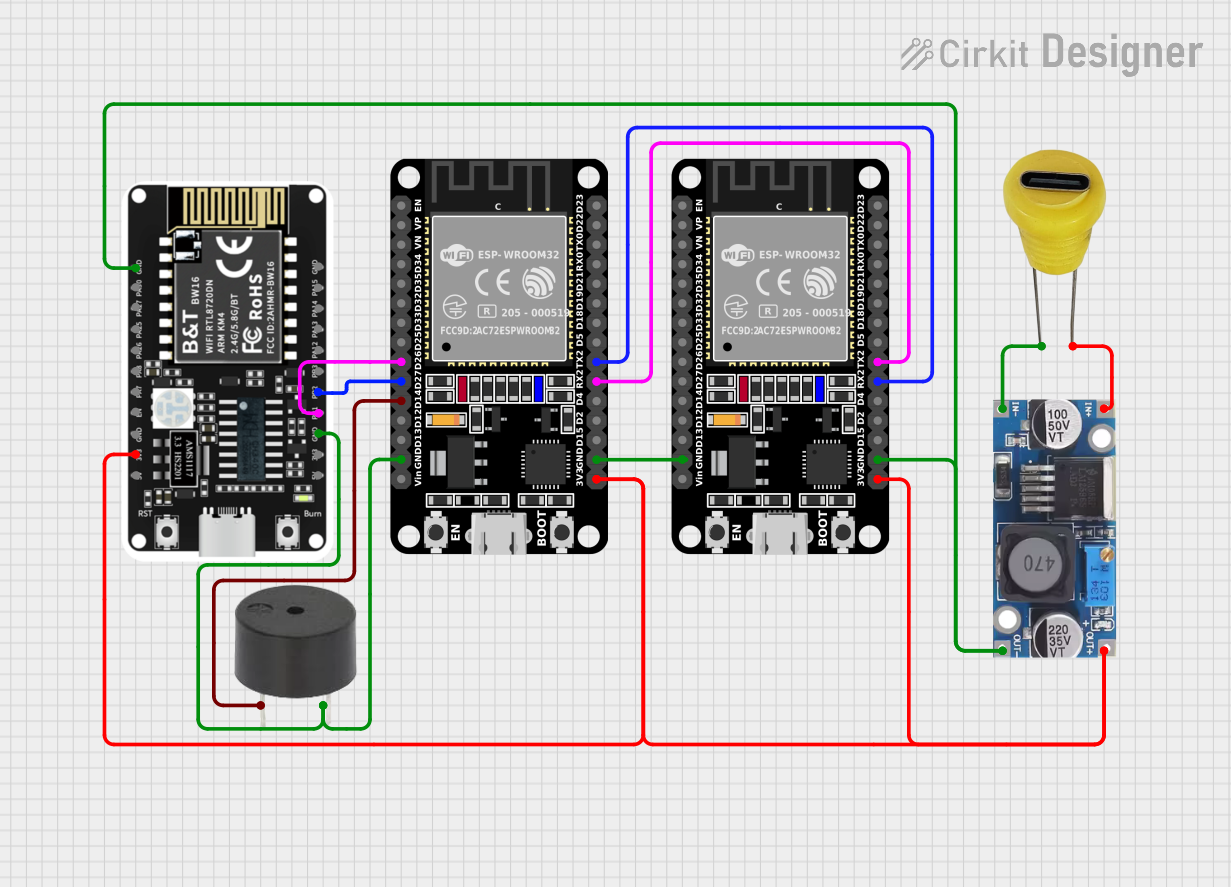 Open Project in Cirkit Designer
Explore Projects Built with type-c port
Open Project in Cirkit DesignerOpen Project in Cirkit DesignerOpen Project in Cirkit DesignerOpen Project in Cirkit DesignerCommon Applications and Use Cases
- Smartphones and Tablets: For charging and data synchronization.
- Laptops and Desktops: As a versatile port for peripherals, charging, and external displays.
- Power Banks: For fast charging and recharging.
- Audio/Video Devices: For transmitting audio and video signals via protocols like DisplayPort or HDMI.
- Embedded Systems: As a compact and efficient interface for power and data.
Technical Specifications
The following are the general technical specifications for a standard Type-C port. Note that specific implementations may vary depending on the manufacturer.
Key Technical Details
- Connector Type: USB Type-C
- Voltage Range: 5V to 20V (depending on USB Power Delivery specification)
- Current Rating: Up to 5A (with appropriate cables)
- Power Delivery: Up to 100W (20V, 5A)
- Data Transfer Speeds:
- USB 2.0: Up to 480 Mbps
- USB 3.2 Gen 1: Up to 5 Gbps
- USB 3.2 Gen 2: Up to 10 Gbps
- USB4: Up to 40 Gbps
- Reversible Design: Can be inserted in either orientation.
- Pin Count: 24 pins.
Pin Configuration and Descriptions
The Type-C port has 24 pins, divided into symmetrical groups to support its reversible design. Below is a simplified pinout:
| Pin Name | Description | Notes |
|---|---|---|
| A1, B1 | GND | Ground pins. |
| A4, B4 | VBUS | Power supply pins (5V to 20V). |
| A5, B5 | CC1, CC2 | Configuration channel for orientation, |
| power delivery, and role detection. | ||
| A6, B6 | D+ | USB 2.0 differential data line (positive). |
| A7, B7 | D- | USB 2.0 differential data line (negative). |
| A8, B8 | SBU1, SBU2 | Sideband use for alternate modes. |
| A2, A3, B2, B3 | TX/RX pairs | High-speed differential pairs for USB 3.x or USB4. |
| A9, B9 | Shield | Cable shield connection. |
Usage Instructions
How to Use the Type-C Port in a Circuit
- Power Delivery: Ensure the power source complies with the USB Power Delivery (PD) specification if high power (above 5V) is required. Use a USB PD controller IC to negotiate voltage and current levels.
- Data Transfer: Connect the D+ and D- pins for USB 2.0 communication. For USB 3.x or USB4, connect the TX/RX differential pairs.
- Orientation Detection: Use the CC1 and CC2 pins to detect the cable orientation and configure the data and power lines accordingly.
- Alternate Modes: For protocols like DisplayPort or HDMI, use the SBU1 and SBU2 pins along with a compatible controller IC.
Important Considerations and Best Practices
- Cable Quality: Use certified Type-C cables to ensure safe power delivery and reliable data transfer.
- Overcurrent Protection: Include overcurrent protection circuits to prevent damage to the port and connected devices.
- Heat Management: High power delivery (e.g., 100W) can generate heat. Ensure proper thermal management in your design.
- Signal Integrity: For high-speed data transfer, maintain proper impedance matching and minimize signal interference.
Example: Connecting a Type-C Port to an Arduino UNO
While the Arduino UNO does not natively support USB Type-C, you can use a Type-C breakout board to interface with it. Below is an example of using the Type-C port for 5V power input:
// Example: Using a Type-C port to power an Arduino UNO
// Connect the VBUS pin of the Type-C breakout board to the 5V pin on the Arduino.
// Connect the GND pin of the Type-C breakout board to the GND pin on the Arduino.

void setup() {
  // Initialize the onboard LED pin as an output
  pinMode(LED_BUILTIN, OUTPUT);
}

void loop() {
  // Blink the onboard LED to confirm power is supplied via the Type-C port
  digitalWrite(LED_BUILTIN, HIGH); // Turn the LED on
  delay(1000);                     // Wait for 1 second
  digitalWrite(LED_BUILTIN, LOW);  // Turn the LED off
  delay(1000);                     // Wait for 1 second
}
Troubleshooting and FAQs
Common Issues
No Power Delivery:
- Cause: Incorrect or damaged cable, or no USB PD negotiation.
- Solution: Use a certified Type-C cable and ensure a USB PD controller is present.
Data Transfer Fails:
- Cause: Misconnected or damaged data lines.
- Solution: Verify connections to the D+/D- or TX/RX pins. Check for proper soldering.
Overheating:
- Cause: Excessive current draw or poor thermal management.
- Solution: Ensure the current does not exceed the port's rating. Add heat sinks if necessary.
Cable Orientation Not Detected:
- Cause: CC1 and CC2 pins not properly connected.
- Solution: Verify the CC pin connections and ensure the correct pull-up or pull-down resistors are used.
FAQs
Q: Can I use a Type-C port for both power and data simultaneously?
- A: Yes, the Type-C port is designed to handle both power delivery and data transfer simultaneously.
Q: Do I need a special controller for USB Power Delivery?
- A: Yes, a USB PD controller IC is required to negotiate higher voltages and currents.
Q: Can I use a Type-C port for video output?
- A: Yes, but you need a compatible device and controller that supports alternate modes like DisplayPort.
Q: Is the Type-C port backward compatible with older USB standards?
- A: Yes, the Type-C port supports USB 2.0, 3.x, and USB4, depending on the implementation.