
How to Use LiFePO₄ Battery Pack: Examples, Pinouts, and Specs
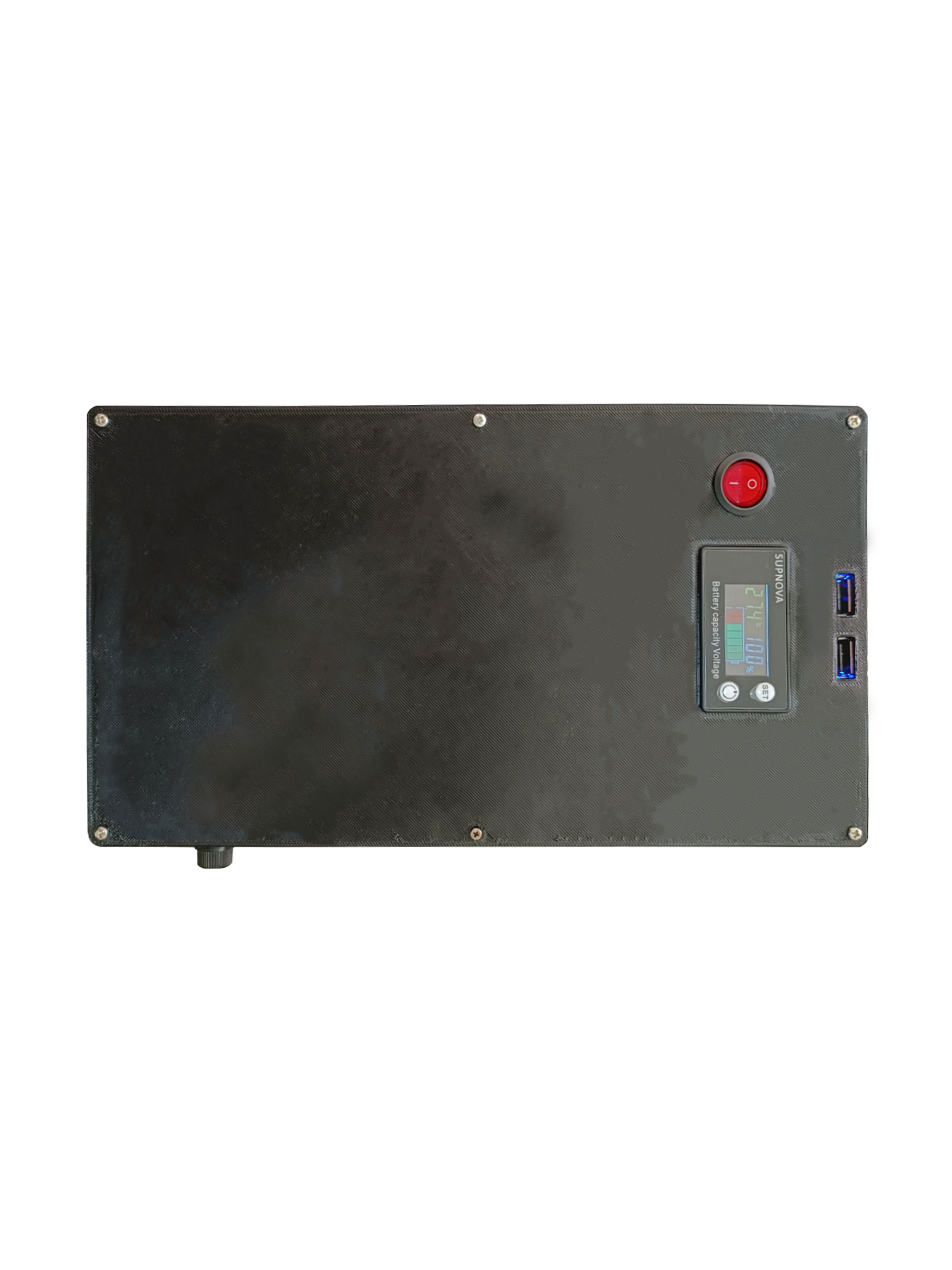
 Design with LiFePO₄ Battery Pack in Cirkit Designer
Introduction
The LiFePO₄ Battery Pack (Manufacturer: My Project, Part ID: Part 5) is a rechargeable lithium iron phosphate battery designed for high performance, safety, and durability. Known for its exceptional thermal stability and long cycle life, this battery pack is ideal for applications requiring reliable energy storage and high current delivery. Its robust design ensures consistent performance across a wide temperature range, making it suitable for demanding environments.
Explore Projects Built with LiFePO₄ Battery Pack
 Open Project in Cirkit Designer
 Open Project in Cirkit Designer
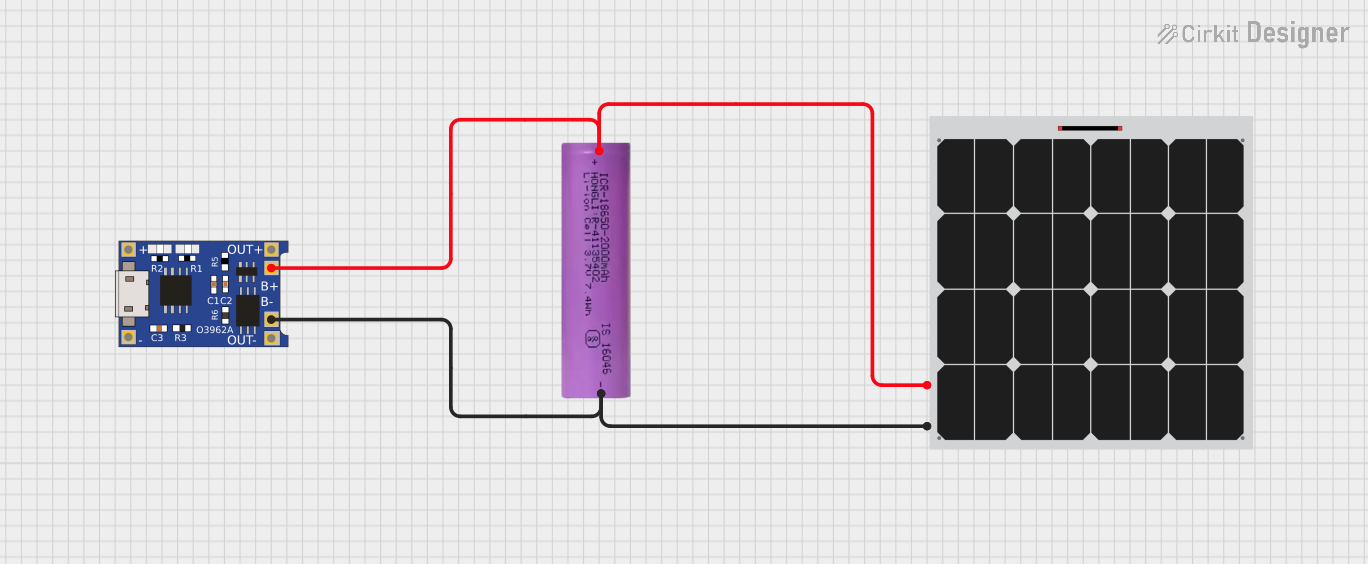 Open Project in Cirkit Designer
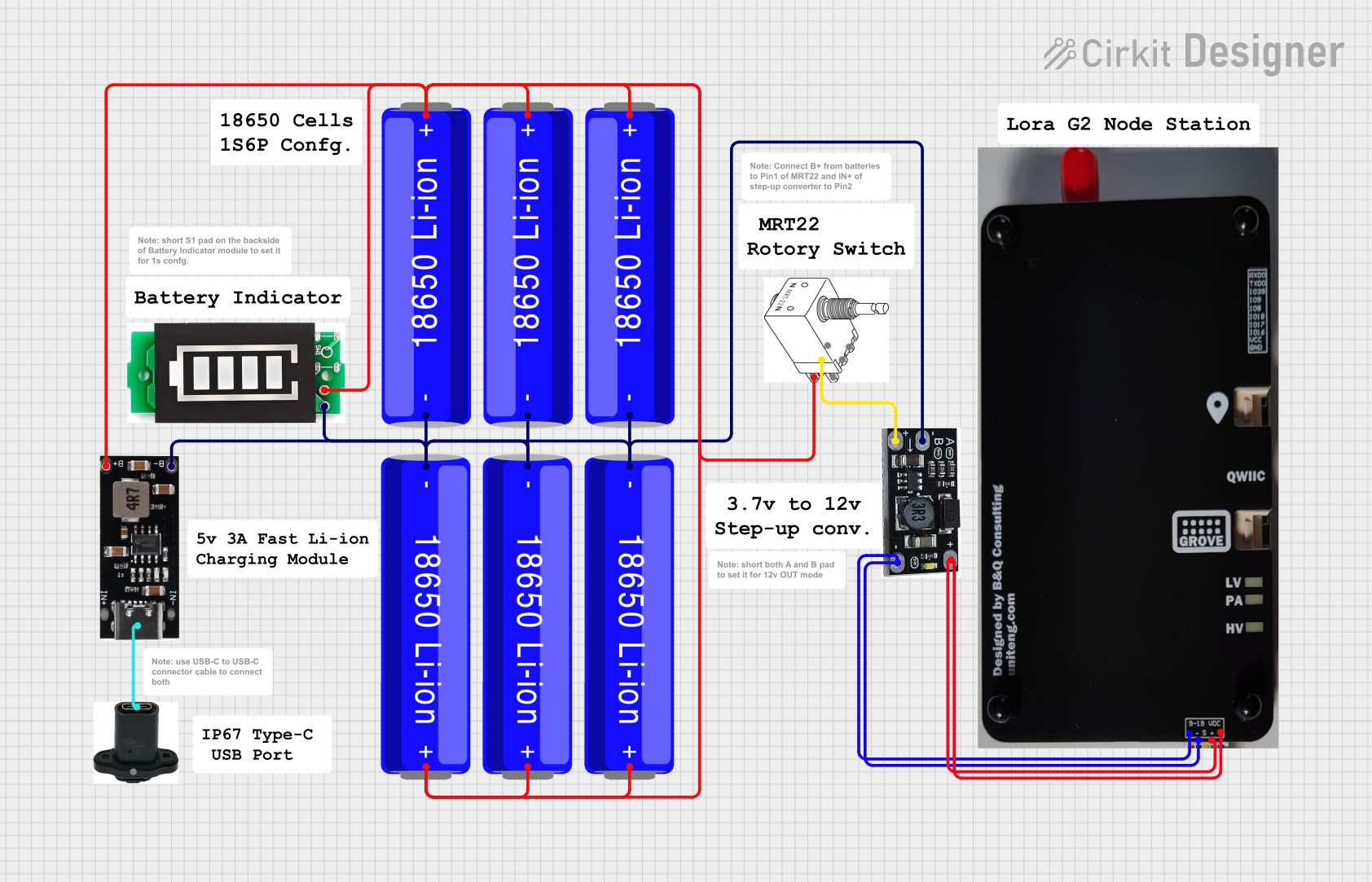 Open Project in Cirkit Designer
Explore Projects Built with LiFePO₄ Battery Pack
Open Project in Cirkit DesignerOpen Project in Cirkit DesignerOpen Project in Cirkit DesignerOpen Project in Cirkit DesignerCommon Applications
- Electric Vehicles (EVs): Provides reliable power for electric cars, bikes, and scooters.
- Renewable Energy Storage: Used in solar and wind energy systems for efficient energy storage.
- Portable Electronics: Powers devices such as laptops, medical equipment, and power tools.
- Uninterruptible Power Supplies (UPS): Ensures backup power for critical systems.
- Marine and RV Applications: Supplies energy for off-grid and mobile systems.
Technical Specifications
Key Technical Details
| Parameter | Value |
|---|---|
| Nominal Voltage | 12.8V |
| Capacity | 20Ah |
| Maximum Continuous Current | 30A |
| Peak Discharge Current | 50A (for 10 seconds) |
| Charge Voltage Range | 14.2V - 14.6V |
| Discharge Cut-off Voltage | 10.0V |
| Cycle Life | >2000 cycles (at 80% depth of discharge) |
| Operating Temperature | -20°C to 60°C (discharge) |
| Storage Temperature | -10°C to 45°C |
| Weight | 2.5 kg |
| Dimensions (L x W x H) | 181mm x 77mm x 167mm |
Pin Configuration and Descriptions
The LiFePO₄ Battery Pack typically includes terminals for connection and a Battery Management System (BMS) for safety and monitoring. Below is the pin configuration:
| Pin/Terminal | Description |
|---|---|
| Positive (+) | Positive terminal for power output |
| Negative (-) | Negative terminal for power output |
| BMS Communication | Optional port for monitoring and control |
| Temperature Sensor | Monitors battery temperature (if included) |
Usage Instructions
How to Use the LiFePO₄ Battery Pack in a Circuit
Connection:
- Connect the Positive (+) terminal of the battery pack to the positive rail of your circuit.
- Connect the Negative (-) terminal to the ground rail of your circuit.
- Ensure proper polarity to avoid damage to the battery or connected devices.
Charging:
- Use a compatible LiFePO₄ battery charger with a charge voltage range of 14.2V to 14.6V.
- Avoid overcharging or undercharging the battery to maximize its lifespan.
- Monitor the charging process using the BMS (if available).
Discharging:
- Ensure the load does not exceed the maximum continuous current of 30A.
- Avoid discharging below the cut-off voltage of 10.0V to prevent damage.
Safety Precautions:
- Do not short-circuit the terminals.
- Avoid exposing the battery to extreme temperatures or moisture.
- Use appropriate fuses or circuit breakers to protect against overcurrent.
Important Considerations and Best Practices
- Balancing: If using multiple battery packs in series or parallel, ensure proper balancing to maintain uniform charge levels.
- Storage: Store the battery at a 50% state of charge in a cool, dry place for long-term storage.
- Monitoring: Utilize the BMS to monitor voltage, current, and temperature for optimal performance and safety.
Example: Connecting to an Arduino UNO
The LiFePO₄ Battery Pack can power an Arduino UNO for portable projects. Below is an example of how to connect and monitor the battery voltage using an analog pin:
// Arduino code to monitor LiFePO₄ battery voltage
const int batteryPin = A0; // Analog pin connected to battery voltage divider
const float voltageDividerRatio = 5.7; // Adjust based on resistor values used
const float referenceVoltage = 5.0; // Arduino reference voltage (5V)

void setup() {
  Serial.begin(9600); // Initialize serial communication
}

void loop() {
  int rawValue = analogRead(batteryPin); // Read analog value from battery pin
  float batteryVoltage = (rawValue / 1023.0) * referenceVoltage * voltageDividerRatio;

  // Print the battery voltage to the Serial Monitor
  Serial.print("Battery Voltage: ");
  Serial.print(batteryVoltage);
  Serial.println(" V");

  delay(1000); // Wait for 1 second before the next reading
}
Note: Use a voltage divider circuit to step down the battery voltage to a safe level for the Arduino's analog input (0-5V).
Troubleshooting and FAQs
Common Issues and Solutions
| Issue | Possible Cause | Solution |
|---|---|---|
| Battery not charging | Charger not compatible or faulty | Use a charger designed for LiFePO₄ batteries |
| Battery discharges too quickly | Excessive load or aging battery | Reduce load or replace the battery |
| Overheating during operation | High current draw or poor ventilation | Ensure proper ventilation and reduce load |
| Voltage drops below cut-off prematurely | Battery is deeply discharged or damaged | Recharge immediately or replace battery |
FAQs
Can I use a standard lithium-ion charger for this battery?
No, always use a charger specifically designed for LiFePO₄ batteries to ensure safe and efficient charging.What is the recommended depth of discharge (DoD)?
For optimal lifespan, limit the depth of discharge to 80%.Can I connect multiple LiFePO₄ Battery Packs in series or parallel?
Yes, but ensure proper balancing and use a BMS to manage the packs effectively.How do I know if the battery is fully charged?
The battery is fully charged when the voltage reaches 14.6V and the charger indicates a full charge.Is the battery safe for outdoor use?
Yes, but ensure it is protected from water, extreme temperatures, and physical damage.
This documentation provides a comprehensive guide to understanding, using, and troubleshooting the LiFePO₄ Battery Pack (My Project, Part 5). For further assistance, refer to the manufacturer's support resources.