
How to Use Resettable Fuse PTC 500mA: Examples, Pinouts, and Specs

 Design with Resettable Fuse PTC 500mA in Cirkit Designer
Introduction
A resettable fuse, also known as a polymeric positive temperature coefficient (PTC) device, is designed to protect circuits from overcurrent conditions. Unlike traditional fuses, which must be replaced after a fault, a resettable fuse automatically resets itself once the fault is cleared. This makes it a cost-effective and convenient solution for circuit protection in a wide range of applications.
Explore Projects Built with Resettable Fuse PTC 500mA
 Open Project in Cirkit Designer
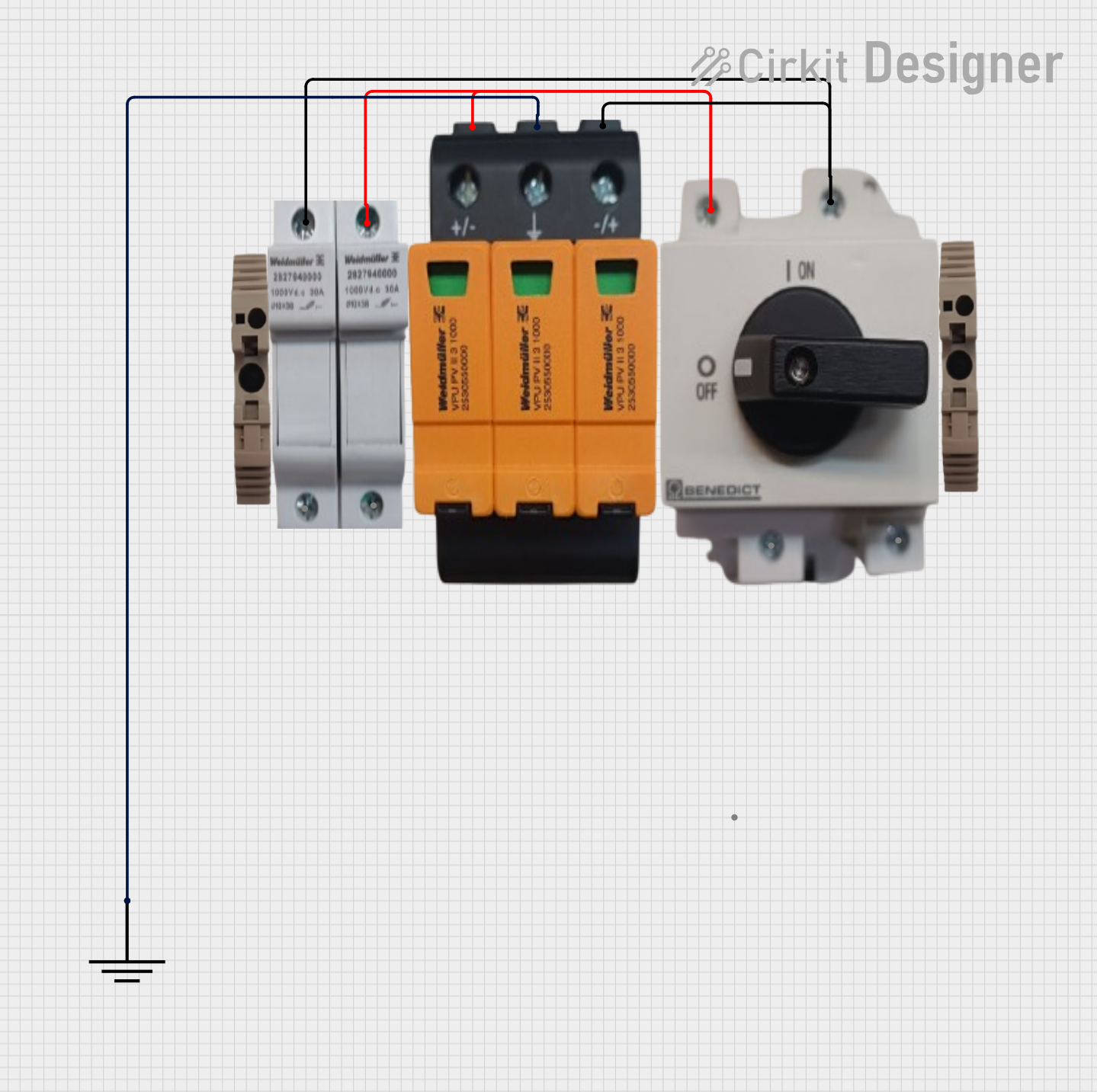 Open Project in Cirkit Designer
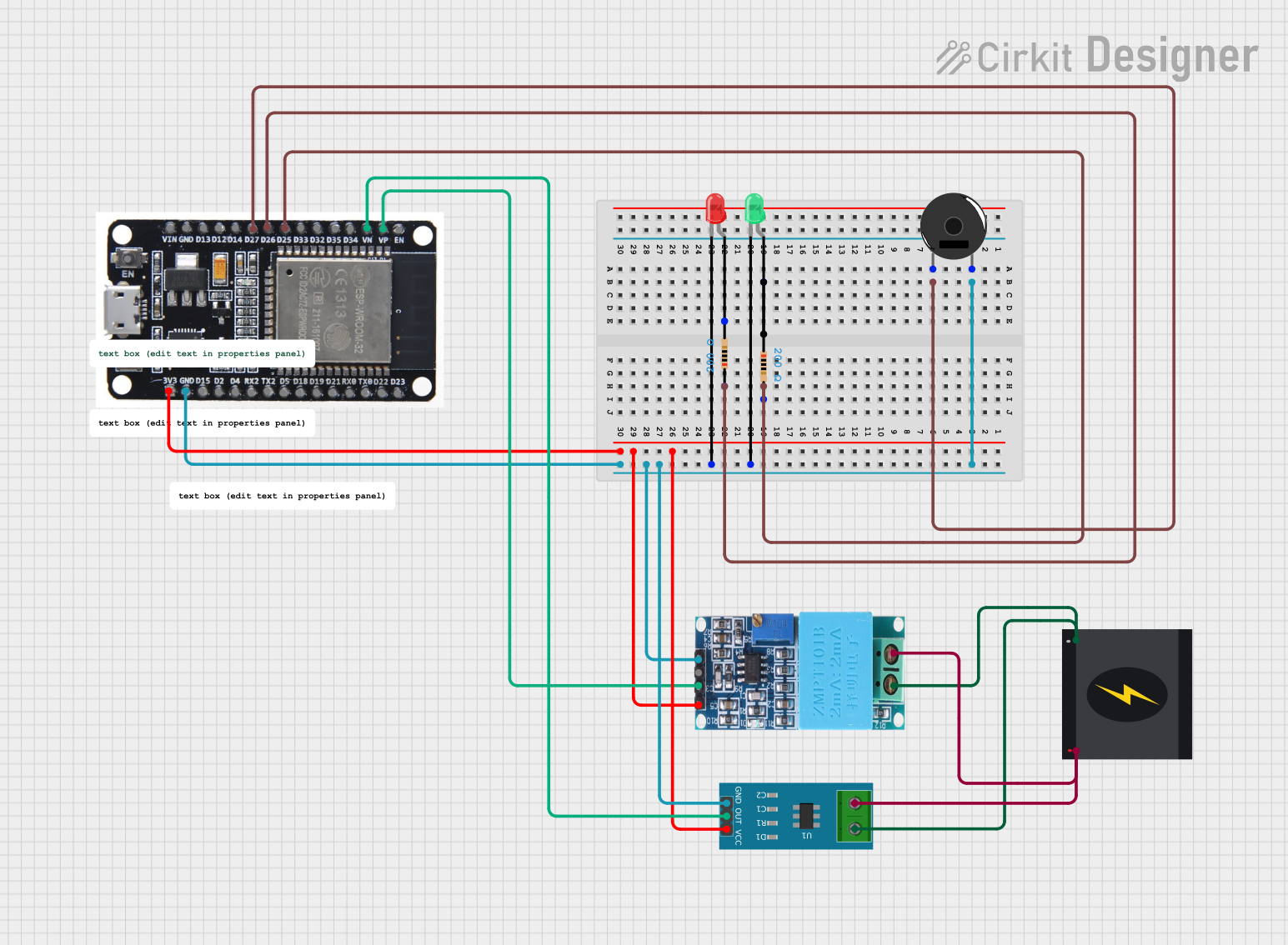 Open Project in Cirkit Designer
 Open Project in Cirkit Designer
Explore Projects Built with Resettable Fuse PTC 500mA
Open Project in Cirkit DesignerOpen Project in Cirkit DesignerOpen Project in Cirkit DesignerOpen Project in Cirkit DesignerCommon Applications and Use Cases
- Overcurrent protection in power supplies and battery packs
- Protection of USB ports and peripheral devices
- Circuit protection in consumer electronics, such as laptops and smartphones
- Automotive electronics, including infotainment systems and sensors
- Industrial control systems and telecommunications equipment
Technical Specifications
The Resettable Fuse PTC 500mA is designed to handle moderate current loads while providing reliable overcurrent protection. Below are its key technical details:
Key Specifications
| Parameter | Value |
|---|---|
| Hold Current (IHOLD) | 500mA (0.5A) |
| Trip Current (ITRIP) | 1A |
| Maximum Voltage (VMAX) | 60V |
| Resistance (RMIN - RMAX) | 0.5Ω - 2.5Ω |
| Maximum Time to Trip | 0.1s (at 8A) |
| Operating Temperature | -40°C to +85°C |
| Reset Time | Varies (typically a few seconds) |
| Package Type | Radial or Surface Mount |
Pin Configuration and Descriptions
The Resettable Fuse PTC 500mA typically has two terminals:
| Pin Number | Name | Description |
|---|---|---|
| 1 | Terminal 1 | Connects to the power source or input voltage. |
| 2 | Terminal 2 | Connects to the load or protected circuit. |
Usage Instructions
How to Use the Component in a Circuit
- Placement in the Circuit:
- Place the resettable fuse in series with the load you want to protect.
- Ensure that Terminal 1 is connected to the power source and Terminal 2 to the load.
- Voltage and Current Ratings:
- Verify that the operating voltage and current of your circuit do not exceed the fuse's maximum ratings (60V and 500mA hold current).
- PCB Design:
- For surface-mount fuses, ensure proper soldering and thermal management.
- For radial fuses, ensure the leads are securely soldered to the PCB.
Important Considerations and Best Practices
- Avoid Overheating: Ensure adequate ventilation or heat dissipation in your circuit to prevent the fuse from tripping unnecessarily.
- Reset Time: After a fault, allow sufficient time for the fuse to cool and reset before reapplying power.
- Testing: Test the circuit under normal and fault conditions to ensure the fuse trips and resets as expected.
- Parallel Connections: Avoid connecting multiple resettable fuses in parallel, as this can lead to uneven current distribution and unreliable operation.
Example: Using the Resettable Fuse with an Arduino UNO
The Resettable Fuse PTC 500mA can be used to protect an Arduino UNO from overcurrent conditions. Below is an example circuit and code:
Circuit Description
- Connect the resettable fuse in series with the 5V power supply line of the Arduino UNO.
- Terminal 1 of the fuse connects to the 5V output of the power source.
- Terminal 2 of the fuse connects to the 5V input pin of the Arduino UNO.
Example Code
// Example code to demonstrate normal operation of an Arduino UNO
// protected by a Resettable Fuse PTC 500mA.

// This code blinks an LED connected to pin 13 of the Arduino UNO.

void setup() {
  pinMode(13, OUTPUT); // Set pin 13 as an output for the LED
}

void loop() {
  digitalWrite(13, HIGH); // Turn the LED on
  delay(1000);            // Wait for 1 second
  digitalWrite(13, LOW);  // Turn the LED off
  delay(1000);            // Wait for 1 second
}

// Note: If an overcurrent condition occurs, the resettable fuse will trip,
// cutting off power to the Arduino. Once the fault is cleared, the fuse will
// reset, and the Arduino will resume normal operation.
Troubleshooting and FAQs
Common Issues and Solutions
| Issue | Possible Cause | Solution |
|---|---|---|
| Fuse trips frequently | Circuit current exceeds IHOLD | Check the load current and reduce it. |
| Fuse does not reset after tripping | Fuse is still hot or fault persists | Allow time for cooling and clear the fault. |
| Circuit does not power on | Fuse is damaged or improperly connected | Verify connections and replace if needed. |
FAQs
Q: Can I use this fuse for AC circuits?
A: Yes, as long as the voltage and current ratings are not exceeded. However, ensure the fuse is rated for AC operation.Q: How many times can the fuse reset?
A: Resettable fuses can reset hundreds or even thousands of times, depending on the operating conditions and the severity of faults.Q: What happens if I exceed the maximum voltage rating?
A: Exceeding the voltage rating can damage the fuse and compromise its protective function.
By following this documentation, you can effectively integrate the Resettable Fuse PTC 500mA into your circuits for reliable overcurrent protection.