
How to Use Rain sensor module: Examples, Pinouts, and Specs
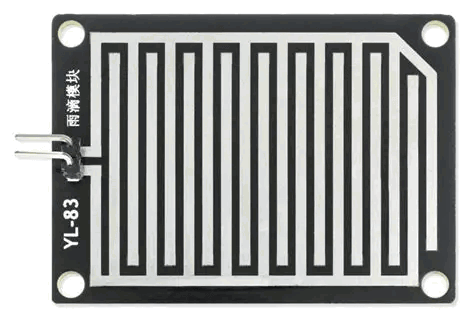
 Design with Rain sensor module in Cirkit Designer
Introduction
The Rain Sensor Module is a device designed to detect the presence and intensity of rain. It consists of a rain detection board and a control module that outputs both analog and digital signals. The module is widely used in weather monitoring systems, automatic windshield wipers, irrigation systems, and other automation projects where rain detection is required.
This sensor is easy to integrate into microcontroller-based systems, such as Arduino, Raspberry Pi, or other development boards, making it a popular choice for hobbyists and professionals alike.
Explore Projects Built with Rain sensor module
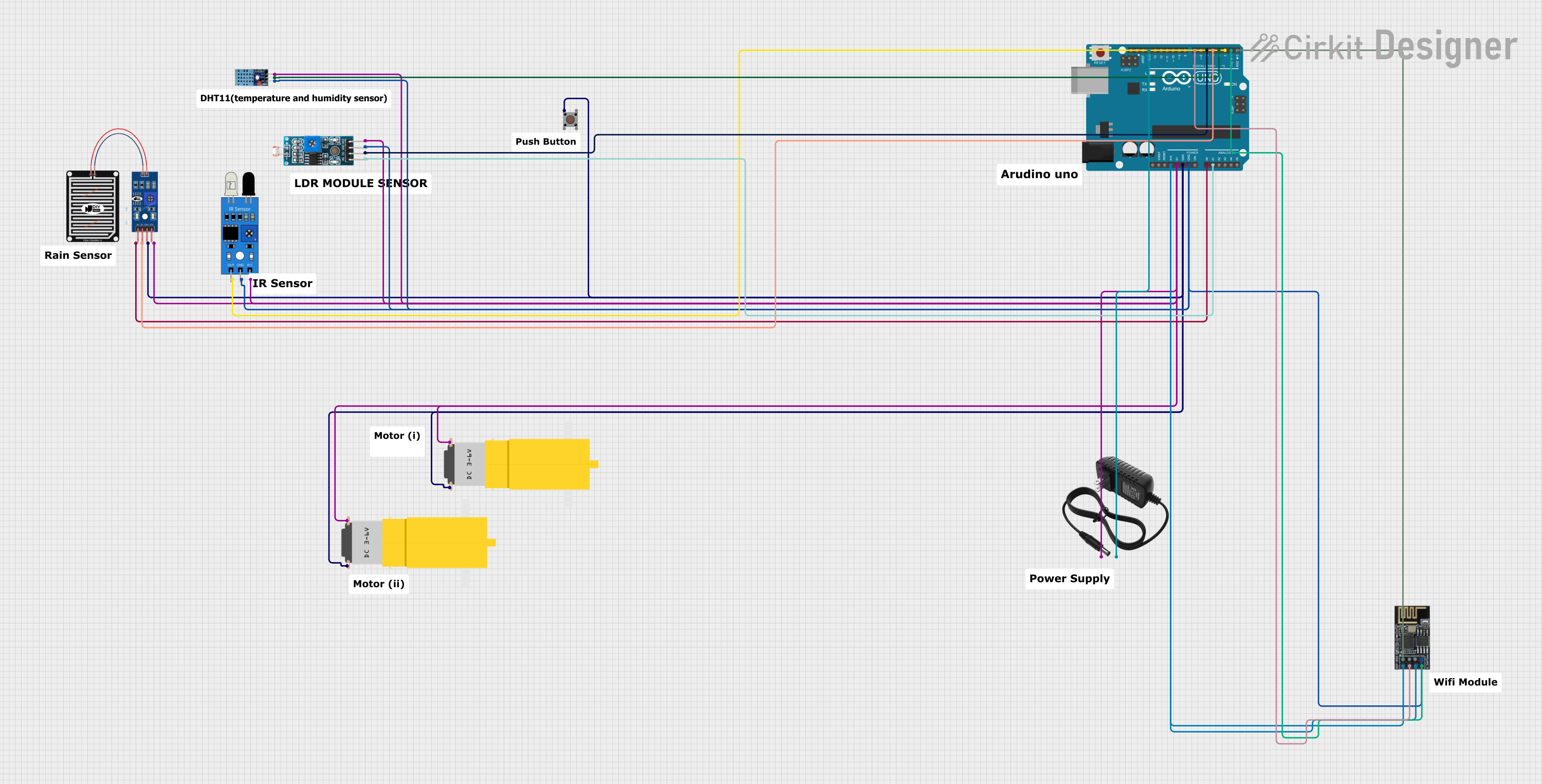 Open Project in Cirkit Designer
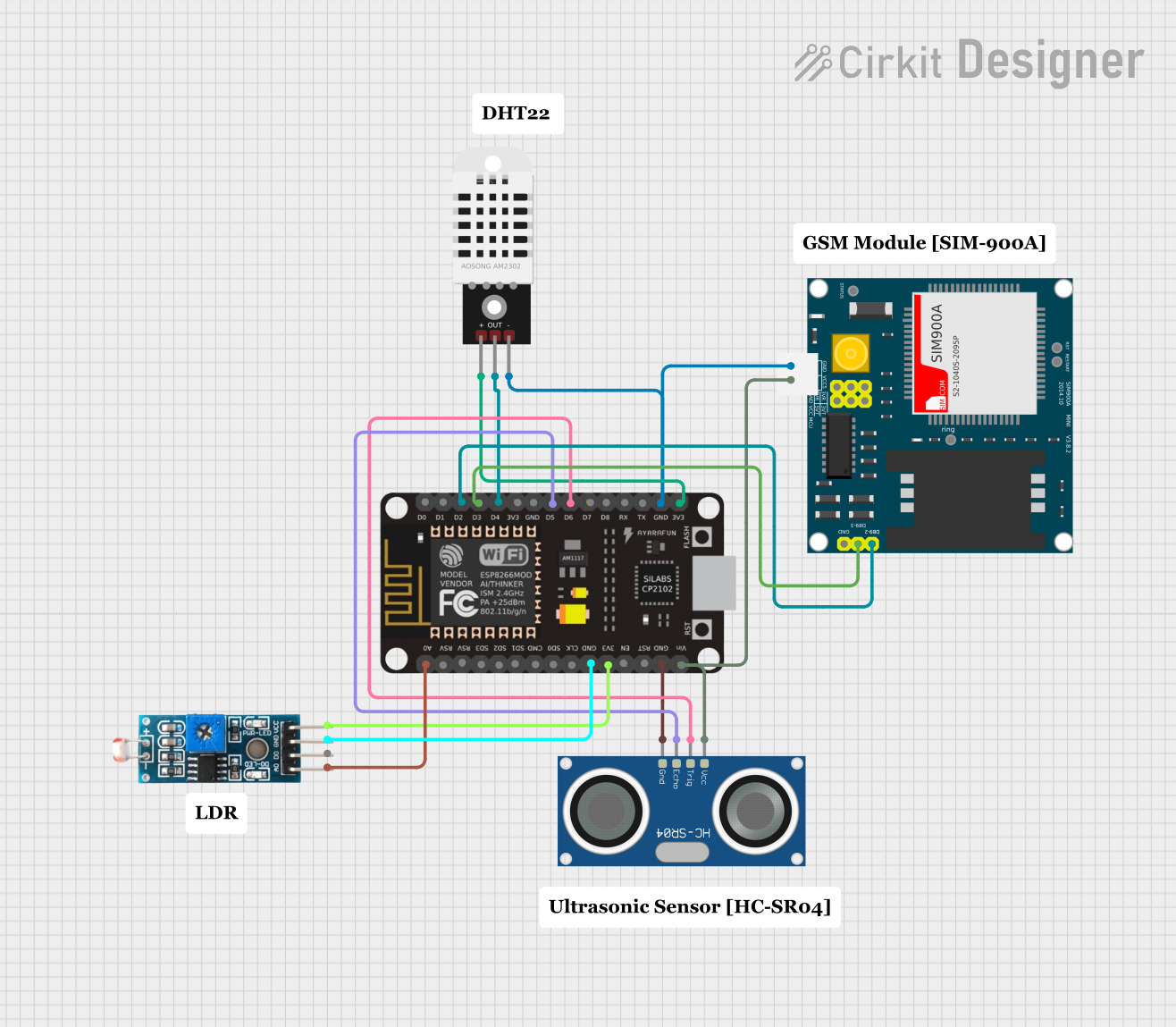 Open Project in Cirkit Designer
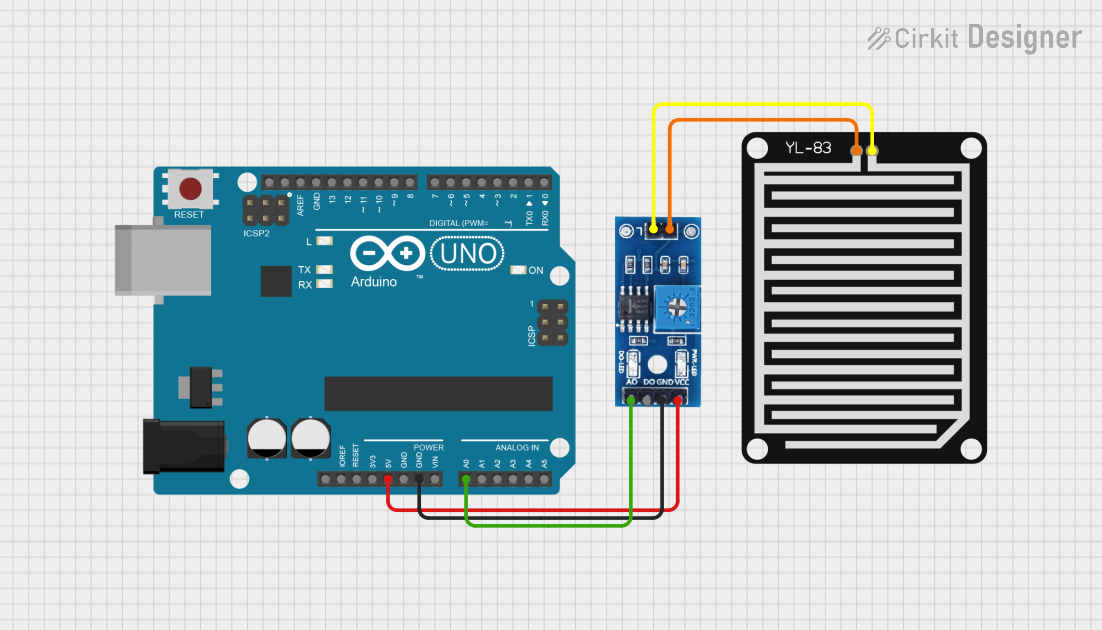 Open Project in Cirkit Designer
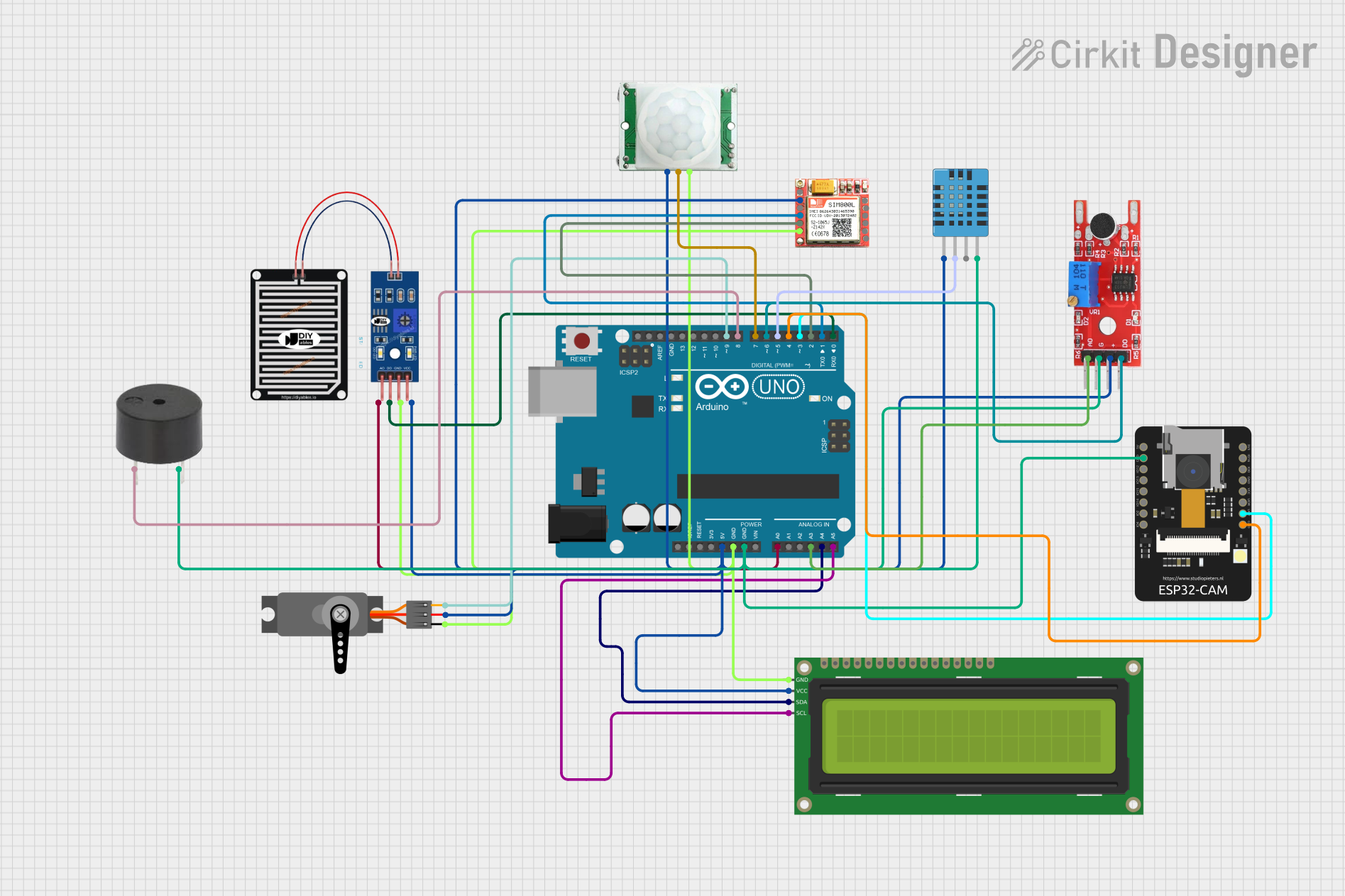 Open Project in Cirkit Designer
Explore Projects Built with Rain sensor module
Open Project in Cirkit DesignerOpen Project in Cirkit DesignerOpen Project in Cirkit DesignerOpen Project in Cirkit DesignerTechnical Specifications
- Operating Voltage: 3.3V to 5V
- Output Types:
- Digital Output (DO): High/Low signal indicating rain detection
- Analog Output (AO): Proportional voltage based on rain intensity
- Current Consumption: < 20mA
- Rain Detection Board Dimensions: ~5cm x 4cm
- Control Module Dimensions: ~3.1cm x 1.6cm
- Adjustable Sensitivity: Via onboard potentiometer
- Indicator LEDs:
- Power LED (indicates module is powered)
- Digital Output LED (lights up when rain is detected)
Pin Configuration and Descriptions
Control Module Pinout
| Pin Name | Description |
|---|---|
| VCC | Power supply input (3.3V to 5V) |
| GND | Ground connection |
| DO | Digital output pin (HIGH when no rain, LOW when rain is detected) |
| AO | Analog output pin (provides a voltage proportional to rain intensity) |
Rain Detection Board Pinout
| Pin Name | Description |
|---|---|
| S | Signal pin connected to the control module |
| + | Power supply input (connected to VCC of the control module) |
| - | Ground connection (connected to GND of the control module) |
Usage Instructions
How to Use the Rain Sensor Module in a Circuit
Connect the Module:
- Connect the VCC pin of the control module to a 3.3V or 5V power source.
- Connect the GND pin to the ground of your circuit.
- Connect the DO pin to a digital input pin of your microcontroller (e.g., Arduino).
- Optionally, connect the AO pin to an analog input pin of your microcontroller for rain intensity measurement.
Adjust Sensitivity:
- Use the onboard potentiometer to adjust the sensitivity of the digital output. Turning the potentiometer clockwise increases sensitivity, while turning it counterclockwise decreases sensitivity.
Monitor Outputs:
- The DO pin will output a HIGH signal when no rain is detected and a LOW signal when rain is detected.
- The AO pin will output a voltage proportional to the amount of rain detected.
Example Arduino Code
The following example demonstrates how to use the Rain Sensor Module with an Arduino UNO to detect rain and measure its intensity.
// Define pin connections
const int digitalPin = 2; // Digital output from the sensor
const int analogPin = A0; // Analog output from the sensor

void setup() {
  pinMode(digitalPin, INPUT); // Set digital pin as input
  Serial.begin(9600);         // Initialize serial communication
}

void loop() {
  // Read digital output (rain detected or not)
  int rainDetected = digitalRead(digitalPin);
  if (rainDetected == LOW) {
    Serial.println("Rain detected!"); // Print message if rain is detected
  } else {
    Serial.println("No rain detected."); // Print message if no rain is detected
  }

  // Read analog output (rain intensity)
  int rainIntensity = analogRead(analogPin);
  Serial.print("Rain Intensity: ");
  Serial.println(rainIntensity); // Print the analog value (0-1023)

  delay(1000); // Wait for 1 second before the next reading
}
Important Considerations and Best Practices
- Placement: Ensure the rain detection board is placed in an open area where it can directly come into contact with rain. Avoid placing it under obstructions like roofs or trees.
- Waterproofing: While the rain detection board is designed to detect water, prolonged exposure to rain may cause corrosion. Consider using a protective coating or enclosure to extend its lifespan.
- Cleaning: Periodically clean the rain detection board to remove dirt or debris that may affect its performance.
- Power Supply: Use a stable power source to ensure accurate readings and avoid noise in the output signals.
Troubleshooting and FAQs
Common Issues and Solutions
The sensor is not detecting rain:
- Check the connections between the rain detection board and the control module.
- Verify that the power supply voltage is within the specified range (3.3V to 5V).
- Adjust the sensitivity using the onboard potentiometer.
The digital output LED is always ON or OFF:
- Ensure the rain detection board is clean and free of debris.
- Verify that the potentiometer is not set to an extreme position.
Analog output values are inconsistent:
- Check for a stable power supply to the module.
- Ensure the rain detection board is not partially submerged in water, as this may cause erratic readings.
The module stops working after prolonged use:
- Inspect the rain detection board for signs of corrosion or damage.
- Replace the rain detection board if necessary.
FAQs
Q: Can the Rain Sensor Module detect the amount of rainfall?
A: Yes, the analog output (AO) provides a voltage proportional to the rain intensity, which can be used to estimate the amount of rainfall.
Q: Is the module waterproof?
A: The rain detection board is not fully waterproof and may corrode over time if exposed to rain for extended periods. Consider using a protective coating or enclosure.
Q: Can I use this module with a Raspberry Pi?
A: Yes, the module can be used with a Raspberry Pi. Connect the digital or analog output to the GPIO pins of the Raspberry Pi and use appropriate libraries to read the data.
Q: How do I clean the rain detection board?
A: Use a soft, dry cloth or a slightly damp cloth to gently clean the board. Avoid using abrasive materials or submerging the board in water.