
How to Use Split-Core Hall Effect Current Sensor: Examples, Pinouts, and Specs
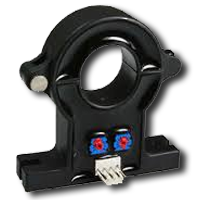
 Design with Split-Core Hall Effect Current Sensor in Cirkit Designer
Introduction
The Split-Core Hall Effect Current Sensor is a device designed to measure the current flowing through a conductor by detecting the magnetic field generated by the current. Its split-core design allows for easy installation around existing wires without requiring disconnection, making it ideal for non-invasive current measurement. This sensor is widely used in applications such as energy monitoring, industrial automation, motor control, and renewable energy systems.
Common applications include:
- Monitoring AC and DC currents in power systems
- Measuring current in electric motors and generators
- Energy consumption tracking in residential and industrial setups
- Overcurrent protection in electrical circuits
Explore Projects Built with Split-Core Hall Effect Current Sensor
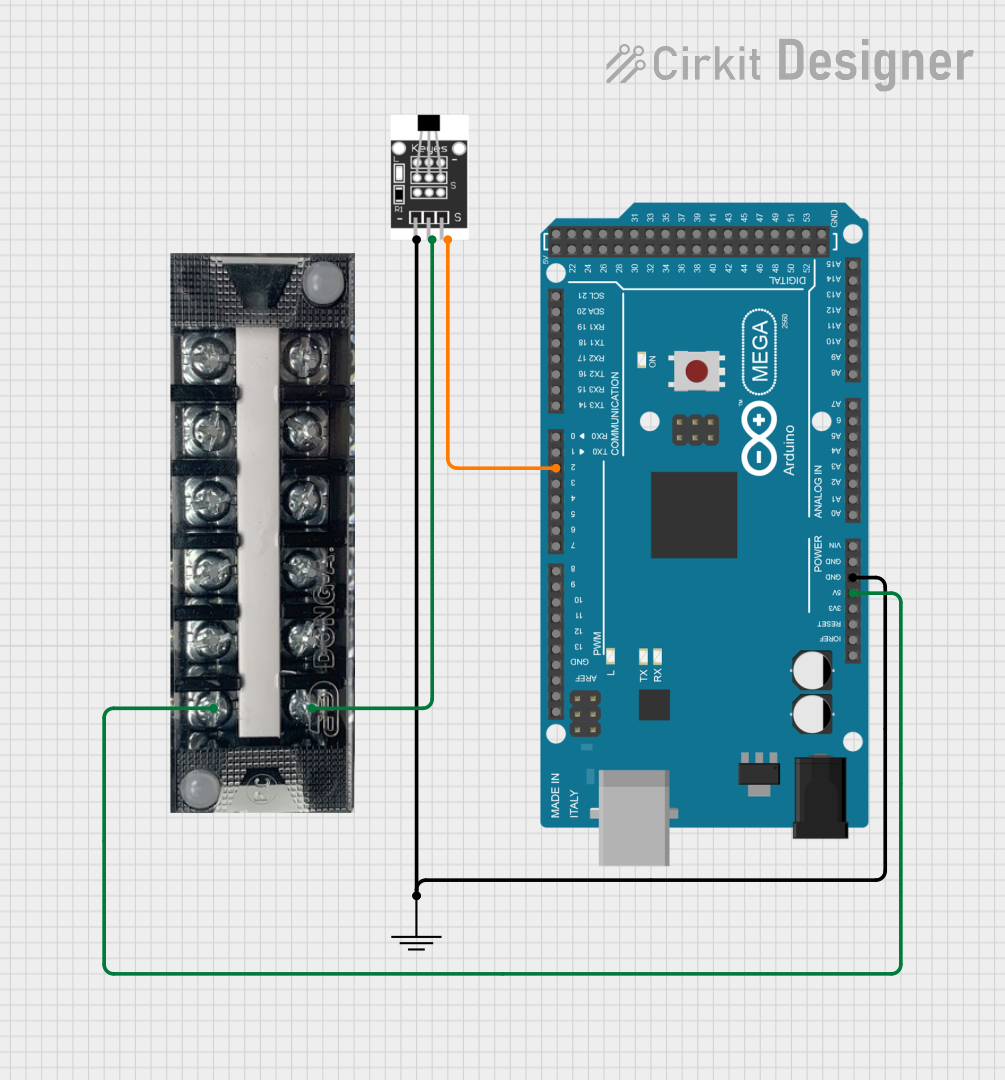 Open Project in Cirkit Designer
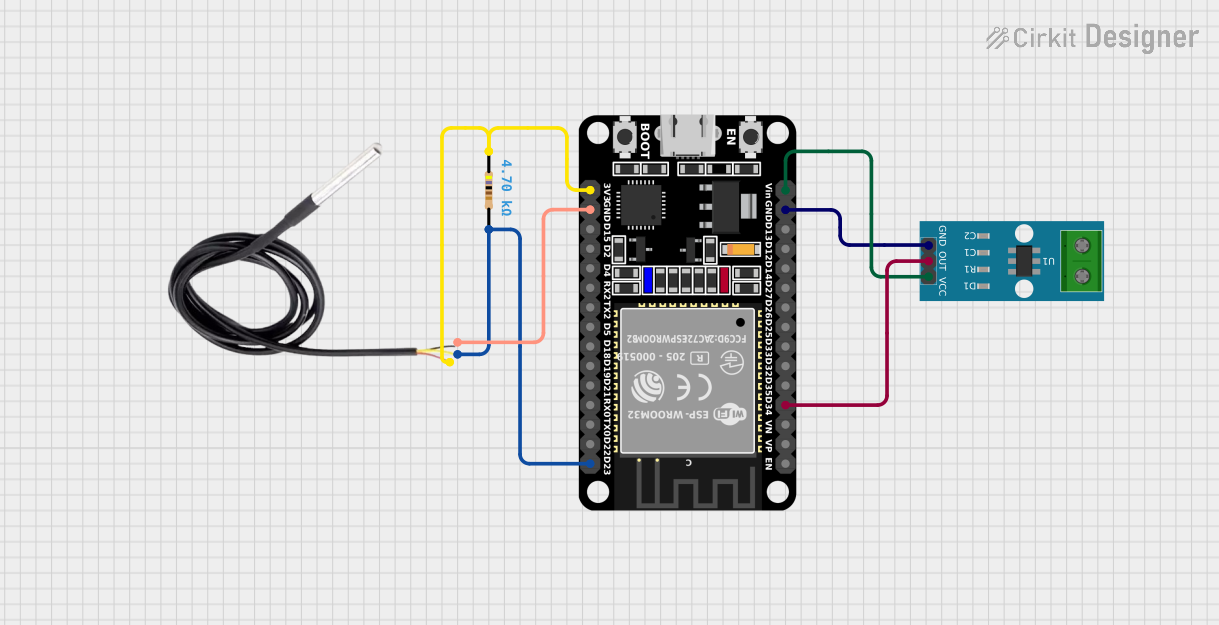 Open Project in Cirkit Designer
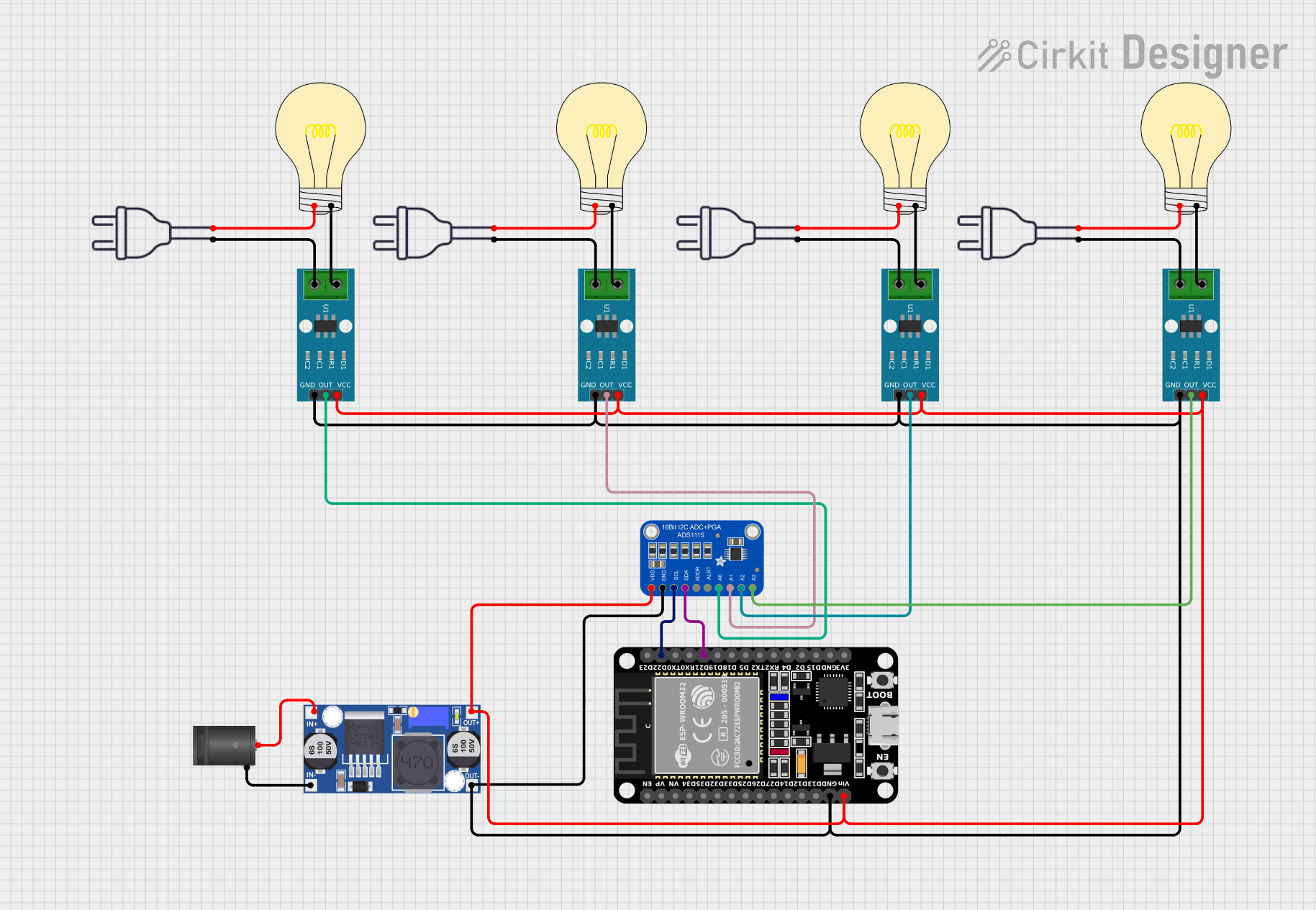 Open Project in Cirkit Designer
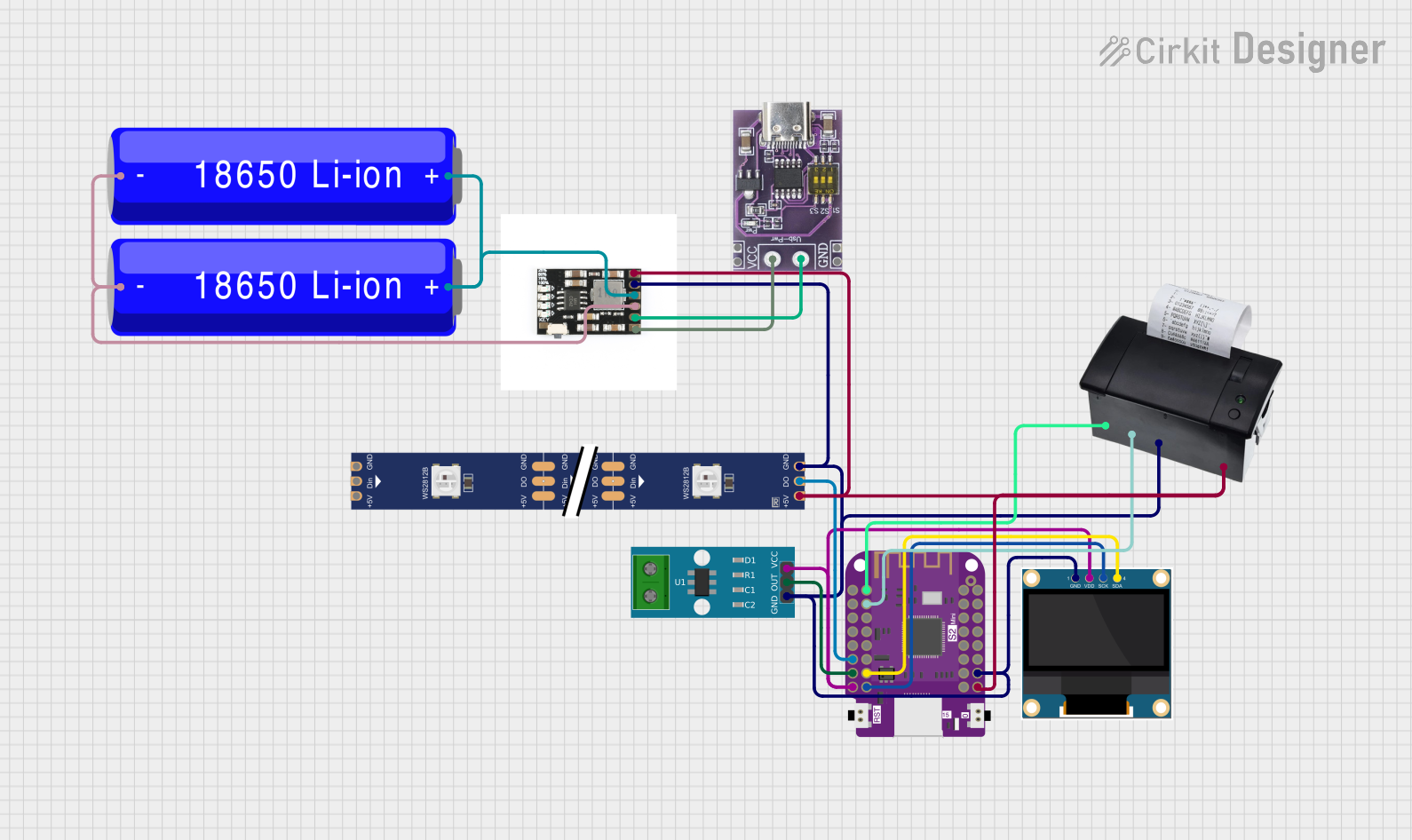 Open Project in Cirkit Designer
Explore Projects Built with Split-Core Hall Effect Current Sensor
Open Project in Cirkit DesignerOpen Project in Cirkit DesignerOpen Project in Cirkit DesignerOpen Project in Cirkit DesignerTechnical Specifications
Below are the key technical details of the Split-Core Hall Effect Current Sensor:
| Parameter | Value |
|---|---|
| Measurement Range | ±50A to ±200A (varies by model) |
| Supply Voltage | 5V DC |
| Output Signal | Analog voltage (proportional to current) |
| Accuracy | ±1% of full-scale reading |
| Bandwidth | DC to 20 kHz |
| Operating Temperature | -40°C to +85°C |
| Core Design | Split-core for easy installation |
| Isolation Voltage | 2.5 kV RMS |
Pin Configuration and Descriptions
The sensor typically comes with a 3-pin interface. The pinout is as follows:
| Pin | Name | Description |
|---|---|---|
| 1 | VCC | Power supply input (5V DC) |
| 2 | GND | Ground connection |
| 3 | OUT | Analog output voltage proportional to measured current |
Usage Instructions
How to Use the Sensor in a Circuit
- Power the Sensor: Connect the
VCCpin to a 5V DC power supply and theGNDpin to the ground of your circuit. - Install the Sensor: Open the split-core clamp and place it around the conductor whose current you want to measure. Ensure the conductor is centered within the core for accurate readings.
- Read the Output: The
OUTpin provides an analog voltage proportional to the current flowing through the conductor. This output can be read using an analog-to-digital converter (ADC) on a microcontroller or data acquisition system.
Important Considerations and Best Practices
- Polarity: Ensure the current direction matches the sensor's orientation markings for correct readings.
- Conductor Placement: Position the conductor in the center of the split-core for optimal accuracy.
- Noise Reduction: Use proper shielding and grounding techniques to minimize noise in the output signal.
- Calibration: For precise measurements, calibrate the sensor using a known current source.
- Avoid Overloading: Do not exceed the sensor's maximum current rating to prevent damage.
Example: Connecting to an Arduino UNO
Below is an example of how to use the Split-Core Hall Effect Current Sensor with an Arduino UNO to measure current:
// Define the analog pin connected to the sensor's OUT pin
const int sensorPin = A0;

// Define the sensor's sensitivity (e.g., 40mV/A for a ±50A sensor)
const float sensitivity = 0.04; // Sensitivity in volts per ampere

void setup() {
  Serial.begin(9600); // Initialize serial communication
}

void loop() {
  // Read the analog voltage from the sensor
  int sensorValue = analogRead(sensorPin);

  // Convert the analog reading (0-1023) to a voltage (0-5V)
  float voltage = sensorValue * (5.0 / 1023.0);

  // Calculate the current in amperes
  float current = voltage / sensitivity;

  // Print the current to the Serial Monitor
  Serial.print("Current: ");
  Serial.print(current);
  Serial.println(" A");

  delay(1000); // Wait for 1 second before the next reading
}
Troubleshooting and FAQs
Common Issues and Solutions
No Output Signal:
- Cause: Incorrect wiring or insufficient power supply.
- Solution: Verify that the
VCCandGNDpins are properly connected to a 5V DC power source.
Inaccurate Readings:
- Cause: Misalignment of the conductor within the split-core.
- Solution: Ensure the conductor is centered in the core and the sensor is properly oriented.
Excessive Noise in Output:
- Cause: Electromagnetic interference or poor grounding.
- Solution: Use shielded cables and ensure a solid ground connection.
Output Voltage Exceeds Expected Range:
- Cause: Current exceeds the sensor's maximum rating.
- Solution: Verify that the current is within the sensor's specified range.
FAQs
Q: Can this sensor measure both AC and DC currents?
A: Yes, the Split-Core Hall Effect Current Sensor can measure both AC and DC currents.
Q: Is the sensor safe to use with high-voltage conductors?
A: Yes, the sensor provides electrical isolation up to 2.5 kV RMS, making it safe for use with high-voltage systems.
Q: How do I calibrate the sensor?
A: To calibrate, pass a known current through the conductor and measure the output voltage. Use this data to calculate the sensor's sensitivity.
Q: Can I use this sensor with a 3.3V microcontroller?
A: While the sensor requires a 5V supply, its output can be interfaced with a 3.3V microcontroller using a voltage divider or level shifter.
By following this documentation, you can effectively integrate the Split-Core Hall Effect Current Sensor into your projects for accurate and reliable current measurement.