
How to Use MAX97220: Examples, Pinouts, and Specs
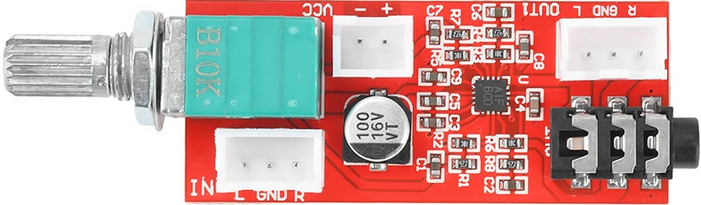
 Design with MAX97220 in Cirkit Designer
Introduction
The MAX97220, manufactured by Analog Devices Inc. (ADI), is a high-performance, low-power audio amplifier designed for portable applications. It is optimized for driving headphones or speakers in mobile devices, offering exceptional audio quality with low total harmonic distortion (THD) and a high signal-to-noise ratio (SNR). The MAX97220 is well-suited for applications requiring efficient power usage and superior sound clarity.
Explore Projects Built with MAX97220
 Open Project in Cirkit Designer
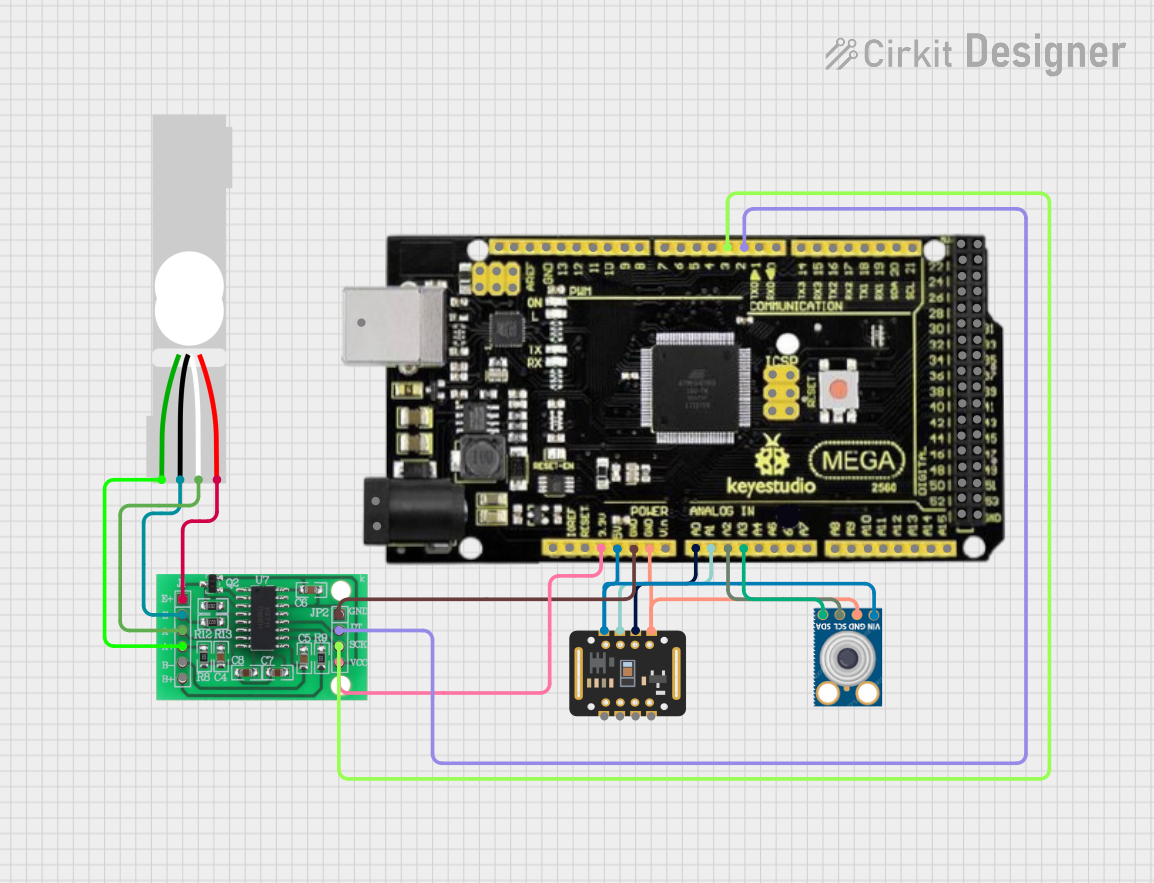 Open Project in Cirkit Designer
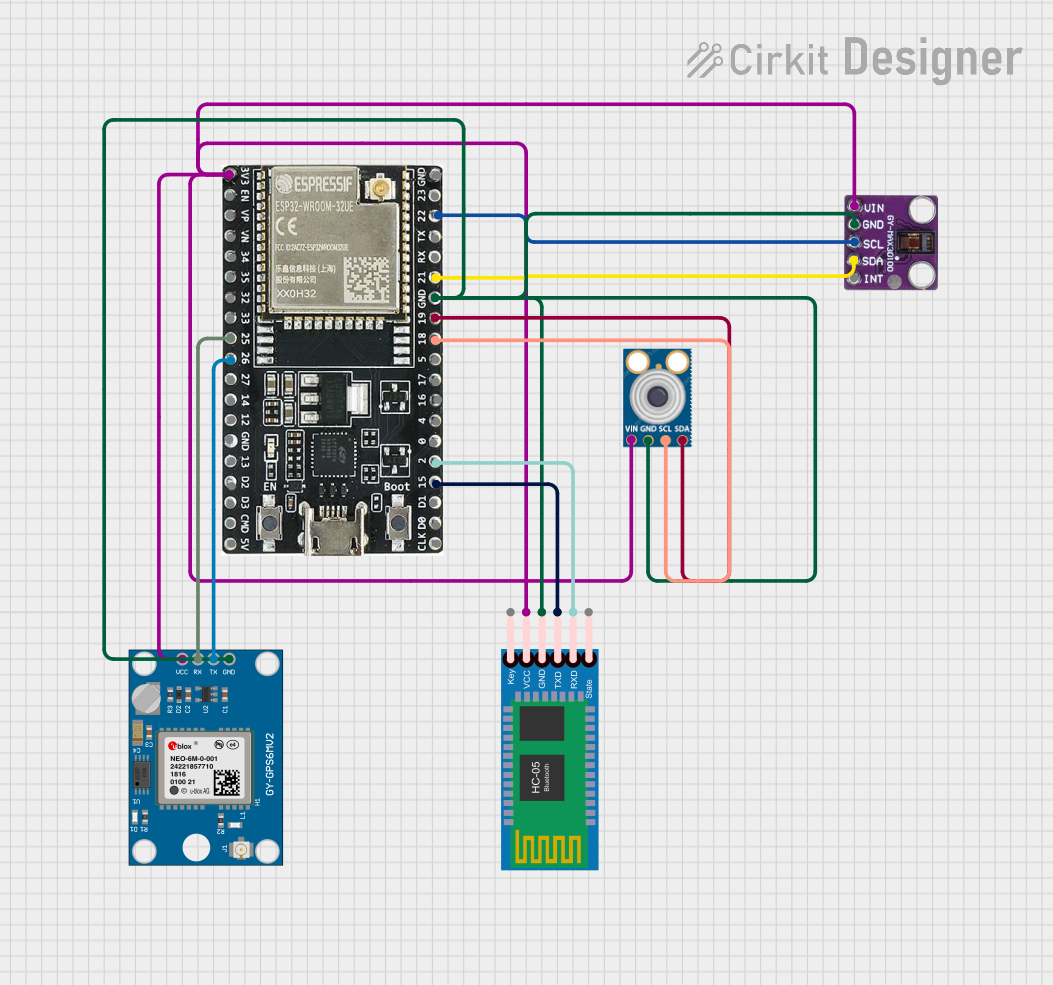 Open Project in Cirkit Designer
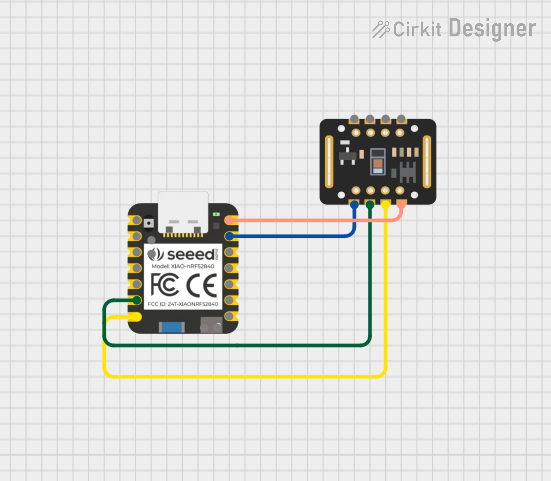 Open Project in Cirkit Designer
Explore Projects Built with MAX97220
Open Project in Cirkit DesignerOpen Project in Cirkit DesignerOpen Project in Cirkit DesignerOpen Project in Cirkit DesignerCommon Applications
- Smartphones and tablets
- Portable media players
- Wearable devices
- Audio docking stations
- Headphone amplifiers
- General-purpose audio amplification
Technical Specifications
Key Technical Details
- Supply Voltage (VDD): 1.8V to 5.5V
- Output Power: Up to 125mW per channel (into 32Ω load, VDD = 5V)
- THD+N: 0.002% (typical, 1kHz, 10mW into 32Ω)
- SNR: 110dB (typical, A-weighted)
- Quiescent Current: 1.9mA (typical, VDD = 3.7V)
- Shutdown Current: 0.1µA (typical)
- Gain Settings: Adjustable via external resistors
- Output Load Impedance: 16Ω to 10kΩ
- Package Options: 9-bump WLP (1.5mm x 1.5mm) or 14-pin TDFN (3mm x 3mm)
Pin Configuration and Descriptions
9-Bump WLP Package Pinout
| Pin Name | Pin Number | Description |
|---|---|---|
| OUTL | A1 | Left channel output |
| OUTR | A3 | Right channel output |
| VDD | B2 | Power supply input |
| GND | B1, B3 | Ground |
| INL+ | C1 | Non-inverting input for left channel |
| INL- | C2 | Inverting input for left channel |
| INR+ | C3 | Non-inverting input for right channel |
| INR- | C4 | Inverting input for right channel |
| SHDN | D2 | Shutdown control (active low) |
14-Pin TDFN Package Pinout
| Pin Name | Pin Number | Description |
|---|---|---|
| OUTL | 1 | Left channel output |
| OUTR | 14 | Right channel output |
| VDD | 7 | Power supply input |
| GND | 6, 8 | Ground |
| INL+ | 2 | Non-inverting input for left channel |
| INL- | 3 | Inverting input for left channel |
| INR+ | 12 | Non-inverting input for right channel |
| INR- | 11 | Inverting input for right channel |
| SHDN | 9 | Shutdown control (active low) |
| NC | 4, 5, 10, 13 | No connection |
Usage Instructions
How to Use the MAX97220 in a Circuit
Power Supply:
- Connect the VDD pin to a stable power supply within the range of 1.8V to 5.5V.
- Connect the GND pins to the circuit ground.
Audio Input:
- Use the INL+ and INL- pins for the left channel input.
- Use the INR+ and INR- pins for the right channel input.
- Ensure proper biasing of the input signals as per the datasheet recommendations.
Audio Output:
- Connect the OUTL pin to the left channel speaker or headphone.
- Connect the OUTR pin to the right channel speaker or headphone.
- Use appropriate decoupling capacitors if required by the load.
Shutdown Control:
- To enable the amplifier, set the SHDN pin to a high logic level.
- To disable the amplifier and save power, set the SHDN pin to a low logic level.
Gain Configuration:
- Adjust the gain by selecting appropriate external resistors for the feedback network.
- Refer to the datasheet for recommended resistor values for specific gain settings.
Decoupling Capacitors:
- Place a 1µF ceramic capacitor close to the VDD pin for power supply decoupling.
- Use additional capacitors as needed to stabilize the power supply.
Important Considerations and Best Practices
- Ensure the input signal levels do not exceed the maximum ratings to avoid distortion or damage.
- Use low-ESR capacitors for decoupling to minimize noise.
- Keep the traces for audio signals as short as possible to reduce interference.
- Avoid ground loops by maintaining a single-point ground connection.
- If using the shutdown feature, ensure the SHDN pin is not left floating.
Example: Connecting the MAX97220 to an Arduino UNO
The MAX97220 can be used with an Arduino UNO to amplify audio signals. Below is an example of how to control the SHDN pin using a digital output pin on the Arduino.
Arduino Code Example
// Define the SHDN pin connected to the Arduino
const int SHDN_PIN = 7;

void setup() {
  // Set the SHDN pin as an output
  pinMode(SHDN_PIN, OUTPUT);

  // Enable the MAX97220 by setting SHDN high
  digitalWrite(SHDN_PIN, HIGH);
}

void loop() {
  // The MAX97220 remains enabled in this example
  // Add your audio signal processing code here
}
Troubleshooting and FAQs
Common Issues and Solutions
No Audio Output:
- Verify that the SHDN pin is set to a high logic level.
- Check the power supply voltage and ensure it is within the specified range.
- Confirm that the input signals are properly connected and biased.
Distorted Audio:
- Ensure the input signal levels are not too high, causing clipping.
- Check the load impedance and ensure it is within the specified range (16Ω to 10kΩ).
- Verify that the gain settings are appropriate for the application.
Excessive Noise:
- Use proper decoupling capacitors on the power supply lines.
- Minimize the length of audio signal traces to reduce interference.
- Ensure a clean and stable power supply.
High Power Consumption:
- Verify that the SHDN pin is set to a low logic level when the amplifier is not in use.
- Check for any short circuits or incorrect connections.
FAQs
Q: Can the MAX97220 drive both headphones and speakers?
A: Yes, the MAX97220 is designed to drive both headphones and speakers with load impedances ranging from 16Ω to 10kΩ.
Q: What is the maximum gain that can be configured?
A: The maximum gain depends on the external resistor values. Refer to the datasheet for detailed gain configuration guidelines.
Q: Is the MAX97220 suitable for battery-powered devices?
A: Yes, the MAX97220 is highly efficient and features a low quiescent current, making it ideal for battery-powered applications.
Q: Can I leave the SHDN pin floating?
A: No, the SHDN pin should not be left floating. It must be connected to a defined logic level (high or low).