
How to Use Pilot lamp blue: Examples, Pinouts, and Specs
 Design with Pilot lamp blue in Cirkit Designer
Introduction
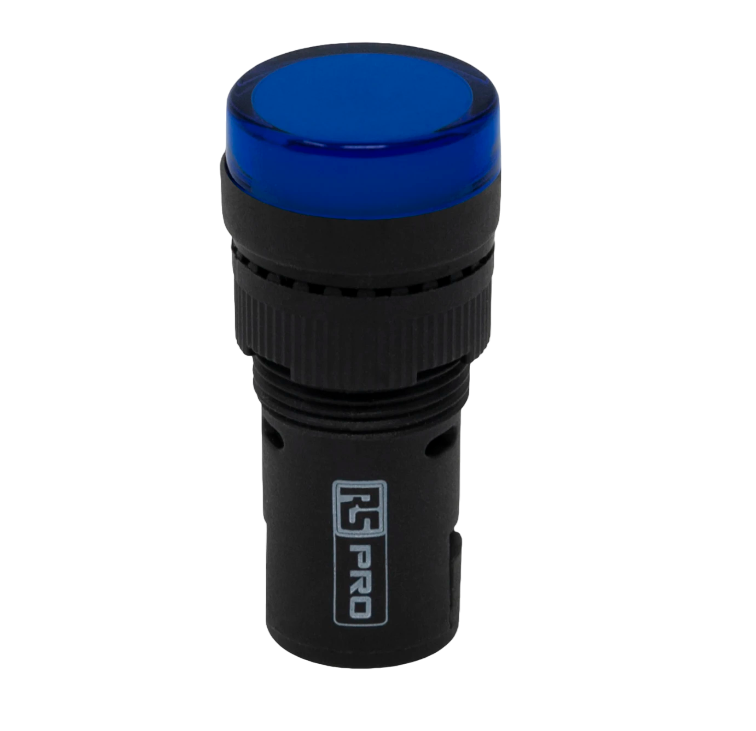
A Pilot Lamp Blue is a small signaling device that emits a blue light, commonly used as an indicator light in various electronic devices. These lamps are often found on control panels, dashboards, and electronic instruments to signal power status, operation modes, or to alert users to specific conditions.
Explore Projects Built with Pilot lamp blue
 Open Project in Cirkit Designer
 Open Project in Cirkit Designer
 Open Project in Cirkit Designer
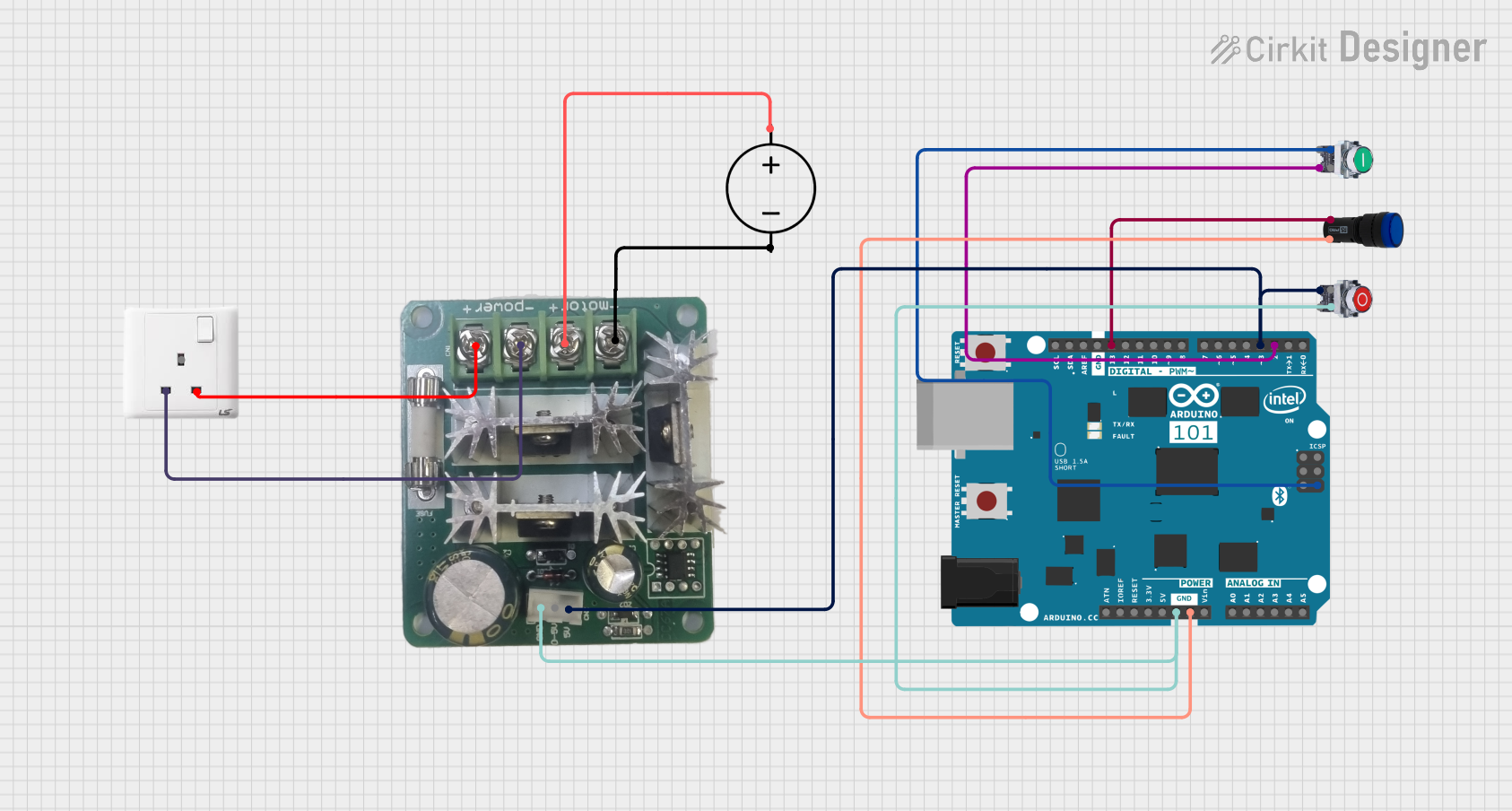 Open Project in Cirkit Designer
Explore Projects Built with Pilot lamp blue
Open Project in Cirkit DesignerOpen Project in Cirkit DesignerOpen Project in Cirkit DesignerOpen Project in Cirkit DesignerCommon Applications and Use Cases:
- Power status indicators on electronic devices
- Alert signals in control systems
- Mode indicators on machinery
- Backlighting for buttons and switches
Technical Specifications
Key Technical Details:
- Color: Blue
- Operating Voltage: Typically 12V or 24V (model specific)
- Current Consumption: Varies with model, often around 20mA
- Luminous Intensity: Depends on the lamp design and current draw
- Lifespan: Typically 10,000 to 100,000 hours depending on usage and quality
Pin Configuration and Descriptions:
| Pin Number | Description |
|---|---|
| 1 | Anode (+) |
| 2 | Cathode (-) |
Usage Instructions
How to Use the Component in a Circuit:
- Power Source: Ensure that the power source matches the operating voltage of the Pilot Lamp Blue.
- Connection: Connect the anode (positive) pin of the lamp to the positive terminal of the power source, and the cathode (negative) pin to the negative terminal.
- Resistor: Depending on the operating voltage and the lamp's specifications, a current-limiting resistor may be required in series with the lamp to prevent damage.
Important Considerations and Best Practices:
- Voltage Matching: Always match the lamp's voltage rating with the power source to prevent overdriving the lamp.
- Heat Dissipation: Ensure adequate spacing around the lamp for heat dissipation.
- Polarity: Observe correct polarity when connecting the lamp to prevent damage.
- Mounting: Secure the lamp firmly in place to prevent loosening due to vibration or shock.
Troubleshooting and FAQs
Common Issues Users Might Face:
- Lamp Not Lighting Up: Check for proper voltage supply and correct polarity in connections.
- Dim Light: Ensure that the lamp is receiving the correct current; check for voltage drops or use of an incorrect resistor value.
- Flickering Light: Check for loose connections or intermittent power supply.
Solutions and Tips for Troubleshooting:
- Voltage and Polarity Check: Use a multimeter to verify that the voltage across the lamp is within specifications and that connections are correctly polarized.
- Resistor Value: Recalculate the resistor value needed for the current-limiting series resistor and replace if incorrect.
- Connection Inspection: Inspect all connections for solidity and re-solder any loose joints.
FAQs:
Q: Can I use the Pilot Lamp Blue with an Arduino UNO? A: Yes, you can use it with an Arduino UNO, but ensure you use a current-limiting resistor and control the lamp via a digital output pin.
Q: What is the typical operating voltage for a Pilot Lamp Blue? A: It is typically 12V or 24V, but always check the specific model's datasheet for accurate information.
Q: How do I know if I need a current-limiting resistor? A: Calculate the required resistor value using Ohm's law, considering the operating voltage of the lamp and the voltage of the power source.
Example Arduino UNO Code
// Define the pin connected to the Pilot Lamp Blue
const int pilotLampPin = 13; // Using onboard LED pin as an example

void setup() {
  // Set the pilot lamp pin as an output
  pinMode(pilotLampPin, OUTPUT);
}

void loop() {
  // Turn on the Pilot Lamp Blue
  digitalWrite(pilotLampPin, HIGH);
  delay(1000); // Keep the lamp on for 1 second

  // Turn off the Pilot Lamp Blue
  digitalWrite(pilotLampPin, LOW);
  delay(1000); // Keep the lamp off for 1 second
}
Note: When connecting the Pilot Lamp Blue to an Arduino UNO, ensure that the lamp's voltage and current requirements are compatible with the Arduino's output capabilities. If the lamp requires more current than the Arduino can supply, use a transistor or relay to switch the lamp on and off.