Introduction
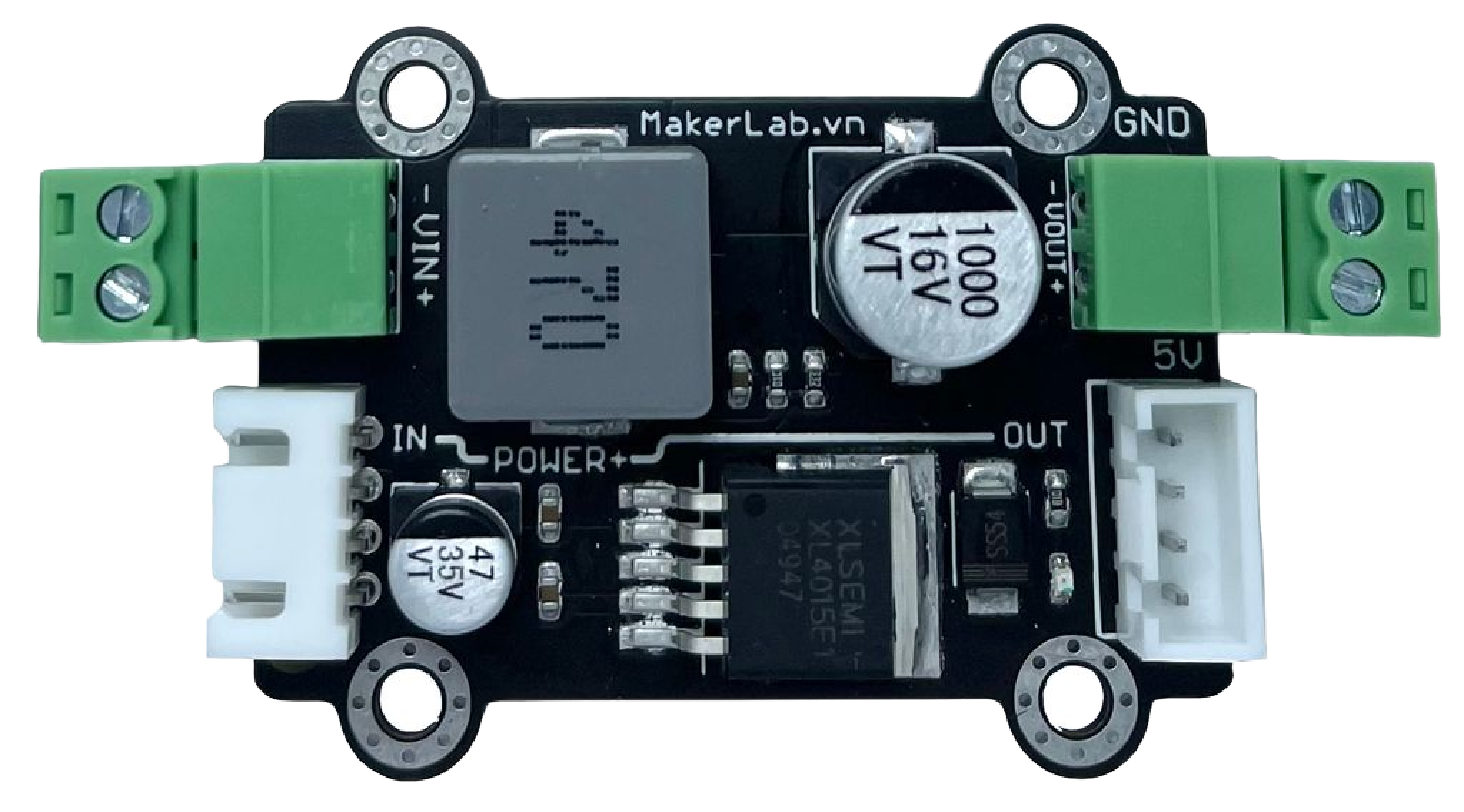
The MKE-M12 5VDC 5A Power Supply Module is a compact and efficient solution for providing a stable 5V DC power supply to electronic devices and circuits. With its capability to deliver up to 5A of current, it is ideal for powering a wide range of applications, including microcontrollers like Arduino, Raspberry Pi, sensors, and small motors.
Common Applications and Use Cases
- Microcontroller projects (e.g., Arduino-based systems)
- LED lighting systems
- Small DC motors and servos
- Consumer electronics
- Prototyping and educational projects
Technical Specifications
Key Technical Details
- Input Voltage: 7V to 12V DC
- Output Voltage: 5V DC
- Maximum Output Current: 5A
- Efficiency: >90% at full load
- Operating Temperature: -40°C to +85°C
Pin Configuration and Descriptions
Usage Instructions
How to Use the Component in a Circuit
Connecting Input Power:
- Connect the positive terminal of your DC power source to the V_IN pin.
- Connect the negative terminal of your DC power source to the GND pin.
Drawing Power:
- Connect the positive terminal of your device or circuit to the V_OUT pin.
- Connect the negative terminal of your device or circuit to the GND pin adjacent to V_OUT.
Important Considerations and Best Practices
- Ensure that the input voltage does not exceed 12V DC to prevent damage.
- Do not exceed the maximum output current of 5A to maintain module integrity.
- Use a heat sink if operating near the maximum current rating for an extended period.
- Place a fuse between the power source and the input to protect against overcurrent.
- Verify polarity before connecting devices to prevent reverse voltage damage.
Troubleshooting and FAQs
Common Issues
- Insufficient Output Voltage: Ensure that the input voltage is within the specified range and that the connections are secure.
- Overheating: Check if the current draw is within the module's limit and consider adding a heat sink.
- No Output: Verify input power and connections. Check for any signs of physical damage to the module.
Solutions and Tips
- If the module overheats, reduce the load or improve ventilation around the module.
- Use a multimeter to check the input and output voltages to ensure they are within expected ranges.
- Always start with a lower load and gradually increase to the maximum rating while monitoring the module's temperature.
FAQs
Q: Can I use this module to power multiple devices?
A: Yes, as long as the combined current draw does not exceed 5A.
Q: Is this module protected against reverse polarity?
A: No, always double-check connections to prevent damage from reverse polarity.
Q: Can I adjust the output voltage?
A: The output voltage is fixed at 5V and cannot be adjusted.
Example Code for Arduino UNO
// Example code to demonstrate how to power an Arduino UNO with the MKE-M12 module

void setup() {
  // Initialize digital pin LED_BUILTIN as an output.
  pinMode(LED_BUILTIN, OUTPUT);
}

void loop() {
  // Turn the LED on (HIGH is the voltage level)
  digitalWrite(LED_BUILTIN, HIGH);
  // Wait for a second
  delay(1000);
  // Turn the LED off by making the voltage LOW
  digitalWrite(LED_BUILTIN, LOW);
  // Wait for a second
  delay(1000);
}
Note: This code is a simple blink example. The Arduino UNO is powered by the MKE-M12 module connected as described in the Usage Instructions section. The module provides a stable 5V which is essential for the reliable operation of the microcontroller.

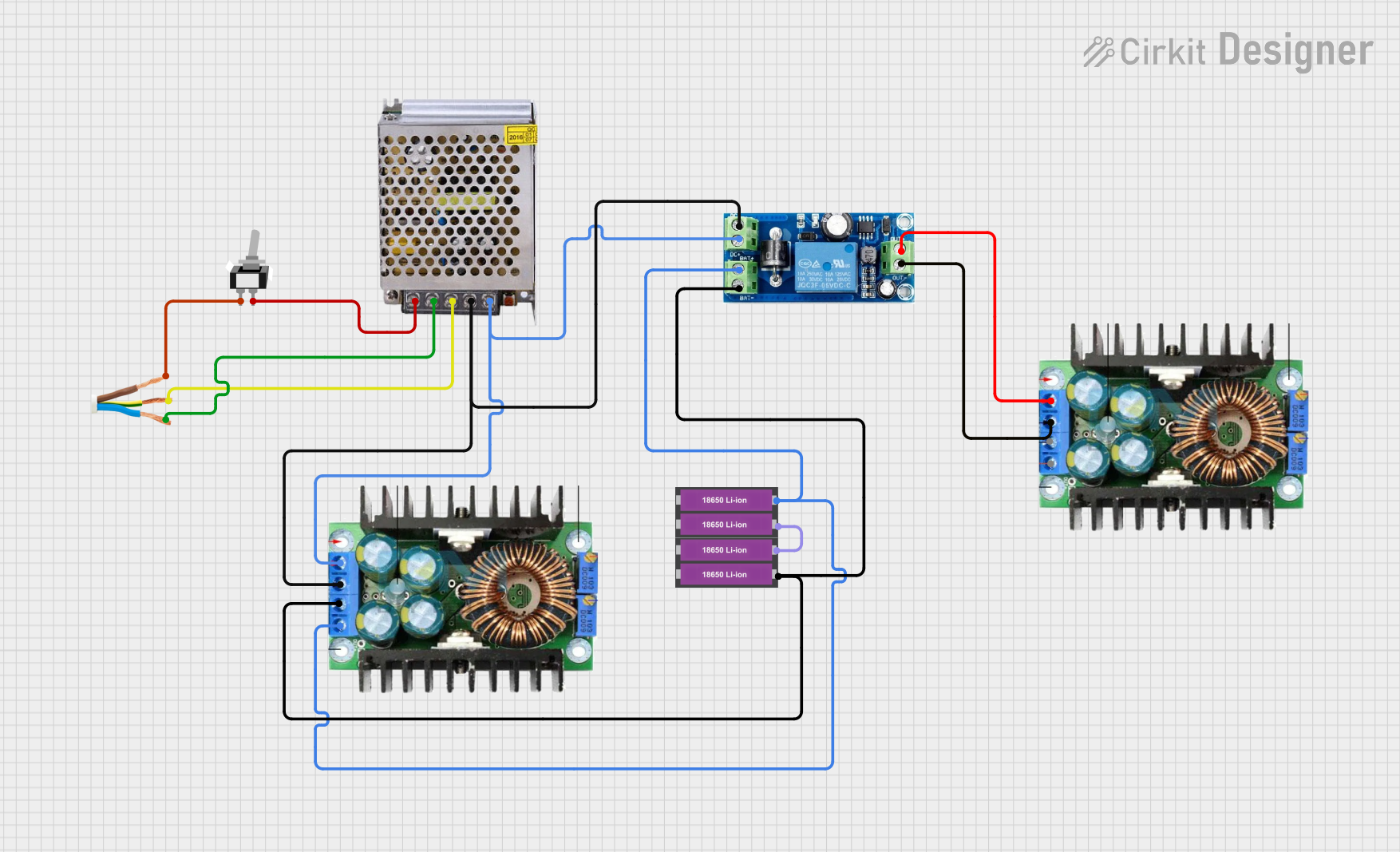
 Open Project in Cirkit Designer