
How to Use Transformer: Examples, Pinouts, and Specs
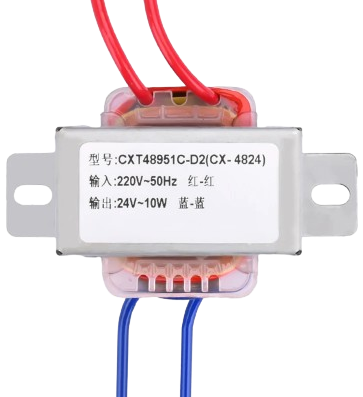
 Design with Transformer in Cirkit Designer
Introduction
A transformer is an electrical device that transfers electrical energy between two or more circuits through electromagnetic induction. It is primarily used to increase (step-up) or decrease (step-down) voltage levels in power systems. Transformers are essential in electrical power distribution, ensuring efficient energy transfer over long distances and adapting voltage levels for various applications.
Explore Projects Built with Transformer
 Open Project in Cirkit Designer
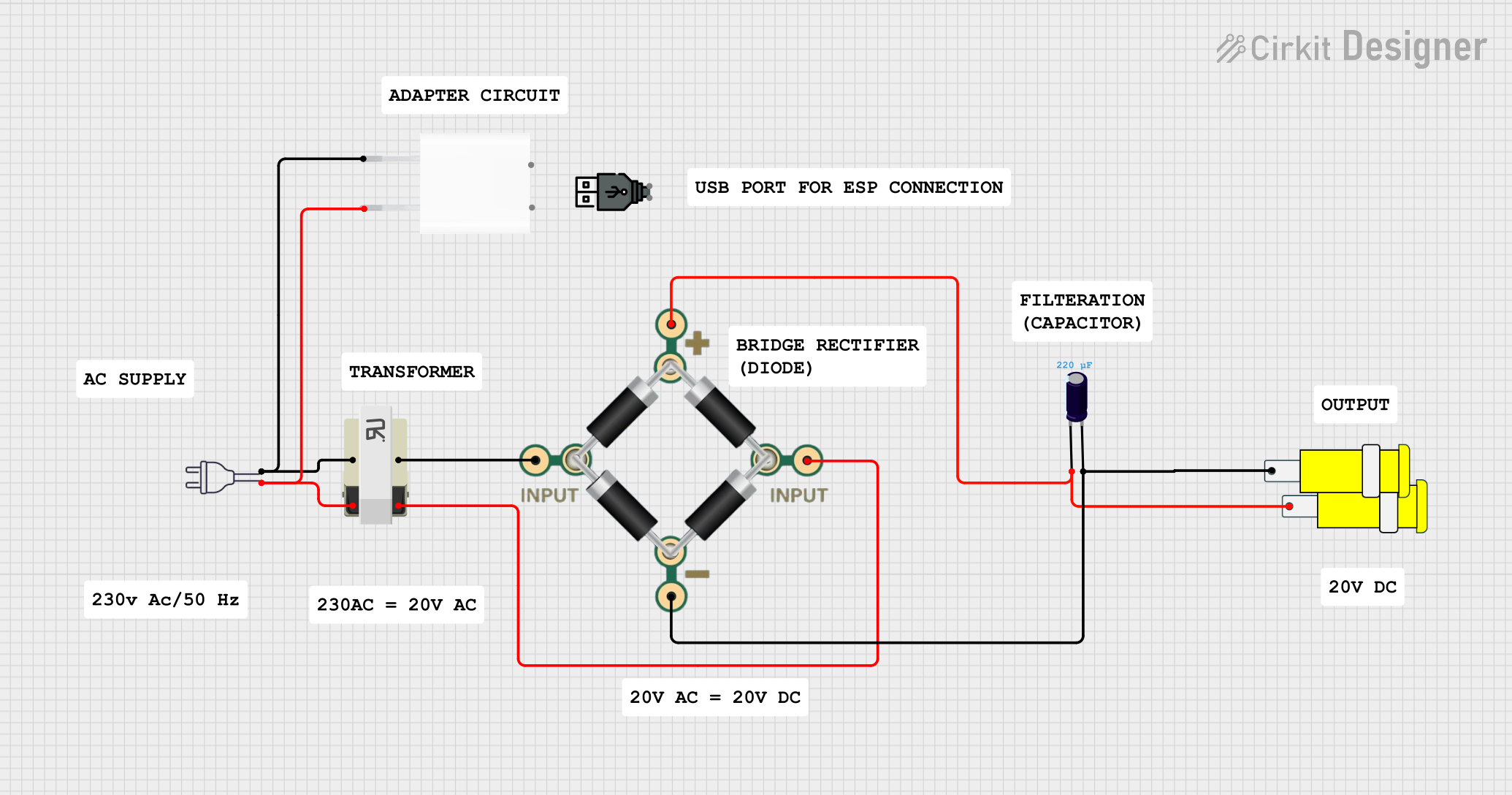 Open Project in Cirkit Designer
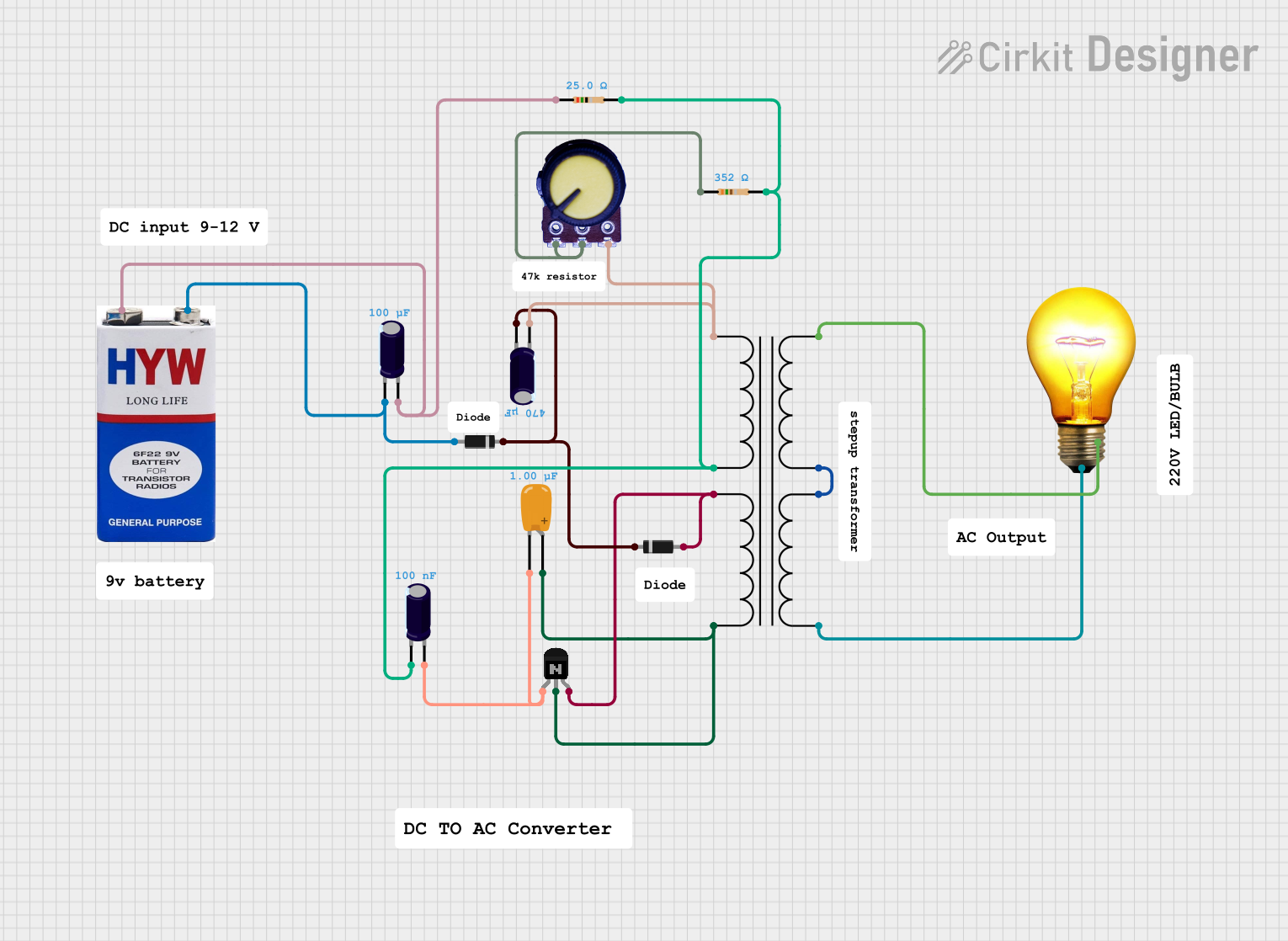 Open Project in Cirkit Designer
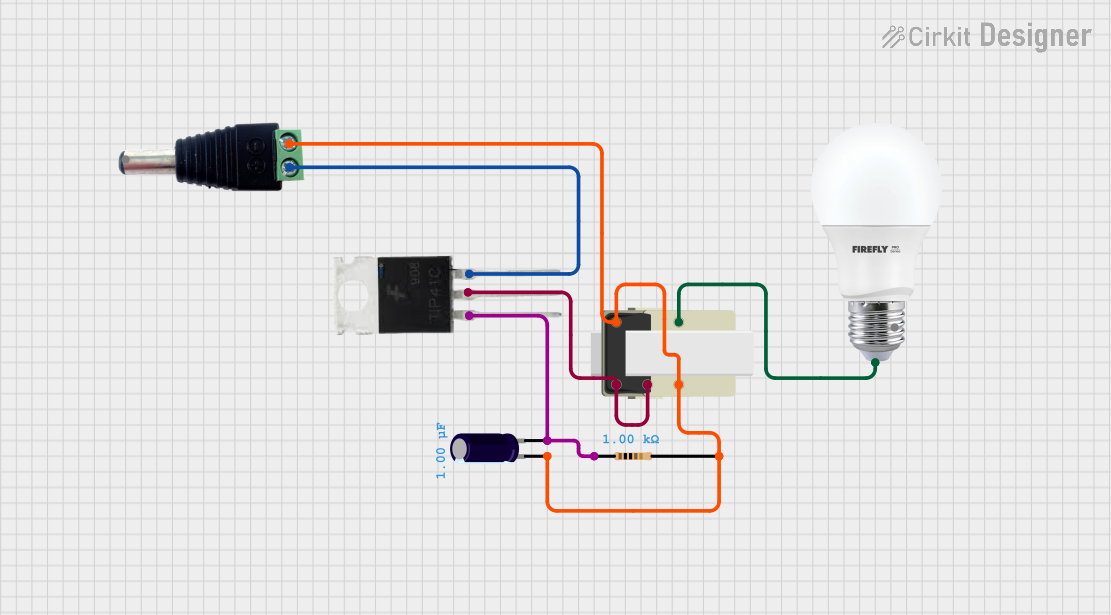 Open Project in Cirkit Designer
Explore Projects Built with Transformer
Open Project in Cirkit DesignerOpen Project in Cirkit DesignerOpen Project in Cirkit DesignerOpen Project in Cirkit DesignerCommon Applications and Use Cases
- Power distribution in electrical grids
- Voltage regulation in electronic devices
- Isolation between circuits for safety
- Impedance matching in audio systems
- Use in power supplies for converting AC voltage levels
Technical Specifications
Transformers come in various types and sizes, each designed for specific applications. Below are the general technical specifications for a typical transformer:
Key Technical Details
- Input Voltage (Primary): Varies depending on the transformer type (e.g., 120V AC, 230V AC)
- Output Voltage (Secondary): Configurable based on design (e.g., 12V AC, 24V AC)
- Frequency: Typically 50 Hz or 60 Hz
- Power Rating: Ranges from milliwatts (small transformers) to megawatts (power transformers)
- Efficiency: Typically 95% or higher for large transformers
- Insulation Class: Determines the maximum operating temperature (e.g., Class A, B, F, H)
Pin Configuration and Descriptions
Transformers generally have two sets of windings: primary and secondary. The pin configuration depends on the type of transformer. Below is an example for a basic step-down transformer:
| Pin Number | Name | Description |
|---|---|---|
| 1 | Primary Input 1 | Connects to the live AC input voltage |
| 2 | Primary Input 2 | Connects to the neutral AC input voltage |
| 3 | Secondary Output 1 | Provides the stepped-down AC output voltage |
| 4 | Secondary Output 2 | Provides the other terminal of the AC output |
For center-tapped transformers, an additional pin is present on the secondary side:
| Pin Number | Name | Description |
|---|---|---|
| 5 | Secondary Center Tap | Provides a midpoint reference for the output |
Usage Instructions
How to Use the Transformer in a Circuit
Determine Voltage Requirements:
- Identify the input voltage (primary) and the desired output voltage (secondary).
- Select a transformer with the appropriate voltage ratings.
Connect the Primary Side:
- Connect the primary winding pins to the AC power source. Ensure the voltage matches the transformer's input rating.
Connect the Secondary Side:
- Connect the secondary winding pins to the load or circuit requiring the stepped-up or stepped-down voltage.
Ensure Proper Grounding:
- If the transformer has a center tap, connect it to the ground or reference point in the circuit if required.
Test the Circuit:
- Power on the circuit and measure the output voltage to ensure it matches the expected value.
Important Considerations and Best Practices
- Overloading: Avoid exceeding the transformer's power rating to prevent overheating and damage.
- Isolation: Use transformers with proper insulation to ensure electrical isolation between primary and secondary circuits.
- Frequency Compatibility: Ensure the transformer is designed for the operating frequency (50 Hz or 60 Hz) of your power source.
- Safety Precautions: Handle high-voltage connections with care and follow electrical safety guidelines.
Example: Using a Transformer with an Arduino UNO
If you are using a transformer to power an Arduino UNO, you will need a rectifier circuit to convert the AC output of the transformer into DC. Below is an example of Arduino code to read a sensor powered by a transformer-based power supply:
// Example Arduino Code: Reading a Sensor Value
// Ensure the transformer output is rectified and regulated to 5V DC
// before connecting to the Arduino UNO.

const int sensorPin = A0; // Analog pin connected to the sensor
int sensorValue = 0;      // Variable to store the sensor reading

void setup() {
  Serial.begin(9600); // Initialize serial communication at 9600 baud
}

void loop() {
  sensorValue = analogRead(sensorPin); // Read the sensor value
  Serial.print("Sensor Value: ");
  Serial.println(sensorValue); // Print the sensor value to the Serial Monitor
  delay(1000); // Wait for 1 second before the next reading
}
Troubleshooting and FAQs
Common Issues and Solutions
No Output Voltage:
- Cause: Incorrect wiring or no input voltage.
- Solution: Verify the connections on the primary and secondary sides. Ensure the input voltage matches the transformer's rating.
Overheating Transformer:
- Cause: Overloading or short circuit on the secondary side.
- Solution: Reduce the load or check for short circuits in the connected circuit.
Humming Noise:
- Cause: Loose laminations or excessive magnetizing current.
- Solution: Ensure the transformer is securely mounted and not overloaded.
Voltage Drop Under Load:
- Cause: Transformer is undersized for the load.
- Solution: Use a transformer with a higher power rating.
FAQs
Q1: Can a transformer work with DC input?
A: No, transformers require AC input to operate. DC input will not induce the electromagnetic field necessary for energy transfer.
Q2: How do I calculate the power rating of a transformer?
A: Multiply the output voltage by the output current to determine the power rating (P = V × I).
Q3: What is the purpose of a center tap?
A: A center tap provides a midpoint reference, allowing the transformer to output two equal voltages of opposite polarity.
Q4: Can I use a transformer to isolate circuits?
A: Yes, transformers are commonly used for electrical isolation between circuits to enhance safety and reduce noise.
By following this documentation, you can effectively use a transformer in your projects while ensuring safety and optimal performance.