
How to Use LEAD ACIDE BATTERY: Examples, Pinouts, and Specs
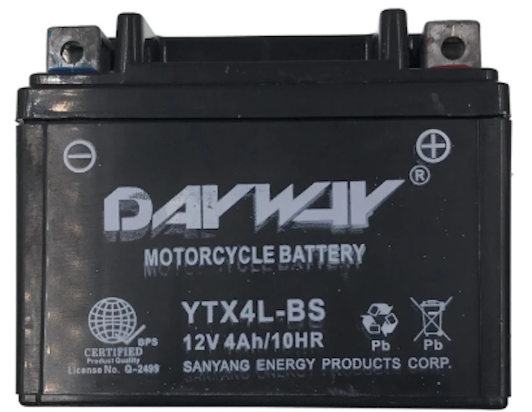
 Design with LEAD ACIDE BATTERY in Cirkit Designer
Introduction
The lead acid battery is a rechargeable energy storage device that uses lead dioxide (PbO₂) as the positive electrode, sponge lead (Pb) as the negative electrode, and sulfuric acid (H₂SO₄) as the electrolyte. It is one of the oldest and most widely used battery technologies due to its reliability, cost-effectiveness, and ability to deliver high surge currents.
Explore Projects Built with LEAD ACIDE BATTERY
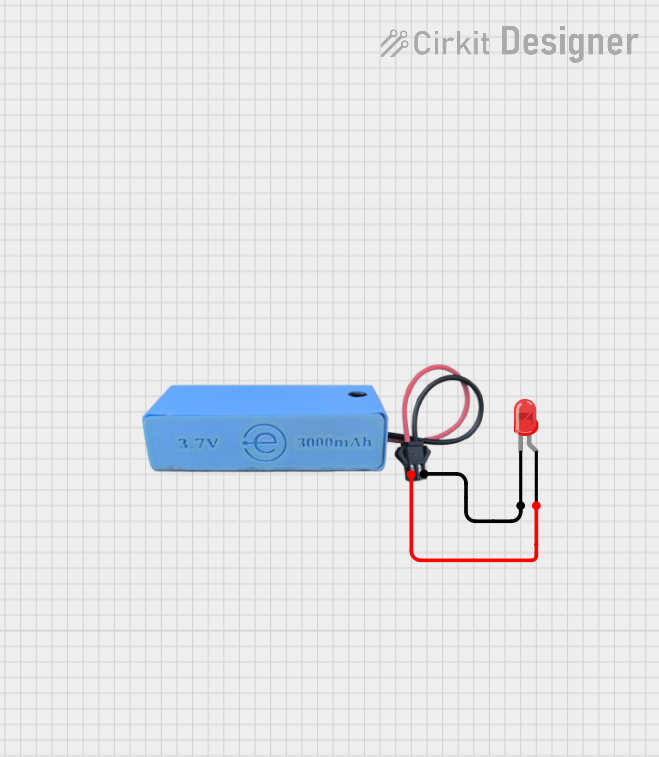 Open Project in Cirkit Designer
 Open Project in Cirkit Designer
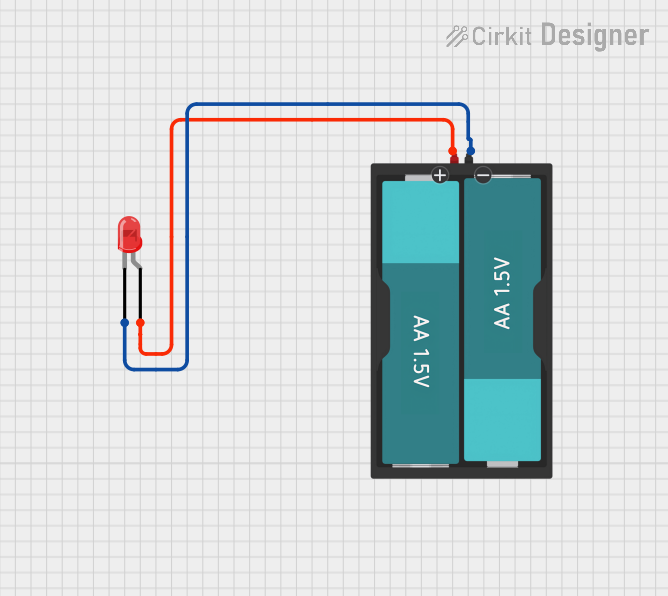 Open Project in Cirkit Designer
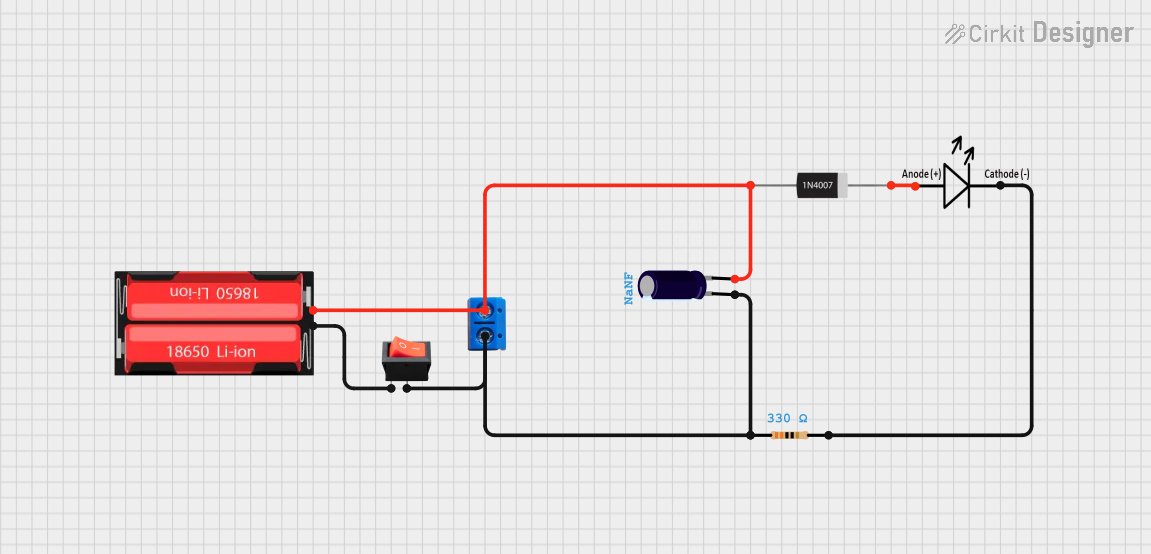 Open Project in Cirkit Designer
Explore Projects Built with LEAD ACIDE BATTERY
Open Project in Cirkit DesignerOpen Project in Cirkit DesignerOpen Project in Cirkit DesignerOpen Project in Cirkit DesignerCommon Applications and Use Cases
- Automotive Applications: Used as starter batteries in cars, motorcycles, and trucks.
- Backup Power Systems: Commonly found in uninterruptible power supplies (UPS) and emergency lighting systems.
- Renewable Energy Storage: Utilized in solar and wind energy systems for energy storage.
- Industrial Applications: Used in forklifts, golf carts, and other heavy-duty equipment.
Technical Specifications
Below are the key technical details of a typical lead acid battery. Note that specific values may vary depending on the model and manufacturer.
| Parameter | Specification |
|---|---|
| Nominal Voltage | 2V per cell (e.g., 12V for a 6-cell battery) |
| Capacity | 1.2Ah to 200Ah or more |
| Charge Voltage Range | 2.3V to 2.45V per cell |
| Discharge Voltage Range | 1.75V to 2.0V per cell |
| Operating Temperature | -20°C to 50°C |
| Cycle Life | 200 to 1000 cycles (depending on usage) |
| Self-Discharge Rate | ~3% per month at 25°C |
| Electrolyte | Sulfuric acid (H₂SO₄) |
Pin Configuration and Descriptions
Lead acid batteries typically have two terminals:
| Terminal | Description |
|---|---|
| Positive (+) | Connects to the positive side of the circuit. |
| Negative (-) | Connects to the negative side of the circuit. |
Usage Instructions
How to Use the Component in a Circuit
Connecting the Battery:
- Identify the positive (+) and negative (-) terminals of the battery.
- Use appropriately rated wires and connectors to ensure safe operation.
- Connect the positive terminal to the positive side of the load or circuit and the negative terminal to the negative side.
Charging the Battery:
- Use a compatible lead acid battery charger with the correct voltage and current ratings.
- Ensure the charging voltage does not exceed 2.45V per cell to prevent overcharging.
- Monitor the charging process to avoid overheating or overcharging.
Discharging the Battery:
- Avoid discharging the battery below 1.75V per cell to prevent damage.
- Use a load that matches the battery's capacity to ensure efficient operation.
Important Considerations and Best Practices
- Ventilation: Lead acid batteries release hydrogen gas during charging. Ensure proper ventilation to prevent gas buildup.
- Temperature Management: Avoid exposing the battery to extreme temperatures, as this can reduce its lifespan.
- Maintenance: For flooded lead acid batteries, regularly check and top up the electrolyte level with distilled water.
- Polarity: Always double-check the polarity before connecting the battery to a circuit to avoid damage.
Example: Connecting a Lead Acid Battery to an Arduino UNO
To power an Arduino UNO using a lead acid battery, follow these steps:
- Use a 12V lead acid battery and a DC-DC step-down converter to regulate the voltage to 5V.
- Connect the output of the step-down converter to the Arduino's 5V and GND pins.
// Example code to blink an LED using an Arduino UNO powered by a lead acid battery

void setup() {
  pinMode(13, OUTPUT); // Set pin 13 as an output for the LED
}

void loop() {
  digitalWrite(13, HIGH); // Turn the LED on
  delay(1000);            // Wait for 1 second
  digitalWrite(13, LOW);  // Turn the LED off
  delay(1000);            // Wait for 1 second
}
Troubleshooting and FAQs
Common Issues Users Might Face
Battery Not Charging:
- Cause: Faulty charger, damaged battery, or incorrect charging voltage.
- Solution: Check the charger output voltage and connections. Replace the battery if it is damaged.
Battery Drains Quickly:
- Cause: Over-discharge, sulfation, or aging battery.
- Solution: Avoid deep discharges and use a desulfation charger if applicable. Replace the battery if it is old.
Overheating During Charging:
- Cause: Overcharging or high ambient temperature.
- Solution: Use a charger with temperature compensation and ensure proper ventilation.
Corrosion on Terminals:
- Cause: Acid leakage or poor maintenance.
- Solution: Clean the terminals with a baking soda solution and apply a protective coating.
FAQs
Q1: Can I use a lead acid battery indoors?
A1: Yes, but ensure proper ventilation to prevent hydrogen gas buildup during charging.
Q2: How do I store a lead acid battery?
A2: Store the battery in a cool, dry place and keep it fully charged to prevent sulfation.
Q3: Can I connect multiple lead acid batteries together?
A3: Yes, you can connect them in series to increase voltage or in parallel to increase capacity. Ensure all batteries are of the same type and capacity.
Q4: How do I know when a lead acid battery is fully charged?
A4: A fully charged lead acid battery typically has a voltage of 2.45V per cell and minimal current draw from the charger.