Introduction
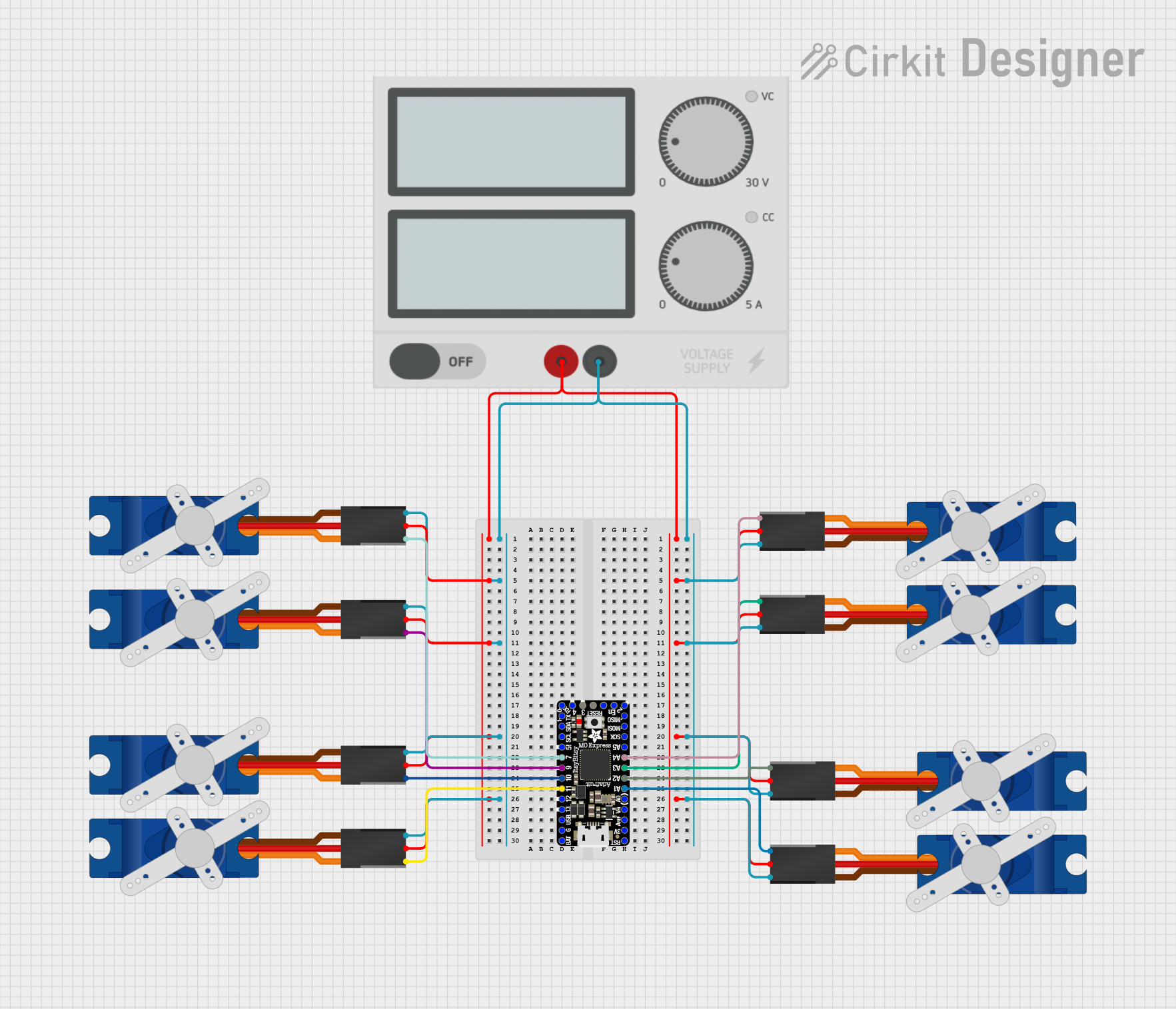
The Tower Pro SG90 is a compact and efficient micro servo motor widely utilized in the field of robotics and electronics projects. It is renowned for its precision control and robust torque output despite its small size. The SG90 operates on a 5V power supply and is capable of rotating approximately 180 degrees, making it an ideal choice for radio-controlled (RC) airplanes, cars, boats, and various automation and robotics applications.
Technical Specifications
General Specifications
- Weight: 9 g
- Dimension: 22.2 x 11.8 x 31 mm
- Operating Speed (4.8V no load): 0.12sec/60 degrees
- Stall Torque (4.8V): 1.8 kg/cm
- Temperature Range: -30 to +60 Degree C
- Dead Band Width: 7usec
- Operation Voltage: 3.0V-7.2V
- Gear Type: Plastic
- Rotation: 0°-180°
Pin Configuration
Usage Instructions
Connecting to a Circuit
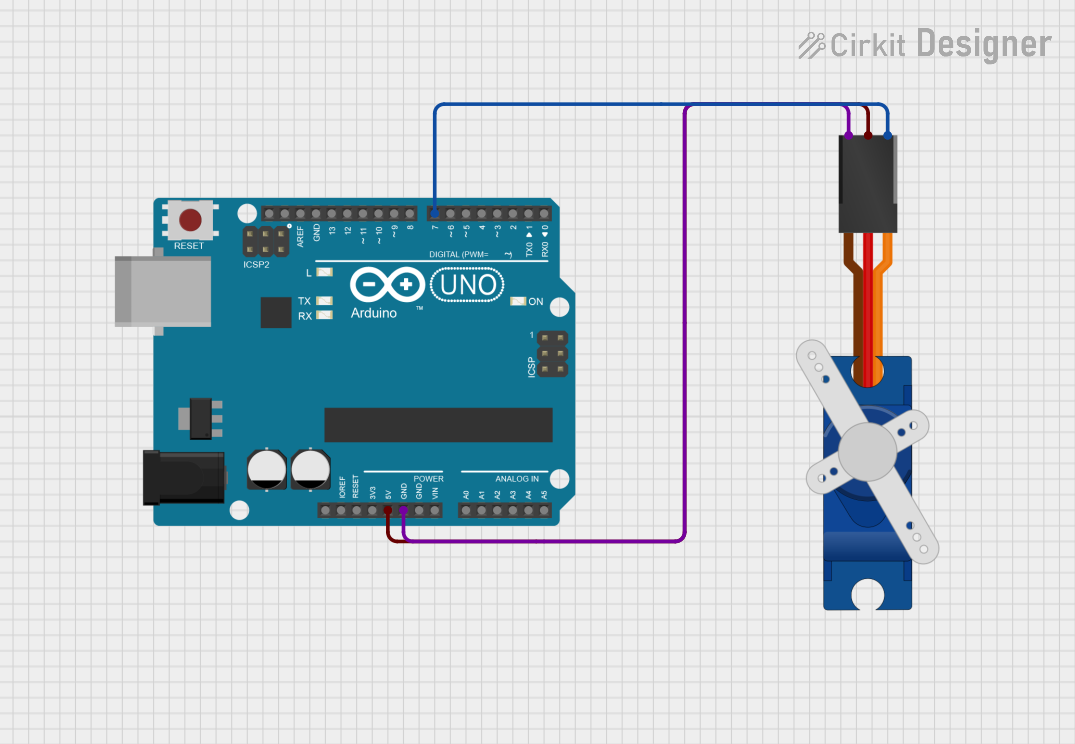
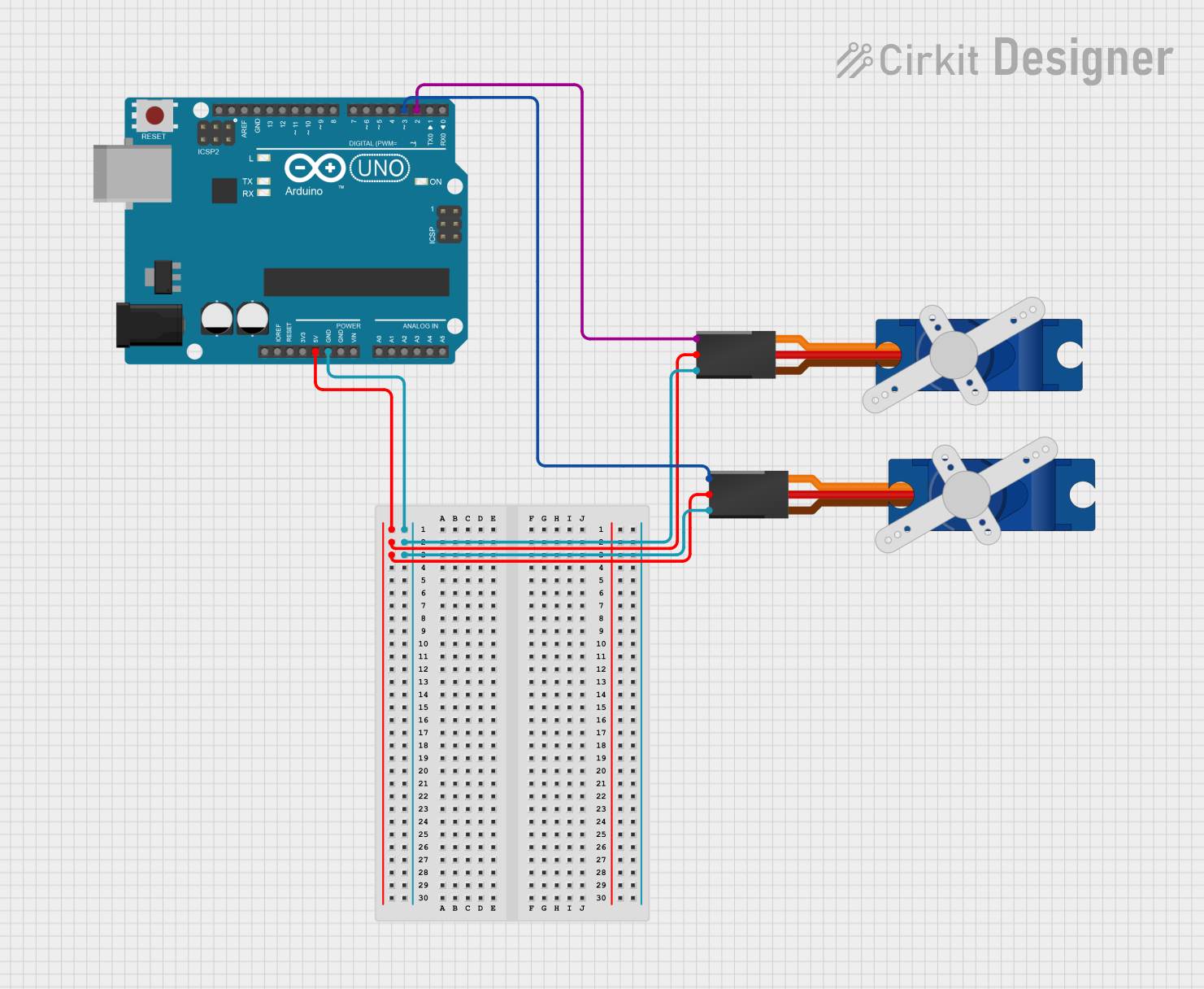
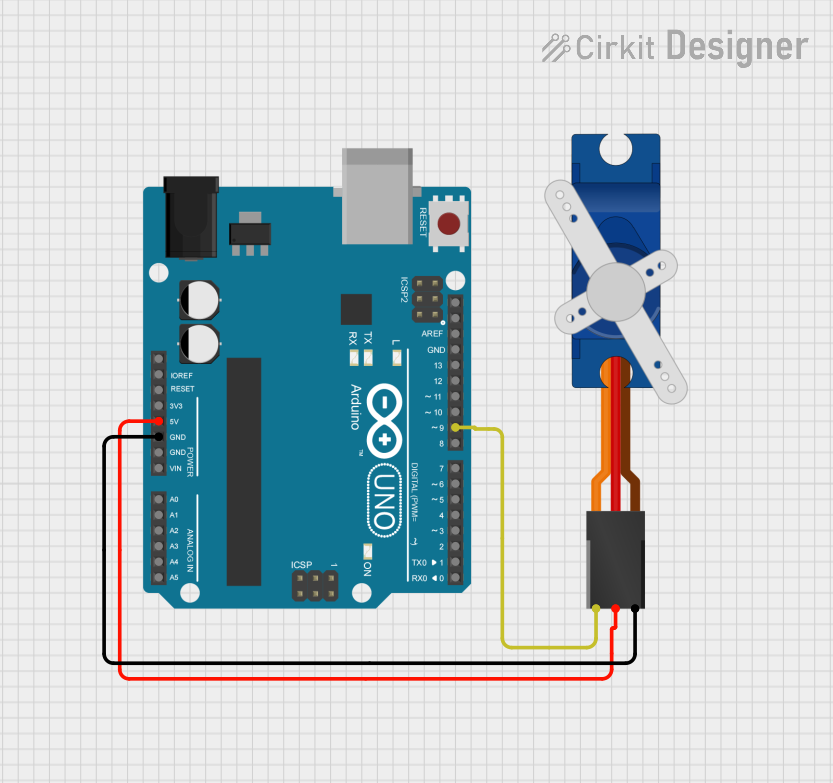
- Power Supply (VCC): Connect the VCC pin to a 5V power source.
- Ground (GND): Connect the GND pin to the ground of your power source.
- Control Signal: Connect the control signal pin to a PWM-capable pin on your microcontroller, such as an Arduino UNO.
Best Practices
- Ensure that the power supply is stable and does not exceed the recommended voltage as it may damage the servo.
- Use a decoupling capacitor (e.g., 10µF) between VCC and GND close to the servo to minimize power supply noise.
- Avoid mechanical loads that exceed the servo's stall torque to prevent damage.
- When mounting the servo, ensure that the movement is not obstructed and that the load is balanced.
Example Code for Arduino UNO
#include <Servo.h>

Servo myservo;  // create servo object to control the SG90

void setup() {
  myservo.attach(9);  // attaches the servo on pin 9 to the servo object
}

void loop() {
  myservo.write(0);   // turn servo to 0 degrees
  delay(1000);        // wait for a second
  myservo.write(90);  // turn servo to 90 degrees (middle position)
  delay(1000);        // wait for a second
  myservo.write(180); // turn servo to 180 degrees (maximum position)
  delay(1000);        // wait for a second
}
Troubleshooting and FAQs
Common Issues
- Servo not responding: Check connections, ensure the control signal is connected to a PWM pin, and verify that the power supply is 5V.
- Erratic movements: This can be caused by insufficient power supply or electrical noise. Use a decoupling capacitor and check for any loose connections.
- Limited rotation range: Ensure that the servo is not mechanically blocked and that the code is correctly specifying the desired angle.
FAQs
Q: Can I power the SG90 directly from an Arduino board?
A: While the Arduino board can provide 5V, it may not be able to supply sufficient current for the servo under load. It is recommended to use an external power source.
Q: What is the maximum angle the SG90 can rotate?
A: The SG90 can rotate approximately 180 degrees, but the actual range may vary slightly from unit to unit.
Q: How can I control the speed of the SG90 servo?
A: The speed can be controlled by the rate at which you update the angle through the control signal. Gradually increasing the angle in your code will result in a slower movement.
Q: Can the SG90 rotate continuously?
A: No, the SG90 is a standard servo designed for limited rotation, typically up to 180 degrees. For continuous rotation, a modified servo or a continuous rotation servo is required.
For further assistance or inquiries, please refer to the manufacturer's datasheet or contact technical support.


 Open Project in Cirkit Designer