
How to Use Lamp Red: Examples, Pinouts, and Specs
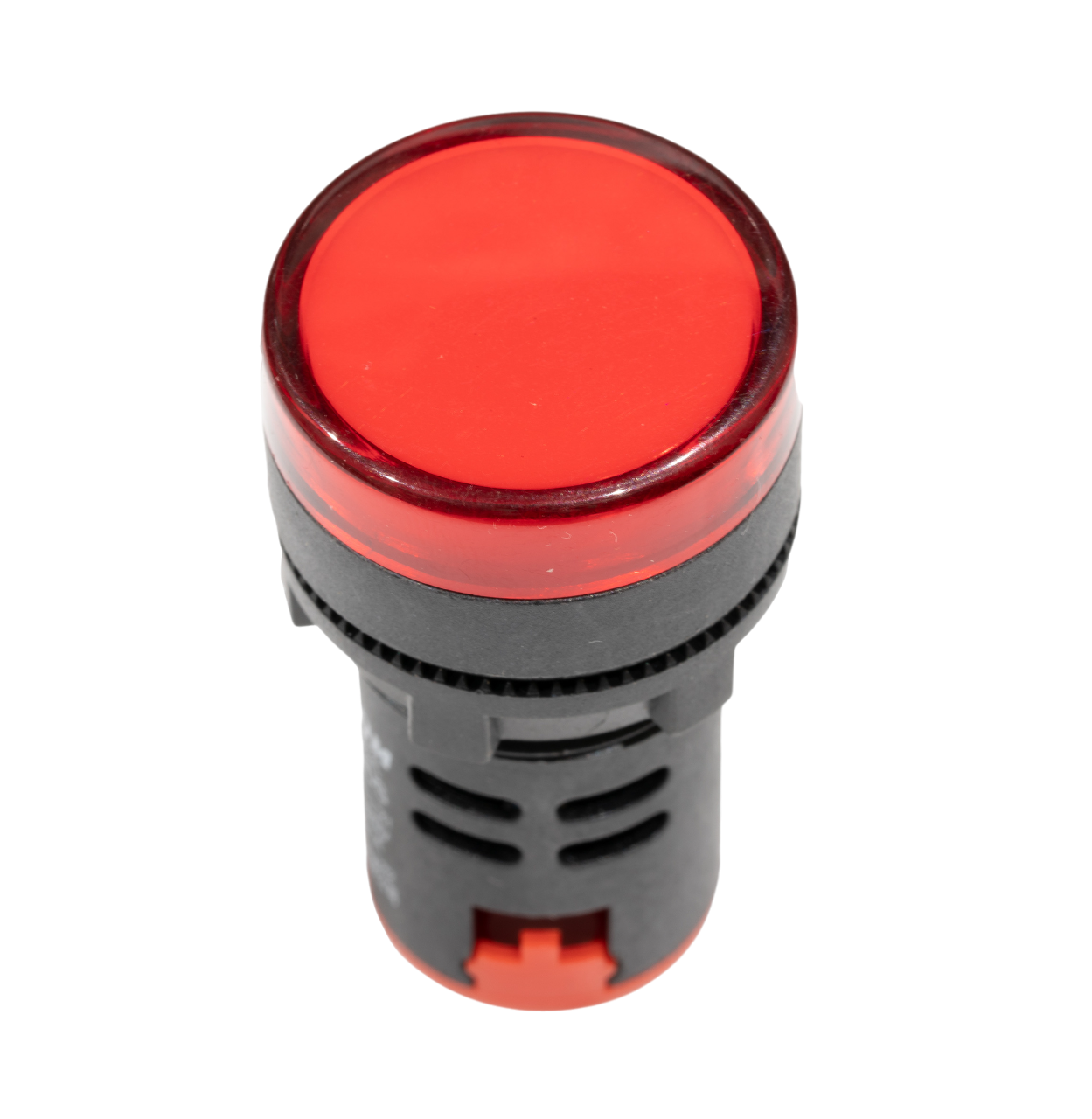
 Design with Lamp Red in Cirkit Designer
Introduction
The Red Lamp is a versatile electronic component commonly used as an indicator or for illumination in various circuits. Its bright red light makes it ideal for signaling, status indication, and decorative purposes. This documentation provides detailed information on the Red Lamp, including its technical specifications, usage instructions, and troubleshooting tips.
Explore Projects Built with Lamp Red
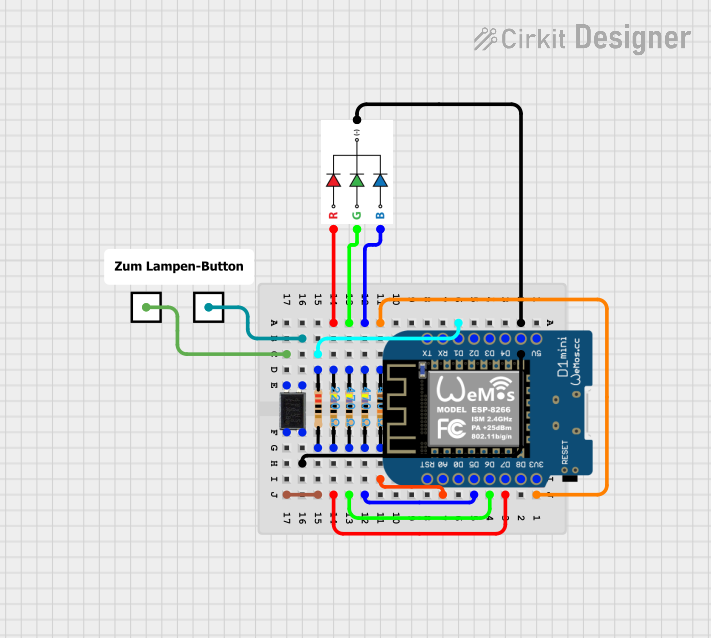 Open Project in Cirkit Designer
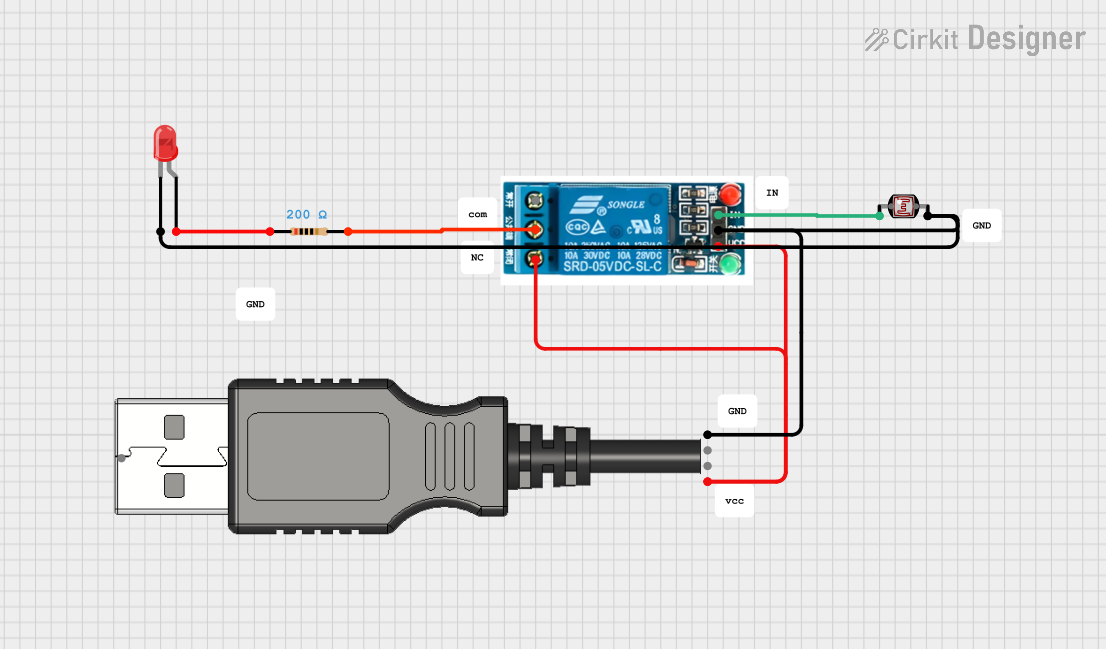 Open Project in Cirkit Designer
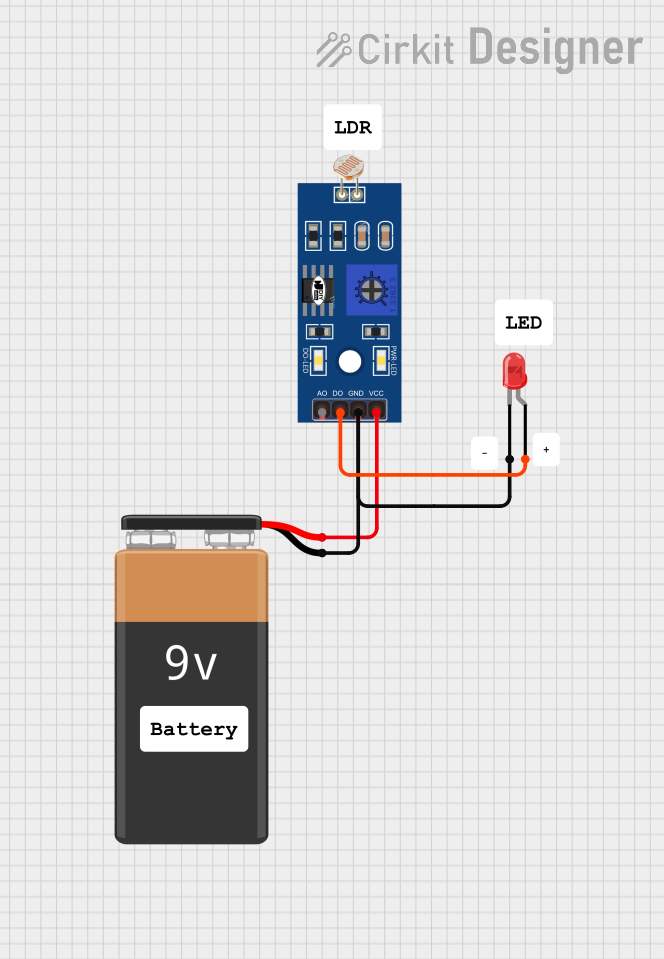 Open Project in Cirkit Designer
 Open Project in Cirkit Designer
Explore Projects Built with Lamp Red
Open Project in Cirkit DesignerOpen Project in Cirkit DesignerOpen Project in Cirkit DesignerOpen Project in Cirkit DesignerTechnical Specifications
| Parameter | Value |
|---|---|
| Manufacturer | [Manufacturer Name] |
| Part ID | [Part ID] |
| Color | Red |
| Operating Voltage | 2V - 2.2V |
| Forward Current | 20mA |
| Power Dissipation | 44mW |
| Wavelength | 620-630nm |
| Viewing Angle | 30° |
| Package Type | Through-hole |
Pin Configuration
| Pin | Description |
|---|---|
| Anode | Positive terminal (+) |
| Cathode | Negative terminal (-) |
Usage Instructions
Connecting the Red Lamp in a Circuit
- Identify the Pins: The Red Lamp has two pins: the Anode (longer pin) and the Cathode (shorter pin).
- Connect to Power Source: Connect the Anode to the positive terminal of the power source and the Cathode to the negative terminal.
- Use a Current-Limiting Resistor: To prevent damage, use a resistor in series with the lamp. Calculate the resistor value using Ohm's Law: [ R = \frac{V_{supply} - V_{forward}}{I_{forward}} ] For example, with a 5V supply and a forward voltage of 2V: [ R = \frac{5V - 2V}{20mA} = 150\Omega ]
Example Circuit with Arduino UNO
To control the Red Lamp using an Arduino UNO, connect the Anode to a digital pin and the Cathode to the ground (GND) through a current-limiting resistor.
Circuit Diagram
Arduino UNO
+5V ----->|----[150Ω]-----> GND
          |
         Pin 13
Arduino Code
// Red Lamp connected to digital pin 13
const int lampPin = 13;

void setup() {
  // Initialize the digital pin as an output
  pinMode(lampPin, OUTPUT);
}

void loop() {
  // Turn the lamp on
  digitalWrite(lampPin, HIGH);
  delay(1000); // Wait for 1 second

  // Turn the lamp off
  digitalWrite(lampPin, LOW);
  delay(1000); // Wait for 1 second
}
Important Considerations and Best Practices
- Current Limiting: Always use a current-limiting resistor to prevent excessive current flow.
- Polarity: Ensure correct polarity when connecting the lamp to avoid damage.
- Heat Dissipation: Avoid operating the lamp at maximum current for extended periods to prevent overheating.
Troubleshooting and FAQs
Common Issues
Lamp Does Not Light Up
- Solution: Check the power supply and ensure correct polarity. Verify the resistor value and connections.
Lamp Flickers
- Solution: Ensure stable power supply and secure connections. Check for loose wires or poor solder joints.
Lamp Burns Out Quickly
- Solution: Verify the current-limiting resistor value. Ensure the current does not exceed the rated forward current.
FAQs
Q: Can I use the Red Lamp with a 3.3V power supply?
- A: Yes, you can use a 3.3V power supply. Adjust the resistor value accordingly to limit the current.
Q: What is the maximum current the Red Lamp can handle?
- A: The maximum forward current is 20mA. Exceeding this can damage the lamp.
Q: Can I use the Red Lamp for AC applications?
- A: The Red Lamp is designed for DC applications. Using it with AC may require additional components like rectifiers.
By following this documentation, users can effectively integrate the Red Lamp into their electronic projects, ensuring optimal performance and longevity.