
How to Use ESP32: Examples, Pinouts, and Specs
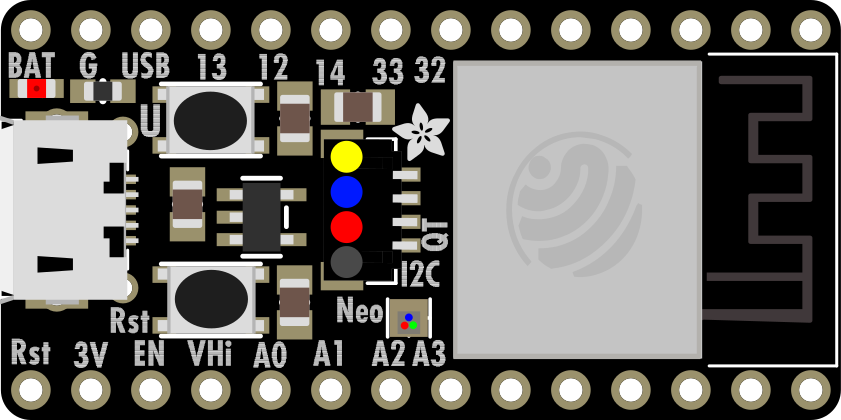
 Design with ESP32 in Cirkit Designer
Introduction
The ESP32 is a powerful, low-cost microcontroller with integrated Wi-Fi and Bluetooth capabilities, making it an excellent choice for Internet of Things (IoT) applications and embedded systems. Developed by Espressif Systems, the ESP32 is widely used in smart home devices, wearable electronics, industrial automation, and more. Its dual-core processor, extensive GPIO options, and support for multiple communication protocols make it a versatile and efficient solution for a wide range of projects.
Explore Projects Built with ESP32
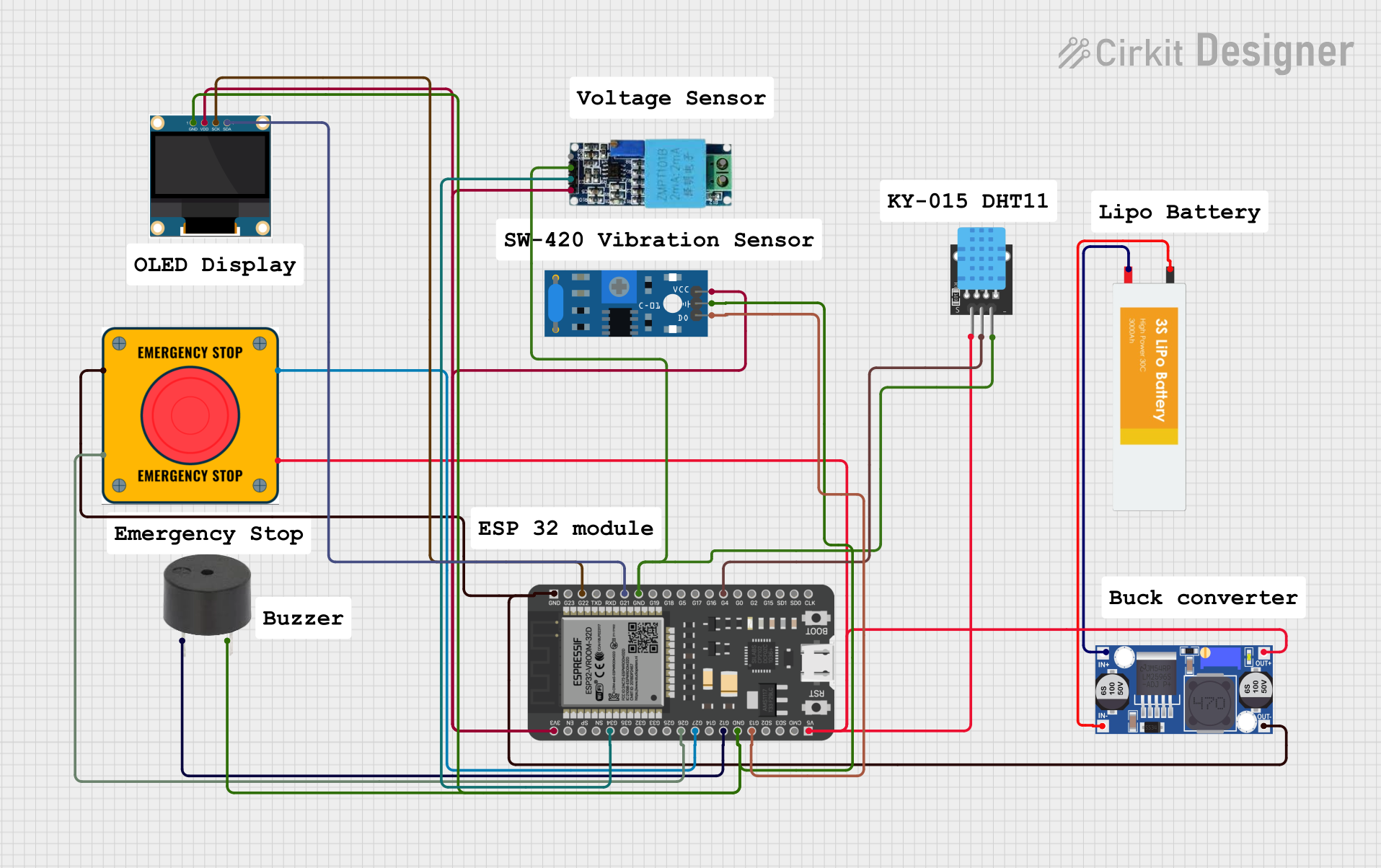 Open Project in Cirkit Designer
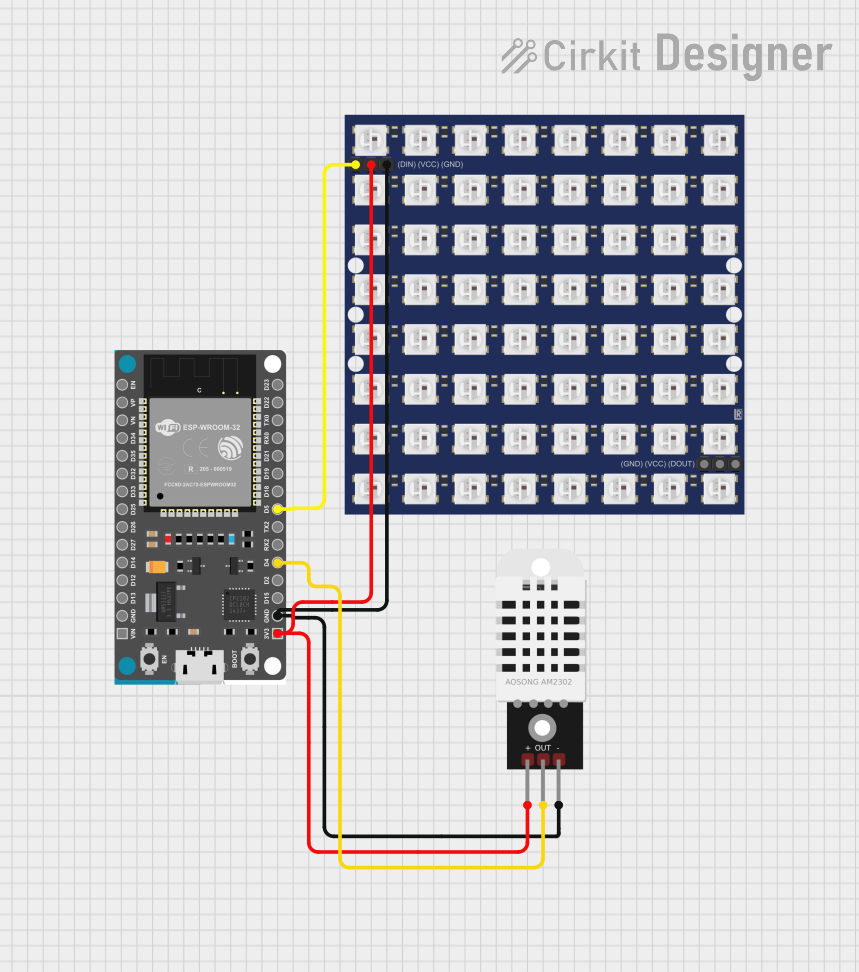 Open Project in Cirkit Designer
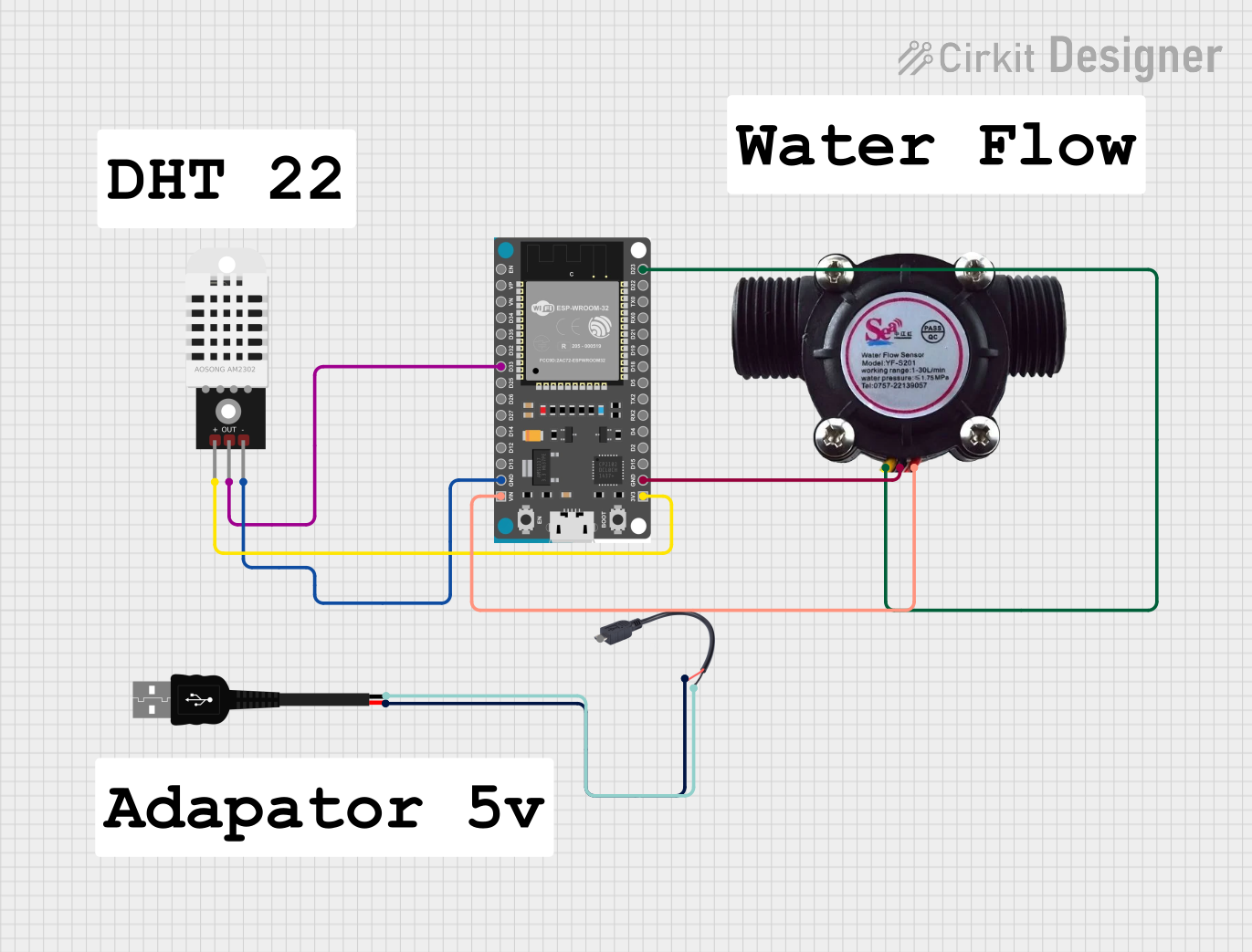 Open Project in Cirkit Designer
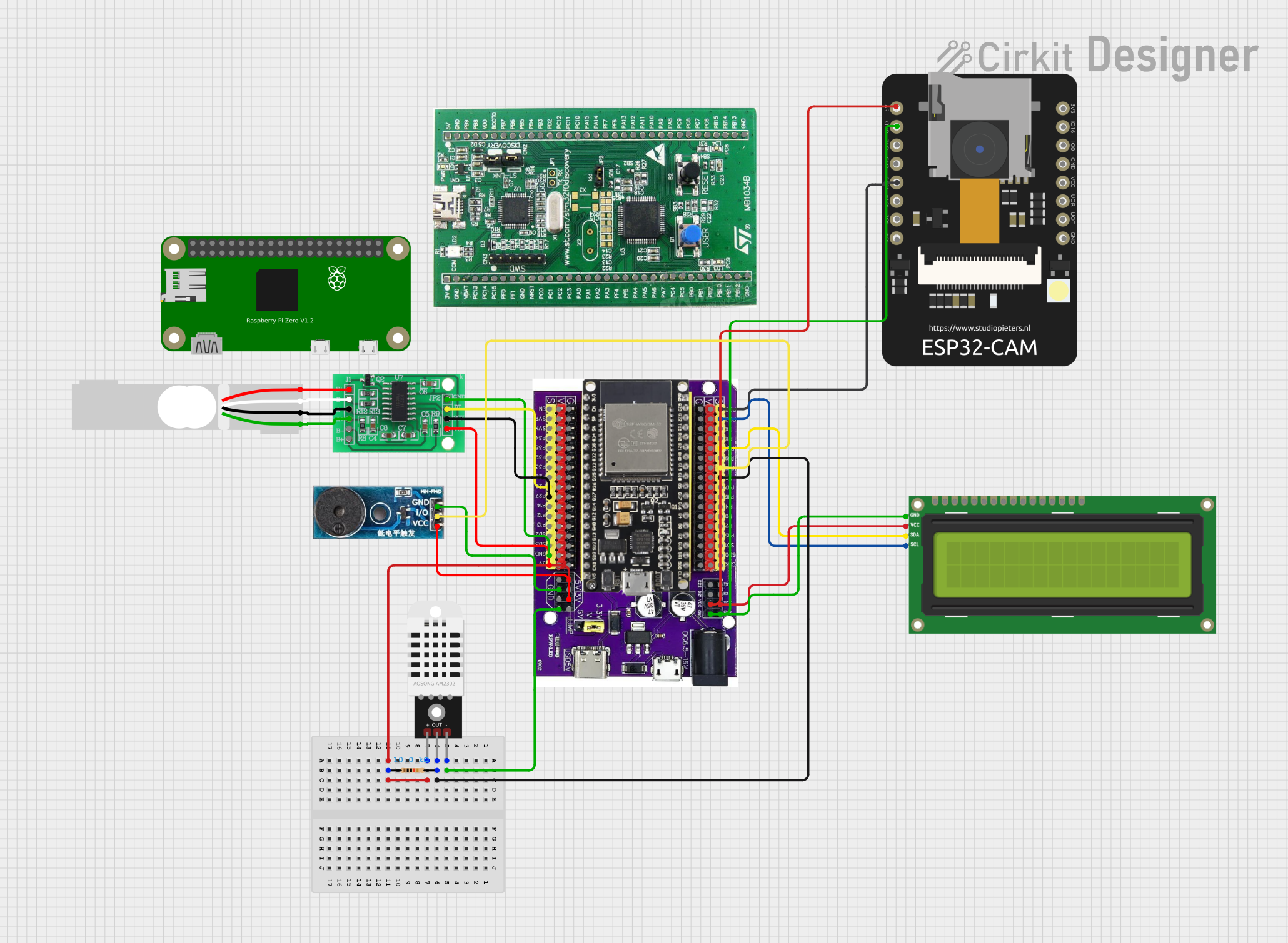 Open Project in Cirkit Designer
Explore Projects Built with ESP32
Open Project in Cirkit DesignerOpen Project in Cirkit DesignerOpen Project in Cirkit DesignerOpen Project in Cirkit DesignerCommon Applications:
- IoT devices (e.g., smart home automation, sensors, and actuators)
- Wireless communication hubs
- Wearable electronics
- Robotics and drones
- Industrial control systems
- Prototyping and educational projects
Technical Specifications
The ESP32 is packed with features that make it a standout microcontroller for modern applications. Below are its key technical specifications:
Key Features:
- Processor: Dual-core Xtensa® 32-bit LX6 CPU, up to 240 MHz
- Memory: 520 KB SRAM, 448 KB ROM, and external flash support
- Wireless Connectivity:
- Wi-Fi: 802.11 b/g/n (2.4 GHz)
- Bluetooth: v4.2 BR/EDR and BLE
- GPIO Pins: 34 programmable GPIOs
- Operating Voltage: 3.3V
- Power Consumption: Ultra-low power consumption with multiple power modes
- Interfaces: SPI, I2C, UART, ADC, DAC, PWM, and more
- ADC Resolution: 12-bit
- DAC Resolution: 8-bit
- Temperature Range: -40°C to +125°C
Pin Configuration:
The ESP32 has a variety of pins for different functionalities. Below is a summary of its pin configuration:
| Pin Name | Function | Description |
|---|---|---|
| GPIO0 | Input/Output, Boot Mode Select | Used for boot mode selection during startup. |
| GPIO1 (TXD0) | UART TX | Default UART transmit pin. |
| GPIO3 (RXD0) | UART RX | Default UART receive pin. |
| GPIO12-15 | Input/Output, ADC, PWM, etc. | General-purpose pins with ADC and PWM capabilities. |
| GPIO34-39 | Input Only | Analog input pins, suitable for sensors. |
| EN | Enable | Resets the chip when pulled low. |
| 3V3 | Power Supply | Provides 3.3V power to the ESP32. |
| GND | Ground | Ground connection. |
Note: Not all GPIO pins support all functions. Refer to the ESP32 datasheet for detailed pin multiplexing information.
Usage Instructions
The ESP32 is highly versatile and can be used in a variety of circuits. Below are the steps and best practices for using the ESP32 in your projects.
Basic Setup:
Powering the ESP32:
- The ESP32 operates at 3.3V. Ensure your power supply provides a stable 3.3V to avoid damaging the chip.
- If using a development board (e.g., ESP32 DevKit), you can power it via USB or an external 5V source.
Connecting to a Computer:
- Use a micro-USB cable to connect the ESP32 development board to your computer.
- Install the necessary USB-to-serial drivers (e.g., CP2102 or CH340) if required.
Programming the ESP32:
- Install the Arduino IDE and add the ESP32 board support package.
- Select the correct board and port in the Arduino IDE.
Example Code: Blinking an LED
The following example demonstrates how to blink an LED connected to GPIO2 of the ESP32.
// Define the GPIO pin where the LED is connected
const int ledPin = 2;

void setup() {
  // Set the LED pin as an output
  pinMode(ledPin, OUTPUT);
}

void loop() {
  // Turn the LED on
  digitalWrite(ledPin, HIGH);
  delay(1000); // Wait for 1 second

  // Turn the LED off
  digitalWrite(ledPin, LOW);
  delay(1000); // Wait for 1 second
}
Important Considerations:
- Voltage Levels: The ESP32 operates at 3.3V logic levels. Avoid connecting 5V signals directly to its GPIO pins.
- Boot Mode: Ensure GPIO0 is not pulled low during normal operation, as this will put the ESP32 into bootloader mode.
- Power Consumption: Use deep sleep mode to reduce power consumption in battery-powered applications.
Troubleshooting and FAQs
Common Issues:
ESP32 Not Detected by Computer:
- Ensure the USB cable is functional and supports data transfer.
- Install the correct USB-to-serial driver for your development board.
Upload Fails with "Failed to Connect" Error:
- Press and hold the "BOOT" button on the ESP32 board while uploading the code.
- Check that the correct board and port are selected in the Arduino IDE.
Wi-Fi Connection Issues:
- Verify the SSID and password in your code.
- Ensure the Wi-Fi network is within range and supports 2.4 GHz (ESP32 does not support 5 GHz).
GPIO Pin Not Working:
- Check if the pin is being used for another function (e.g., ADC, UART).
- Avoid using GPIO6-GPIO11, as these are connected to the internal flash memory.
FAQs:
Q: Can the ESP32 be powered with 5V?
A: Yes, if you are using a development board with an onboard voltage regulator. The ESP32 chip itself requires 3.3V.Q: How do I reset the ESP32?
A: Press the "EN" (Enable) button on the development board to reset the ESP32.Q: Can I use the ESP32 with a 5V sensor?
A: Use a voltage divider or level shifter to safely interface 5V signals with the ESP32's 3.3V GPIO pins.
By following this documentation, you can effectively integrate the ESP32 into your projects and troubleshoot common issues with ease.