
How to Use ESP32-P4-WIFI6-POE-ETH: Examples, Pinouts, and Specs
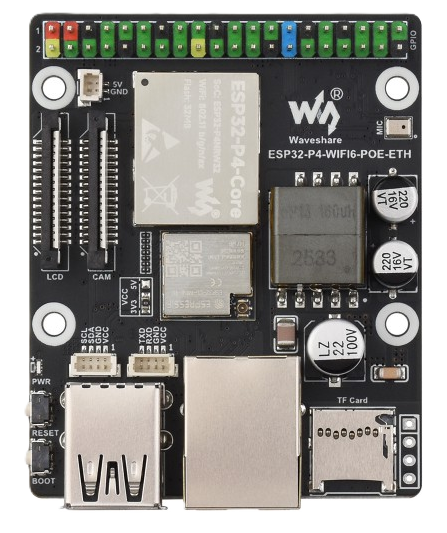
 Design with ESP32-P4-WIFI6-POE-ETH in Cirkit Designer
Introduction
The ESP32-P4-WIFI6-POE-ETH is a high-performance microcontroller module manufactured by Waveshare. It is designed for advanced IoT applications, offering integrated Wi-Fi 6 and Ethernet capabilities. The module also supports Power over Ethernet (PoE), enabling both power and data transmission over a single Ethernet cable, which simplifies deployment and reduces wiring complexity.
This component is ideal for applications requiring high-speed connectivity, low power consumption, and robust network performance. Common use cases include smart home devices, industrial automation, remote monitoring systems, and edge computing.
Explore Projects Built with ESP32-P4-WIFI6-POE-ETH
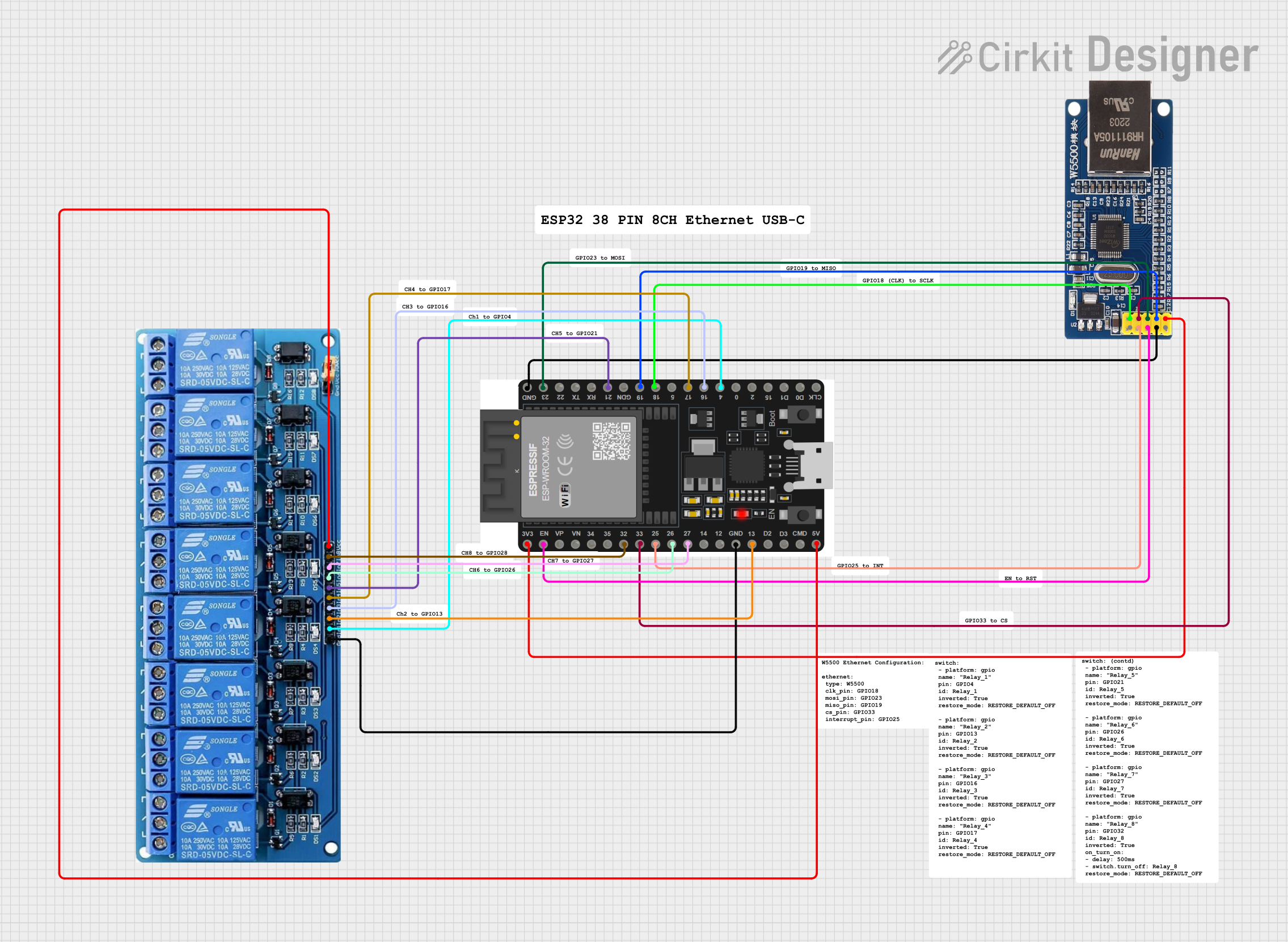 Open Project in Cirkit Designer
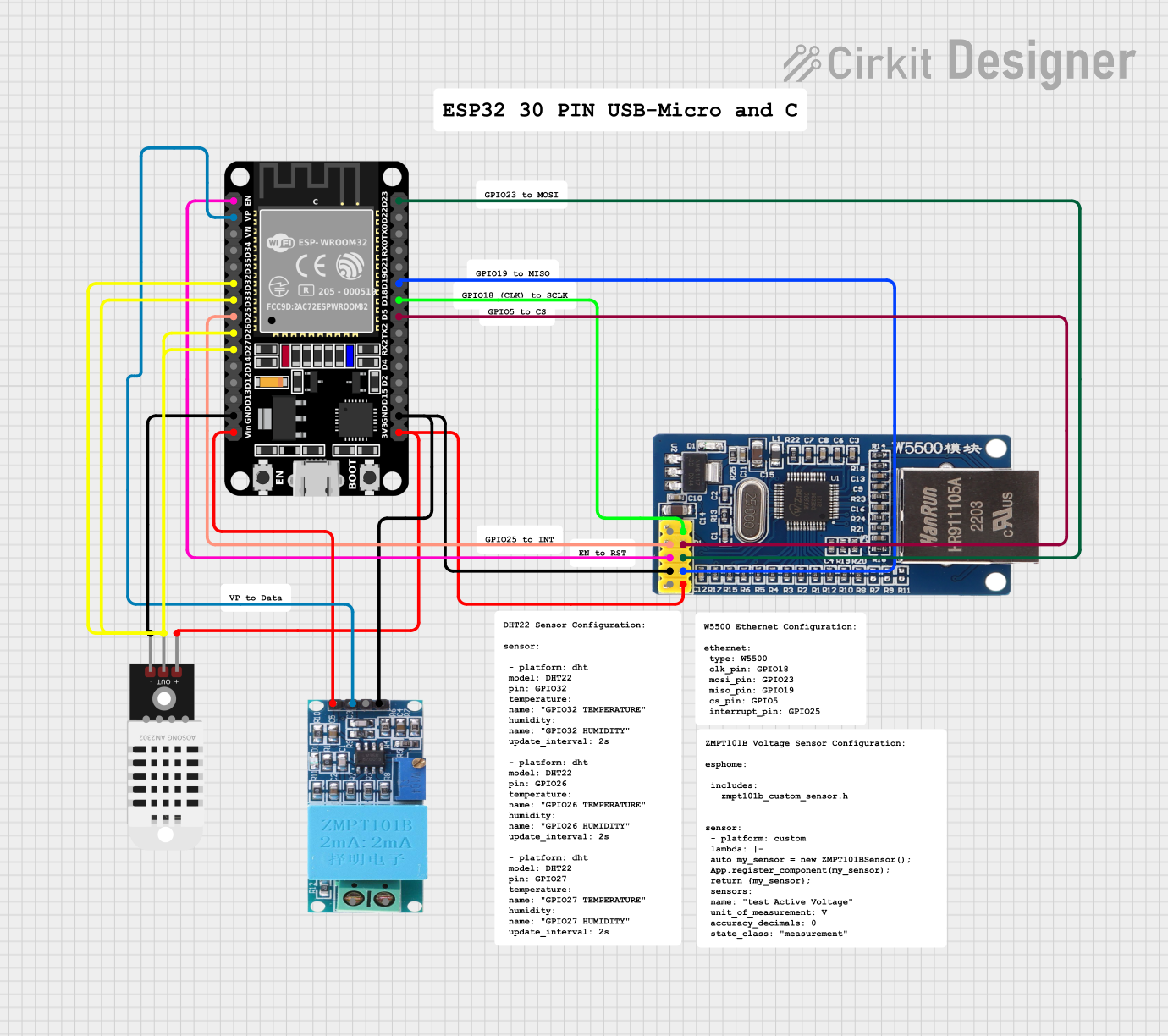 Open Project in Cirkit Designer
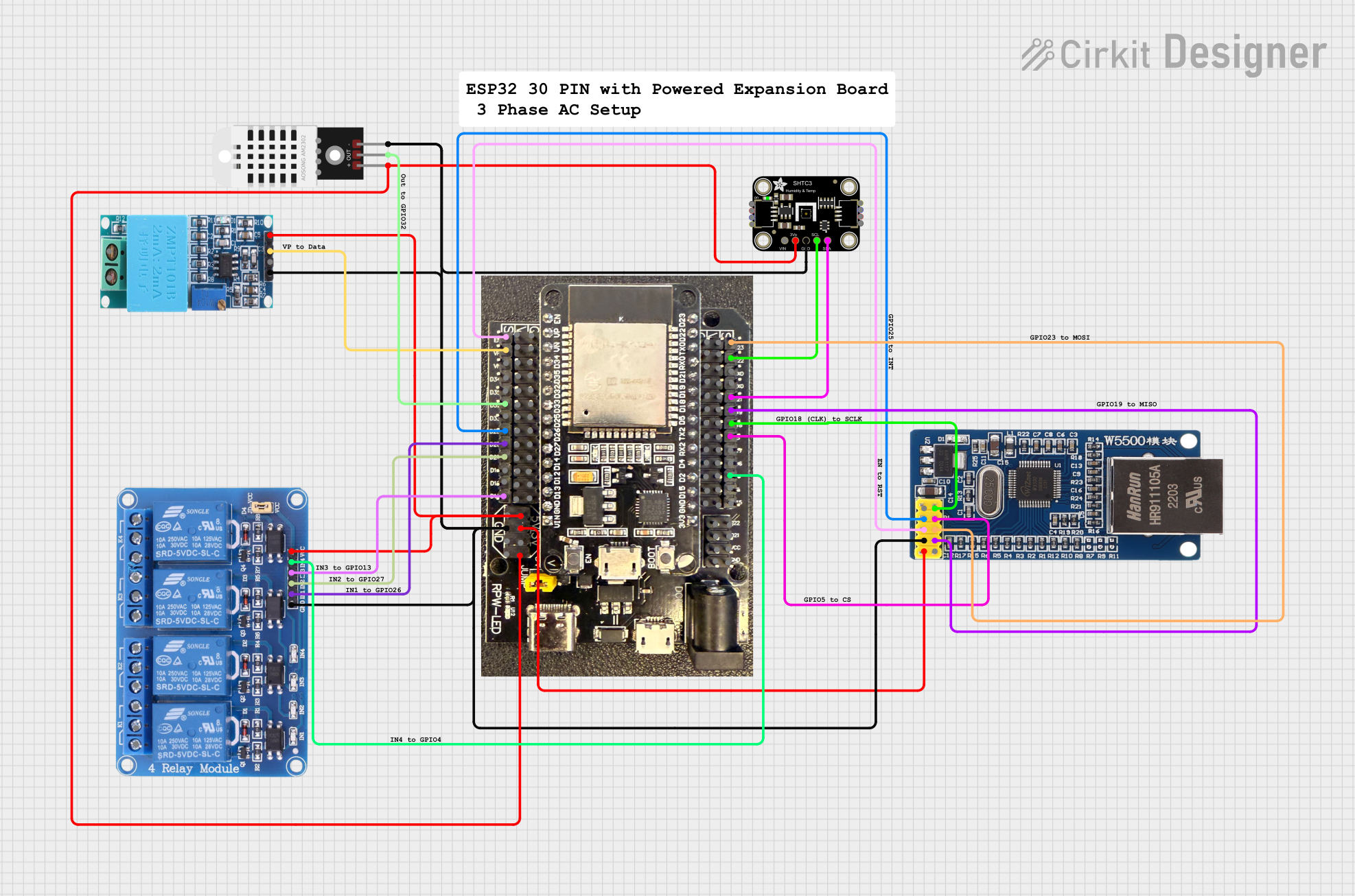 Open Project in Cirkit Designer
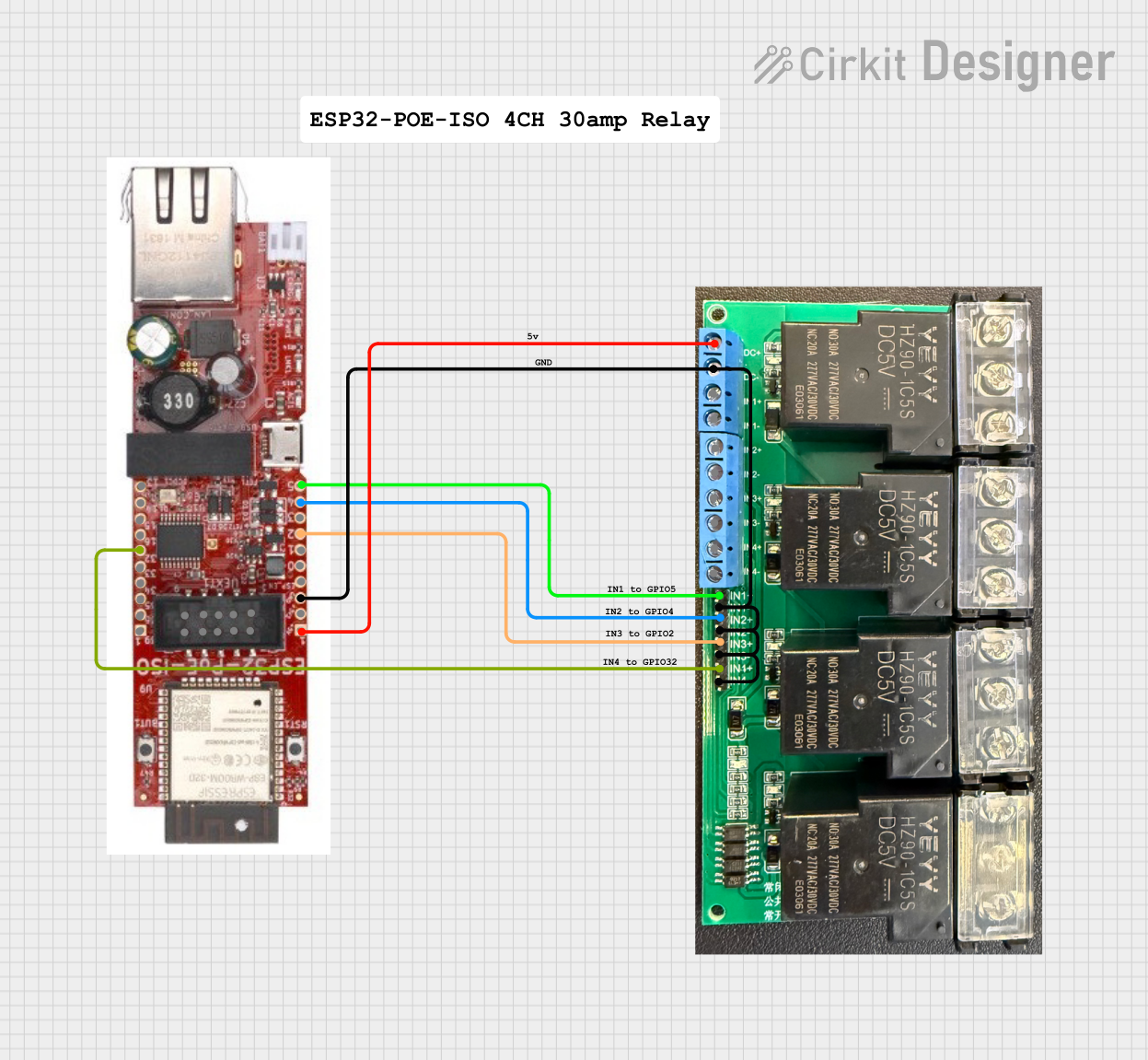 Open Project in Cirkit Designer
Explore Projects Built with ESP32-P4-WIFI6-POE-ETH
Open Project in Cirkit DesignerOpen Project in Cirkit DesignerOpen Project in Cirkit DesignerOpen Project in Cirkit DesignerTechnical Specifications
Below are the key technical details of the ESP32-P4-WIFI6-POE-ETH:
General Specifications
| Parameter | Value |
|---|---|
| Manufacturer | Waveshare |
| Microcontroller | ESP32-P4 |
| Wireless Connectivity | Wi-Fi 6 (802.11ax) |
| Wired Connectivity | Ethernet (10/100 Mbps) |
| Power Input | Power over Ethernet (PoE) or 5V via USB |
| Operating Voltage | 3.3V |
| Flash Memory | 16 MB |
| SRAM | 8 MB |
| GPIO Pins | 40 (multipurpose) |
| Operating Temperature | -40°C to 85°C |
| Dimensions | 58 mm x 25 mm |
Pin Configuration
The ESP32-P4-WIFI6-POE-ETH features a 40-pin layout. Below is the pin configuration:
| Pin Number | Pin Name | Description |
|---|---|---|
| 1 | GND | Ground |
| 2 | 3V3 | 3.3V Power Output |
| 3 | GPIO0 | General Purpose I/O, Boot Mode Selection |
| 4 | GPIO1 | General Purpose I/O |
| 5 | GPIO2 | General Purpose I/O |
| 6 | GPIO3 | General Purpose I/O |
| 7 | TXD0 | UART0 Transmit |
| 8 | RXD0 | UART0 Receive |
| 9 | ETH_TX+ | Ethernet Transmit Positive |
| 10 | ETH_TX- | Ethernet Transmit Negative |
| 11 | ETH_RX+ | Ethernet Receive Positive |
| 12 | ETH_RX- | Ethernet Receive Negative |
| ... | ... | ... (Refer to the full datasheet for all pins) |
Usage Instructions
How to Use the ESP32-P4-WIFI6-POE-ETH in a Circuit
Powering the Module:
- Use a PoE-enabled Ethernet switch or injector to power the module via the Ethernet port.
- Alternatively, supply 5V through the USB-C port for non-PoE applications.
Connecting to Wi-Fi:
- Configure the Wi-Fi settings in your firmware to connect to a Wi-Fi 6 network.
- Ensure the network supports 802.11ax for optimal performance.
Using Ethernet:
- Connect the Ethernet port to a router or switch using a standard Ethernet cable.
- Ensure the Ethernet pins (ETH_TX+, ETH_TX-, ETH_RX+, ETH_RX-) are properly connected if using custom wiring.
Programming the Module:
- Use the USB-C port to connect the module to a computer for programming.
- Install the necessary drivers and use the Arduino IDE or ESP-IDF for development.
GPIO Usage:
- Configure GPIO pins as input or output in your firmware.
- Avoid exceeding the 3.3V logic level to prevent damage.
Example Code for Arduino UNO Integration
Below is an example of how to connect the ESP32-P4-WIFI6-POE-ETH to an Arduino UNO for basic Wi-Fi functionality:
#include <WiFi.h> // Include the Wi-Fi library for ESP32

// Replace with your network credentials
const char* ssid = "Your_SSID";
const char* password = "Your_PASSWORD";

void setup() {
  Serial.begin(115200); // Initialize serial communication at 115200 baud
  delay(1000); // Wait for a second to stabilize

  // Connect to Wi-Fi
  Serial.println("Connecting to Wi-Fi...");
  WiFi.begin(ssid, password);

  // Wait until connected
  while (WiFi.status() != WL_CONNECTED) {
    delay(500);
    Serial.print(".");
  }

  Serial.println("\nWi-Fi connected!");
  Serial.print("IP Address: ");
  Serial.println(WiFi.localIP()); // Print the assigned IP address
}

void loop() {
  // Add your main code here
}
Important Considerations and Best Practices
- Ensure the PoE switch or injector complies with IEEE 802.3af/at standards.
- Use proper grounding to avoid electrical noise and interference.
- Avoid exposing the module to extreme temperatures or humidity.
- Use decoupling capacitors on power lines to stabilize voltage.
Troubleshooting and FAQs
Common Issues and Solutions
Wi-Fi Connection Fails:
- Ensure the SSID and password are correct.
- Check if the Wi-Fi network supports 802.11ax.
- Verify that the module is within range of the Wi-Fi router.
Ethernet Not Working:
- Confirm that the Ethernet cable is securely connected.
- Check the PoE switch or injector for proper power delivery.
- Verify the Ethernet pins are correctly wired if using custom connections.
Module Not Powering On:
- Ensure the PoE switch or injector is IEEE 802.3af/at compliant.
- Check the USB cable and power source if using USB-C.
GPIO Pins Not Responding:
- Verify the pin configuration in your firmware.
- Ensure the GPIO voltage does not exceed 3.3V.
FAQs
Q: Can I use this module without PoE?
A: Yes, you can power the module via the USB-C port using a 5V power source.
Q: Does the module support Bluetooth?
A: No, the ESP32-P4-WIFI6-POE-ETH is focused on Wi-Fi 6 and Ethernet connectivity.
Q: What development environments are supported?
A: The module supports the Arduino IDE and ESP-IDF for firmware development.
Q: Can I use this module for outdoor applications?
A: Yes, but ensure it is housed in a weatherproof enclosure to protect it from environmental factors.