
How to Use 2 Point Terminal Block: Examples, Pinouts, and Specs
 Design with 2 Point Terminal Block in Cirkit Designer
Introduction
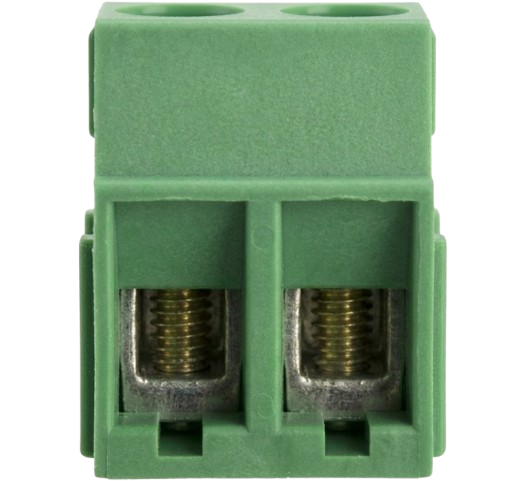
A 2 Point Terminal Block is a type of electrical connector designed to securely connect two wires. It features screw terminals that allow for easy and reliable wiring, making it a versatile component in electrical and electronic systems. These terminal blocks are commonly used for distributing electrical signals or power in a wide range of applications, including industrial control systems, home automation, and prototyping circuits.
Explore Projects Built with 2 Point Terminal Block
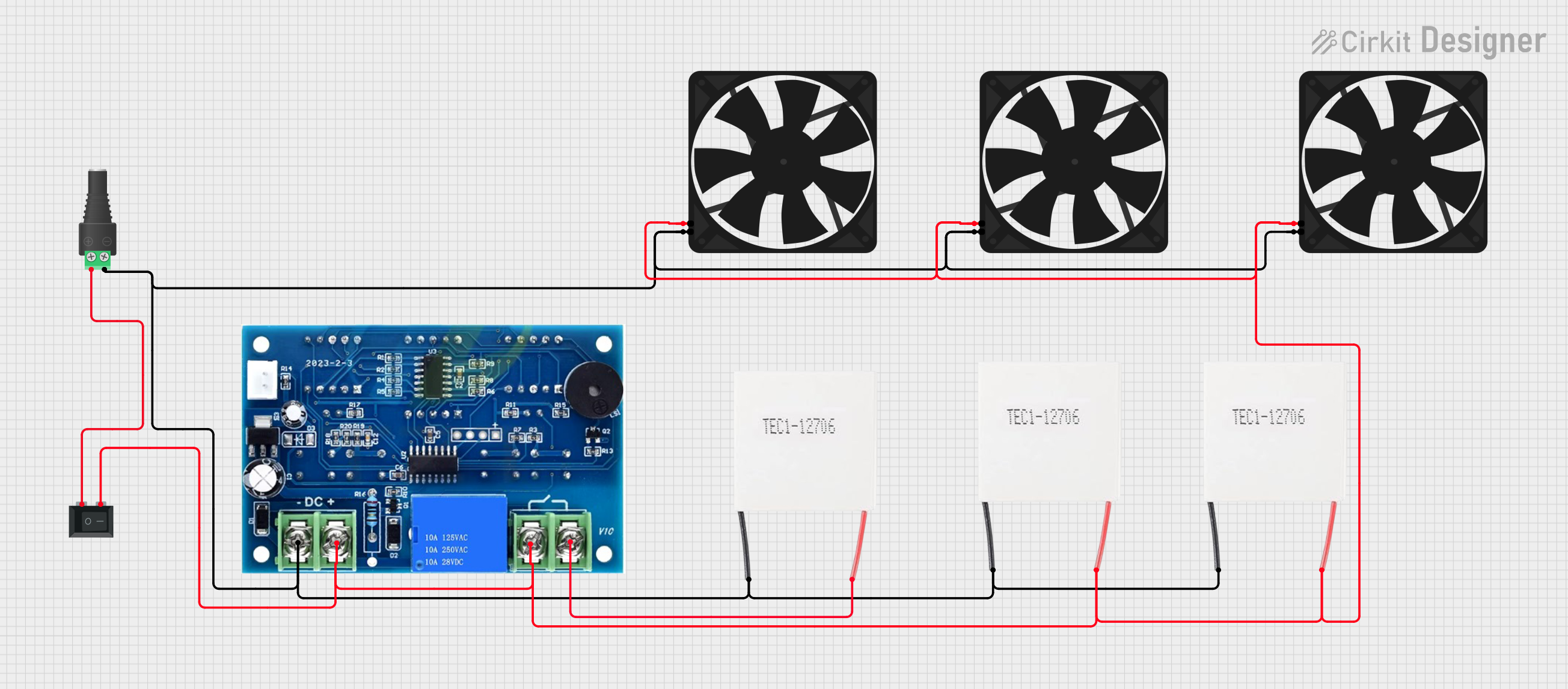 Open Project in Cirkit Designer
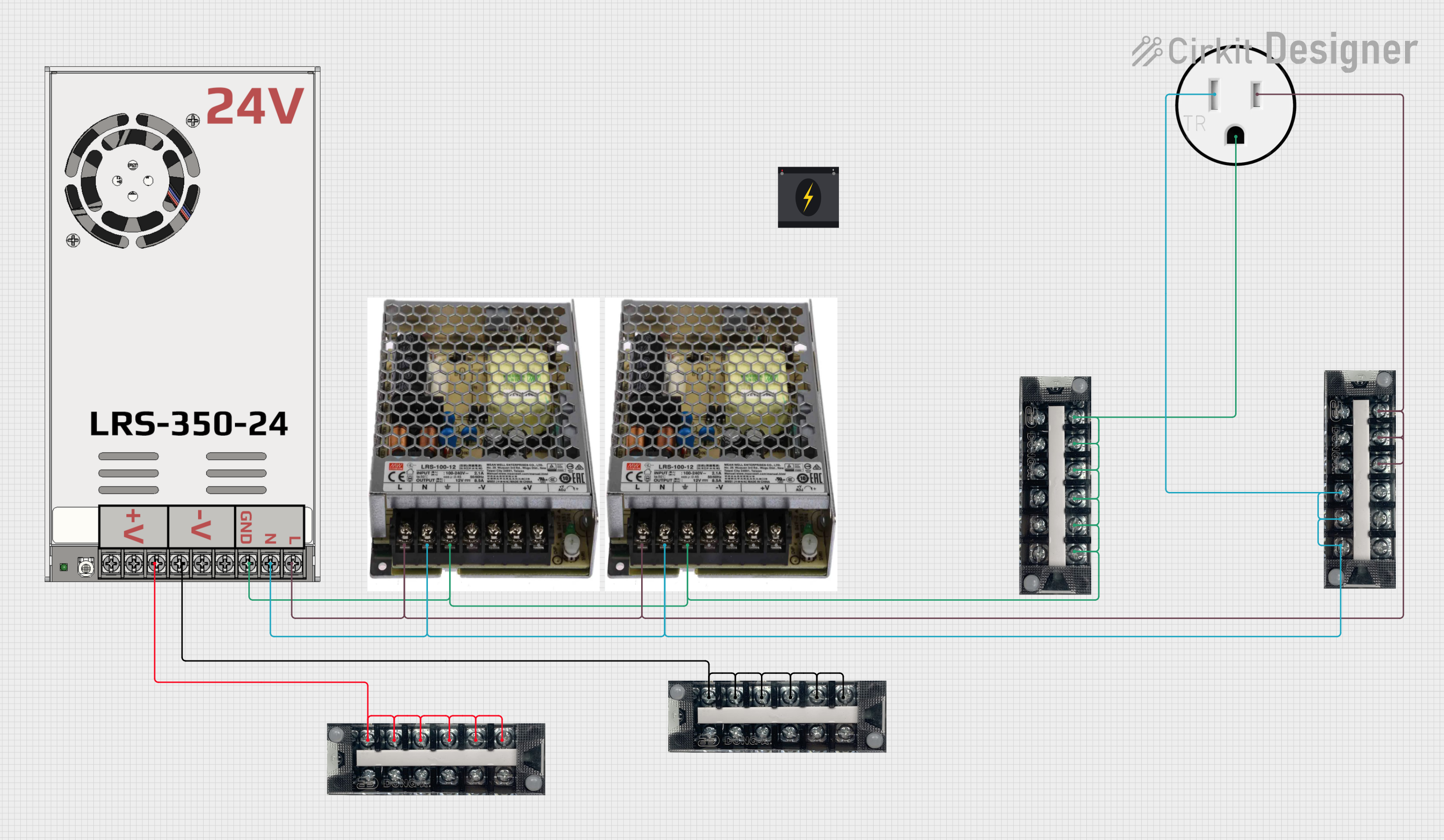 Open Project in Cirkit Designer
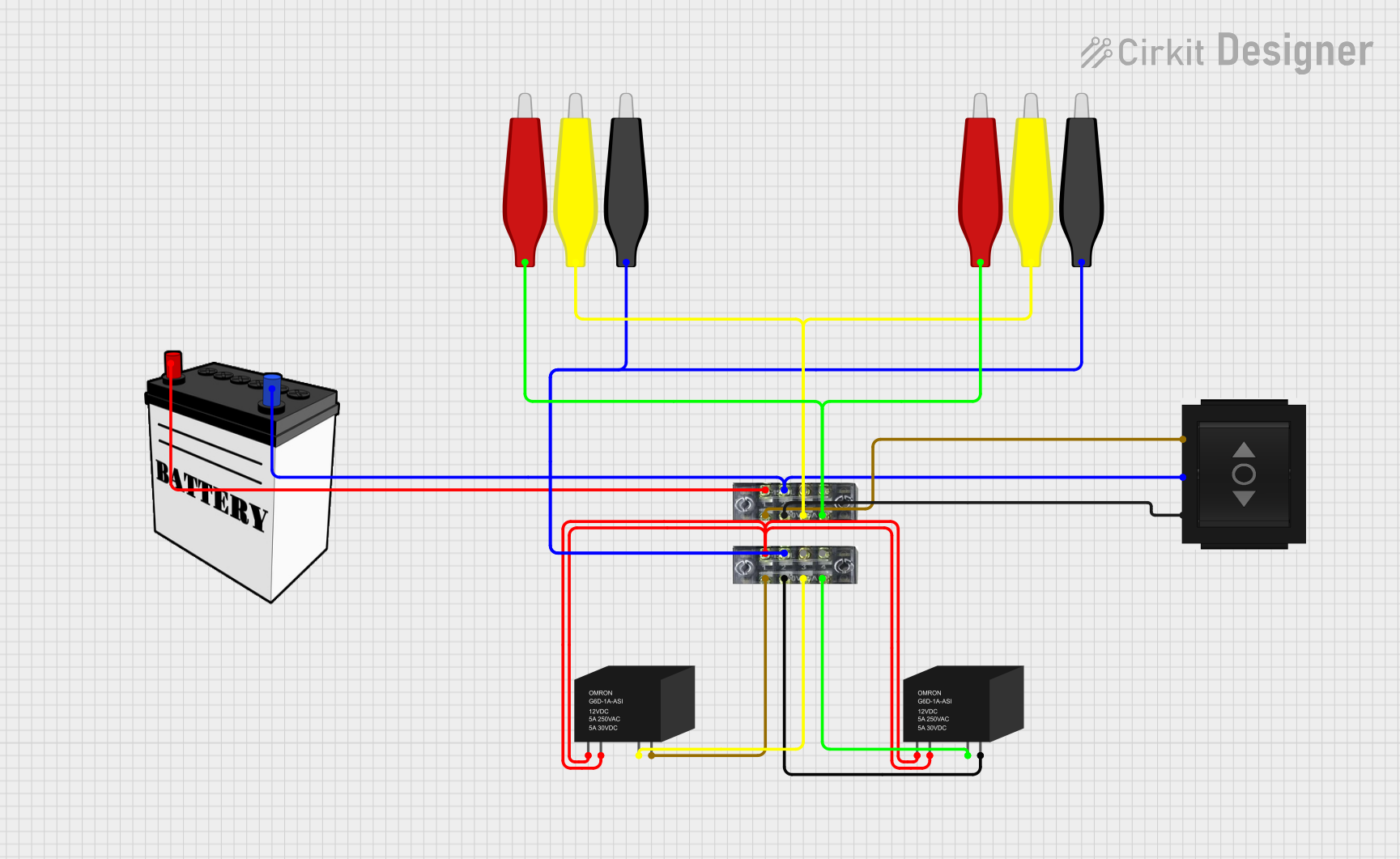 Open Project in Cirkit Designer
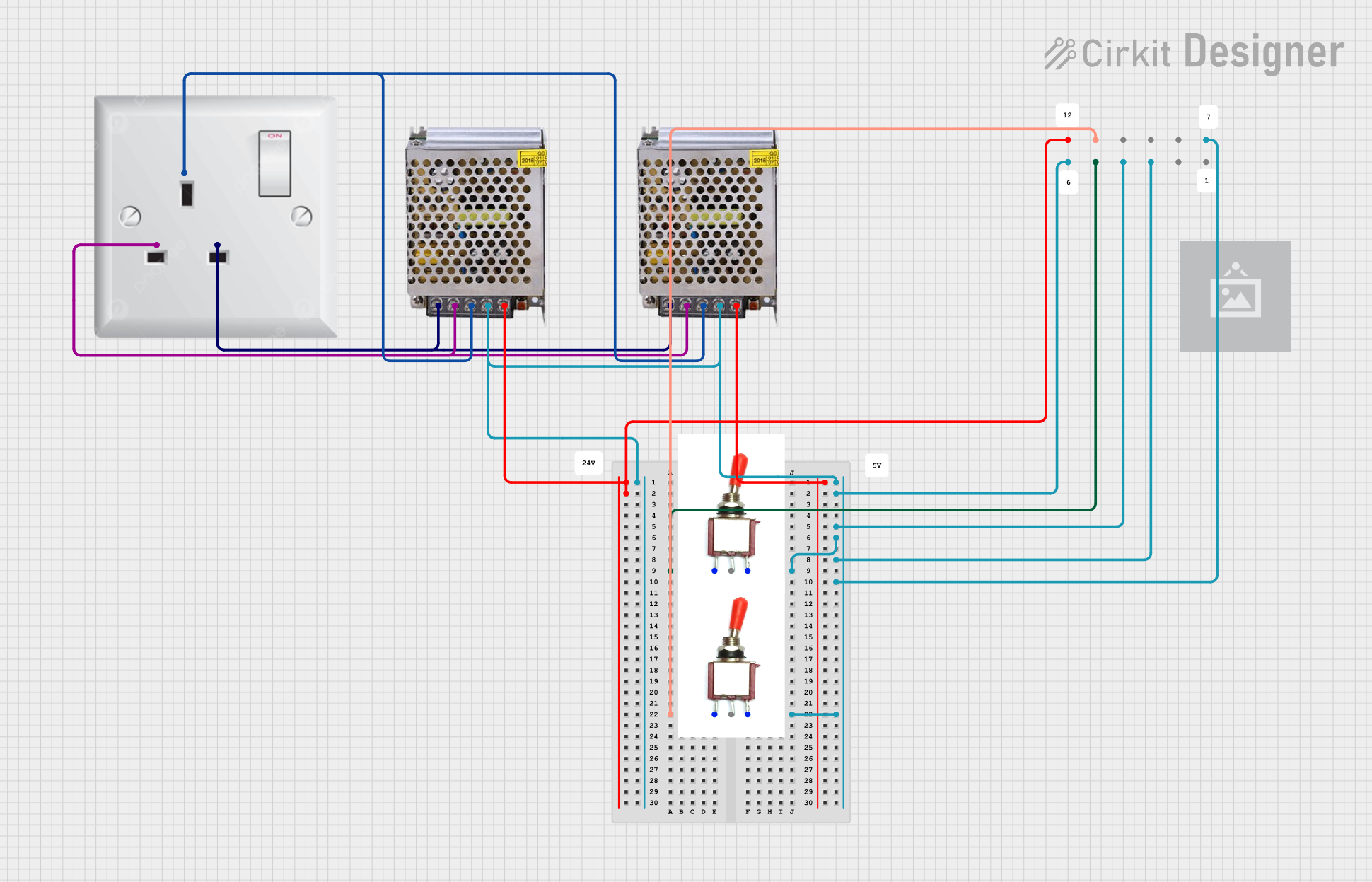 Open Project in Cirkit Designer
Explore Projects Built with 2 Point Terminal Block
Open Project in Cirkit DesignerOpen Project in Cirkit DesignerOpen Project in Cirkit DesignerOpen Project in Cirkit DesignerCommon Applications and Use Cases
- Power distribution in electrical panels
- Connecting sensors or actuators in control systems
- Prototyping and testing circuits
- Home automation projects
- Industrial machinery wiring
Technical Specifications
Key Technical Details
- Number of Terminals: 2
- Rated Voltage: Typically 300V (varies by model)
- Rated Current: Typically 10A to 15A (varies by model)
- Wire Gauge Compatibility: 22 AWG to 12 AWG
- Material: Flame-retardant plastic housing, copper alloy contacts
- Mounting Style: PCB mount or screw mount
- Operating Temperature: -40°C to +105°C (varies by model)
Pin Configuration and Descriptions
The 2 Point Terminal Block does not have traditional "pins" like ICs but instead features two screw terminals for wire connections. Below is a description of the terminals:
| Terminal Number | Description |
|---|---|
| 1 | Connection point for wire 1 |
| 2 | Connection point for wire 2 |
Usage Instructions
How to Use the Component in a Circuit
- Prepare the Wires: Strip the insulation from the ends of the wires you want to connect, exposing about 5-7 mm of the conductor.
- Insert the Wires: Loosen the screws on the terminal block, insert the stripped wire ends into the respective terminals, and tighten the screws securely to ensure a good connection.
- Mount the Terminal Block: If the terminal block is PCB-mounted, solder the pins to the PCB. For screw-mounted terminal blocks, secure them to a panel or enclosure using screws.
- Verify Connections: Double-check that the wires are firmly secured and that there are no loose strands that could cause a short circuit.
Important Considerations and Best Practices
- Ensure the wire gauge is compatible with the terminal block to avoid loose connections or damage.
- Do not overtighten the screws, as this can strip the threads or damage the wires.
- Use a multimeter to verify continuity after making connections.
- If using the terminal block in high-current applications, ensure it is rated for the required current to prevent overheating.
- For PCB-mounted terminal blocks, ensure proper soldering to avoid weak connections.
Example: Connecting to an Arduino UNO
While a 2 Point Terminal Block is not directly connected to an Arduino UNO, it can be used to interface external components like sensors or power supplies. Below is an example of how to use a terminal block to connect a 12V power supply to an Arduino project:
Circuit Setup
- Connect the positive wire of the 12V power supply to Terminal 1.
- Connect the negative wire of the 12V power supply to Terminal 2.
- Use the terminal block to distribute power to the Arduino's VIN and GND pins.
Sample Code for Arduino
// Example code to blink an LED using external power connected via a terminal block
// Ensure the terminal block is securely connected to the power supply and Arduino

const int ledPin = 13; // Built-in LED pin on Arduino UNO

void setup() {
  pinMode(ledPin, OUTPUT); // Set the LED pin as an output
}

void loop() {
  digitalWrite(ledPin, HIGH); // Turn the LED on
  delay(1000);               // Wait for 1 second
  digitalWrite(ledPin, LOW);  // Turn the LED off
  delay(1000);               // Wait for 1 second
}
Troubleshooting and FAQs
Common Issues Users Might Face
- Loose Connections: Wires may come loose if the screws are not tightened properly.
- Solution: Ensure the screws are securely tightened without overtightening.
- Overheating: The terminal block may overheat if used beyond its current rating.
- Solution: Verify the current rating of the terminal block and ensure it matches the application requirements.
- Wire Slippage: Stripped wires may slip out of the terminal.
- Solution: Ensure the stripped wire length is appropriate and that the screws are tightened evenly.
- Short Circuits: Loose wire strands may cause a short circuit.
- Solution: Use properly stripped wires and check for stray strands before powering the circuit.
FAQs
Q: Can I use a 2 Point Terminal Block for AC and DC connections?
A: Yes, a 2 Point Terminal Block can be used for both AC and DC connections, provided the voltage and current ratings are not exceeded.
Q: How do I choose the right terminal block for my application?
A: Consider the voltage, current, wire gauge compatibility, and mounting style when selecting a terminal block.
Q: Can I connect more than two wires to a 2 Point Terminal Block?
A: No, a 2 Point Terminal Block is designed for connecting two wires only. For more connections, use a terminal block with additional points.
Q: Is it safe to use a terminal block in outdoor applications?
A: Only use terminal blocks rated for outdoor use or with appropriate enclosures to protect against moisture and environmental factors.