The CD4077B is a CMOS Quad Exclusive-OR and NOR Gate integrated circuit. It is composed of four independent Exclusive-OR/NOR gates, each capable of performing the logical "exclusive OR" and "NOR" function. This IC is commonly used in digital circuits for logic operations, where it allows for the comparison of binary inputs and the generation of a true output only when inputs differ (in the case of XOR) or are both false (in the case of NOR).
Explore Projects Built with 4077
Use Cirkit Designer to design, explore, and prototype these projects online. Some projects support real-time simulation. Click "Open Project" to start designing instantly!
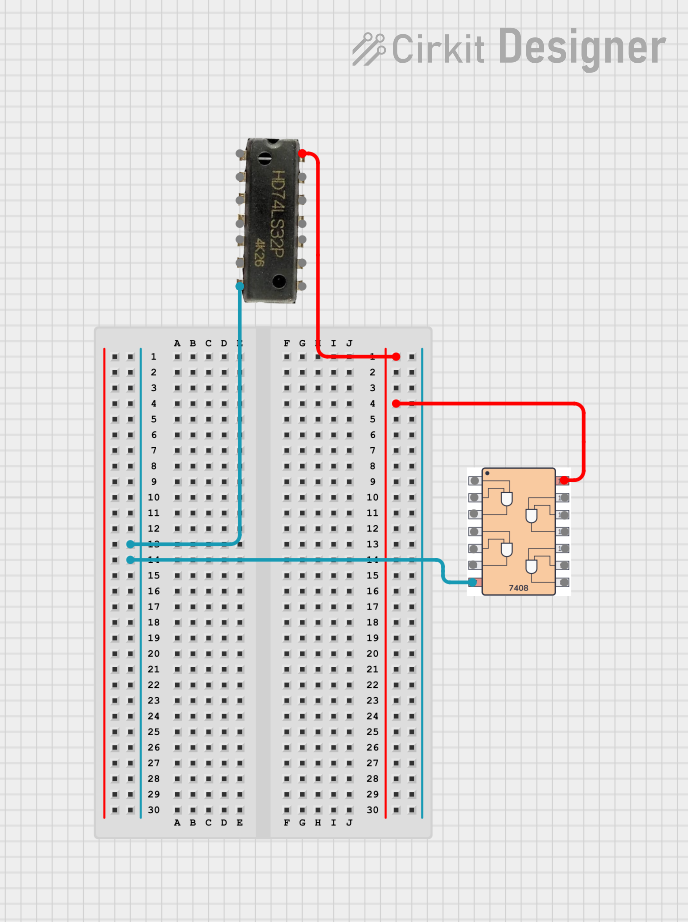
This circuit includes a 7408 AND gate IC and a 7432 OR gate IC, both powered by a common VCC and GND connection. The circuit is designed to perform basic logical operations, combining AND and OR gates for digital signal processing.
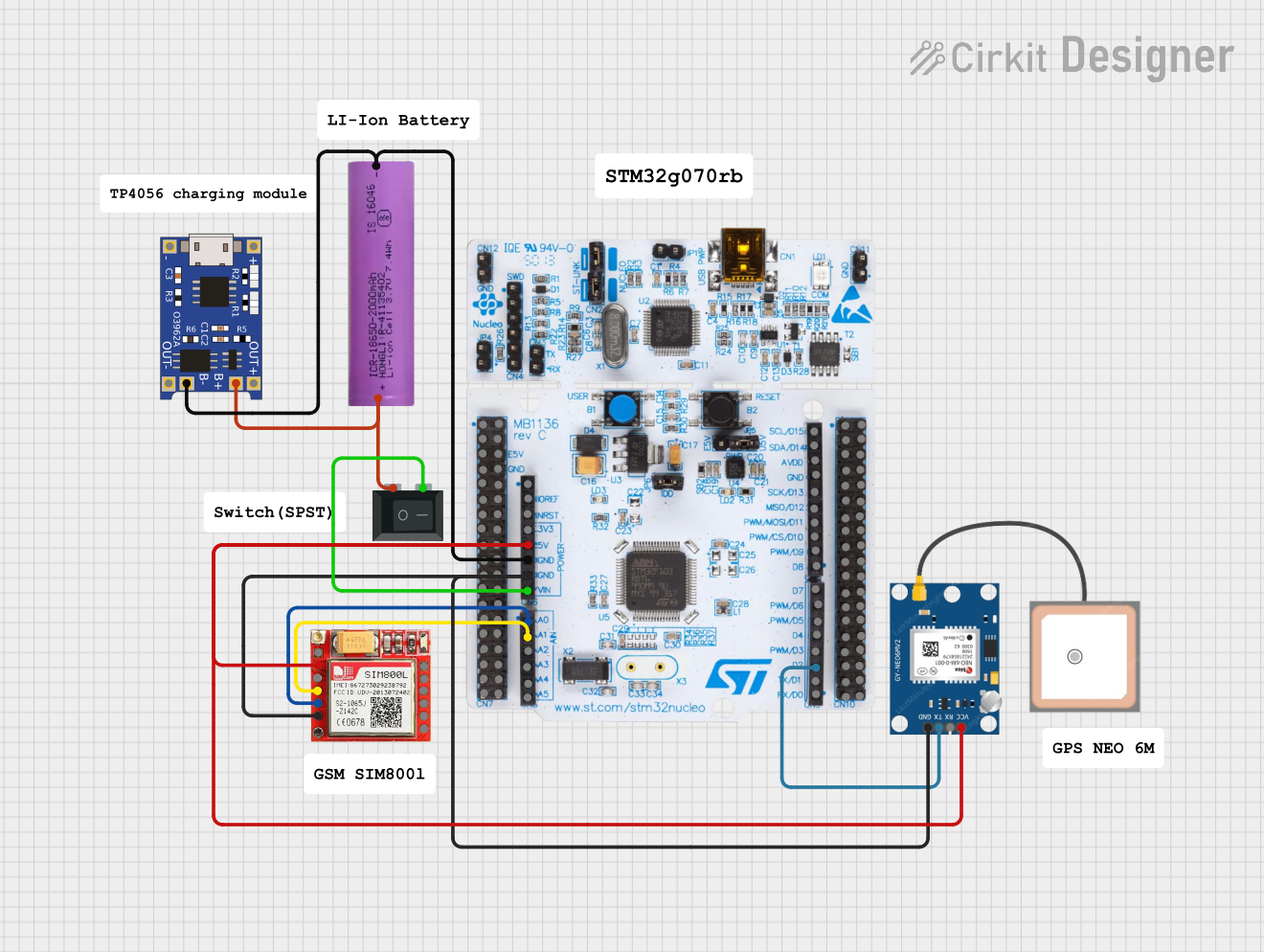
This circuit is an emergency alert system that uses a NUCLEO-F072RB microcontroller to send SMS alerts and make calls via a SIM800L GSM module, while obtaining location data from a GPS NEO 6M module. The system is powered by a Li-ion battery and includes a TP4056 module for battery charging and protection, with a rocker switch to control power to the microcontroller.
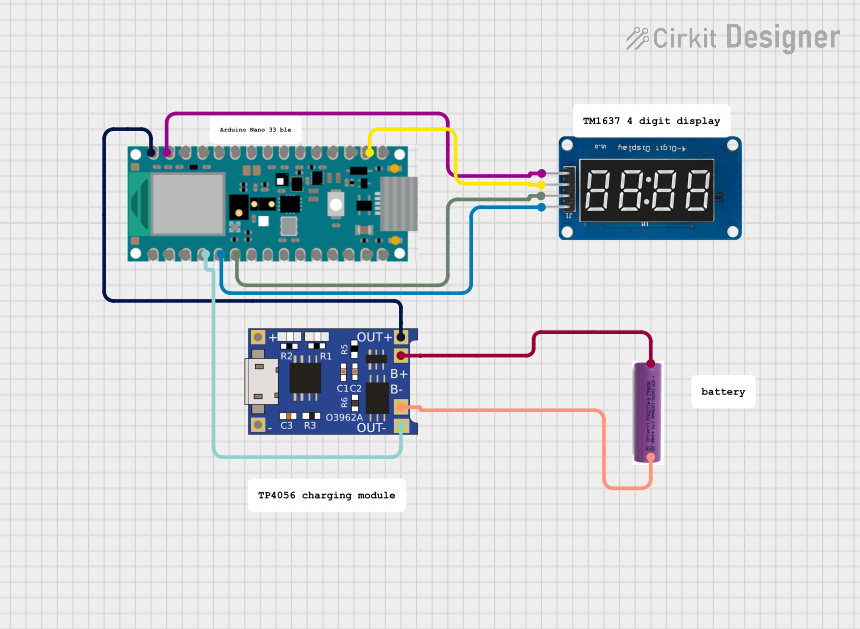
This circuit features a Nano 33 BLE microcontroller interfaced with a TM1637 4-digit 7-segment display for information output, powered by a 3.7V battery managed by a TP4056 charging module. The microcontroller communicates with the display to present data, while the TP4056 ensures the battery is charged safely and provides power to the system.
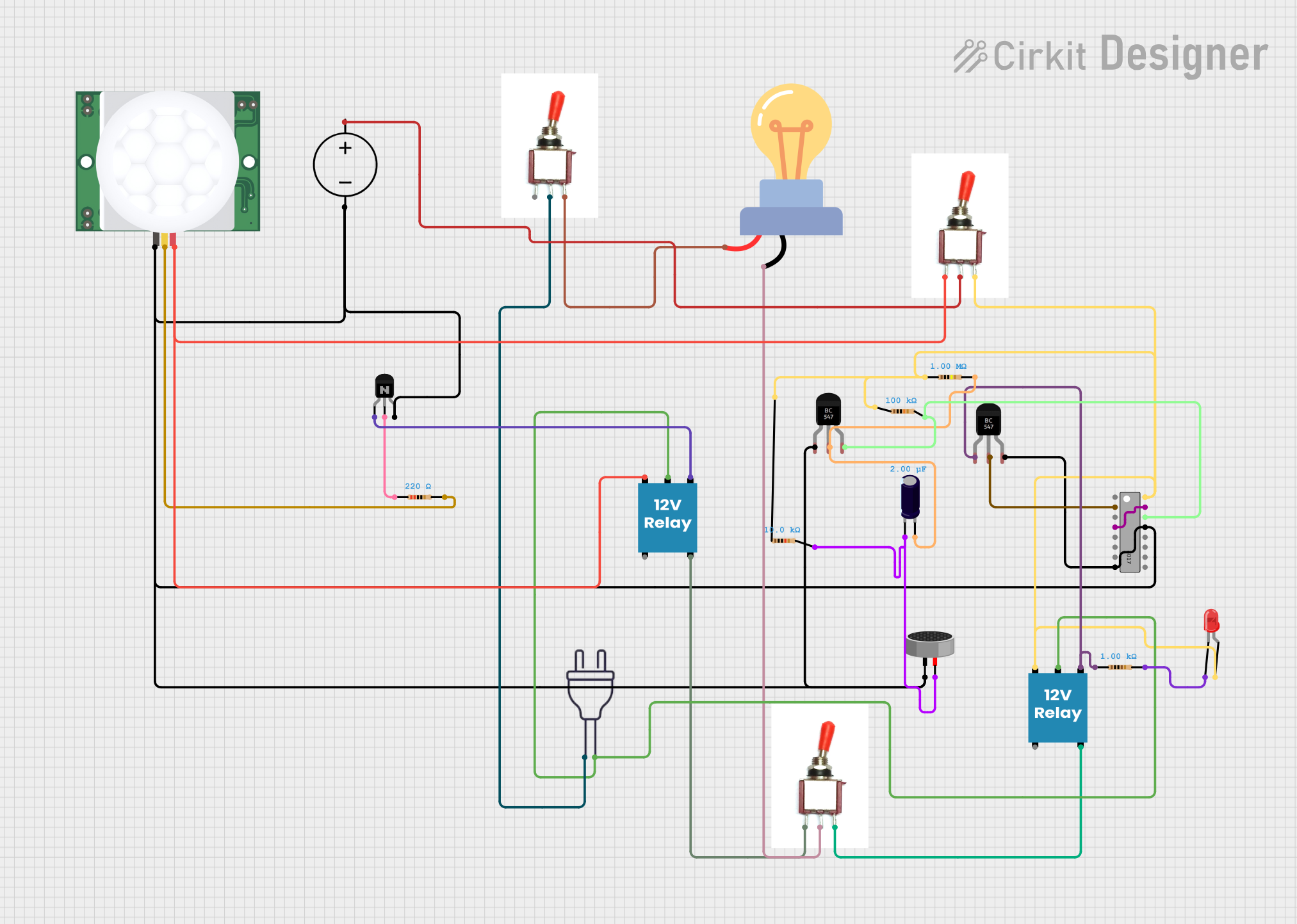
This circuit is a sequential control system with a 4017 decade counter at its core, driving relays through transistors based on its output states. It includes toggle switches and a PIR sensor for triggering events, a condenser microphone for sound detection, and an LED for visual indication. The circuit operates without a microcontroller, relying on the counter's sequence and external inputs to control the connected loads.
Power Supply Connection: Connect pin 14 (V_DD) to the positive supply voltage, which can range from 3V to 18V. Connect pin 7 (GND) to the ground of the circuit.
Input Connection: Apply the digital signals to be compared to the A and B inputs of the respective gates. Ensure that the input voltage levels are compatible with the logic levels of the CD4077B.
Output Connection: The outputs (Q1 to Q4) can be connected to other digital ICs, microcontrollers, or LEDs with appropriate current-limiting resistors.
Bypass Capacitor: It is good practice to place a 0.1µF bypass capacitor between V_DD and GND near the IC to filter out noise.
Best Practices
Avoid applying voltages to the inputs that exceed the supply voltage to prevent damage.
Minimize the length of input and output traces to reduce noise and crosstalk.
Use pull-up or pull-down resistors on inputs if they are not driven by a defined logic level.
Troubleshooting and FAQs
Common Issues
No Output: Ensure that the supply voltage is within the specified range and that inputs are receiving proper logic levels.
Unexpected Output Behavior: Check for correct pin connections and verify that the input signals are clean and free of noise.
FAQs
Q: Can the CD4077B be used with a microcontroller like an Arduino?
A: Yes, the CD4077B can interface with microcontrollers. Ensure that the logic levels are compatible.
Q: Is the CD4077B susceptible to static discharge?
A: As a CMOS device, it is sensitive to static discharge. Proper handling and ESD precautions are necessary.
Q: Can I use the CD4077B for analog signal switching?
A: The CD4077B is designed for digital signals. For analog signal switching, consider using an analog switch IC.
Example Code for Arduino UNO
Below is an example of how to use the CD4077B with an Arduino UNO to compare two digital inputs and light up an LED when the inputs are different (XOR function).
// Define the input and output pins
const int inputPinA = 2;
const int inputPinB = 3;
const int outputPin = 13; // Built-in LED on Arduino

void setup() {
  pinMode(inputPinA, INPUT);
  pinMode(inputPinB, INPUT);
  pinMode(outputPin, OUTPUT);
}

void loop() {
  // Read the digital inputs
  int inputA = digitalRead(inputPinA);
  int inputB = digitalRead(inputPinB);

  // Perform the XOR operation
  int result = inputA ^ inputB;

  // Set the output LED
  digitalWrite(outputPin, result);
}
Remember to connect the Arduino pins to the corresponding inputs of the CD4077B and the output to the LED with a current-limiting resistor.


 Open Project in Cirkit Designer