
How to Use DYNAMIXEL AX 12A: Examples, Pinouts, and Specs
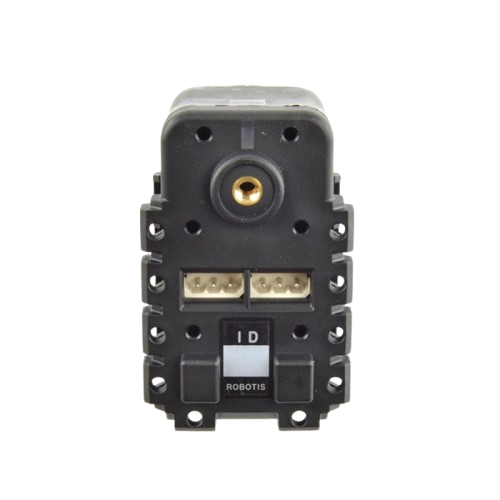
 Design with DYNAMIXEL AX 12A in Cirkit Designer
Introduction
The DYNAMIXEL AX-12A is a smart servo motor designed for robotics applications. It features high torque, precise control, and advanced communication capabilities via a serial interface. This servo motor is widely used in dynamic movement and positioning tasks, making it ideal for robotic arms, humanoid robots, and other motion-intensive systems. Its ability to provide feedback on position, speed, and load makes it a versatile and intelligent component for robotics enthusiasts and professionals alike.
Explore Projects Built with DYNAMIXEL AX 12A
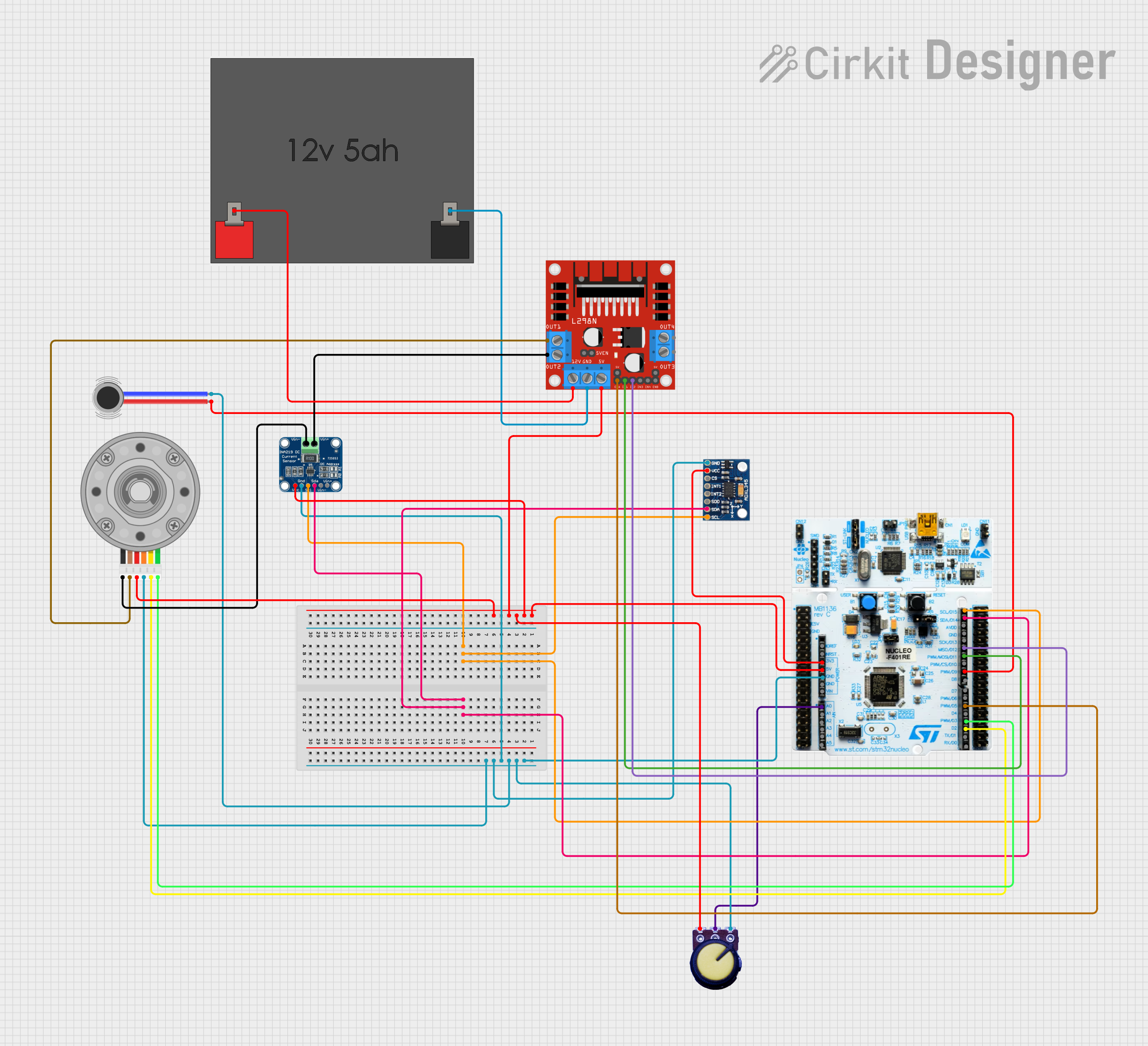 Open Project in Cirkit Designer
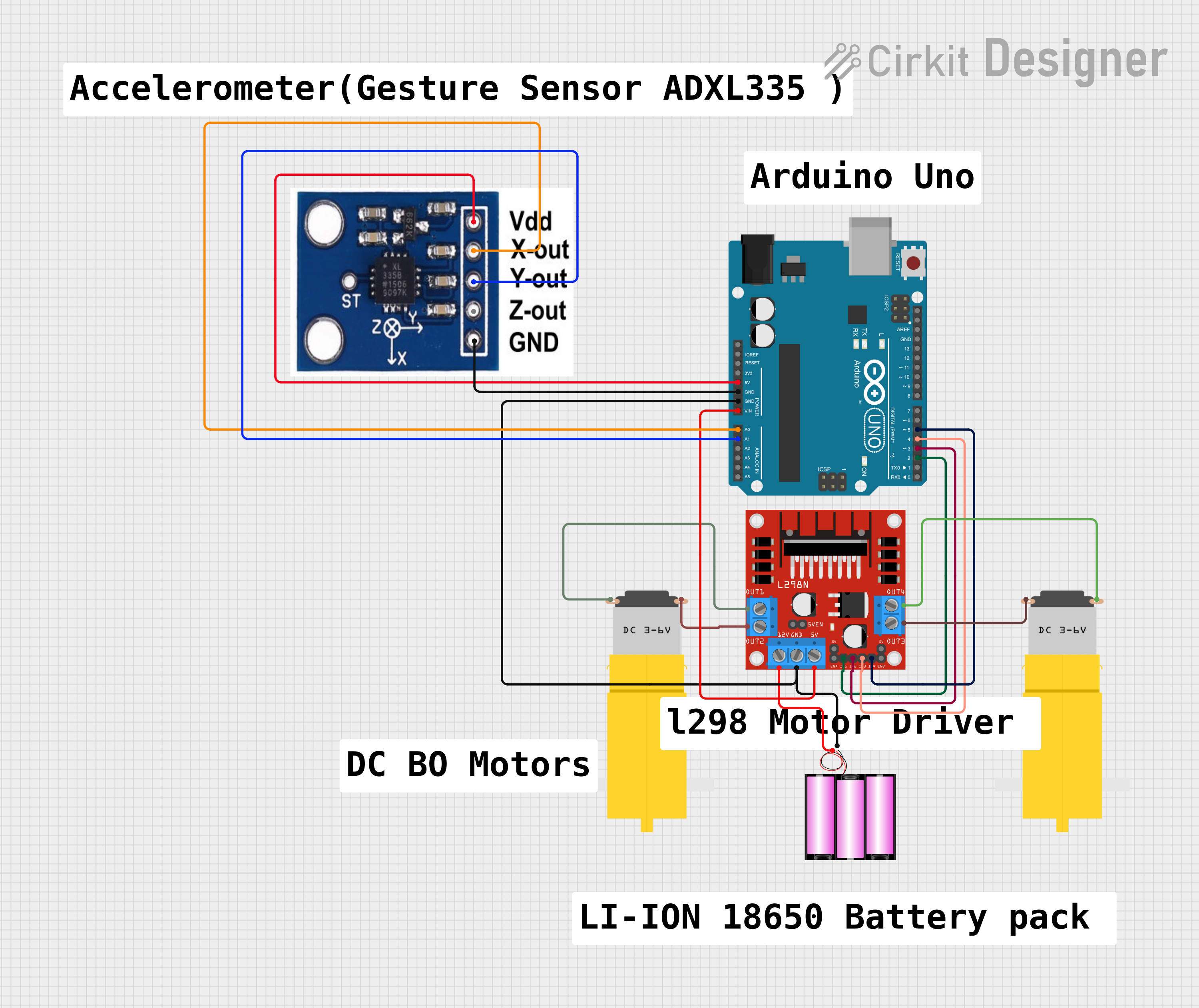 Open Project in Cirkit Designer
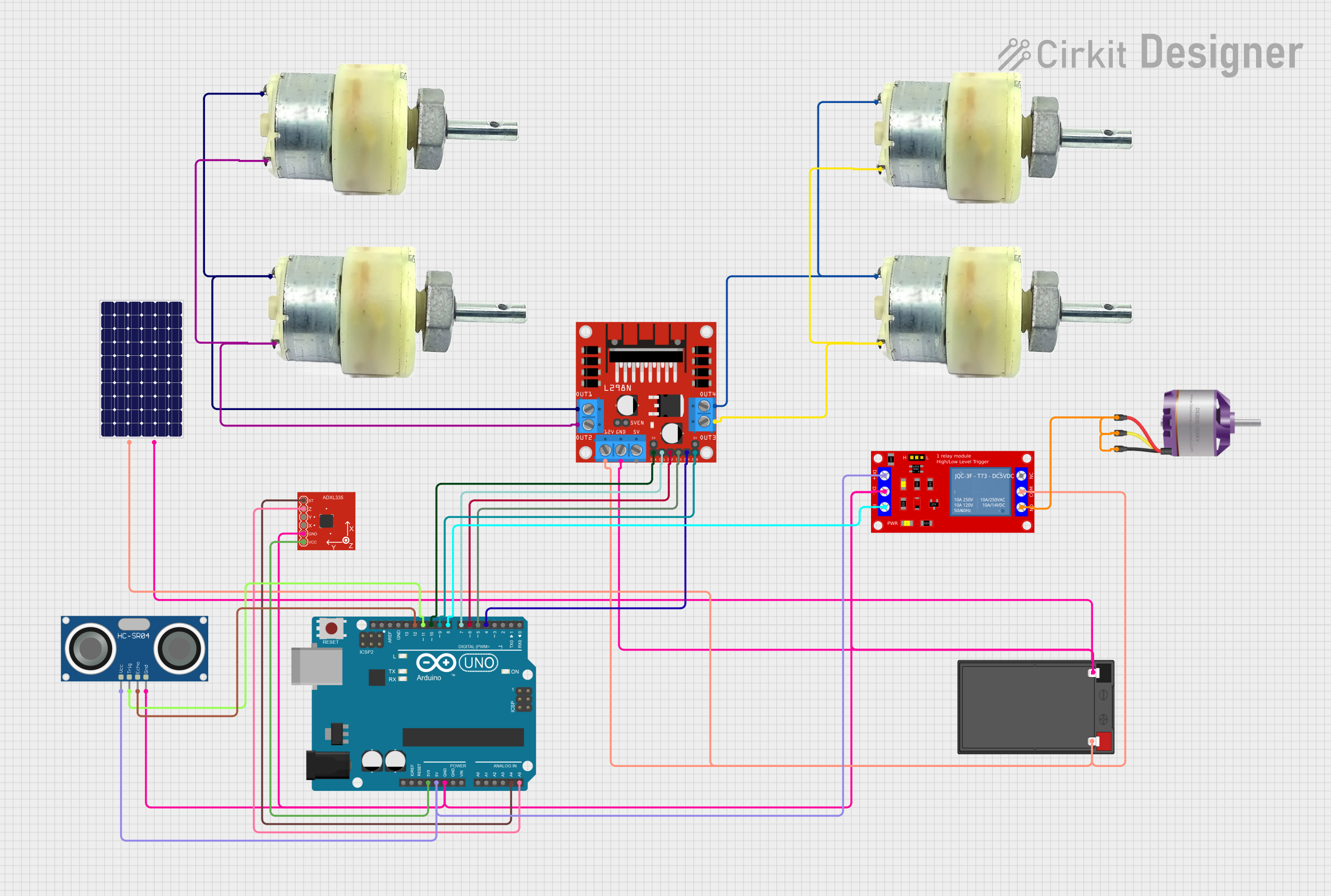 Open Project in Cirkit Designer
 Open Project in Cirkit Designer
Explore Projects Built with DYNAMIXEL AX 12A
Open Project in Cirkit DesignerOpen Project in Cirkit DesignerOpen Project in Cirkit DesignerOpen Project in Cirkit DesignerCommon Applications
- Robotic arms and manipulators
- Humanoid robots
- Autonomous vehicles
- Animatronics
- Educational robotics projects
Technical Specifications
The DYNAMIXEL AX-12A offers robust performance and flexibility. Below are its key technical details:
General Specifications
| Parameter | Value |
|---|---|
| Operating Voltage | 9V to 12V (recommended 11.1V) |
| Stall Torque | 1.5 N·m (at 12V, 1.5A) |
| No-Load Speed | 59 RPM (at 12V) |
| Communication Protocol | TTL Serial (Half Duplex) |
| Resolution | 0.29° per step (300° range) |
| Weight | 54.6 g |
| Dimensions | 32 mm x 50 mm x 40 mm |
Pin Configuration
The DYNAMIXEL AX-12A uses a 3-pin connector for power and communication. The pinout is as follows:
| Pin Number | Name | Description |
|---|---|---|
| 1 | GND | Ground |
| 2 | VCC | Power supply (9V to 12V) |
| 3 | Data | TTL Serial communication line |
Usage Instructions
The DYNAMIXEL AX-12A is controlled via a serial interface, allowing for precise movement and feedback. Below are the steps to use the component in a circuit:
Connecting the AX-12A
- Power Supply: Connect the VCC pin to a 9V-12V power source and the GND pin to the ground of your circuit.
- Communication: Use a TTL-compatible serial interface (e.g., a USB-to-TTL adapter or a microcontroller like Arduino) to connect to the Data pin.
- Daisy-Chaining: Multiple AX-12A servos can be connected in series using their 3-pin connectors.
Arduino Example Code
The following example demonstrates how to control the AX-12A using an Arduino UNO. This code sets the servo to a specific position.
#include <SoftwareSerial.h>

// Define the TX and RX pins for communication with the AX-12A
#define DYNAMIXEL_TX 2
#define DYNAMIXEL_RX 3

// Create a SoftwareSerial object for communication
SoftwareSerial dynamixelSerial(DYNAMIXEL_RX, DYNAMIXEL_TX);

void setup() {
  // Initialize the serial communication
  dynamixelSerial.begin(1000000); // AX-12A uses 1 Mbps baud rate
  Serial.begin(9600); // For debugging

  // Set the servo to position 512 (center position)
  setServoPosition(1, 512); // Servo ID = 1, Position = 512
}

void loop() {
  // Add your main code here
}

// Function to set the position of the AX-12A servo
void setServoPosition(uint8_t id, uint16_t position) {
  uint8_t checksum = ~(id + 0x07 + 0x03 + (position & 0xFF) + (position >> 8));

  // Send the instruction packet
  dynamixelSerial.write(0xFF); // Header 1
  dynamixelSerial.write(0xFF); // Header 2
  dynamixelSerial.write(id);   // Servo ID
  dynamixelSerial.write(0x07); // Length
  dynamixelSerial.write(0x03); // Instruction (WRITE_DATA)
  dynamixelSerial.write(0x1E); // Address (Goal Position)
  dynamixelSerial.write(position & 0xFF); // Position LSB
  dynamixelSerial.write(position >> 8);  // Position MSB
  dynamixelSerial.write(checksum);       // Checksum
}
Important Considerations
- Power Supply: Ensure the power supply can provide sufficient current (at least 1.5A per servo).
- Baud Rate: The default baud rate for the AX-12A is 1 Mbps. Ensure your controller supports this speed.
- ID Configuration: Each servo must have a unique ID when daisy-chained. Use the DYNAMIXEL Wizard or a custom program to configure IDs.
Troubleshooting and FAQs
Common Issues
Servo Not Responding
- Cause: Incorrect wiring or power supply issues.
- Solution: Verify the connections and ensure the power supply meets the voltage and current requirements.
Erratic Movement
- Cause: Noise on the communication line or insufficient power.
- Solution: Use shielded cables for communication and ensure a stable power source.
Overheating
- Cause: Prolonged high-torque operation.
- Solution: Allow the servo to cool down periodically during intensive tasks.
Cannot Change ID
- Cause: Multiple servos with the same ID connected.
- Solution: Connect one servo at a time when configuring IDs.
FAQs
Q: Can I use the AX-12A with a Raspberry Pi?
A: Yes, the AX-12A can be controlled using a Raspberry Pi via a USB-to-TTL adapter. Ensure the baud rate is set to 1 Mbps.
Q: What is the maximum number of servos I can daisy-chain?
A: The maximum number depends on the power supply and communication line quality. Typically, up to 254 servos can be daisy-chained.
Q: How do I read feedback from the servo?
A: Use the READ_DATA instruction to query parameters like position, speed, and load. Refer to the DYNAMIXEL protocol documentation for details.
Q: Can I rotate the servo continuously?
A: Yes, by enabling the "wheel mode," the AX-12A can rotate continuously instead of operating within its positional range.