
How to Use ESP32: Examples, Pinouts, and Specs
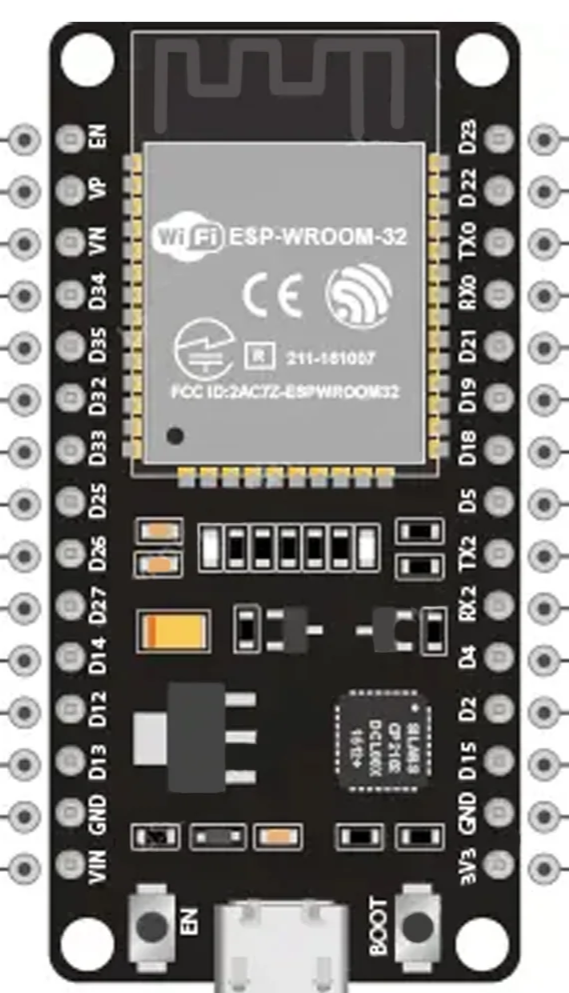
 Design with ESP32 in Cirkit Designer
Introduction
The ESP32, manufactured by Arduino with the part ID UNO, is a low-cost, low-power system on a chip (SoC) that integrates Wi-Fi and Bluetooth capabilities. It is widely recognized for its versatility and performance, making it a popular choice for Internet of Things (IoT) applications. The ESP32 is designed to handle a wide range of tasks, from simple sensor monitoring to complex data processing and wireless communication.
Explore Projects Built with ESP32
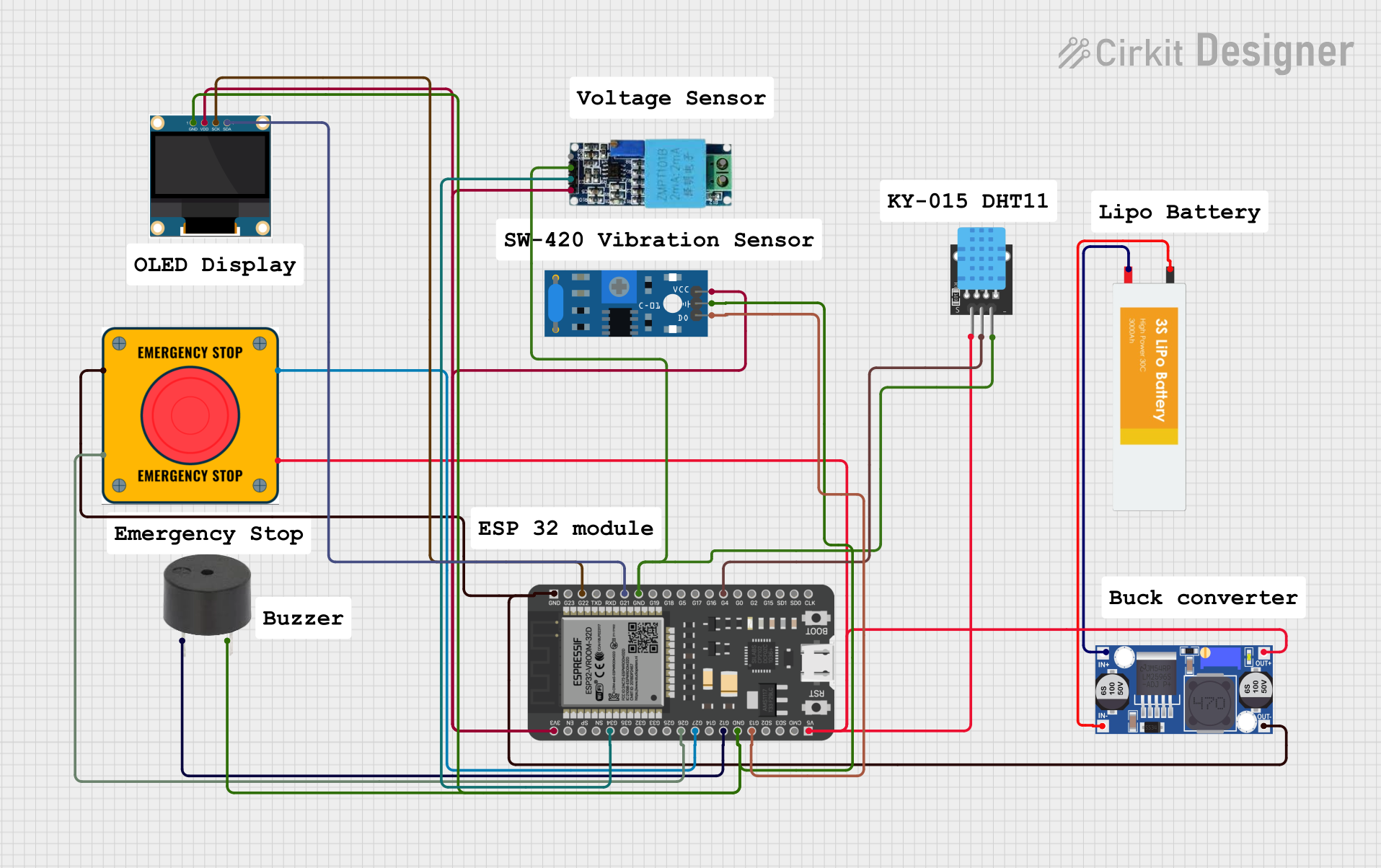 Open Project in Cirkit Designer
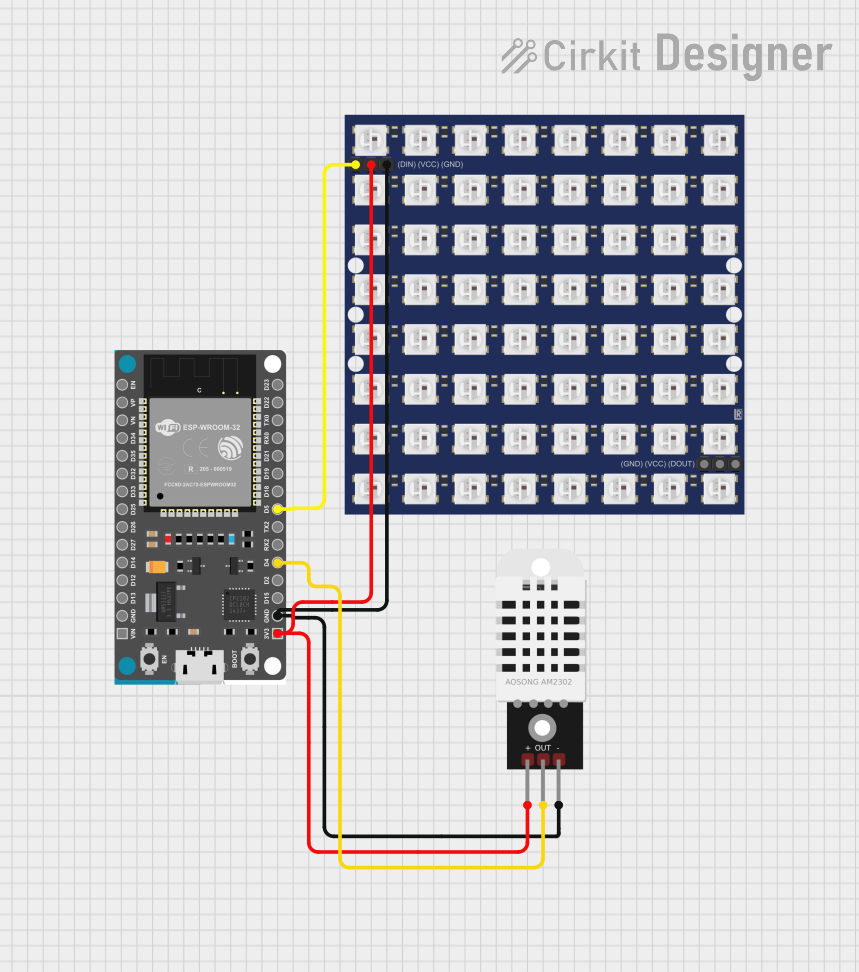 Open Project in Cirkit Designer
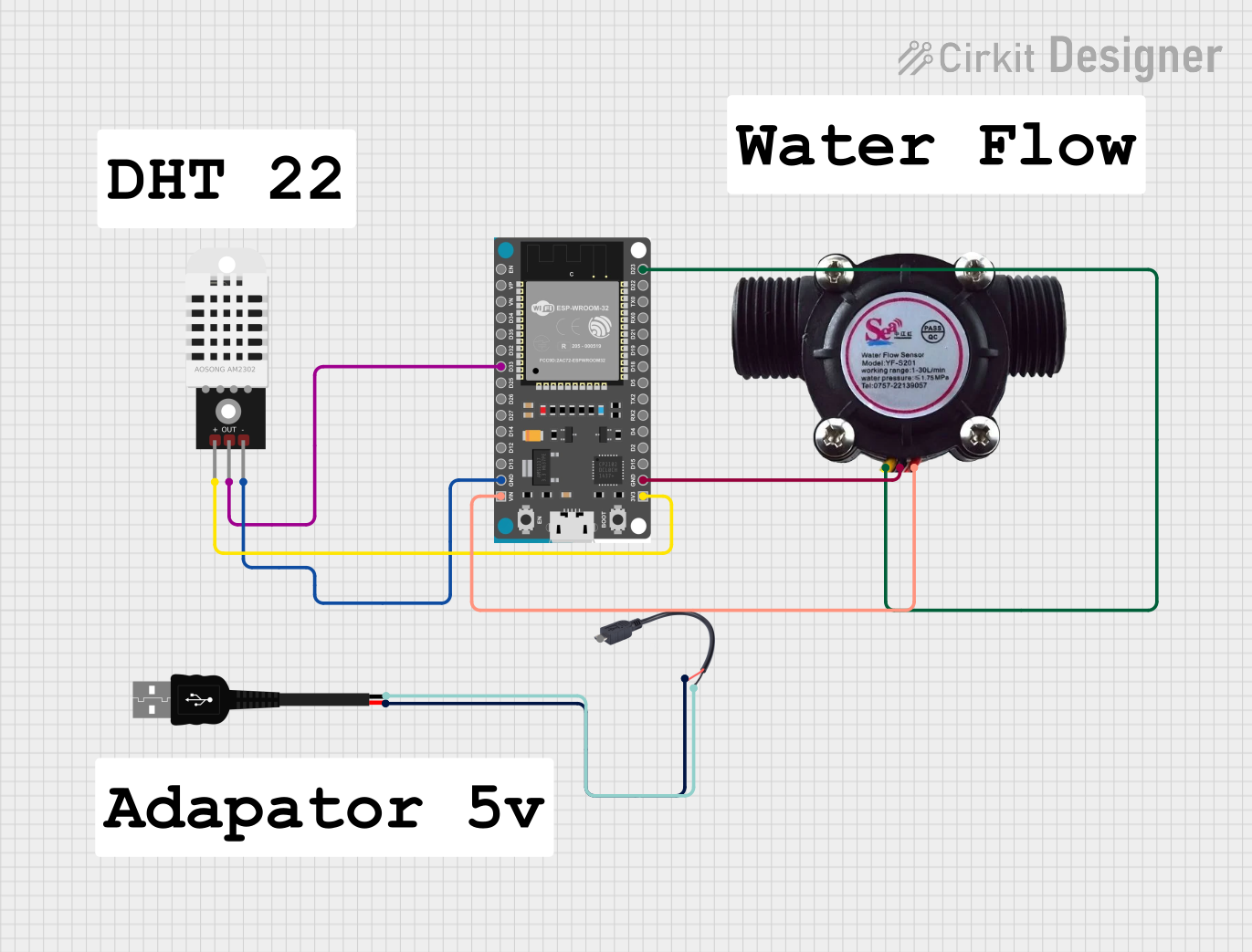 Open Project in Cirkit Designer
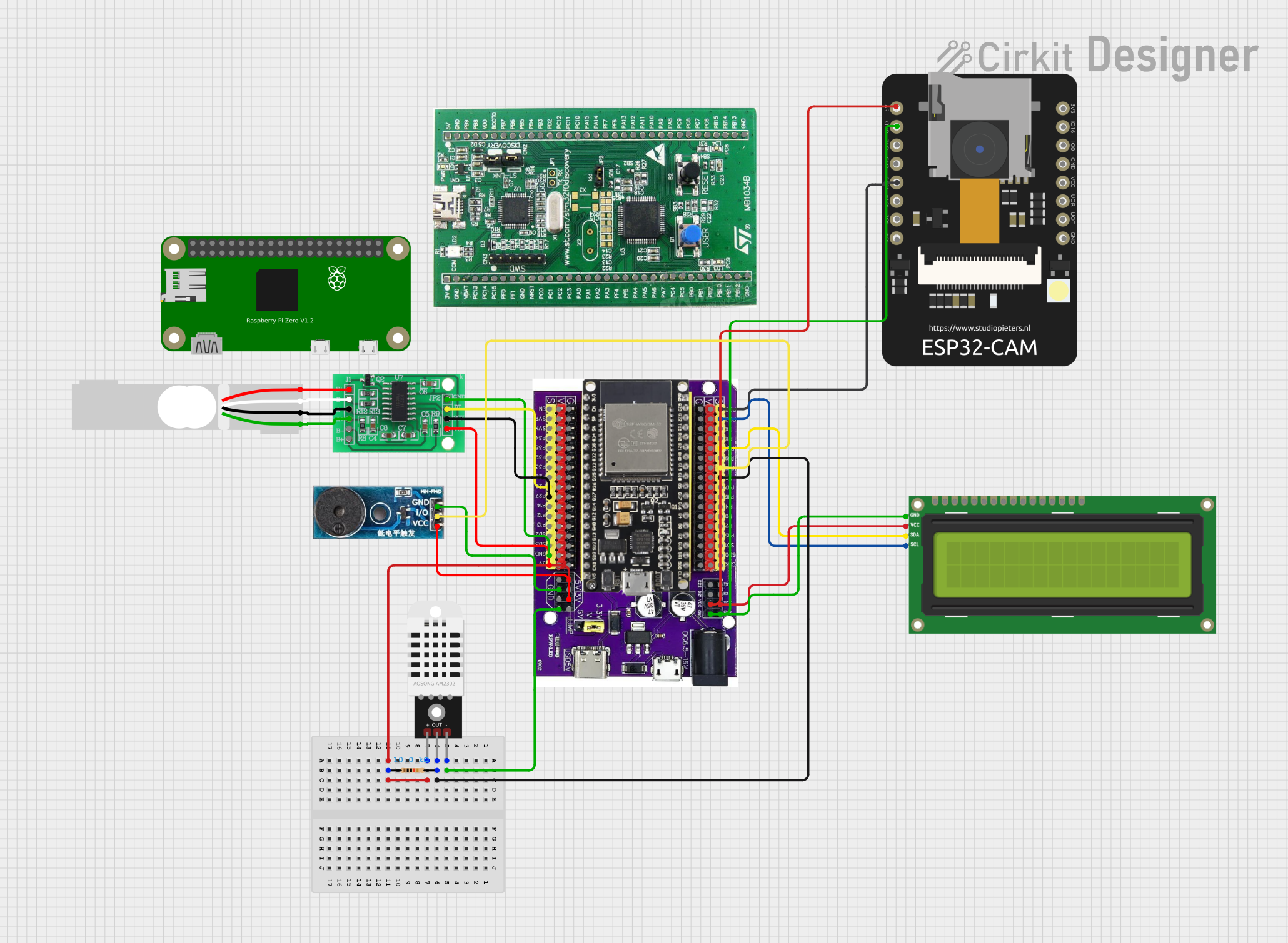 Open Project in Cirkit Designer
Explore Projects Built with ESP32
Open Project in Cirkit DesignerOpen Project in Cirkit DesignerOpen Project in Cirkit DesignerOpen Project in Cirkit DesignerCommon Applications and Use Cases
- IoT devices and smart home automation
- Wireless sensor networks
- Wearable electronics
- Industrial automation
- Robotics and drones
- Real-time data logging and monitoring
Technical Specifications
The ESP32 is a powerful and feature-rich microcontroller. Below are its key technical specifications:
General Specifications
| Feature | Specification |
|---|---|
| Manufacturer | Arduino |
| Part ID | UNO |
| Processor | Dual-core Xtensa LX6 @ 240 MHz |
| Flash Memory | Up to 16 MB |
| SRAM | 520 KB |
| Wireless Connectivity | Wi-Fi 802.11 b/g/n, Bluetooth 4.2 |
| Operating Voltage | 3.3V |
| GPIO Pins | 34 |
| ADC Channels | 18 |
| DAC Channels | 2 |
| Communication Interfaces | UART, SPI, I2C, I2S, CAN, PWM |
| Power Consumption | Ultra-low power (varies by mode) |
Pin Configuration and Descriptions
The ESP32 has a total of 38 pins, with 34 GPIO pins. Below is a table summarizing the key pin functions:
| Pin Number | Pin Name | Description |
|---|---|---|
| 1 | EN | Enable pin (active high) |
| 2 | IO0 | GPIO0, used for boot mode selection |
| 3 | IO1 (TX0) | GPIO1, UART0 TX |
| 4 | IO3 (RX0) | GPIO3, UART0 RX |
| 5 | IO4 | GPIO4, PWM, ADC, or DAC |
| 6-11 | IO12-IO15 | GPIO pins with ADC and PWM capabilities |
| 12 | IO16 | GPIO16, used for deep sleep wake-up |
| 13 | IO17 | GPIO17, UART2 TX |
| 14 | IO18 | GPIO18, SPI CLK |
| 15 | IO19 | GPIO19, SPI MISO |
| 16 | IO21 | GPIO21, I2C SDA |
| 17 | IO22 | GPIO22, I2C SCL |
| 18 | IO23 | GPIO23, SPI MOSI |
| 19 | IO25 | GPIO25, DAC1 |
| 20 | IO26 | GPIO26, DAC2 |
| 21 | IO27 | GPIO27, ADC, PWM |
| 22 | IO32-IO39 | GPIO pins with ADC capabilities |
Note: Some GPIO pins have specific restrictions or are used during boot. Refer to the ESP32 datasheet for detailed pin behavior.
Usage Instructions
The ESP32 can be used in a variety of circuits and applications. Below are the steps to get started:
Connecting the ESP32 to an Arduino UNO
- Power Supply: Ensure the ESP32 is powered with 3.3V. Do not connect it directly to 5V as it may damage the chip.
- Serial Communication: Use the UART pins (TX and RX) to communicate with the Arduino UNO. Use a voltage divider or level shifter to match voltage levels.
- Programming: The ESP32 can be programmed using the Arduino IDE. Install the ESP32 board package in the Arduino IDE via the Board Manager.
Example Code: Blink an LED
The following example demonstrates how to blink an LED connected to GPIO2 of the ESP32:
// Blink an LED connected to GPIO2 on the ESP32
// Ensure the LED's anode is connected to GPIO2 and cathode to GND

#define LED_PIN 2  // Define the GPIO pin for the LED

void setup() {
  pinMode(LED_PIN, OUTPUT);  // Set GPIO2 as an output pin
}

void loop() {
  digitalWrite(LED_PIN, HIGH);  // Turn the LED on
  delay(1000);                  // Wait for 1 second
  digitalWrite(LED_PIN, LOW);   // Turn the LED off
  delay(1000);                  // Wait for 1 second
}
Important Considerations
- Voltage Levels: The ESP32 operates at 3.3V. Ensure all connected peripherals are compatible with this voltage.
- Boot Mode: GPIO0 must be pulled low during boot to enter programming mode.
- Power Consumption: Use deep sleep mode to minimize power consumption in battery-powered applications.
Troubleshooting and FAQs
Common Issues
ESP32 Not Detected in Arduino IDE
- Ensure the correct board and port are selected in the Arduino IDE.
- Install the ESP32 board package via the Board Manager.
Upload Fails with "Failed to Connect" Error
- Hold the BOOT button on the ESP32 while uploading the code.
- Check the USB cable and ensure it supports data transfer.
Wi-Fi Connection Issues
- Verify the SSID and password in your code.
- Ensure the router is within range and supports 2.4 GHz Wi-Fi.
GPIO Pin Not Working
- Check if the pin is used for boot or other special functions.
- Avoid using GPIO6-GPIO11 as they are connected to the internal flash.
Tips for Troubleshooting
- Use a multimeter to verify power supply voltage.
- Check serial monitor output for error messages.
- Refer to the ESP32 datasheet for detailed pin and peripheral information.
By following this documentation, users can effectively utilize the ESP32 in their projects and troubleshoot common issues with ease.