
How to Use Vesc 6.7 pro: Examples, Pinouts, and Specs
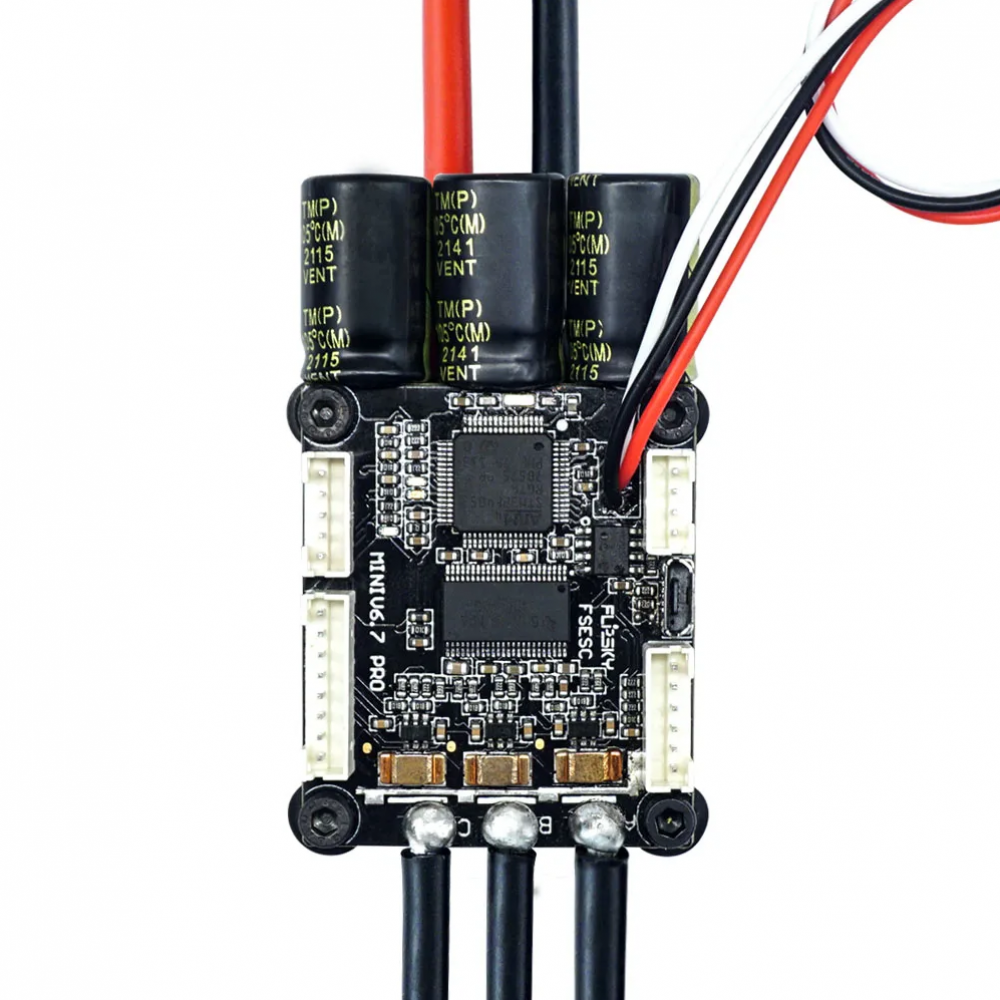
 Design with Vesc 6.7 pro in Cirkit Designer
Introduction
The VESC 6.7 Pro is a high-performance electronic speed controller (ESC) developed by VESC. It is designed to provide precise and efficient control of electric motors in a wide range of applications, including electric vehicles, robotics, drones, and industrial automation. With advanced motor control algorithms, customizable settings, and support for various motor types (e.g., BLDC, FOC, and DC motors), the VESC 6.7 Pro is a versatile and reliable solution for demanding projects.
Explore Projects Built with Vesc 6.7 pro
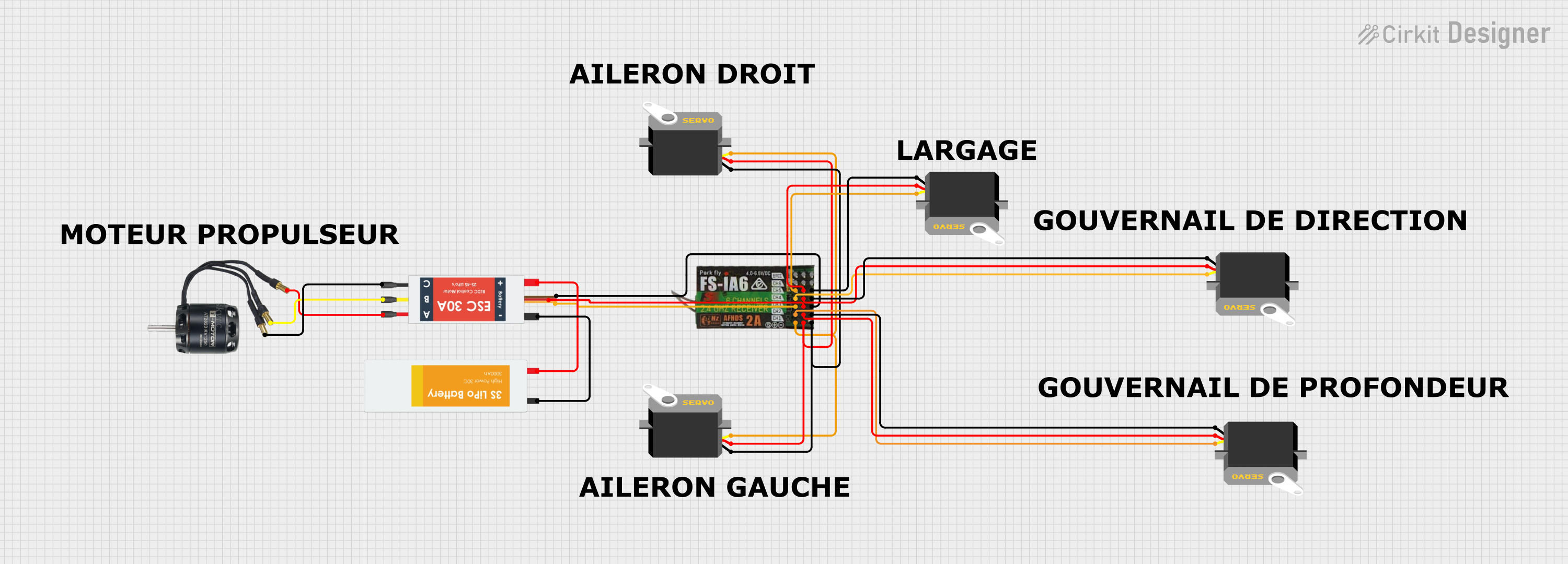 Open Project in Cirkit Designer
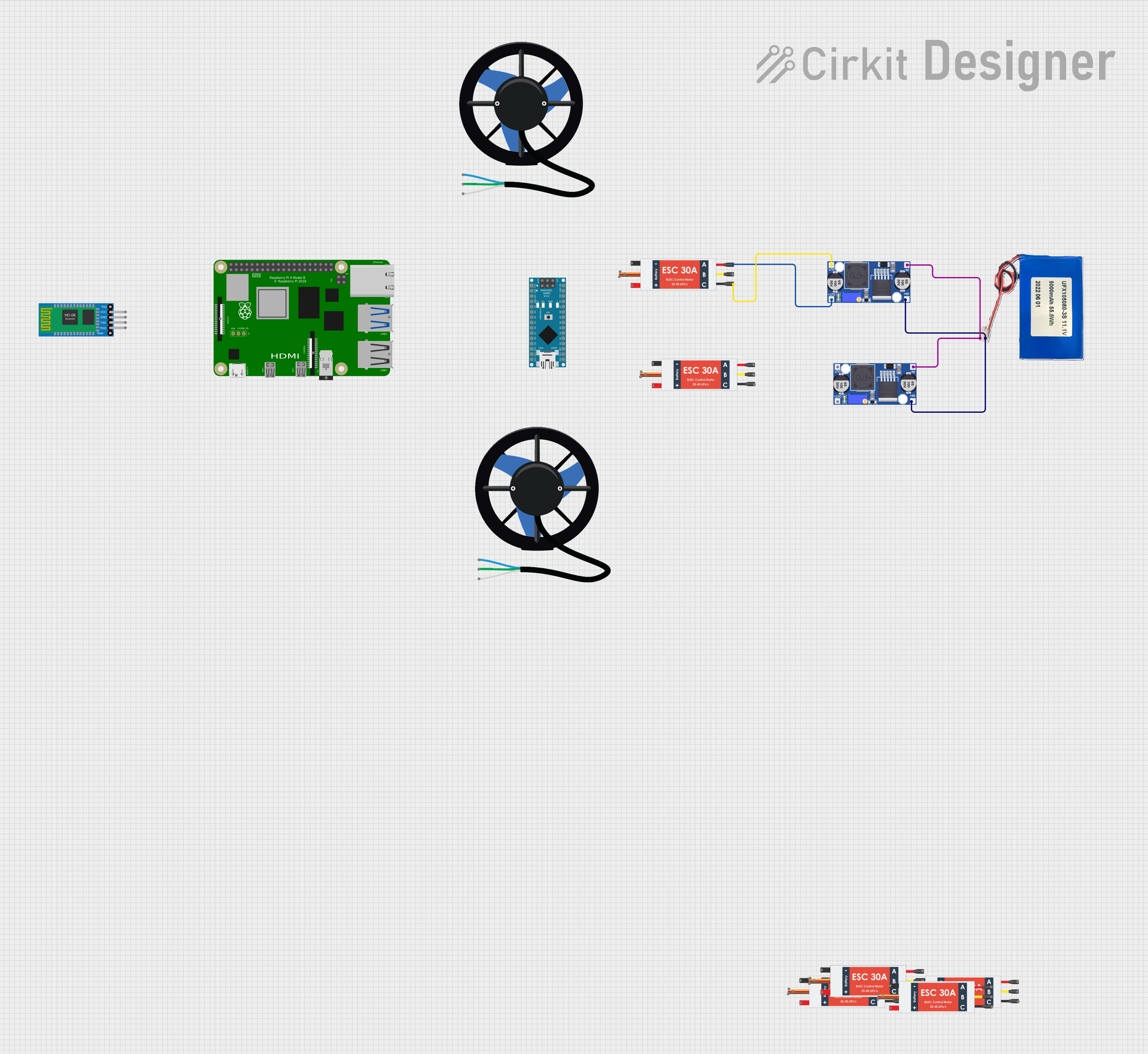 Open Project in Cirkit Designer
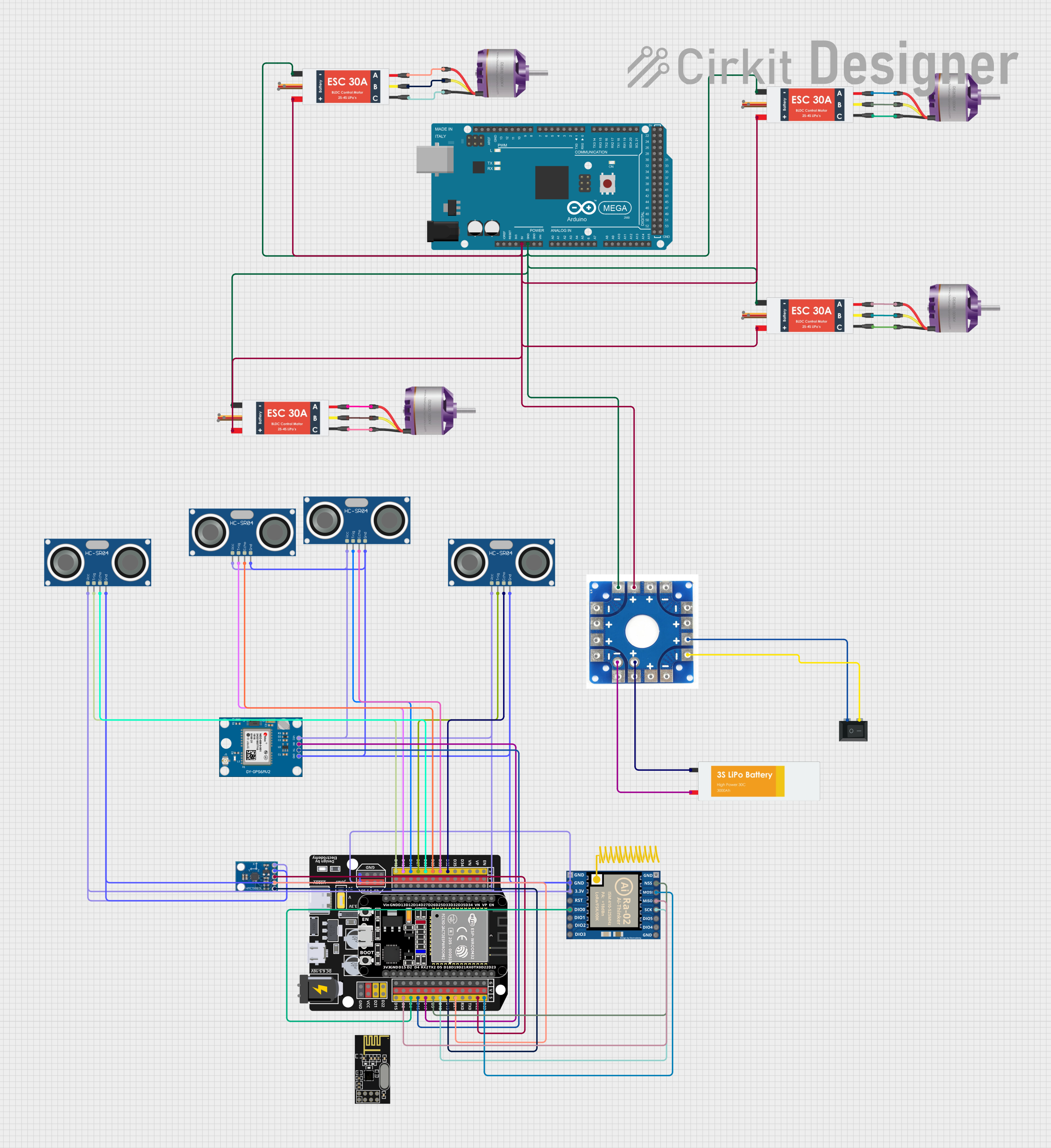 Open Project in Cirkit Designer
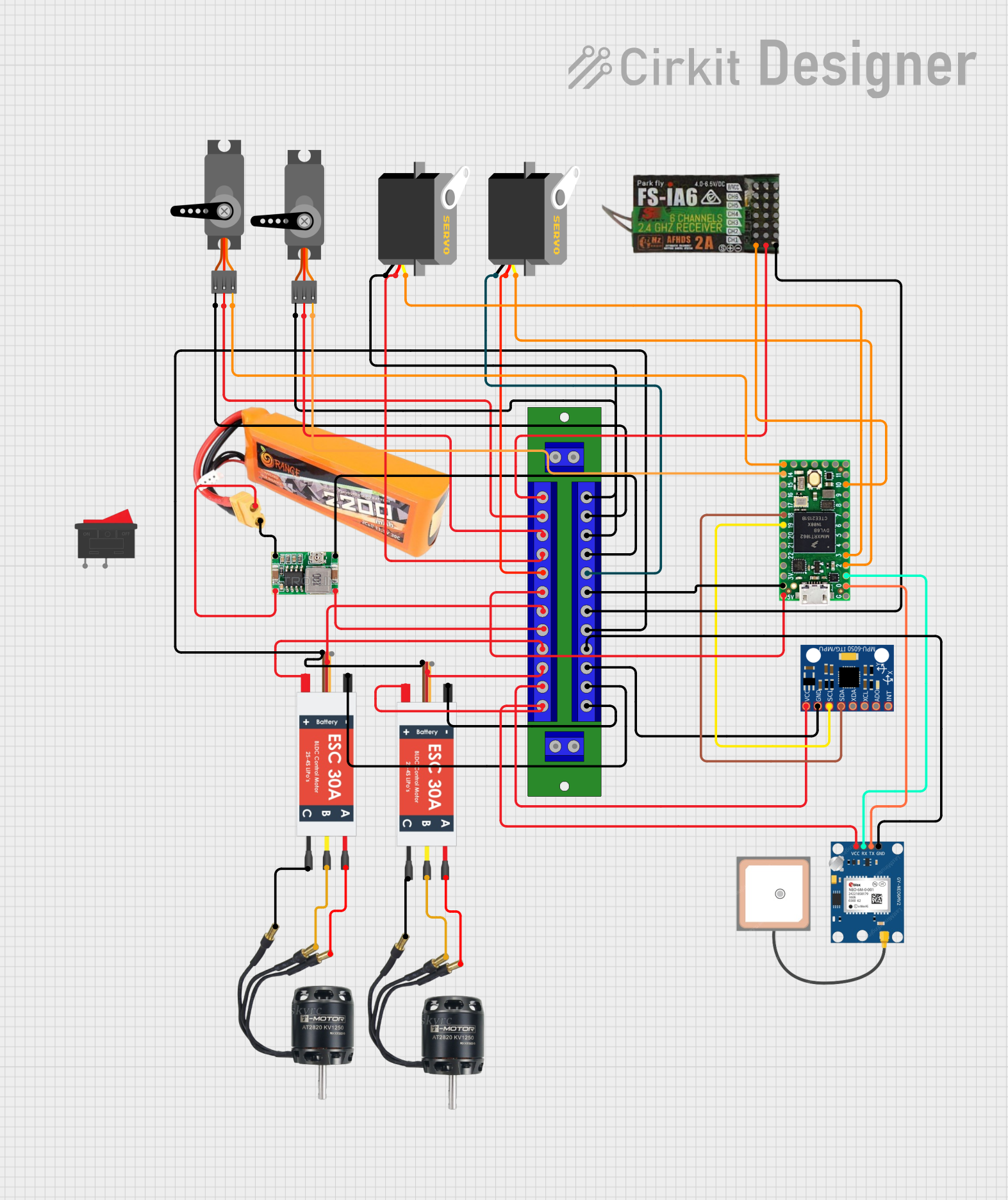 Open Project in Cirkit Designer
Explore Projects Built with Vesc 6.7 pro
Open Project in Cirkit DesignerOpen Project in Cirkit DesignerOpen Project in Cirkit DesignerOpen Project in Cirkit DesignerCommon Applications
- Electric skateboards, scooters, and bicycles
- Robotics and automation systems
- Drones and unmanned vehicles
- Industrial motor control
- Research and development projects requiring advanced motor control
Technical Specifications
Key Technical Details
| Parameter | Specification |
|---|---|
| Input Voltage Range | 8V to 60V (up to 14S LiPo) |
| Continuous Current | 80A |
| Peak Current | 120A |
| Supported Motor Types | BLDC, FOC, DC |
| Communication Interfaces | CAN, UART, SPI, I2C, USB |
| PWM Input Frequency | 1 kHz to 20 kHz |
| Dimensions | 75mm x 45mm x 20mm |
| Weight | 120g |
| Operating Temperature Range | -40°C to 85°C |
Pin Configuration and Descriptions
The VESC 6.7 Pro features multiple connectors for power, motor, and communication. Below is the pin configuration:
Power and Motor Connections
| Pin Name | Description |
|---|---|
| VIN+ | Positive input voltage (battery positive) |
| VIN- | Negative input voltage (battery ground) |
| MOTOR A | Motor phase A connection |
| MOTOR B | Motor phase B connection |
| MOTOR C | Motor phase C connection |
Communication and Control Connections
| Pin Name | Description |
|---|---|
| UART RX | UART receive pin for communication |
| UART TX | UART transmit pin for communication |
| CAN H | CAN bus high signal |
| CAN L | CAN bus low signal |
| PPM | PWM/PPM input for throttle control |
| 5V OUT | 5V output for external devices |
| GND | Ground connection for external devices |
Usage Instructions
How to Use the VESC 6.7 Pro in a Circuit
- Power Connection: Connect the VIN+ and VIN- pins to a suitable power source (e.g., a LiPo battery). Ensure the voltage is within the 8V to 60V range.
- Motor Connection: Connect the motor's three-phase wires to the MOTOR A, MOTOR B, and MOTOR C terminals.
- Communication Setup: Use the UART, CAN, or USB interface to configure and control the VESC. For basic throttle control, connect a PWM/PPM signal to the PPM pin.
- Configuration: Use the VESC Tool software to configure motor parameters, control modes, and safety limits. The software is available for Windows, macOS, and Linux.
- Testing: After configuration, test the motor operation at low speeds to ensure proper functionality.
Important Considerations and Best Practices
- Cooling: Ensure adequate cooling for the VESC 6.7 Pro, especially in high-current applications. Use a heatsink or active cooling if necessary.
- Wiring: Use appropriately rated wires for power and motor connections to handle the expected current.
- Firmware Updates: Keep the VESC firmware updated to access the latest features and improvements.
- Safety: Configure safety limits (e.g., current, voltage, and temperature) in the VESC Tool to protect the ESC and motor.
Example: Using the VESC 6.7 Pro with Arduino UNO
The VESC 6.7 Pro can be controlled via UART using an Arduino UNO. Below is an example code snippet to send a throttle command:
#include <SoftwareSerial.h>

// Define RX and TX pins for UART communication
SoftwareSerial VESCSerial(10, 11); // RX = pin 10, TX = pin 11

void setup() {
  // Initialize serial communication
  Serial.begin(9600); // For debugging
  VESCSerial.begin(115200); // VESC default baud rate

  Serial.println("VESC 6.7 Pro UART Control Example");
}

void loop() {
  // Example: Send a throttle command to the VESC
  // The throttle value ranges from -1.0 (full reverse) to 1.0 (full forward)
  float throttle = 0.5; // 50% forward throttle
  sendThrottleCommand(throttle);

  delay(100); // Wait for 100ms before sending the next command
}

void sendThrottleCommand(float throttle) {
  // Convert throttle value to a byte array (example protocol)
  byte command[4];
  int throttleInt = (int)(throttle * 1000); // Scale to integer
  command[0] = (throttleInt >> 8) & 0xFF;   // High byte
  command[1] = throttleInt & 0xFF;          // Low byte
  command[2] = 0x00;                        // Reserved
  command[3] = 0xFF;                        // End byte

  // Send the command to the VESC
  VESCSerial.write(command, 4);

  // Debug output
  Serial.print("Throttle Command Sent: ");
  Serial.println(throttle);
}
Troubleshooting and FAQs
Common Issues and Solutions
Motor Not Spinning:
- Cause: Incorrect motor wiring or configuration.
- Solution: Verify motor connections and ensure the correct motor type is selected in the VESC Tool.
Overheating:
- Cause: Insufficient cooling or excessive current draw.
- Solution: Add a heatsink or active cooling and reduce the current limits in the VESC Tool.
Communication Failure:
- Cause: Incorrect baud rate or wiring.
- Solution: Ensure the UART baud rate matches the VESC settings and check the wiring.
Unexpected Shutdown:
- Cause: Safety limits triggered (e.g., overcurrent or overvoltage).
- Solution: Check the VESC Tool logs to identify the issue and adjust the safety limits if necessary.
FAQs
Q: Can the VESC 6.7 Pro handle regenerative braking?
- A: Yes, the VESC 6.7 Pro supports regenerative braking. Configure the braking parameters in the VESC Tool.
Q: What is the maximum motor RPM supported?
- A: The maximum RPM depends on the motor's KV rating and input voltage. Ensure the electrical RPM does not exceed the VESC's limits.
Q: Is the VESC 6.7 Pro waterproof?
- A: No, the VESC 6.7 Pro is not waterproof. Use appropriate enclosures for outdoor or wet environments.
Q: Can I use the VESC 6.7 Pro with a brushed DC motor?
- A: Yes, the VESC 6.7 Pro supports brushed DC motors. Configure the motor type in the VESC Tool accordingly.